
Transforming your home into a holiday spectacle isn’t just about strings of lights—it’s about storytelling through synchronized music and illumination. A well-crafted Christmas playlist that moves in harmony with your light display elevates the experience from simple decoration to immersive performance. Whether you're entertaining neighbors or streaming your show online, precision matters. The best displays don’t just blink; they dance, pulse, and crescendo with the music. Achieving this requires thoughtful song selection, rhythmic awareness, and technical coordination. This guide walks you through creating a playlist where every beat aligns with a flash, every chorus swells with color, and every moment feels intentional.
Understand the Relationship Between Music and Light Sequencing
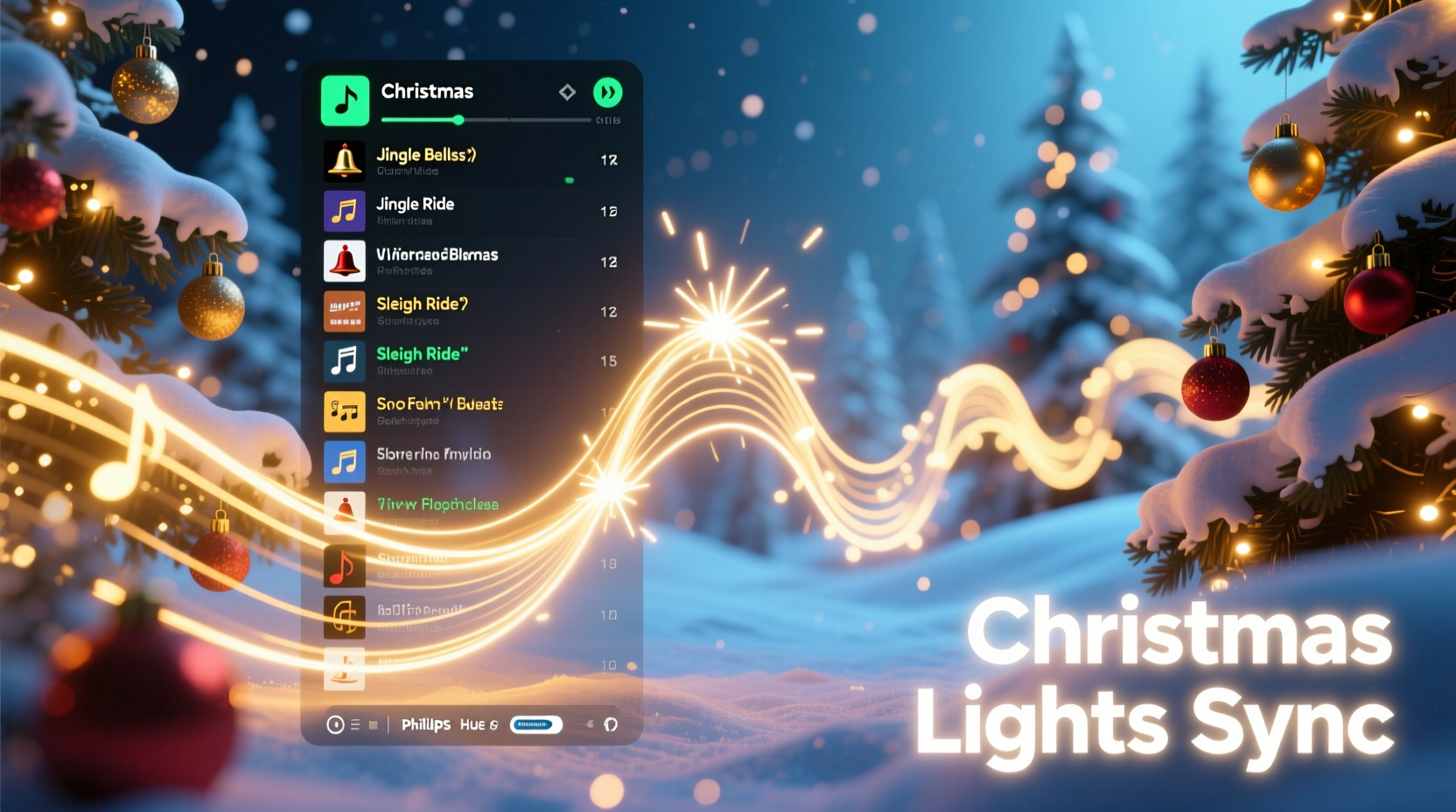
Synchronization isn’t random. It relies on mapping specific lighting effects—like twinkles, fades, chases, and flashes—to musical events such as beats, drum hits, chord changes, and vocal cues. The foundation of any synced display is tempo (measured in BPM—beats per minute) and structure. Songs with clear, consistent rhythms are easier to program than those with variable tempos or complex time signatures.
For example, a track like “Jingle Bell Rock” at 130 BPM provides a steady, danceable beat ideal for rapid-fire light sequences. In contrast, a slow ballad like “O Holy Night” demands subtler transitions—soft fades and gentle sweeps that mirror the emotional arc of the song.
The goal is not just visual flair but emotional resonance. When the lights surge during the final chorus of “All I Want for Christmas Is You,” viewers should feel the joy in sync with the music. That connection begins with understanding how each song functions as both audio and choreography blueprint.
Step-by-Step Guide to Building Your Synced Playlist
- Define Your Display Capabilities: Know how many channels or zones your lighting system supports. A 16-channel controller allows for more nuanced effects than an 8-channel one, influencing how complex your sequences can be.
- Select a Theme or Narrative Arc: Decide if your show tells a story—like Santa’s journey—or follows a mood progression from quiet reverence to festive energy. This guides song order.
- Choose 5–7 Core Tracks: Start small. Pick recognizable holiday hits with strong rhythmic elements and emotional peaks. Include variety: one classic carol, one modern pop tune, one instrumental.
- Analyze Tempo and Structure: Use software like Audacity or Ableton to visualize waveforms and mark beats, verses, choruses, and climaxes. Note timestamps for key moments.
- Sequence in Order of Energy: Begin with a moderate tempo to draw viewers in, build to a high-energy peak around track four or five, then wind down gently.
- Test Early and Often: Load one song into your lighting software (e.g., xLights or Light-O-Rama) and test basic beat detection. Adjust if the sync feels off.
- Finalize Transitions: Ensure smooth fade-outs between songs. Avoid abrupt cuts unless artistically intended (e.g., comedic effect).
This process transforms raw music into a choreographed experience. Each decision—from BPM compatibility to lyrical tone—shapes how audiences perceive your display.
Optimize Song Selection for Maximum Impact
Not all Christmas songs work equally well for syncing. The most effective tracks have predictable patterns, strong instrumentation, and dynamic range. Consider these factors when choosing:
- Rhythmic Clarity: Drum-heavy songs like “Santa Claus Is Coming to Town” (Bruce Springsteen version) offer clear triggers for strobes and chases.
- Vocal Prominence: Clear vocals help synchronize mouth movements if using pixel faces or animated figures.
- Instrumental Breaks: These allow creative use of sweeping motions or color gradients without competing with lyrics.
- Familiarity: Well-known melodies engage viewers emotionally, making synchronization feel more satisfying.
| Song Example | BPM | Suitability | Best Light Effects |
|---|---|---|---|
| \"Rockin’ Around the Christmas Tree\" – Brenda Lee | 128 | Excellent | Beat pulses, color chases, starbursts on high notes |
| \"Carol of the Bells\" – Piano Guys | 100 | High | Cascading chases, falling snow effects |
| \"Last Christmas\" – Wham! | 104 | Good | Pulsing on synth beats, soft fades during verses |
| \"Do They Know It’s Christmas?\" – Band Aid | Variable | Moderate | Grouped flashes on vocal lines, group activation |
| \"Silent Night\" – Traditional (slow) | 60 | Low-Moderate | Slow fades, gentle sweeps, minimal movement |
Use this table as a reference when building your lineup. Aim for a mix of high-BPM energy and slower reflective pieces to create contrast and pacing.
Real Example: The Johnson Family Light Show Evolution
The Johnsons in suburban Chicago started their holiday display in 2019 with a single string of icicle lights and a Bluetooth speaker. By 2022, they had expanded to over 20,000 LEDs controlled via Wi-Fi, synced to a custom playlist. Their breakthrough came when they stopped playing random holiday songs and began designing sequences around music.
In 2023, they selected “It’s the Most Wonderful Time of the Year” as their opener. Using xLights, they mapped each “jingle” sound to a flashing red-and-green zone on their roofline. During the line “There’ll be parties for hosting,” their porch lights pulsed in waltz time. For the finale, they layered “Dancing Queen” (a playful nod to ABBA fans) with full-house animation—every window, tree, and figure moving in unison.
Their secret? They rehearsed the playlist weekly, adjusting delays caused by audio lag between the app and physical speakers. They also added a 0.5-second pre-beat cue so lights triggered exactly on the downbeat. Neighbors began arriving early just to catch the full sequence, and their YouTube stream gained over 50,000 views.
Their journey shows that even non-experts can achieve professional results with planning, iteration, and attention to musical detail.
“Synchronization isn’t about technology—it’s about timing. The human brain expects rhythm. When lights meet that expectation, it creates magic.” — Derek Lin, Lighting Designer & Smart Home Integration Specialist
Avoid Common Pitfalls with This Checklist
Even seasoned creators make mistakes. Use this checklist before launching your show:
- ✅ Confirm all songs have consistent tempo (no sudden slowdowns or accelerandos)
- ✅ Verify audio files are high-quality (320kbps MP3 or WAV preferred)
- ✅ Check for audio latency between your controller and speaker system
- ✅ Align the first beat of each song with the first light trigger
- ✅ Include at least one “silent second” between tracks for clean transitions
- ✅ Label each sequence file clearly (e.g., “03 - Jingle_Bell_Rock_v2.las”)
- ✅ Backup your playlist and sequences to cloud storage
One common issue is mismatched timing due to Bluetooth delay. If using wireless audio transmission, apply a negative offset in your lighting software (e.g., -150ms) to compensate. Wired connections eliminate this problem entirely.
Frequently Asked Questions
Can I sync lights to any Christmas song?
You can technically sync to any song, but effectiveness varies. Songs with erratic rhythms, live crowd noise, or no clear beat (like some a cappella versions) are harder to map precisely. Stick to studio recordings with defined instrumentation for best results.
How do I match light effects to specific lyrics or instruments?
Use beat-mapping software to place markers at exact timestamps. For instance, highlight the word “bells” in “Jingle Bells” and assign a bell-shaped light burst at that moment. Many programs support “event markers” that trigger specific animations when reached in playback.
What if my controller doesn’t support advanced sequencing?
If using simpler systems like Philips Hue or basic RGB strips, focus on ambient syncing—adjust overall brightness and color temperature to match the mood of the song rather than individual beats. While less precise, this still enhances viewer immersion.
Conclusion: Turn Music Into Memory
A Christmas light display set to music does more than decorate—it connects. It turns houses into stages and sidewalks into theaters. But the true magic lies not in the number of bulbs or volume of speakers, but in the harmony between sound and sight. A perfectly timed flash on the last note of “Feliz Navidad” can spark laughter. A slow fade during “O Come, O Come, Emmanuel” can inspire reflection.
By thoughtfully selecting songs, analyzing their structure, and aligning each beat with intention, you create something greater than a playlist—you craft an experience. And in a season defined by tradition and togetherness, that experience becomes a gift to your community.




 浙公网安备
33010002000092号
浙公网安备
33010002000092号 浙B2-20120091-4
Comments
No comments yet. Why don't you start the discussion?