
Creating a synchronized experience between music and animated lighting transforms any event into an immersive spectacle. Whether you're designing for a holiday display, stage performance, or home entertainment system, the key lies in aligning your audio selections precisely with dynamic light cues. A well-crafted playlist doesn’t just play songs—it choreographs them. This guide walks through the technical and creative steps needed to build a custom playlist that moves in perfect harmony with animated lights, ensuring every beat drop triggers a flash, every crescendo ignites a color wave, and every pause breathes with ambient glow.
Selecting Songs with Sync Potential
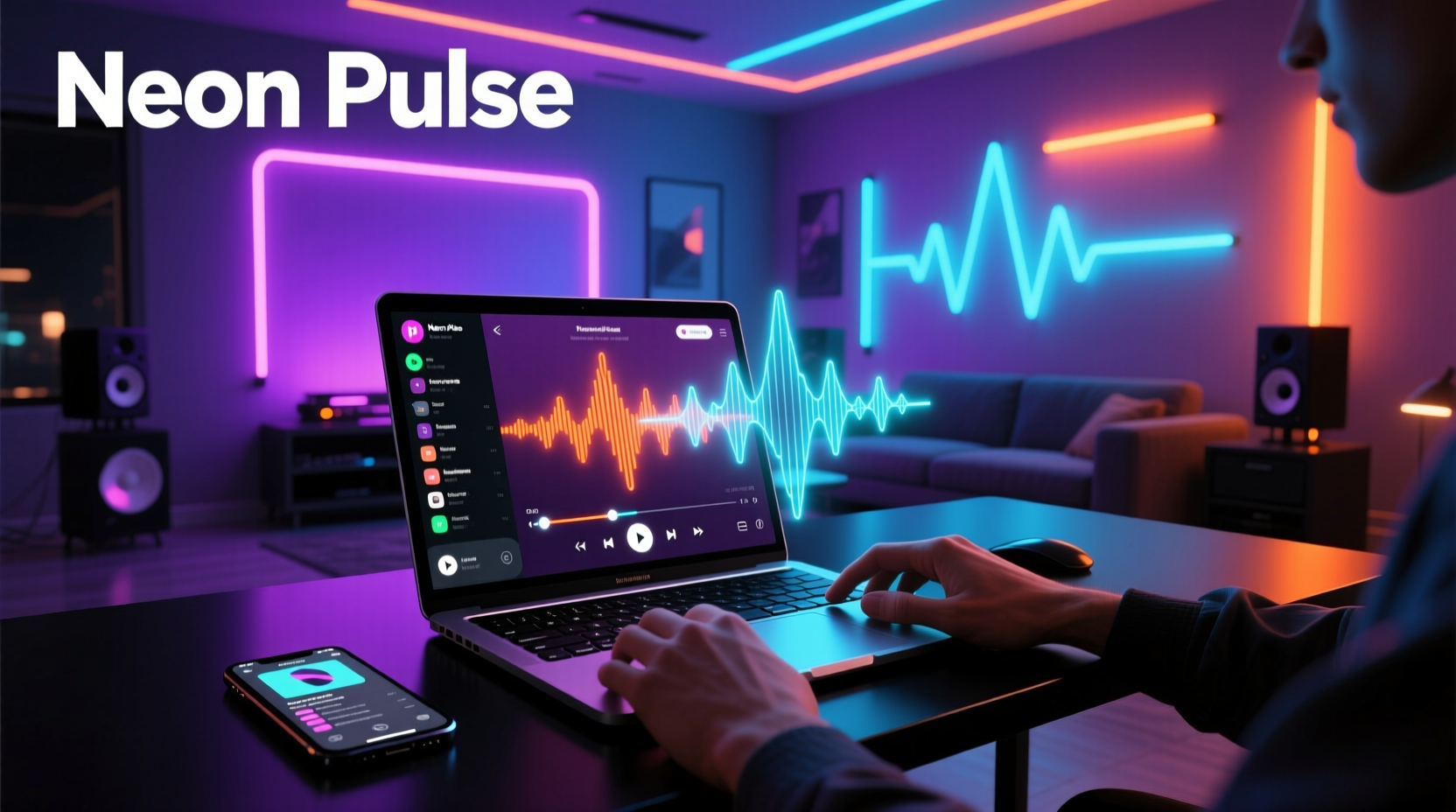
The foundation of a synced light show begins long before programming lights—it starts with choosing the right music. Not all tracks are equally suited for synchronization. Instrumental clarity, consistent tempo, and emotional arc matter more than popularity. Look for songs with strong rhythmic elements, distinct transitions, and predictable structures (verse, chorus, bridge). Electronic, synth-pop, cinematic, and orchestral genres often work best due to their structured builds and drops.
Avoid tracks with erratic tempos, frequent time signature changes, or muffled beats unless you’re prepared for advanced manual cue mapping. Live recordings can be challenging because slight variations in timing make automation difficult. Instead, opt for studio versions where production is tight and consistent.
Matching Tempo and Beat Precision
To synchronize lights with music, you must first understand the song’s tempo—measured in beats per minute (BPM). Most modern digital audio workstations (DAWs) and music analysis tools can detect BPM automatically, but always verify manually by tapping along or using a metronome app.
Consistency across your playlist is crucial. If one track runs at 120 BPM and the next jumps to 95 without transition planning, your light animations will either lag or rush. Aim for playlists with minimal BPM variance, or use crossfades and transitional effects to smooth shifts. Tools like Mixed In Key, Ableton Live, or even Spotify’s API can help analyze and sort tracks by BPM.
| Song Type | Avg BPM Range | Suitability for Light Sync |
|---|---|---|
| House / EDM | 120–130 | Excellent – steady rhythm, clear downbeats |
| Pop | 90–110 | Good – structured, moderate variation |
| Classical | 60–100 (variable) | Fair – requires manual cueing |
| Metal | 140–180+ | Challenging – fast tempo, complex layers |
| Ambient | 60–80 | Poor – lacks defined beats |
For multi-song sequences, consider grouping tracks within 5 BPM of each other. If blending different ranges, insert a short transition piece—a drum roll, rising synth, or white noise sweep—that allows both audio and visual momentum to shift smoothly.
Mapping Audio Cues to Light Events
This is where precision meets creativity. Once your playlist is assembled, break each song into measurable segments: intro, verse, chorus, breakdown, climax, outro. Within these, identify key moments—drum hits, snare accents, cymbal crashes, bass drops—as trigger points for light actions.
Use waveform visualization in software like Xlights, Vixen Lights, or DMXControl to mark exact timestamps. Assign specific lighting behaviors to each cue: strobe on snare, color fade on chord change, brightness spike on downbeat. The goal is not to react to every sound, but to highlight structural peaks that enhance the emotional impact.
- Import your audio file into your lighting software.
- Zoom into the waveform and locate downbeats (usually the loudest peak in each measure).
- Create a channel or sequence track for each light group (e.g., roof outlines, tree pixels, ground flood).
- Insert cues—on/off, chase, sparkle—at precise millisecond markers aligned with beats.
- Test playback frequently to ensure timing feels natural, not robotic.
Advanced users can employ frequency filtering to drive different lights based on audio spectrum: bass frequencies trigger red/orange floods, mids activate white strobes, highs set off blue sparkles. This creates a responsive, organic feel even in automated setups.
Real Example: Holiday Display Synchronization
Consider a homeowner preparing a Christmas light show synced to \"Carol of the Bells.\" The piece has a fast, repeating motif at approximately 144 BPM. The creator imports the track into Xlights and identifies the recurring four-note pattern as the primary beat structure. Each note corresponds to a pixel node on a vertical curtain of lights.
The designer maps the first note to a top-down green flash, the second to gold, third to red, fourth to white—creating a cascading rainbow effect with each phrase. During the instrumental swell near the end, they program all lights to pulse outward in concentric waves, timed exactly with the orchestral climax. After testing, minor adjustments are made: the final strobe was arriving 15ms late due to Wi-Fi latency, so the cue is shifted earlier in the timeline.
The result? A mesmerizing display where light appears to dance directly to the melody, drawing neighbors and social media attention alike. The success hinges not only on technical accuracy but on artistic interpretation of musical dynamics.
Expert Insight on Timing and Emotion
“Lighting shouldn’t just follow the beat—it should amplify the emotion. A well-placed dim before a drop creates tension. A slow color blend during a quiet passage adds depth. That’s what turns data into art.” — Marcus Lin, Lighting Designer & Creator of LightShowPi Tutorials
This philosophy underscores the importance of treating your playlist not as a static list, but as a dynamic score. Every silence, every harmonic shift, offers an opportunity for visual storytelling. The most memorable light shows aren’t those with the most flashes, but those where light and sound feel inseparable.
Checklist: Building a Sync-Ready Playlist
- ✅ Choose songs with clear, consistent BPM and defined structure
- ✅ Analyze each track’s tempo using reliable software (e.g., Mixed In Key, Audacity)
- ✅ Group songs within a narrow BPM range or plan smooth transitions
- ✅ Break each song into sections (intro, chorus, etc.) and identify key beats
- ✅ Import audio into lighting software and map visual cues to timestamps
- ✅ Test playback with actual lights to catch timing lags or clipping
- ✅ Adjust for hardware delay by pre-shifting critical cues
- ✅ Export finalized sequence and back up configuration files
Optimizing Hardware and Software Setup
No amount of playlist precision matters if your equipment can’t keep up. Ensure your controller (e.g., ESP8266, Falcon F16v3, Renard) supports real-time signal processing with minimal latency. Use wired Ethernet connections where possible; Wi-Fi introduces unpredictable delays, especially in crowded RF environments.
Software choice impacts workflow significantly. Xlights is free and powerful for large displays, offering beat detection and preview simulation. Vixen Lights provides a user-friendly interface ideal for beginners. Paid platforms like Madrix or Light-O-Rama offer professional-grade features including live MIDI triggering and multi-universe support.
Always run a full system test before public presentation. Play the entire playlist from start to finish while monitoring both audio output and light response. Check for dropped frames, missed cues, or desynchronized channels. Logging tools in most software can help pinpoint issues.
Common Pitfalls and How to Avoid Them
Even experienced creators fall into traps that undermine synchronization. One common mistake is overloading sequences with too many cues, making the display chaotic rather than engaging. Another is ignoring file format differences—converting MP3s to WAV may reveal subtle timing offsets due to encoding compression.
Also, avoid relying solely on automatic beat detection. While helpful for initial alignment, algorithms can misread syncopated rhythms or soft attacks. Always validate auto-mapped cues with manual listening.
“Automation gets you 80% there. The last 20%—the polish—is where magic happens.” — Lena Torres, Interactive Installation Artist
FAQ
Can I sync lights to any music genre?
Yes, but some genres require more manual effort. Electronic and pop music with steady beats are easiest. Classical, jazz, or acoustic sets with variable tempo need frame-by-frame cueing. With enough patience, any song can be synchronized effectively.
Do I need expensive equipment to get perfect sync?
Not necessarily. Affordable microcontrollers like Arduino or NodeMCU paired with open-source software can achieve professional results. What matters most is accurate timing calibration and thoughtful design—not price tags.
How do I fix lights that are consistently out of sync?
First, check for audio-video lag in your playback system. Then verify your lighting software uses the correct sample rate. Finally, apply a global offset (e.g., -10ms) to shift all cues earlier. Some controllers have built-in latency compensation settings—enable them.
Final Steps and Ongoing Refinement
Once your playlist and light sequence are aligned, save multiple backups. Store copies on cloud drives and external devices in case of hardware failure. Label files clearly: “Winter_Show_v2_Final_Synced.xlc” beats “lights.bak.”
After deployment, invite feedback. Watch audience reactions. Did people cheer at the big finale? Did certain transitions feel off? Use this input to refine future versions. Many creators release updated sequences mid-season, improving timing or adding new effects based on live observation.
Remember, synchronization isn’t a one-time task. It’s an iterative process combining technical skill with artistic intuition. Revisit your playlist periodically—swap in a better mix, tighten a lagging cue, add a surprise element. Over time, your ability to “hear” the lights and “see” the music will grow sharper.
Conclusion
Creating a custom playlist that syncs perfectly with animated light shows blends engineering with expression. From selecting rhythmically solid tracks to mapping microsecond-accurate cues, every decision shapes the final experience. When done well, the result transcends decoration—it becomes performance. With the right tools, attention to detail, and willingness to iterate, anyone can turn a simple string of LEDs into a symphony of light and sound.




 浙公网安备
33010002000092号
浙公网安备
33010002000092号 浙B2-20120091-4
Comments
No comments yet. Why don't you start the discussion?