
For decades, Christmas light timers meant bulky mechanical dials, unreliable photocells, or expensive plug-in digital units prone to drift and battery failure. Today, the same smart home devices already in your living room—your smart plugs, voice assistants, and hub-based automations—can form a far more precise, flexible, and resilient timing system. This isn’t about buying a new gadget; it’s about repurposing what you own into a dependable, customizable, and genuinely intelligent holiday lighting schedule. Whether you’re managing a single string on your porch or coordinating 200 feet of RGB icicles across your roofline, the right configuration delivers consistent on/off behavior, weather-aware adjustments, and even mood-based scene transitions—all without touching a physical switch.
Why Smart Home Timers Outperform Traditional Options
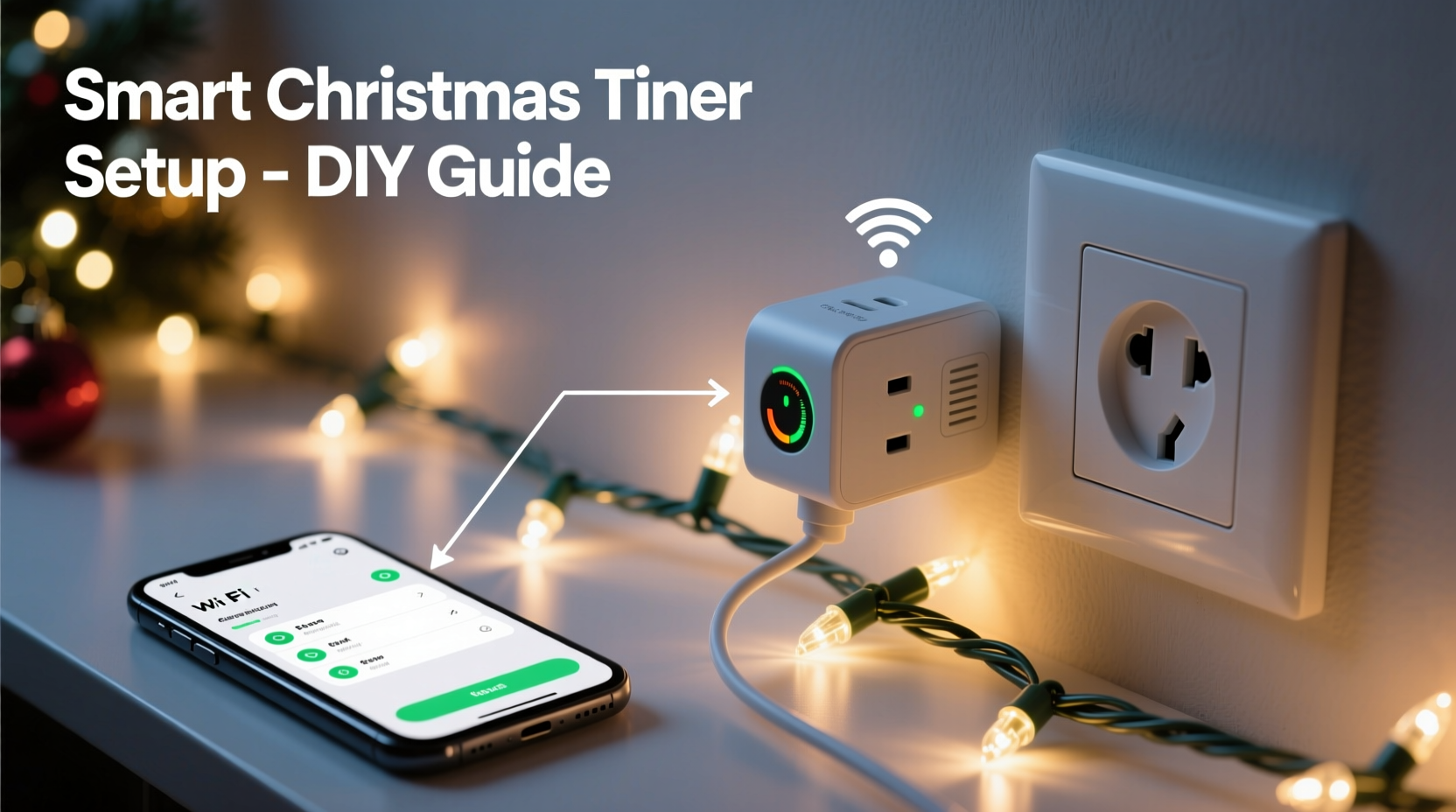
Mechanical timers wear out. Photocells misfire on cloudy winter afternoons. Basic digital timers lack redundancy and can’t adapt when daylight shifts by 30 minutes over December. Smart home timers solve these problems at their root. They sync to atomic time servers via Wi-Fi, adjust automatically for Daylight Saving Time changes, and allow granular control down to the minute—not just “dusk to dawn.” More importantly, they integrate with other systems: motion sensors can trigger lights only when someone approaches, weather services can dim brightness during snowstorms, and voice commands let guests (or your kids) override schedules instantly.
Crucially, this approach is also future-proof. A $25 smart plug installed today remains fully functional in five years—unlike proprietary holiday controllers that become obsolete when the manufacturer discontinues its app. As long as your smart home platform stays supported, your lighting automation evolves with it.
Core Components You’ll Need (and What to Avoid)
You don’t need a lab or an engineering degree. Just three foundational elements—and careful compatibility planning.
| Component | Minimum Requirement | What to Avoid |
|---|---|---|
| Smart Plug | Wi-Fi or Matter-over-Thread capable; supports local execution (not cloud-only); rated for outdoor use *if* placed outside (IP44+) | Cloud-dependent plugs with >2-second response lag; non-Matter devices on fragmented ecosystems (e.g., older Belkin WeMo without firmware updates) |
| Control Hub / Assistant | Apple HomeKit (iOS 16+), Google Home (with Matter support), or Amazon Alexa (v3.0+ firmware); must support recurring automations with time + date triggers | Standalone apps that require manual daily activation; hubs lacking “repeat every day” or “only on Dec 1–26” logic |
| Lighting Load | LED strings under 1,800W total per plug; low-voltage (12V/24V) sets powered through compatible smart transformers | Older incandescent strings drawing >10A; mixed-voltage setups on a single circuit; ungrounded extension cords used outdoors |
Note: Voltage matters more than wattage. Many “outdoor-rated” smart plugs are only rated for 120V AC indoor use—even if the packaging says “weather resistant.” If mounting outdoors, choose plugs explicitly certified for wet locations (UL 1642 or IP66) and install them inside a NEMA 3R-rated enclosure. Never rely on a plug’s rubber gasket alone.
A Real-World Setup: The Miller Family’s Porch & Tree System
The Millers live in Portland, Oregon—where December days average just 8.5 hours of daylight and rain is near-constant. Last year, their $40 photocell timer turned lights on at 3:47 p.m. during a fog bank, then failed entirely after two weeks of damp cold. This season, they built a dual-zone smart timer using gear they already owned.
They used two TP-Link Kasa KP125 smart plugs: one for their porch string lights (120W LED), another for their indoor tree (65W warm-white LEDs). Both plugs connect directly to their Apple Home Hub (an Apple TV 4K). Using the Home app, they created two automations:
- Porch Lights: “Turn on at 4:30 p.m. every day from December 1 to January 2. Turn off at 11:00 p.m. daily. If motion detected by their Ring Doorbell between 11:00 p.m.–4:30 a.m., extend on-time by 5 minutes.”
- Tree Lights: “Turn on at 5:00 p.m. daily Dec 1–26. Turn off at 10:00 p.m. On Christmas Eve, turn on at 3:00 p.m. and stay on until 1:00 a.m. Christmas Day.”
They added one final safeguard: a third automation triggered by their Netatmo Weather Station. When outdoor temperature drops below −2°C (28°F) *and* precipitation is detected, both plugs dim to 30% brightness—reducing strain on aging wiring and preventing ice buildup on sockets. No rewiring. No new subscriptions. Just logic layered onto existing hardware.
“Reliability in holiday automation isn’t about adding more devices—it’s about eliminating single points of failure. A smart plug with local execution, paired with a hub that stores rules on-device, continues working even when your internet goes down. That’s the difference between a ‘nice-to-have’ and a system you trust.” — Rajiv Mehta, Senior Firmware Engineer, Thread Group & former Nest automation architect
Step-by-Step: Building Your Timer in Under 20 Minutes
- Verify Compatibility & Update Firmware
Open your smart plug’s companion app. Confirm it’s running the latest firmware. For Matter devices, ensure your hub (Apple TV, HomePod, Nest Hub Max, or Echo Plus) has updated to the most recent OS version. Outdated firmware disables critical features like local execution and precise time triggers. - Label & Test Each Plug
Plug in one smart plug. Name it descriptively in your hub app—e.g., “Porch Lights – North,” not “Smart Plug 1.” Then manually toggle it on/off via the app and verify responsiveness. Repeat for each plug. If response exceeds 1.5 seconds, investigate Wi-Fi signal strength or consider a mesh extender near your outdoor outlet. - Create the Base Schedule
In your hub’s automation interface (Home app → Automation tab → “Create Automation”), select “Time of day” as the trigger. Set “Turn on” for your target start time (e.g., 4:30 p.m.) and “Turn off” for your end time (e.g., 11:00 p.m.). Under “Repeat,” choose “Every day” and set date range (Dec 1–Jan 2). Save. - Add Holiday Exceptions
Create a second automation for special dates. In the Home app, use “Date” trigger instead of “Time of day.” Select December 24, set “Turn on at 3:00 p.m.,” then create a separate “Turn off at 1:00 a.m.” automation for December 25. Repeat for New Year’s Eve if desired. Note: Some platforms (like Google Home) require separate “on” and “off” automations for date-specific events. - Enable Local Execution & Backup Triggers
Go to each plug’s device settings. Enable “Local Control” or “Run locally” (this bypasses the cloud). Then add a secondary trigger: in Apple Home, tap the automation → “Add Trigger” → “Sunset” with offset (e.g., “15 minutes after sunset”). Now if your internet fails, the sunset trigger still works—providing graceful degradation, not total failure.
Pro Tips for Long-Term Reliability & Safety
Christmas lighting runs for weeks—not hours. These practices prevent mid-season failures and protect your investment:
- Never daisy-chain smart plugs. Plugging one smart plug into another creates unstable load detection and overheating risk. Use dedicated outlets or a heavy-duty power strip rated for continuous 15A loads (look for UL 1449 listing).
- Use surge protection—even indoors. A nearby lightning strike can travel through wiring. Install a whole-house surge protector, or at minimum, use a UL 1449-rated power strip with joule rating ≥1,000 for all plugged-in smart devices.
- Test weekly, not just on December 1. Every Sunday evening, open your hub app and manually run the “turn on” automation. Verify lights respond within 1 second. If not, reboot the plug and check for interference from holiday electronics (wireless speakers, RF remotes).
- Disable “Away Mode” during holidays. Some security systems auto-enable “Away” mode when no motion is detected for 24 hours—shutting off non-essential circuits. Ensure your lighting zones are excluded from any energy-saving or security profiles.
FAQ
Can I use my existing smart speaker as the timer hub—or do I need a separate device?
You need a dedicated hub for reliable scheduling. While Amazon Echo and Google Nest speakers can trigger routines, they lack persistent local automation storage. If Wi-Fi drops, scheduled events fail. Apple TV, HomePod mini, Nest Hub Max, or Echo Plus (2nd gen+) act as true hubs—they store and execute automations locally, even offline. A standalone speaker alone is insufficient for mission-critical timing.
My lights flicker when turning on. Is that dangerous?
Flickering at startup is common with LED strings due to inrush current overwhelming cheap internal capacitors—but it’s a warning sign. It indicates either an overloaded plug (check wattage vs. plug rating) or incompatible dimming logic. Never use a dimmable smart plug with non-dimmable LED strings. Replace flickering strings immediately; sustained inrush stress degrades driver components and increases fire risk.
How do I handle multi-color or music-sync lights?
RGB and addressable lights (like Philips Hue Lightstrip or Nanoleaf Shapes) require separate handling. Their timers live inside their native apps—not your smart plug. Instead, use your plug to control *power* to the controller (e.g., Hue Bridge or Nanoleaf Controller), while scheduling color scenes and music syncs within those apps. This ensures the controller boots fully before scenes activate. Always power-cycle the controller once weekly to prevent memory leaks.
Conclusion: Your Lights, Your Rules, Your Peace of Mind
A homemade Christmas light timer built on smart home devices isn’t a hack—it’s a deliberate upgrade in control, resilience, and intentionality. You decide when the lights glow, how brightly they shine, and whether they welcome neighbors, conserve energy, or quietly mark the solstice. There’s no subscription fee, no proprietary remote to lose, and no need to reset clocks after power outages. Just clean logic, tested hardware, and the quiet satisfaction of knowing your holiday rhythm runs exactly as you designed it.
This season, skip the plastic timer box buried behind your garage outlet. Instead, open your Home app, create that first automation, and watch your porch come alive—not because a dial clicked, but because you chose precisely when magic begins. Then share your setup: what worked, what surprised you, and how you adapted it for your home’s unique rhythm. Real-world experience is the best teacher—and your insight might be the missing piece for someone else’s perfect December evening.




 浙公网安备
33010002000092号
浙公网安备
33010002000092号 浙B2-20120091-4
Comments
No comments yet. Why don't you start the discussion?