
Creating your own website doesn’t require years of coding experience or expensive software. With the right approach, anyone can build a functional, clean website in just a few hours. Whether you're launching a personal blog, portfolio, or small business page, starting from scratch gives you full control over design and functionality. This guide walks through each stage—from planning your site to publishing it online—using only free tools and beginner-friendly code.
1. Plan Your Website Structure
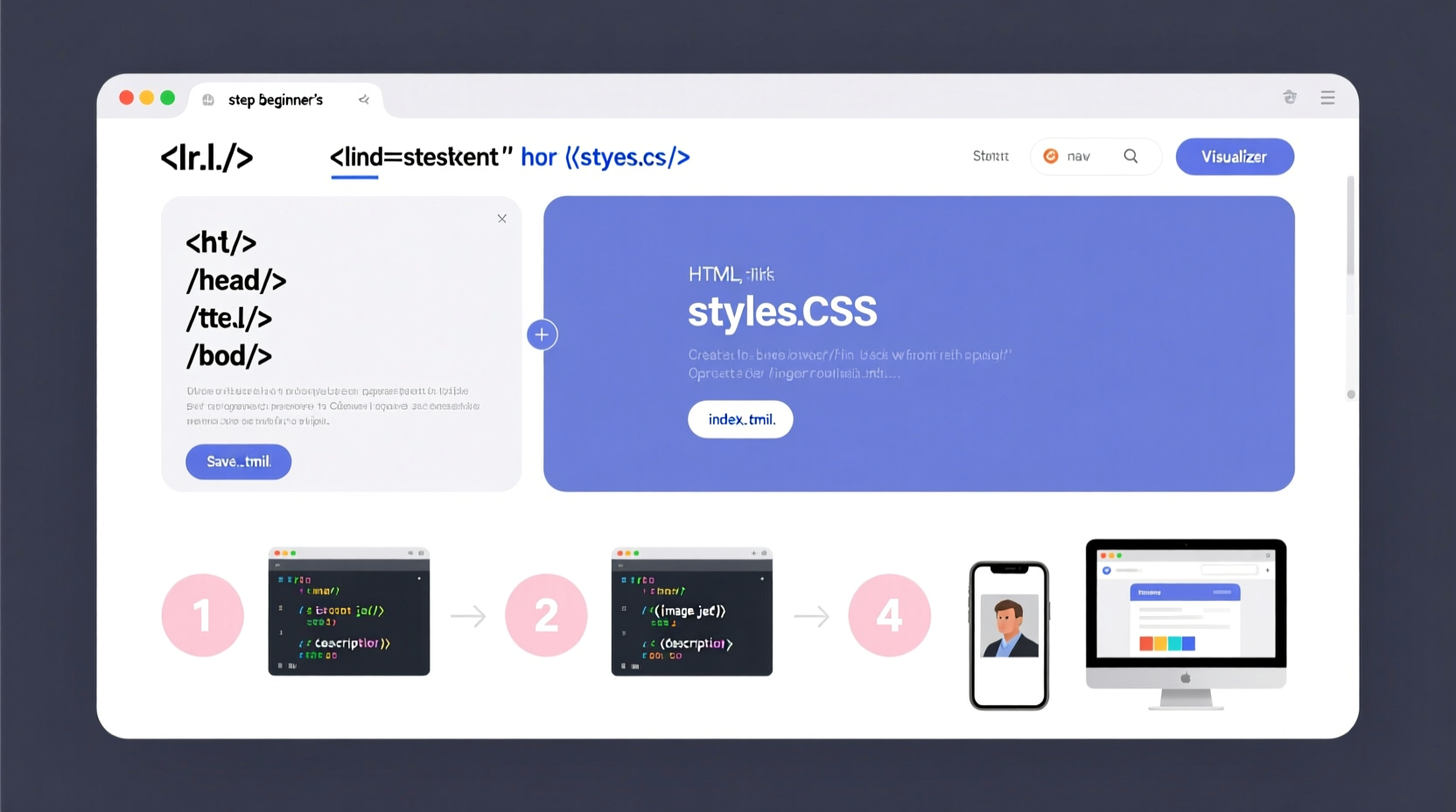
Before writing a single line of code, define the purpose of your website. Is it to showcase your photography? Share blog posts? Promote a service? Knowing your goal shapes the structure and content.
A simple website typically includes:
- Home page (introduction)
- About page (your story or mission)
- Content or services page
- Contact form or information
Sketch a basic sitemap on paper or use a digital tool like Google Docs to map out how pages will link together. This prevents confusion later when adding navigation.
2. Set Up Your Tools and Workspace
You don’t need complex software to build a website. Here’s what you actually need:
- Text editor: Use free options like VS Code, Sublime Text, or even Notepad (on Windows).
- Web browser: Chrome, Firefox, or Safari to preview your site.
- Folder on your computer: Create a dedicated folder named “my-website” to store all files.
Inside your folder, create three core files:
index.html– The main homepage.style.css– For styling your site (colors, fonts, layout).script.js– Optional for interactivity (we’ll skip this initially).
Open your text editor and load the folder. You’re now ready to start coding.
3. Write the Basic HTML Structure
HTML (HyperText Markup Language) is the foundation of every webpage. It defines content like headings, paragraphs, and links.
Open index.html and type the following basic template:
<!DOCTYPE html>
<html lang=\"en\">
<head>
    <meta charset=\"UTF-8\" />
    <meta name=\"viewport\" content=\"width=device-width, initial-scale=1.0\" />
    <title>My First Website</title>
    <link rel=\"stylesheet\" href=\"style.css\" />
</head>
<body>
    <header>
        <h1>Welcome to My Site</h1>
        <nav>
            <a href=\"#about\">About</a>
            <a href=\"#contact\">Contact</a>
        </nav>
    </header>

    <main>
        <section id=\"about\">
            <h2>About Me</h2>
            <p>I'm learning to build websites. This is my first project!</p>
        </section>

        <section id=\"contact\">
            <h2>Get In Touch</h2>
            <p>Email me at hello@example.com</p>
        </section>
    </main>

    <footer>
        <p>© 2025 My Website. All rights reserved.</p>
    </footer>
</body>
</html>
Save the file and double-click it in your folder to open it in your browser. You’ve just launched a live (local) website.
4. Style Your Site with CSS
CSS (Cascading Style Sheets) controls the visual appearance—fonts, colors, spacing, and layout.
Open style.css and add the following rules:
body {
    font-family: Arial, sans-serif;
    margin: 0;
    padding: 0;
    background-color: #f4f4f4;
    color: #333;
}

header {
    background-color: #4a76a8;
    color: white;
    padding: 20px;
    text-align: center;
}

nav a {
    color: white;
    margin: 0 15px;
    text-decoration: none;
}

main {
    max-width: 800px;
    margin: 20px auto;
    padding: 20px;
    background: white;
    border-radius: 8px;
    box-shadow: 0 0 10px rgba(0,0,0,0.1);
}

section {
    margin-bottom: 30px;
}

footer {
    text-align: center;
    padding: 10px;
    background: #eee;
    font-size: 0.9em;
    color: #666;
}
Refresh your browser after saving the CSS file. Notice how the plain text transforms into a styled, readable layout.
“Websites should be built with progressive enhancement—start with solid HTML, then layer in style and function.” — Rachel Andrew, Web Developer and W3C Invited Expert
5. Publish Your Website Online
So far, your site only exists on your computer. To make it public, you need web hosting.
For beginners, GitHub Pages is a free and reliable option:
- Go to github.com and create an account.
- Create a new repository named
yourusername.github.io(replace \"yourusername\" with your actual GitHub username). - Upload your
index.htmlandstyle.cssfiles. - Go to Settings → Pages, select the main branch, and save.
- Within minutes, your site will be live at
https://yourusername.github.io.
No credit card or technical setup required. Your site is now accessible worldwide.
Real Example: Sarah Builds Her Portfolio
Sarah, a freelance graphic designer, wanted an online presence but couldn’t afford a developer. She followed these steps: planned a four-section site (Home, Work, About, Contact), coded her HTML, styled it with CSS, and published via GitHub Pages. Within two days, she had a clean, mobile-friendly portfolio. Two weeks later, she landed her first client through a link shared on LinkedIn. Her total cost: $0.
Essential Checklist for Launching Your First Website
Use this checklist before going live:
- ✅ Defined the site’s purpose and audience
- ✅ Created a simple sitemap
- ✅ Built a valid HTML file with proper structure
- ✅ Linked an external CSS file
- ✅ Tested the site in multiple browsers
- ✅ Uploaded files to a hosting platform (e.g., GitHub Pages)
- ✅ Verified the live URL works
- ✅ Checked mobile display and readability
Common Pitfalls to Avoid
| Pitfall | Why It’s a Problem | How to Fix |
|---|---|---|
| Using inline styles in HTML | Makes future updates harder | Always use external CSS |
| Skipping the viewport meta tag | Site won’t scale on phones | Add <meta name=\"viewport\" content=\"width=device-width, initial-scale=1.0\"> |
| Forgetting closing tags | Breaks layout or styling | Double-check every opening tag has a closing tag |
| Choosing overly complex designs | Hard to maintain as a beginner | Stick to clean, minimal layouts |
Frequently Asked Questions
Do I need to know JavaScript to make a website?
No. HTML and CSS are sufficient for static sites like portfolios or brochures. JavaScript adds interactivity (like sliders or forms), but it’s optional for beginners.
Can I change my website after publishing it?
Absolutely. Update your files locally, then re-upload them to your host. Changes go live immediately on platforms like GitHub Pages.
Is HTML still relevant today?
Yes. Every modern website, from blogs to e-commerce stores, relies on HTML as its structural foundation. Learning it is essential.
Keep Building, One Step at a Time
Building your first website is a milestone that opens doors to deeper learning. You now understand how HTML structures content and how CSS brings it to life. From here, explore responsive design with media queries, learn about accessibility, or experiment with animations. The web is built by people just like you—curious, determined, and willing to try.




 浙公网安备
33010002000092号
浙公网安备
33010002000092号 浙B2-20120091-4
Comments
No comments yet. Why don't you start the discussion?