
Transform your holiday display into a neighborhood sensation by syncing your Christmas lights to music. A synchronized light show doesn’t require professional gear or technical expertise—just creativity, patience, and the right tools. With affordable smart lighting systems and free software, you can choreograph a dazzling performance that dances in rhythm with your favorite holiday tunes. Whether you're aiming for a simple bedroom setup or a full outdoor spectacle, this guide walks you through every step of creating a synchronized Christmas light dance routine from the comfort of your home.
Understanding Light Synchronization
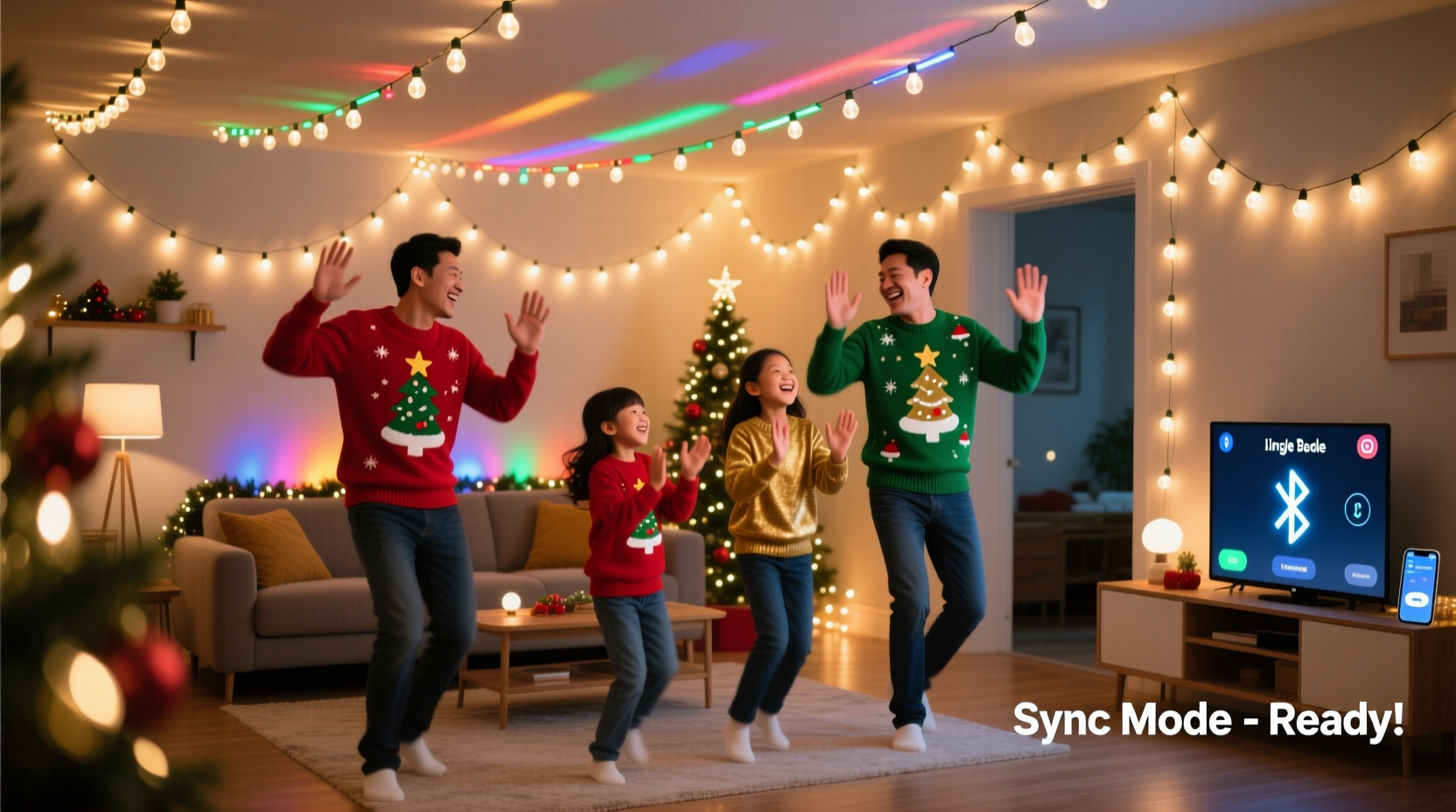
Synchronized Christmas lights operate by matching lighting effects—such as flashes, fades, chases, and color changes—to specific beats, melodies, or instruments in a song. This is achieved using digital control signals sent to individual light strings or channels via software. When done well, the result feels like a live concert where the lights are part of the band.
The foundation lies in timing: each lighting effect must align precisely with musical cues. Modern smart LED strips and Wi-Fi-enabled controllers allow users to program these sequences without complex wiring. The process involves selecting a song, mapping out key moments in the music, assigning lighting actions to those moments, and playing back the sequence through compatible hardware.
Equipment You’ll Need
Creating a synchronized display begins with gathering the right components. While high-end setups exist, a functional and impressive system can be built affordably.
- Smart LED Lights: Use addressable LEDs like WS2812B (NeoPixels) or commercial-grade options such as Light-O-Rama or Falcon Christmas controllers. For indoor or small-scale use, Philips Hue or Govee lights work if they support third-party apps.
- Microcontroller or Controller Hub: Devices like Arduino, ESP32, or dedicated lighting controllers manage signal output. These interpret commands from your sequencing software.
- Power Supply: Ensure adequate voltage and amperage for your total number of LEDs. Undersized power leads to flickering or damage.
- Sequencing Software: Free tools like xLights (formerly Light-O-Rama Visualizer) allow precise timeline-based editing of light effects synced to audio.
- Audio File: Choose an MP3 or WAV version of your preferred holiday track. High-quality files improve beat detection accuracy.
- Computer: A desktop or laptop to run sequencing software and preview animations before deployment.
“With $150 in parts and a weekend of effort, anyone can build a professional-level synchronized light show.” — Mark Reynolds, DIY Holiday Lighting Enthusiast & Creator of FestiveTech Blog
Step-by-Step Guide to Building Your Routine
Follow this structured approach to create your first synchronized dance routine. Each phase builds on the previous one, ensuring clarity and control over the final outcome.
- Pick Your Song
Select a track with clear beats, dynamic shifts, and emotional peaks—ideal candidates include “Carol of the Bells,” “Jingle Rock,” or Mariah Carey’s “All I Want for Christmas Is You.” Avoid overly ambient or slow compositions for your first attempt. - Set Up Your Hardware
Connect your LED strips to the microcontroller. If using xLights, configure your “layout” by defining how many channels (zones) of lights you have. For example, assign Channel 1 to roof lights, Channel 2 to tree lights, etc. - Import Audio Into Sequencing Software
In xLights, import your chosen song. The software displays a waveform and allows beat detection. Manually mark major beats if automatic detection misses them. - Create Lighting Effects on Timeline
Use the drag-and-drop interface to place effects:- On/Off for sharp flashes on drum hits
- Fade In/Out during soft intros or outros
- Chase patterns along railings or trees
- Color Wash changes during chorus transitions
- Preview and Refine
Play the sequence in simulation mode. Watch how colors and movements flow with the music. Adjust timing by shifting effects forward or backward in milliseconds until perfect sync is achieved. - Export and Deploy
Once satisfied, export the sequence to your controller. Test it on actual lights. Make minor adjustments based on real-world visibility and timing delays. - Add Finishing Touches
Include spotlight moments—like a sudden red flash on “Santa Claus is Coming to Town”—or gradual snow-like twinkles during quiet sections to enhance storytelling.
Optimizing Performance: Do’s and Don’ts
A successful routine balances visual impact with technical reliability. Refer to the table below for best practices and common pitfalls.
| Do | Don’t |
|---|---|
| Start with a single light zone before expanding | Try to control 20 channels without testing basics first |
| Label all physical wires and digital channels clearly | Assume you’ll remember which string is which after a week |
| Use consistent naming (e.g., \"Front Roof Left\") | Name channels “Light 1,” “Light 2,” etc. |
| Test sequences daily during development | Wait until completion to test everything at once |
| Keep spare fuses and connectors on hand | Ignore intermittent flickers—they often signal bigger issues |
Real Example: A First-Time Home Display
Linda, a teacher from Portland, Oregon, decided to surprise her family with a synchronized light show on their front porch. She started with two 5-meter LED strips wrapped around the eaves and connected to an ESP32 running WLED firmware. Using xLights, she imported “Rockin’ Around the Christmas Tree” and spent three evenings building a basic sequence.
She began by syncing on/off blinks to the main beat, then added green-to-red color pulses during the chorus. After refining timing and adding a twinkling effect during the bridge, she deployed the show on Thanksgiving night. Neighbors gathered within minutes. By New Year’s, her video had over 40,000 views on social media.
Her advice? “Don’t aim for perfection on day one. My first version looked silly—but it worked. I improved it every weekend. Now it’s our family tradition.”
Checklist: Launching Your Synchronized Light Routine
Before going live, verify each item below:
- ✅ Selected a song with strong rhythmic elements
- ✅ Connected and tested all LED strips individually
- ✅ Named and labeled all channels in software
- ✅ Imported audio and confirmed beat markers are accurate
- ✅ Built at least one complete lighting sequence
- ✅ Previewed animation in simulation mode
- ✅ Deployed sequence to hardware and observed real-time playback
- ✅ Made timing corrections for lag or delay
- ✅ Secured cables and ensured weather protection (if outdoors)
- ✅ Shared the show with family or recorded a test video
Frequently Asked Questions
Can I create a synchronized light show without coding?
Absolutely. Tools like xLights, Vixen Lights, and Animated Pixels provide graphical interfaces that eliminate the need for programming. You drag effects onto a timeline just like editing a video. No code required.
How much does it cost to start?
You can begin for under $100. A basic setup includes:
- $30–$50 for 10 meters of WS2812B LED strip
- $20 for an ESP32 microcontroller
- $15 for a 5V 10A power supply
- Free software (xLights)
Will this work with Alexa or Google Home?
Basic voice control (on/off, color change) works with smart assistants, but precise musical synchronization requires direct connection between your computer/controller and lights. Voice commands cannot replace frame-by-frame timing needed for dance routines.
Final Tips for Long-Term Success
Once your first routine runs smoothly, consider expanding. Add more zones, incorporate motion sensors for interactive elements, or link multiple houses using networked controllers. Many communities now host unofficial “light show tours,” where homes play sequences on timers every evening.
Save your project files. Next year, you can reuse layouts and upgrade effects instead of starting over. Join online forums like the xLights Facebook group or Reddit’s r/christmaslights to share creations and get feedback.
Conclusion: Bring Joy Through Light and Music
Creating a synchronized Christmas light dance routine at home is more than a tech project—it’s a way to spread joy, connect with neighbors, and celebrate the season with creativity. With accessible tools and a methodical approach, even beginners can produce mesmerizing displays that feel professionally produced. The magic isn’t in the equipment, but in the care and rhythm you pour into every flash and fade.




 浙公网安备
33010002000092号
浙公网安备
33010002000092号 浙B2-20120091-4
Comments
No comments yet. Why don't you start the discussion?