
Creating an iPhone app doesn’t require a computer science degree or thousands of dollars in development costs. With the rise of no-code platforms, anyone—from entrepreneurs to hobbyists—can design, build, and publish a functional iOS app without writing a single line of code. This guide walks you through every stage of the process, from idea validation to App Store submission, using only free tools and beginner-friendly methods.
Why Build an App Without Coding?
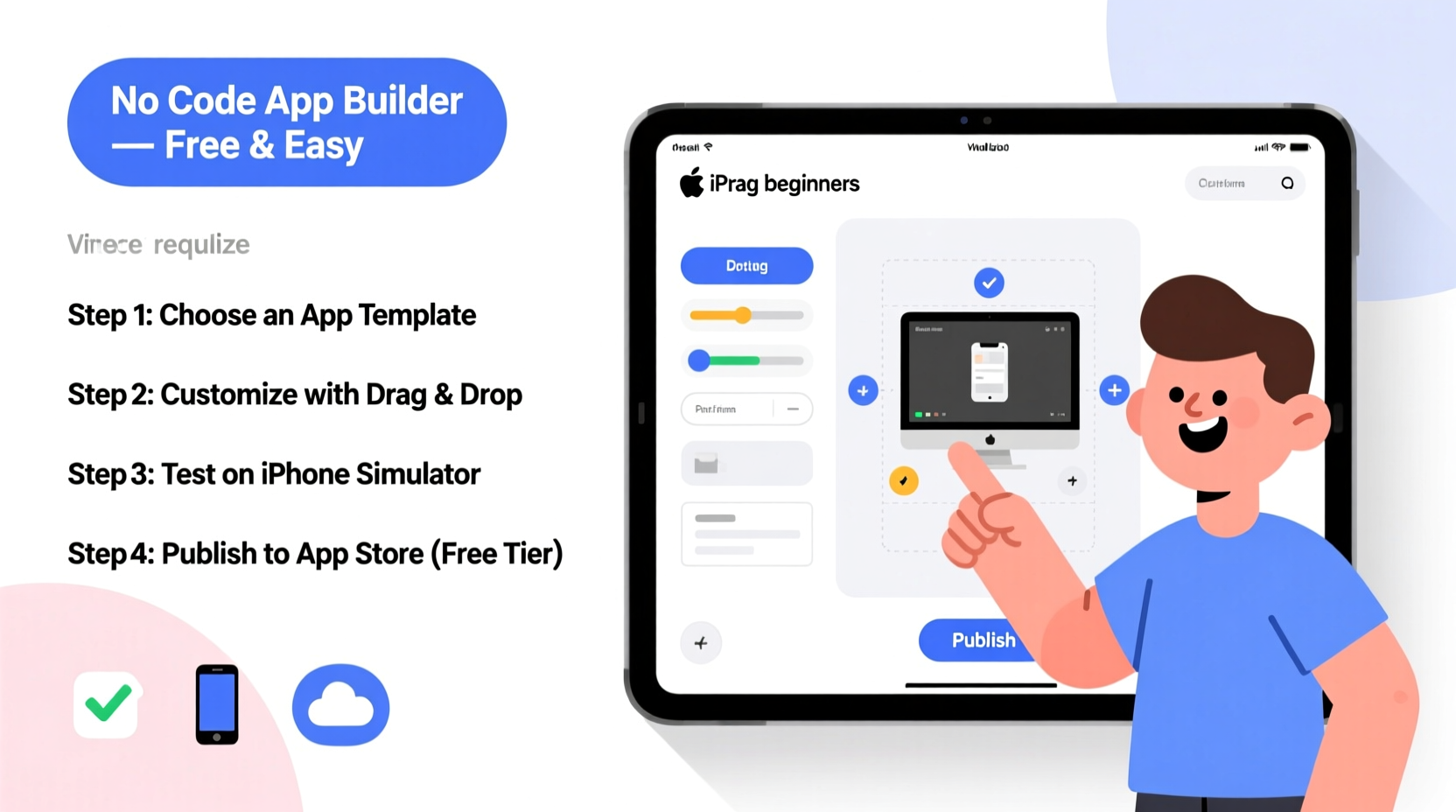
The traditional path to app development involves hiring developers, learning Swift or Objective-C, and investing heavily in time and money. But today’s no-code movement has democratized software creation. Platforms like Adalo, Thunkable, and Glide allow users to drag, drop, and configure app components visually—similar to building a website with WordPress.
No-code is ideal for prototyping ideas, launching MVPs (Minimum Viable Products), or creating internal tools. According to Gartner, by 2025, over 70% of new applications developed by enterprises will use low-code or no-code technologies. You don’t need to be part of a big company to benefit from this shift.
Step-by-Step Guide to Building Your First iPhone App
- Define Your App Idea
Start with a clear purpose. Is it a to-do list? A customer booking tool? A personal portfolio? Write down exactly what problem your app solves and who it’s for. - Choose a No-Code Platform
Select a platform that supports iOS export or runs natively on iPhones via web apps. Recommended free options include Thunkable, Glide, and Adalo (free tiers available). - Design the User Interface
Use built-in templates or create custom screens. Add buttons, text fields, images, and navigation menus using drag-and-drop editors. - Connect Data Sources
Most no-code tools integrate with Google Sheets, Airtable, or Firebase. Use these to store user data, product lists, or content. - Test on Your iPhone
Preview your app using a companion app (like Thunkable Live) or generate a web link to open on Safari. - Publish to the App Store (Optional)
To distribute publicly, you’ll need an Apple Developer account ($99/year). However, you can share your app as a web app for free.
Real Example: Sarah’s Fitness Tracker
Sarah, a yoga instructor, wanted a simple way for her students to log daily stretches. She used Glide to pull workout routines from a Google Sheet, added checkboxes and progress bars, and shared the link via WhatsApp. Within two days, she had 40 active users—all without coding or spending a cent.
Her app wasn’t on the App Store, but it worked seamlessly on iPhones through Safari. When demand grew, she upgraded to a paid plan for branding removal and offline access.
Top Free No-Code Tools Compared
| Platform | iOS Compatible | Free Plan? | Data Integration | Learning Curve |
|---|---|---|---|---|
| Thunkable | Yes (native export) | Yes | Google Sheets, Firebase | Moderate |
| Glide | Yes (web app) | Yes | Google Sheets only | Easy |
| Adalo | Limited (PWA) | Yes | Airtable, Custom DB | Moderate |
| Bravo Studio | Yes (with Figma design) | Yes | REST APIs | Steeper |
Glide stands out for absolute beginners due to its seamless Google Sheets integration and instant publishing. Thunkable offers more control for complex logic and native iOS exports, though the interface takes time to master.
Essential Tips for Success
- Keep your first version minimal—add features later based on user feedback.
- Use real device testing early. What looks good on desktop may not work on iPhone screens.
- Optimize load times by compressing images and limiting external data calls.
- Name your app clearly and write a compelling description—even if it's just for internal use.
- Back up your project regularly. Some free platforms limit auto-saving.
“With no-code, the barrier to entry has dropped dramatically. Now, the most important skill is problem-solving, not programming.” — Carlos Morales, No-Code Educator & Founder of NoCode.tech
Checklist: Launch Your App in One Week
- Day 1: Finalize your app idea and sketch screens on paper.
- Day 2: Set up a Google Sheet or Airtable base with sample data.
- Day 3: Create an account on Glide or Thunkable and start building.
- Day 4: Design your main screen and navigation flow.
- Day 5: Connect data and test interactions.
- Day 6: Preview on your iPhone and fix layout issues.
- Day 7: Share the link with three friends for feedback.
Frequently Asked Questions
Can I really make a working iPhone app without coding?
Yes. No-code platforms generate responsive web apps or use cross-platform frameworks to produce apps that run smoothly on iPhones. While they may lack advanced features like ARKit or CoreML, most everyday apps—trackers, directories, forms, and dashboards—can be fully replicated.
Do I need an Apple Developer Account to publish?
If you want your app in the App Store, yes—the annual fee is $99. However, you can distribute your app immediately as a Progressive Web App (PWA) by sharing a link. Users can “Add to Home Screen” in Safari, making it feel almost like a native app.
Will my app work offline?
Some platforms support limited offline functionality. Glide allows offline form submissions that sync when reconnected. Thunkable apps built with native export can function offline if configured properly. Always test this feature before relying on it.
Avoid These Common Mistakes
- Overcomplicating the design: Stick to standard UI patterns. Users expect familiar layouts.
- Ignoring mobile constraints: Small screens mean fewer elements per screen. Prioritize clarity.
- Skipping testing: Always check your app on an actual iPhone, not just the browser preview.
- Forgetting permissions: If your app uses location or camera, explain why in the interface.
Next Steps After Building Your App
Once your app functions as intended, consider these growth paths:
- Gather Feedback: Share with a small group and ask specific questions: “Was it easy to complete X task?”
- Add Analytics: Tools like Google Analytics for Firebase (via Thunkable) or Glide’s built-in insights help track usage.
- Improve Branding: Even free plans let you customize colors and icons. Make it look professional.
- Scale Up: If demand grows, upgrade to a paid plan for better performance, custom domains, and white-labeling.
Conclusion
Building an iPhone app without coding is not only possible—it’s practical, fast, and empowering. By leveraging free no-code tools, you can turn ideas into tangible products in days, not months. Whether you're solving a personal challenge, supporting a side hustle, or validating a business concept, the ability to create without technical barriers opens endless opportunities.




 浙公网安备
33010002000092号
浙公网安备
33010002000092号 浙B2-20120091-4
Comments
No comments yet. Why don't you start the discussion?