
Staying in touch with family, friends, or business contacts across borders used to mean high phone bills and restrictive plans. Today, that’s no longer the case. With reliable internet connections and the right tools, you can make free international calls from nearly anywhere in the world. The key is knowing which platforms work best, how to use them securely, and what limitations to expect. This guide breaks down real, tested methods that deliver clear audio, stable connections, and zero cost—so you can communicate freely without financial stress.
Top Free Calling Apps That Work Across Borders
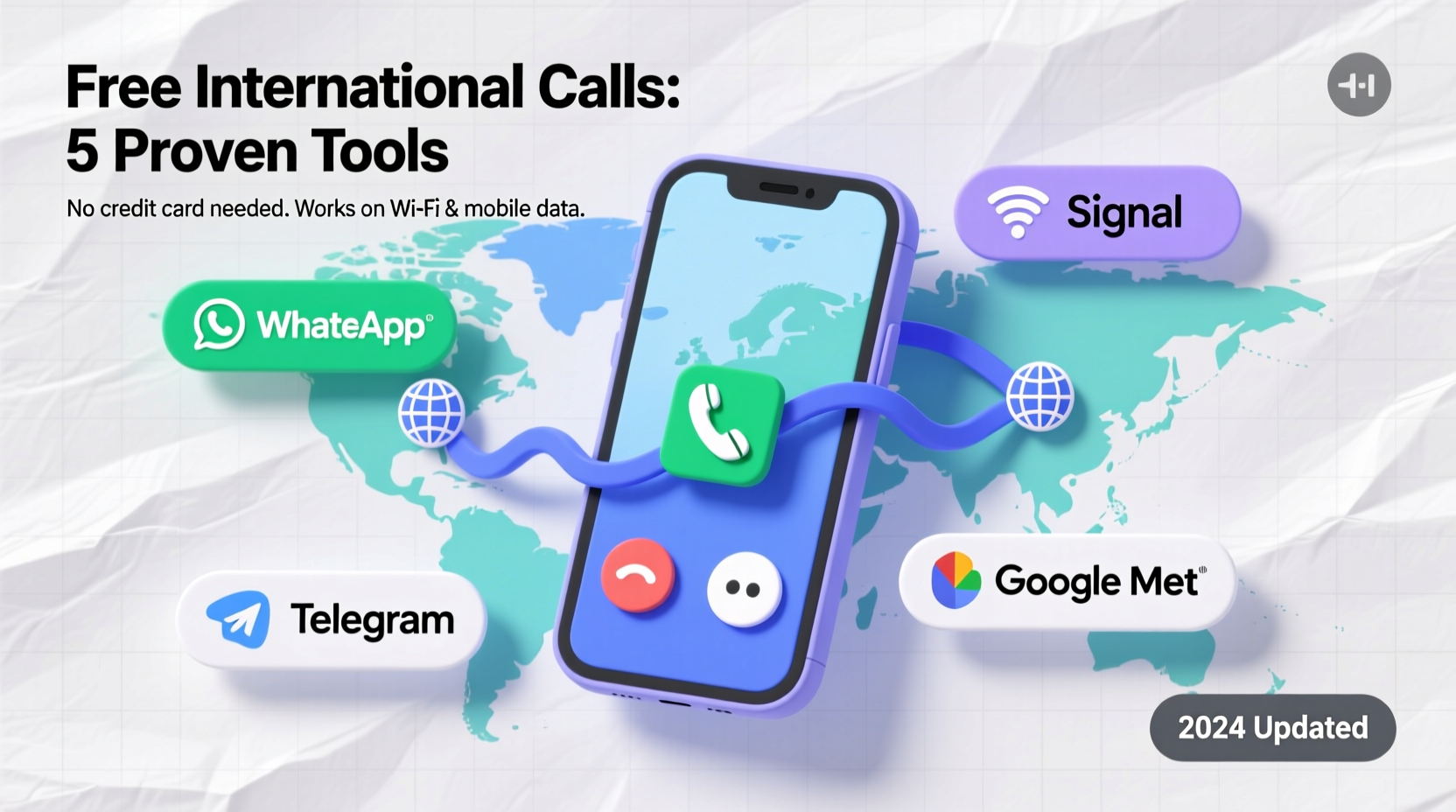
The foundation of free international calling lies in Voice over Internet Protocol (VoIP) technology. These services convert your voice into digital data and transmit it through the internet, bypassing traditional telecom charges. Several apps have become go-to solutions due to their reliability, ease of use, and cross-platform compatibility.
- WhatsApp: Available on Android and iOS, WhatsApp allows free voice and video calls between users. As long as both parties have the app installed and an internet connection, calls are completely free—even internationally.
- Skype: One of the pioneers of VoIP, Skype offers free calls to other Skype users worldwide. While calling landlines or mobiles requires credit, person-to-person Skype-to-Skype calls remain free.
- Google Meet and Google Voice: Google Meet supports free video and voice calls with up to 100 participants. Google Voice, available in select countries, provides free calls to the U.S. and Canada and low-cost rates elsewhere.
- Zoom: Primarily known for meetings, Zoom also supports one-on-one voice calls and is free for sessions under 40 minutes with three or fewer participants.
- Telegram: Offers end-to-end encrypted voice calls with excellent audio quality and minimal lag, especially useful in regions with limited bandwidth.
How to Set Up Free International Calling in 5 Steps
Getting started doesn’t require technical expertise. Follow this straightforward process to begin making free international calls today.
- Choose a reliable app: Pick one based on your contact’s preferences and availability. WhatsApp is ideal for personal use; Skype suits professional needs.
- Install and register: Download the app from your device’s official store and sign up using your phone number or email.
- Add your contact: Ensure they’re using the same platform. Most apps sync with your phone’s address book for easy discovery.
- Test your connection: Conduct a short test call to check microphone, speaker, and network stability.
- Make the call: Tap the call button and enjoy a free conversation—no per-minute charges apply.
Comparison of Free Calling Platforms
| App | Free Calls To | Encryption | Best For |
|---|---|---|---|
| Other WhatsApp users | End-to-end | Personal calls, families abroad | |
| Skype | Other Skype users | Transport encryption | Business, screen sharing |
| Google Meet | All participants in meeting | TLS and SRTP | Group discussions, remote teams |
| Telegram | Other Telegram users | End-to-end (voice) | Privacy-focused users |
| Signal | Other Signal users | End-to-end | High-security communication |
A Real-World Example: Maria’s Solution for Family Calls
Maria lives in Toronto but has elderly parents in Manila. She used to spend over $80 a month on phone calls via her carrier. After learning about free calling apps, she introduced her parents to WhatsApp. Both downloaded the app on their smartphones, connected to home Wi-Fi, and began making daily voice calls. Within two months, Maria saved nearly $150—and her parents appreciated the clarity and ease of use. “It felt like magic at first,” Maria said. “Now it’s just part of our routine.”
“We’ve seen a 70% drop in international calling revenue among traditional carriers since 2015—largely due to the adoption of free VoIP services.” — Dr. Alan Zhou, Telecommunications Analyst, Global Tech Review
Essential Tips for Reliable, Free International Calls
To ensure consistent performance, consider these expert-backed practices:
- Use headphones with a built-in mic to reduce echo and improve sound clarity.
- Ensure your router is positioned centrally if using Wi-Fi, especially in larger homes.
- Restart your device periodically to maintain optimal performance.
- For older relatives unfamiliar with tech, record a short voice memo explaining how to answer a call.
- Keep software updated—security patches often improve call stability.
Checklist: Preparing for Your First Free International Call
- ✅ Confirm both you and your contact have a compatible app installed.
- ✅ Test your microphone and speakers using the app’s settings.
- ✅ Connect to a strong Wi-Fi network or ensure sufficient mobile data.
- ✅ Share your username or phone number within the app so you can find each other.
- ✅ Schedule a time that accounts for time zone differences.
- ✅ Start with a short test call before discussing important topics.
Frequently Asked Questions
Do I need a smartphone to make free international calls?
No. While smartphones are convenient, most apps like Skype and Google Meet also work on laptops and desktop computers via web browsers. You’ll only need a microphone, speakers or headphones, and an internet connection.
Are free international calls really secure?
Most reputable apps use strong encryption. WhatsApp and Signal, for instance, employ end-to-end encryption, meaning only you and the recipient can hear the conversation. Avoid using public Wi-Fi without a trusted VPN for sensitive discussions.
What if my contact doesn’t have internet access?
If the person you're contacting lacks consistent internet, consider hybrid solutions. Services like Rebtel or Localphone offer discounted international rates when one party is offline. Alternatively, send voice messages via WhatsApp or Telegram—they’ll receive them once online.
Maximizing Value Without Spending a Dime
The real advantage of free calling tools isn’t just cost savings—it’s consistency. When distance no longer means silence, relationships thrive. Students studying abroad can check in weekly with parents. Remote workers can collaborate seamlessly across continents. Even humanitarian organizations rely on these tools to coordinate efforts in low-infrastructure areas.
That said, not all apps are created equal. Some collect user data for advertising, while others prioritize privacy. If discretion matters, opt for open-source platforms like Signal. For broader accessibility, stick with widely adopted apps like WhatsApp, which works even on lower-end devices.
Conclusion: Stay Connected, Not Overcharged
Free international calling is no longer a novelty—it’s a necessity in our globally connected world. With the right app and a stable internet connection, anyone can maintain meaningful conversations across time zones and continents. The tools are accessible, the setup is simple, and the benefits are immediate. Whether you're reconnecting with loved ones or managing overseas projects, there's no reason to pay premium fees for basic communication.




 浙公网安备
33010002000092号
浙公网安备
33010002000092号 浙B2-20120091-4
Comments
No comments yet. Why don't you start the discussion?