
Creating high-quality videos doesn’t require expensive gear or years of experience. With the right approach, anyone can produce polished, engaging content using only free tools and resources. Whether you're launching a YouTube channel, building a personal brand, or sharing tutorials, this guide walks you through each stage—from planning to publishing—using methods that deliver results without costing a cent.
1. Start with Purpose: Define Your Video’s Goal
Before touching a camera or editing software, clarify why you’re making the video. Is it to educate, entertain, promote, or inspire? A clear objective shapes every decision that follows, from script structure to visual style. For example, a tutorial video demands clarity and pacing, while a vlog benefits from authenticity and personality.
Audience alignment is equally important. Who are you speaking to? What problems do they have? Tailoring your message increases engagement and retention. Write down your goal and ideal viewer in one sentence. Keep it visible during production as a reference point.
2. Plan Your Content Like a Pro
Professional videos don’t just happen—they’re planned. Begin with an outline that includes key points, transitions, and a strong opening and closing. Then expand it into a simple script or bullet-point notes. This prevents rambling and ensures you cover everything in a logical flow.
Storyboarding helps visualize scenes, especially if multiple shots or angles are involved. Sketch rough frames or describe them in writing: “Close-up of hands demonstrating the tool,” or “Wide shot of speaker in living room.” Even basic planning dramatically improves production value.
“Clarity comes from preparation. The best-looking video will fail if the message is muddled.” — Dana Reyes, Digital Media Educator
Checklist: Pre-Production Essentials
- Define your video’s purpose and target audience
- Create a script or detailed talking points
- Storyboard key scenes (even mentally)
- Select a quiet, well-lit location
- Gather any props, clothing, or materials needed
- Charge all devices and test audio input
3. Film with What You Have
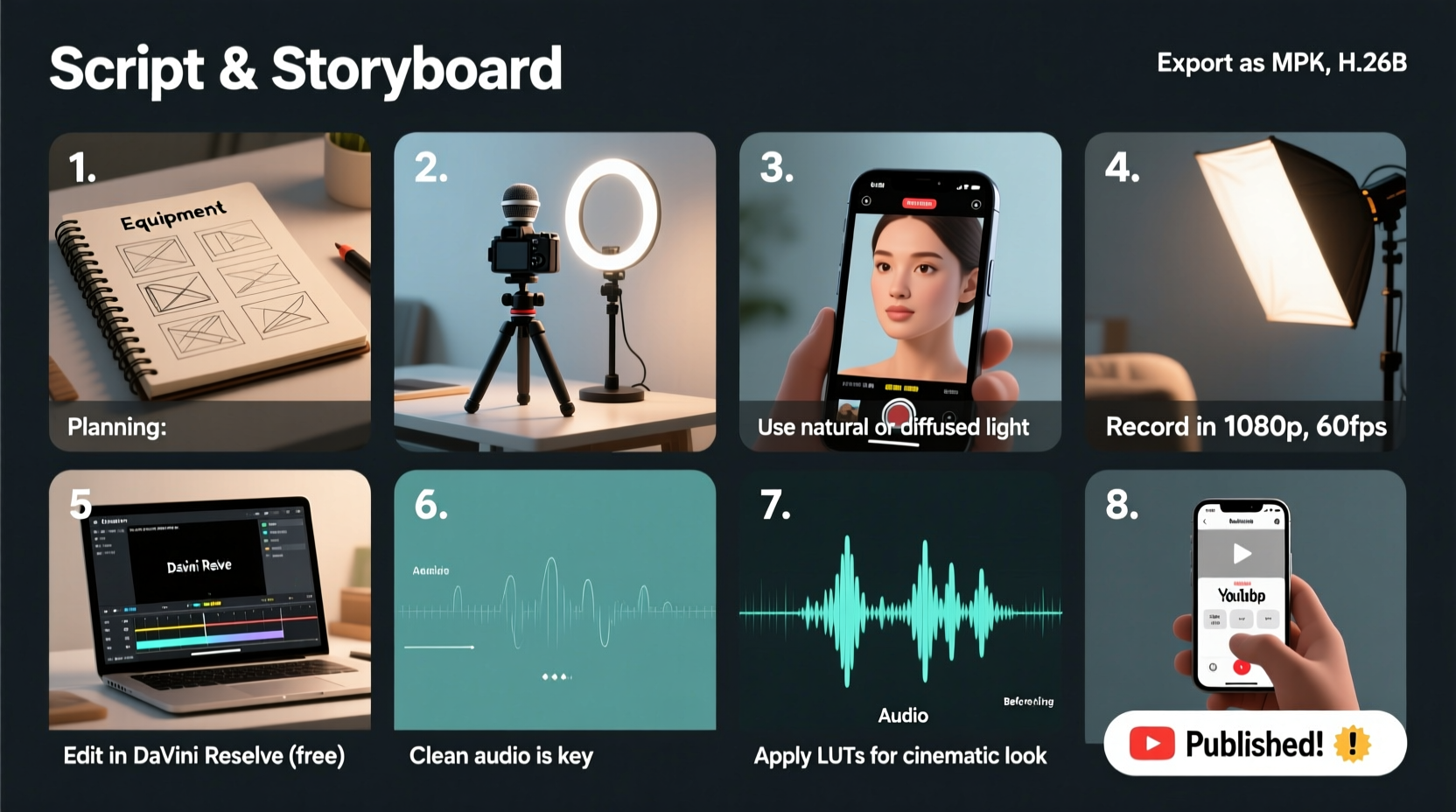
Your smartphone is more than enough to start. Most modern phones shoot in 1080p or even 4K—resolution that meets professional standards. The key is technique, not technology.
Maximize natural light whenever possible. Face a window during daytime shoots to achieve soft, flattering illumination. Avoid backlighting (e.g., sitting with your back to a bright window), which creates silhouettes. If indoors at night, use lamps or affordable LED panels (many under $30) or repurpose household lights covered with white fabric to diffuse harshness.
Stability matters. Shaky footage looks amateurish. Rest your phone on a stack of books, use a DIY tripod made from household items, or download a free app like Open Camera (Android) or use the built-in timer on iPhone to reduce hand movement.
Free Tools for Mobile Filming
| Tool | Platform | Key Benefit |
|---|---|---|
| Open Camera | Android | Manual focus, exposure control, grid overlay |
| Filmic Pro (Free Version) | iOS/Android | Cinematic controls and stabilization |
| Bandicam Screen Recorder (Free) | Windows | Record screen + webcam for tutorials |
4. Edit Like a Pro Using Free Software
Editing transforms raw clips into compelling stories. The good news: powerful free editors rival paid ones. Focus on three fundamentals—cutting out mistakes, adding smooth transitions, and syncing visuals with audio.
DaVinci Resolve is the gold standard among free editing tools. It offers professional color correction, audio mixing, visual effects, and multi-track editing. While it has a learning curve, its intuitive layout and extensive free tutorials make it accessible. For simpler needs, Shotcut and HitFilm Express are excellent alternatives with drag-and-drop interfaces.
Start by importing your clips and organizing them chronologically. Trim dead space at the beginning and end of each take. Use J-cuts (audio leads video) or L-cuts (video leads audio) to create smoother scene transitions. Add background music at 10–20% volume so it doesn’t overpower speech.
Do’s and Don’ts of Free Video Editing
| Do | Don’t |
|---|---|
| Use royalty-free music from YouTube Audio Library or Pixabay | Use copyrighted songs from popular artists |
| Add subtitles for accessibility and engagement | Overload the screen with text or flashy effects |
| Export in MP4 format, 1080p resolution | Save files in low-bitrate settings that degrade quality |
5. Real Example: From Zero to 10K Subscribers
Jamie, a college student from Portland, wanted to share cooking tips but had no budget. Using her iPhone 11, she filmed recipes in her kitchen lit by two desk lamps covered with parchment paper. She wrote concise scripts, rehearsed twice, then recorded in short segments to minimize errors.
She edited everything in DaVinci Resolve, added free jazz tracks from Pixabay, and used Canva (free version) to design thumbnails. Her first video gained 200 views. By consistently applying these steps—planning, lighting, clean audio, and tight editing—her fourth video went viral with over 50,000 views. Within six months, she reached 10,000 subscribers—all without spending a dollar on equipment.
Her success wasn’t due to luck. It came from treating each video like a small project with defined goals, execution, and refinement.
6. Optimize for Impact and Reach
A technically perfect video won’t succeed if no one sees it. Optimize your title, description, and tags for search. On platforms like YouTube, include keywords naturally: instead of “Cool Recipe,” try “Easy Vegan Pasta Recipe Ready in 15 Minutes.”
Write a detailed description with timestamps, links, and relevant hashtags. Design a custom thumbnail using free tools like Canva—use bold text, contrasting colors, and a clear image of the subject. Thumbnails influence click-through rates more than any other factor besides the title.
Publish consistently. One outstanding video is great; a series builds an audience. Aim for a realistic schedule—once a week or biweekly—and stick to it.
7. Frequently Asked Questions
Can I make professional videos without a fancy camera?
Absolutely. Most audiences care more about content and clarity than gear. Smartphones today have cameras that surpass what professionals used a decade ago. Focus on lighting, stability, and audio quality to elevate your look.
Is free editing software really good enough?
Yes. DaVinci Resolve, for instance, is used in Hollywood for color grading major films. Its free version includes nearly all features needed for high-end results. Learning how to use it effectively matters far more than having a paid license.
How long should my videos be?
It depends on the content. Tutorials may need 5–10 minutes to explain fully; quick tips can be under 2 minutes. Watch analytics to see when viewers drop off. Aim to keep attention by delivering value early and maintaining pace throughout.
Final Steps: Publish, Review, Improve
After uploading, watch your own video from start to finish. Note awkward pauses, unclear explanations, or technical flaws. Use these observations to refine your next project. Improvement comes not from perfection on the first try, but from consistent iteration.
Share your video with a small group for feedback before promoting widely. Ask specific questions: “Was the explanation clear?” or “Did anything feel too slow?” Constructive criticism accelerates growth.
“The most successful creators aren’t the ones with the best gear—they’re the ones who kept going after the first ten videos didn’t go viral.” — Marcus Lin, Independent Filmmaker & Educator
Conclusion
Professional-quality video is within reach for anyone willing to plan carefully, use free tools wisely, and commit to steady improvement. You don’t need a studio, a crew, or a budget. You need a message, a phone, and the discipline to follow through. Start small. Film one short video this week using natural light and a quiet space. Edit it with free software. Upload it. Learn from it. Repeat.




 浙公网安备
33010002000092号
浙公网安备
33010002000092号 浙B2-20120091-4
Comments
No comments yet. Why don't you start the discussion?