
There’s something magical about watching Christmas tree lights pulse, flash, and fade in rhythm with holiday music. But many assume this requires expensive smart hubs, professional lighting controllers, or complex wiring. The truth? You can achieve dazzling audio-reactive light displays using nothing more than standard plug-in string lights and free mobile or desktop apps—no smart home ecosystem needed.
This guide walks you through the practical, low-cost method of syncing your existing Christmas lights to music using accessible tools, clever workarounds, and a bit of DIY spirit. Whether you’re decorating for family, hosting a neighborhood display, or just want to elevate your seasonal ambiance, this approach delivers impressive results without breaking the bank.
Understanding the Basics: How Audio Sync Works Without Smart Hubs
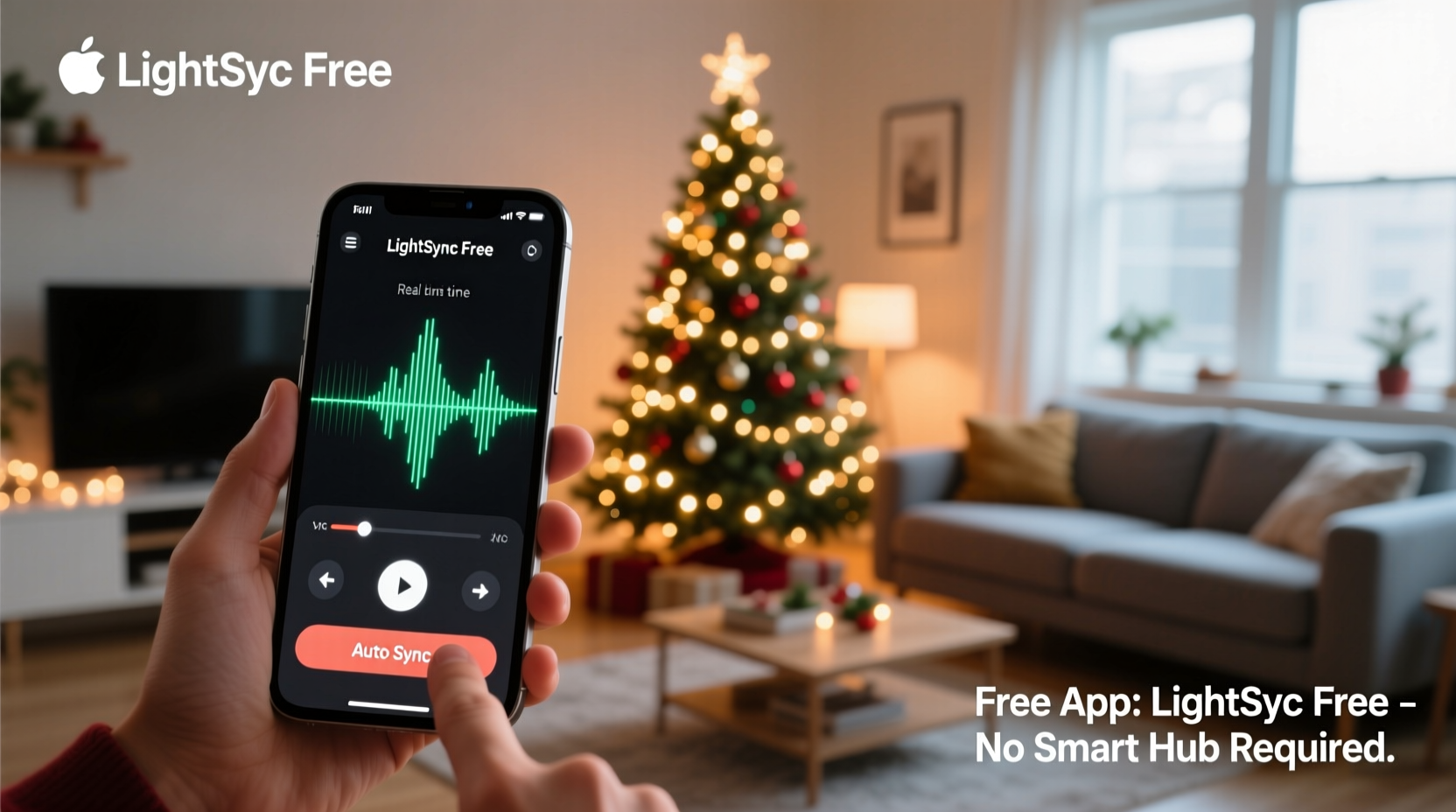
Traditional smart lighting systems like Philips Hue or LIFX use dedicated hubs and APIs to interpret sound and control brightness or color. But if you don’t own these systems—or don’t want to invest in them—you can still create synchronized effects by converting audio signals into electrical triggers that control physical outlets.
The core principle relies on **audio-to-light conversion via an intermediary device**. Instead of relying on Wi-Fi-connected bulbs, you use a combination of software and hardware to translate music into real-time signals that switch outlets on and off in rhythm. This is done using:
- A computer or smartphone running free audio-reactive software
- An audio output connected to a relay or outlet controller
- Standard AC-powered string lights plugged into switched outlets
The key is bypassing the need for “smart” bulbs by making the environment around them responsive. Think of it as turning your power source into the smart component—not the lights themselves.
“People assume dynamic lighting requires expensive gear, but the most compelling holiday displays often come from creative repurposing of simple tools.” — Marcus Tran, DIY Lighting Designer and Holiday Display Curator
Step-by-Step Guide: Sync Your Lights Using Free Software
You don’t need coding skills or engineering knowledge. Follow these steps to set up a fully functional, music-synced Christmas tree lighting system in under an hour.
- Gather Your Equipment
- Computer (Windows, Mac, or Raspberry Pi)
- Standard string lights (incandescent or LED)
- One or more remote-controlled power outlets (e.g., Sockets, Plugwise, or similar RF models)
- Audio cable (3.5mm male-to-male) or Bluetooth audio capability
- Free audio-reactive software (listed below)
- Install Audio-Reactive Software
Choose one of these free, reliable programs based on your platform:
Software Platform Best For SoundSwitch Windows Beginners; intuitive interface, supports MIDI and DMX Boblight Linux, Raspberry Pi Advanced users; open-source, customizable LightDJ Windows, Mac Musicians; real-time beat detection Vidéolicious (VLC plugin) Cross-platform Simple ambient sync via VLC media player For most users, SoundSwitch offers the smoothest experience. It analyzes audio input in real time and sends trigger signals via virtual MIDI or serial output.
- Set Up Remote Outlets
Purchase affordable RF (radio frequency) outlets from brands like Meross, TP-Link Kasa, or generic AmazonBasix kits. These let you control individual sockets wirelessly using a small USB RF transmitter or smartphone app.
However, since we're avoiding smart hubs, skip the app-based control. Instead, pair each outlet with a compatible RF receiver module that can be triggered by audio pulses. Some DIYers use Arduino-based relays, but a simpler option is a USB-controlled relay board that responds to software commands.
- Route Audio Signal to Control Output
This is where the magic happens. SoundSwitch (or equivalent) processes the music and outputs control signals. Configure it to send MIDI notes or keyboard shortcuts when beats are detected.
Then, use automation software like AutoHotkey (Windows) or Keyboard Maestro (Mac) to translate those signals into actions—for example, pressing a hotkey that activates a relay switch via USB.
Tip: Use a secondary audio interface or virtual cable (like VB-Audio Cable) to route music internally so your speakers aren’t interrupted during testing. - Connect Relay to Outlet & Lights
Plug your string lights into the remote-controlled outlet. Connect the USB relay to your computer. When the software detects a bass hit or volume spike, it triggers the relay, which powers the outlet on or off.
By adjusting sensitivity settings in SoundSwitch, you can make lights flash on every beat, ramp up with crescendos, or pulse softly during verses.
- Test and Fine-Tune
Play a familiar song—like \"Jingle Bell Rock\" or \"Uptown Funk\"—and watch how the lights respond. Adjust thresholds, delay times, and channel assignments until the sync feels natural.
For layered effects, use multiple outlets with different sensitivity levels: one for strong beats (bass), another for treble (sparkles), and a third for sustained notes (glow ramps).
Real Example: A Backyard Display on a Budget
Take the case of Diego Morales, a high school teacher in Portland who transformed his front yard into a mini concert of lights using only $70 in parts and free software.
Diego had three strands of warm-white LED lights and a spare laptop. He downloaded SoundSwitch and paired it with a $25 USB relay board from eBay. Using AutoHotkey, he mapped drum hits to short flashes and cymbal crashes to longer bursts. He split his lights across two outlets—one for fast flickers, one for steady pulses.
On Christmas Eve, he played a curated playlist through the laptop, projecting the music externally via Bluetooth speaker. Neighbors gathered as the tree danced in sync to Mariah Carey and Wham!—all powered by free tools and ingenuity.
No smart bulbs. No subscription services. Just code, cables, and cheer.
Checklist: What You Need to Get Started
Before you begin, ensure you have all components ready. Here's a quick reference checklist:
- ✅ Standard Christmas tree lights (tested and working)
- ✅ Computer or Raspberry Pi (must stay on during display)
- ✅ Free audio-reactive software installed (e.g., SoundSwitch)
- ✅ Virtual audio cable (optional but recommended for clean routing)
- ✅ USB-controlled relay or RF outlet system
- ✅ Power strips or extension cords (rated for outdoor use if needed)
- ✅ Audio source (playlist, streaming service, or local files)
- ✅ Time to test (allow at least 1–2 hours for calibration)
Do’s and Don’ts of Music-Synced Lighting
| Do | Don't |
|---|---|
| Use songs with clear, consistent beats (e.g., pop, rock, dance remixes) | Try syncing classical or ambient tracks with no rhythmic structure |
| Label your outlets by zone (top, middle, base) for easier control | Overload a single relay or power strip beyond its rating |
| Start with low sensitivity and increase gradually | Assume all lights will behave the same—test each strand individually |
| Use surge protectors to safeguard electronics | Leave the system unattended for long periods without monitoring |
| Record a video of your first full run-through to spot timing issues | Forget to check local noise ordinances if playing music outdoors |
FAQ: Common Questions Answered
Can I do this with battery-powered lights?
Not reliably. Battery-powered strings typically lack the rapid on/off response needed for beat synchronization. They also dim over time, affecting consistency. Use AC-powered lights plugged into controllable outlets for best results.
Do I need Wi-Fi or a smart speaker?
No. This method works entirely offline. Your computer processes the audio locally and triggers the relay directly via USB or serial connection. Internet access is only needed for initial software downloads.
Can I automate it for repeated playback?
Yes. Set up a playlist in VLC or Windows Media Player and enable loop mode. Combine this with task scheduling (via Windows Task Scheduler or cron on Linux) to start the show at sunset daily. Add a simple script to launch SoundSwitch and begin playback automatically.
Expanding Beyond the Tree: Creative Applications
Once you’ve mastered the basics, apply the same technique to other areas:
- Window outlines: Sync perimeter lights to soft holiday melodies for a gentle glow effect.
- Indoor mood lighting: Use smaller relays to control lamp brightness in sync with dinner music.
- Garage band setup: Turn your practice space into a live light show using drum-triggered flashes.
- Seasonal transitions: Program different responses for Halloween (spooky staccato), Hanukkah (slow candle-like rise), or New Year’s (rapid strobe countdown).
The system is modular. Each additional outlet adds another layer of visual rhythm. With careful planning, you can create a full home exterior display choreographed to a single soundtrack.
“The most memorable holiday experiences aren’t about perfection—they’re about personality. A slightly imperfect, handmade light show often feels more joyful than a factory-programmed one.” — Lena Peterson, Community Arts Organizer
Conclusion: Bring the Magic Home—Without the Price Tag
Synchronized Christmas lights don’t require cutting-edge technology or deep pockets. With free software, a few inexpensive components, and a willingness to experiment, you can turn your living room or front yard into a dynamic stage where light and music meet.
The beauty lies not just in the result, but in the process—tweaking settings, discovering which songs make the lights “dance,” and sharing the joy with others who stop to watch. This holiday season, skip the retail spectacle and build something personal, responsive, and uniquely yours.




 浙公网安备
33010002000092号
浙公网安备
33010002000092号 浙B2-20120091-4
Comments
No comments yet. Why don't you start the discussion?