
Transform your holiday season with a custom animated Christmas light display powered by an Arduino. No prior electronics experience? No problem. This guide walks you through every step—from gathering components to uploading code that makes your lights dance in rhythm. Whether you're illuminating a porch, window, or entire yard, building your own synchronized light show is more accessible than ever.
Arduino-based lighting systems offer flexibility, creativity, and the satisfaction of building something unique. With just a few affordable parts and some basic wiring, you can create patterns that pulse, chase, fade, or even respond to music. The best part? You’re not limited to pre-programmed store-bought effects. You control the timing, colors, and motion.
Why Build Your Own Animated Light Display?
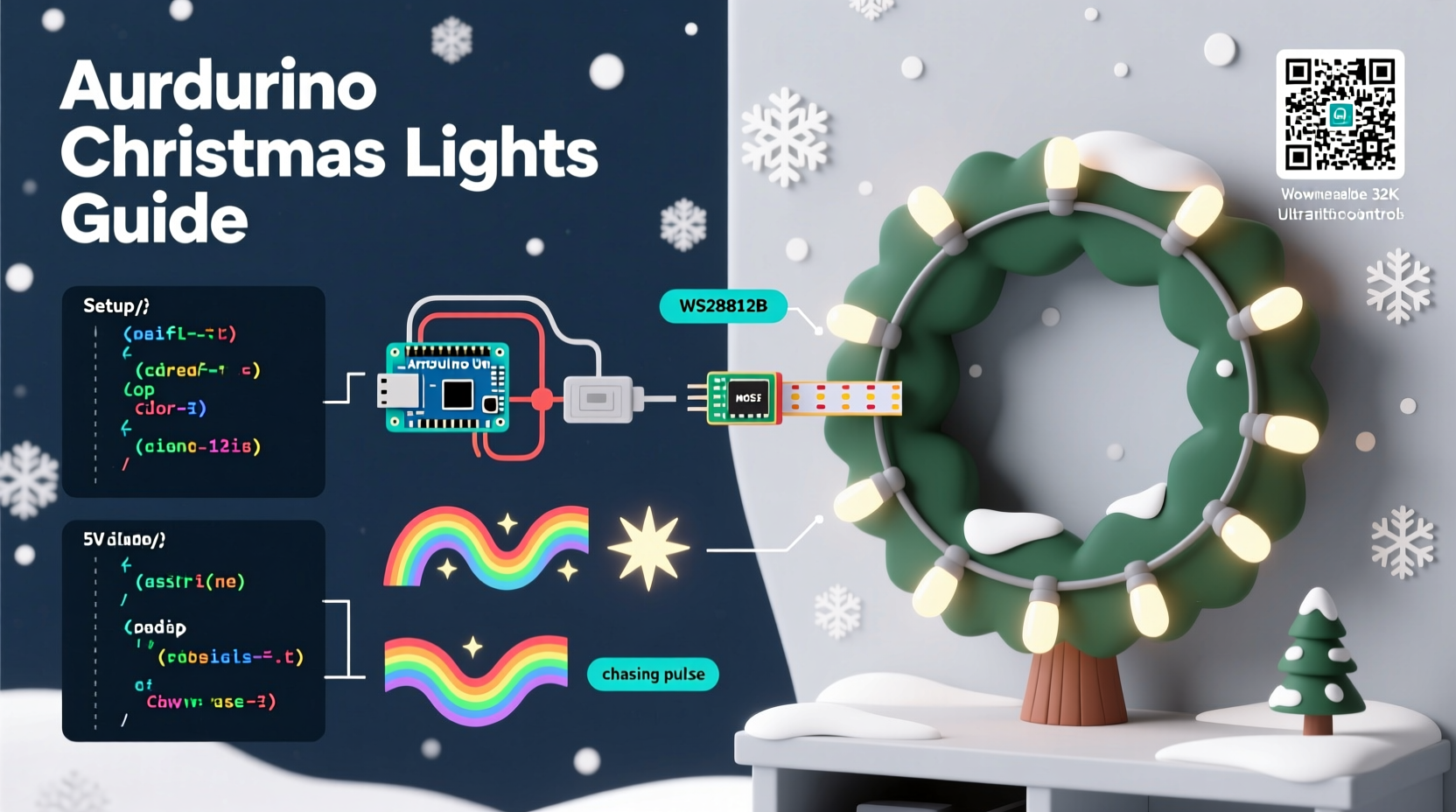
Commercial light displays often come with fixed animations and limited customization. By contrast, DIY Arduino projects let you tailor every detail. Want red and green lights to alternate in waves? Done. Prefer a slow rainbow fade across dozens of LEDs? Easy. Need your lights to blink faster during a specific song segment? Program it in.
Beyond personalization, building your own system teaches valuable skills in electronics, circuit design, and basic programming. It’s also cost-effective over time—once you have the core components, reusing them for future seasons becomes simple.
“With open-source tools like Arduino, anyone can turn a simple string of lights into a dynamic art piece.” — Carlos Mendez, Embedded Systems Educator
What You’ll Need: Components and Tools
Before diving into assembly, gather all necessary parts. Most items are available from electronics retailers like Adafruit, SparkFun, or Amazon. Here's a complete checklist:
Essential Components
- Arduino Uno (or compatible board) – The brain of your setup
- WS2812B LED strip (addressable RGB) – 60 LEDs per meter recommended
- Power supply (5V DC, 2A minimum per meter of LEDs) – Match length of your strip
- Breadboard and jumper wires – For prototyping connections
- MOSFET transistor (IRFZ44N or similar) – Optional for high-current control
- Resistor (330Ω) – Protects data line between Arduino and LEDs
- Soldering iron and heat shrink tubing – For permanent joints
- Weatherproof enclosure (optional) – To protect electronics outside
Software Requirements
- Arduino IDE – Free download from arduino.cc
- FastLED library – Simplifies LED animation coding
Step-by-Step Assembly Guide
Follow these steps carefully to assemble a reliable, safe, and functional animated light display.
- Install the Arduino IDE
Download and install the latest version of the Arduino IDE. Connect your Arduino via USB and verify communication by uploading the built-in Blink example. - Add the FastLED Library
In the Arduino IDE, go to Sketch → Include Library → Manage Libraries. Search for “FastLED” and install the most recent version by Daniel Garcia. - Cut and Prepare the LED Strip
Cut the WS2812B strip at designated cutting points (usually marked with scissors icons). Each segment must have power (VCC), ground (GND), and data input (DI). - Wire the Circuit
Connect as follows:- Data In (DI) on LED strip → Pin 6 on Arduino (via 330Ω resistor)
- VCC on LED strip → 5V from power supply
- GND on LED strip → GND on power supply AND GND on Arduino (common ground required)
- Secure Connections
Solder all joints and insulate with heat shrink tubing. Loose wires cause flickering or failure, especially in outdoor conditions. - Mount the Lights
Use adhesive backing or clips to attach the strip along eaves, windows, or trees. Avoid sharp bends; maintain at least a 2-inch radius. - Enclose Electronics
Place the Arduino and connections in a sealed plastic box if placing outdoors. Add ventilation if operating for extended periods.
Programming Your First Animation
Once wired, upload code to bring your lights to life. Open a new sketch in the Arduino IDE and paste the following example:
#include <FastLED.h>

#define LED_PIN     6
#define NUM_LEDS    60
CRGB leds[NUM_LEDS];

void setup() {
  FastLED.addLeds<WS2812B, LED_PIN, GRB>(leds, NUM_LEDS);
}

void loop() {
  // Rainbow cycle
  static uint8_t hue = 0;
  fill_rainbow(leds, NUM_LEDS, hue++, 7);
  FastLED.show();
  delay(20);
}
This creates a smooth rainbow effect that cycles across all LEDs. Adjust NUM_LEDS to match your actual strip length. Change the delay value to speed up or slow down the animation.
Try These Built-In Effects
fill_solid(leds, NUM_LEDS, CRGB::Red);– Set all LEDs to redfadeToBlackBy(leds, NUM_LEDS, 10);– Gradually dim lightsbreatheEffect();– Simulate candlelight flickercolorWipe(CRGB::Green, 50);– Chase effect from start to end
To add sound responsiveness, pair your Arduino with a microphone sensor (like MAX9814) and use amplitude readings to trigger brightness changes or color shifts.
Tips for Long-Term Reliability and Safety
Outdoor electronics face moisture, temperature swings, and physical stress. Follow these practices to ensure your display lasts the entire season—and beyond.
| Do | Don’t |
|---|---|
| Use waterproof connectors and silicone sealant on splices | Leave bare wires exposed to rain or snow |
| Provide adequate power with thick gauge wires for long runs | Daisy-chain multiple strips without reinjecting power every 5 meters |
| Test circuits indoors before final installation | Run the system unattended for hours during initial testing |
| Label wires and document your pin layout | Assume you’ll remember wiring details next year |
Overloading a single power supply is one of the most common causes of failure. If your strip exceeds 60 LEDs, inject power at both ends to prevent voltage drop, which leads to dimming and color distortion.
Real Example: A Neighborhood-Favorite Window Display
Jamie Rivera, a high school teacher in Portland, built her first Arduino light display after seeing a neighbor’s elaborate setup. With no prior coding experience, she followed online tutorials and started small—a 30-LED strip shaped like a tree inside her living room window.
She used the FastLED rainbow cycle code, added a button to switch between modes, and mounted everything in a plastic project box. After two weeks of tweaking, she expanded to include snowflake outlines and a countdown timer for Christmas Eve.
Her display became so popular that neighbors began stopping by nightly. Local news even featured her home in a “Best Holiday Lights” segment. “I didn’t think I could do it,” she said. “But once I got the first blink working, I was hooked.”
Jamie now hosts a winter workshop for teens interested in learning Arduino basics through holiday projects.
Frequently Asked Questions
Can I run this display on battery power?
Possibly, but only for very short LED strips (under 10 LEDs). A standard 5V USB power bank may work temporarily, but sustained operation drains batteries quickly. For larger displays, plug into a wall outlet or use a weather-rated outdoor extension cord connected to a surge protector.
How do I make lights sync to music?
You’ll need a sound sensor module connected to one of the Arduino’s analog pins. Read the audio input level in real time, then map it to LED brightness or animation speed. Libraries like SoundSensor or custom FFT (Fast Fourier Transform) code can isolate bass beats for dramatic strobe effects.
Is soldering absolutely necessary?
For temporary indoor tests, alligator clips or breadboards work. But for any permanent or outdoor installation, soldered connections are strongly recommended. Crimp connectors or screw terminals are acceptable alternatives if you don’t have a soldering iron.
Final Checklist Before Launch
- ✅ Verified correct number of LEDs in code
- ✅ Double-checked wiring: power, ground, data
- ✅ Ensured common ground between Arduino and external power supply
- ✅ Secured and insulated all connections
- ✅ Tested animations indoors under normal conditions
- ✅ Mounted strip securely with proper spacing
- ✅ Installed protective housing for electronics
- ✅ Placed nearby outlet or extension cord access
- ✅ Created backup copy of working code
- ✅ Shared project details with family in case of issues
Conclusion: Light Up the Season, Your Way
Creating your own animated Christmas light display with Arduino blends tradition with innovation. What starts as a simple blinking LED can evolve into a synchronized spectacle that delights your household and community. The tools are accessible, the knowledge is shareable, and the joy is tangible.
Don’t wait for perfection. Start with five LEDs on a desk. Make them blink. Then grow from there. Every expert was once a beginner holding a soldering iron for the first time.




 浙公网安备
33010002000092号
浙公网安备
33010002000092号 浙B2-20120091-4
Comments
No comments yet. Why don't you start the discussion?