
Animated Christmas lights used to mean hiring professionals—or spending weeks learning coding, soldering, and DMX protocols. Today, that’s obsolete. A growing ecosystem of plug-and-play tools lets anyone create synchronized, rhythm-driven light shows using nothing more than a smartphone, a power outlet, and seasonal creativity. This isn’t about mimicking professional installations—it’s about reclaiming the joy of personal expression through light, sound, and storytelling. What matters most isn’t technical fluency but intention: what mood do you want to evoke? Which memories do you want to highlight? How can light become part of your family’s holiday language? The tools exist to answer those questions—without asking you to become an engineer.
Why “No Technical Skills” Is Now Realistic—and Reliable
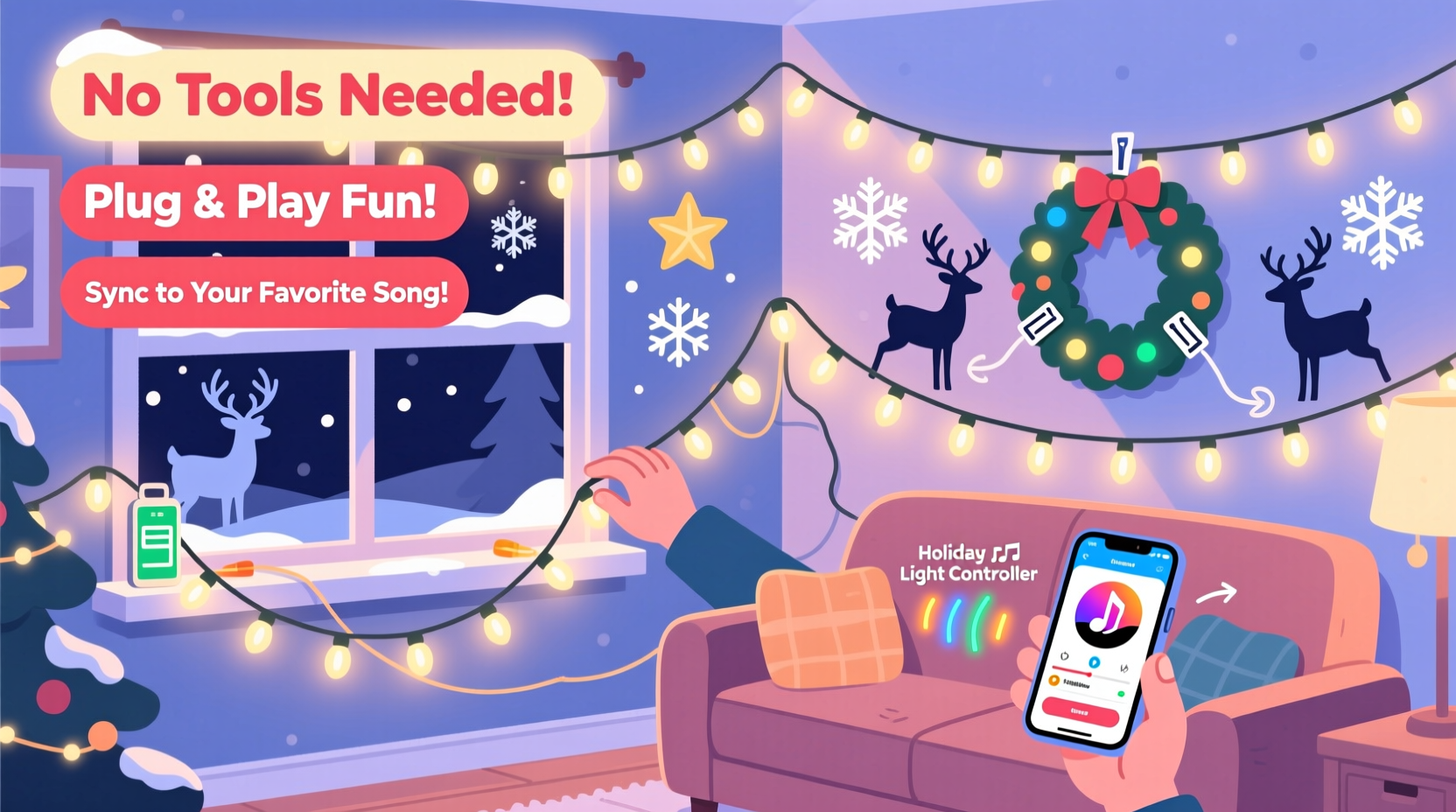
Five years ago, creating even a simple chase effect required timers, relay boxes, and basic circuit knowledge. Today, three converging innovations have removed those barriers entirely:
- Smart LED string lights with built-in memory and Bluetooth/Wi-Fi connectivity—no hubs or gateways needed;
- Drag-and-drop animation apps designed for hobbyists (not developers), where “fade in,” “pulse to music,” and “snowfall effect” are single-tap options;
- Pre-synchronized light kits sold by major retailers—complete with mounting hardware, extension cords rated for outdoor use, and companion apps pre-loaded with holiday themes.
These systems prioritize safety and simplicity by design. All certified kits meet UL 588 (the U.S. standard for seasonal lighting) and include automatic overheat shutoffs, surge protection, and low-voltage operation. No splicing wires. No configuring IP addresses. No reading datasheets. Just planning, placing, and playing.
Your No-Code Toolkit: What You’ll Actually Need (and What You Won’t)
You don’t need a workshop, a degree in electrical engineering, or even a USB-C cable. Here’s exactly what goes into a successful setup—curated for accessibility, durability, and real-world usability.
| Item | Why It Matters | What to Look For |
|---|---|---|
| Smart LED Light Strings | Base layer of your animation—must support app control and multi-effect sequencing | Look for “music sync,” “app programmable,” and “indoor/outdoor rated.” Avoid “remote-only” models—they lack animation depth. |
| Weatherproof Power Strip (with GFCI) | Safe, centralized power for multiple strands; prevents overloading outlets | Minimum 15-amp rating, IP44 or higher, with individual on/off switches per outlet. |
| Mounting Supplies | Secure placement without damaging surfaces or risking wind damage | Heavy-duty adhesive hooks (for brick, vinyl, stucco), gutter clips (for metal roofs), and UV-resistant zip ties—not nails or staples. |
| Smartphone or Tablet | Your control center—no computer required | iOS 14+ or Android 9+. Ensure Bluetooth is functional and location services are enabled (required by most lighting apps for proximity pairing). |
| Optional: Mini Bluetooth Speaker | For true audio-reactive displays—lets lights pulse precisely to your favorite carols | Water-resistant model with 3.5mm aux input or Bluetooth 5.0+ for stable connection. Not required for basic animations. |
What you don’t need: extension cords with exposed copper ends, non-UL-certified controllers, third-party firmware, or “DIY Arduino kits.” Those introduce unnecessary risk and complexity—especially when proven, consumer-grade alternatives exist at similar price points.
A Real-Life Example: Sarah’s First Animated Porch in 90 Minutes
Sarah, a middle-school art teacher in Portland, Oregon, had zero experience with electronics. Her only goal was to surprise her two young children with a “talking snowman” effect on their front porch—lights that blinked like eyes and pulsed gently when “Frosty the Snowman” played. She bought a 200-light smart string kit from a national home goods retailer ($49.99), downloaded its free app, and followed the on-screen prompts.
She placed four strings: two wrapped around porch columns (for “eye blinks”), one along the roofline (for soft ambient glow), and one coiled inside a clear glass jar with cotton “snow” (as the snowman’s body). Using the app’s timeline editor, she assigned a 0.5-second blink pattern to the column lights, set the roofline to a slow 8-second fade cycle, and programmed the jar light to gently brighten and dim—mimicking breath. She then tapped “Music Sync,” selected “Frosty” from her phone’s library, and hit play. The lights responded within seconds—not perfectly on beat, but warmly, intuitively, and unmistakably alive.
“My kids stood there for ten minutes, whispering to the snowman,” she shared in a community forum. “I didn’t build anything. I arranged light—and it felt like magic because the tools respected my time, my limits, and my imagination.”
Step-by-Step: Building Your First Animated Display in Under Two Hours
- Plan Your Zones (15 minutes)
Walk around your home’s exterior (or interior, if doing a tree or mantel display). Identify 2–4 distinct areas—e.g., front steps, garage door, window frames, mailbox post. Sketch them on paper or snap quick photos. Assign each a mood: “calm,” “playful,” “sparkling,” or “cozy.” This guides your effect choices later. - Unbox & Test (10 minutes)
Plug in each light string individually—not yet mounted—to confirm all bulbs illuminate and the app detects them. Open the app, follow the pairing instructions (usually involves holding a button on the controller for 3 seconds), and verify the “test mode” runs smoothly. Discard any defective strands immediately—don’t try to troubleshoot mid-install. - Mount Strategically (30 minutes)
Start with the most visible zone. Use mounting supplies appropriate for your surface—adhesive hooks for painted wood, gutter clips for metal, no-drill hangers for vinyl siding. Keep strands taut but not tight; allow 2–3 inches of slack at connections to prevent stress on sockets during wind or temperature shifts. Route cords behind downspouts or under eaves where possible—out of sight, out of mind. - Design Your Animation (20 minutes)
Open the app’s scene builder. Select your first zone. Choose one primary effect (“glow,” “twinkle,” “chase”) and one secondary modifier (“speed: slow,” “intensity: medium,” “randomize: on”). Avoid stacking more than two effects per zone—clarity trumps complexity. Save the scene as “Evening Calm” or “Kids’ Joy.” Repeat for other zones, keeping transitions gentle (e.g., porch lights pulse while roofline fades). - Sync & Refine (15 minutes)
If using music sync, select a short 90-second clip of a familiar carol. Play it once while watching the lights. Note where timing feels off—most apps let you drag effect start points forward or back by half-seconds. Adjust until the “wow moment” (e.g., chorus swell) aligns with your brightest pulse. Then schedule your show: set it to begin at dusk and end at 10 p.m. automatically.
“People assume animation requires precision—but holiday light magic lives in imperfection. A slight delay between strands, a warmer hue on the left side, a blink that lingers a fraction longer… these aren’t bugs. They’re signatures. They make it yours.” — Lena Torres, Creative Director at Lumina Collective, a studio specializing in accessible light art
Common Pitfalls—and How to Avoid Them
Mistakes rarely break the system—they just dilute the impact. Here’s how seasoned beginners sidestep the most frequent issues:
- Overloading the App Timeline: Trying to program 12 different effects across 8 zones overwhelms both the app and the viewer. Stick to 3–4 cohesive scenes max. Rotate them every 5–7 minutes—not every 30 seconds.
- Ignoring Ambient Light: Streetlights, neighbor displays, or security lamps wash out subtle animations. Test your display at night *before* final mounting. If colors look muted, switch to warmer white tones or add a directional spotlight behind your main feature (e.g., shining up at your animated wreath).
- Skipping the Weather Check: Even outdoor-rated lights can malfunction in sustained freezing rain or high humidity. If temperatures drop below 15°F (-9°C), reduce animation speed by 30%—fast pulses strain cold LEDs. Also, avoid running lights continuously for more than 12 hours; most apps include auto-shutoff, but manually verify it’s active.
- Forgetting the Human Rhythm: Lights shouldn’t demand attention—they should invite it. Include at least one “rest zone”: a strand set to steady warm white, unanimated, serving as visual grounding amid movement elsewhere.
FAQ
Do I need Wi-Fi for my animated lights to work?
No—Bluetooth-only models operate independently of your home network and are often more reliable for short-range control (up to 100 feet). Wi-Fi models enable remote scheduling and voice assistant integration (e.g., “Alexa, start Christmas Show”), but require stable 2.4 GHz band access and occasional firmware updates. For pure simplicity, Bluetooth is the smarter starting point.
Can I mix old incandescent mini-lights with new smart LEDs?
Not safely or effectively. Incandescents draw significantly more power, generate heat incompatible with smart controllers, and lack digital addressing. Attempting to daisy-chain them risks tripping breakers or damaging controllers. Instead, repurpose older lights for static accents—garland wrapping, mason jar fillers, or mantle backdrops—while letting smart LEDs handle motion and rhythm.
How long do these smart light strings last?
Quality LED strings rated for outdoor use typically last 25,000–40,000 hours—roughly 10–15 holiday seasons if used 6 hours nightly. Their lifespan depends less on usage time and more on storage: keep them coiled loosely (not knotted), in climate-controlled spaces, and away from direct sunlight in off-seasons. The app and controller usually outlive the bulbs; many brands offer controller-only replacements.
Conclusion: Your Light, Your Story, No Credentials Required
An animated Christmas light display has never been about technical mastery. It’s about translating feeling into form—turning nostalgia into shimmer, anticipation into pulse, love into luminance. The fact that you can now choreograph light to “Silent Night” while waiting for cookies to cool says something profound: creativity is no longer gated by expertise. It’s unlocked by curiosity, guided by thoughtful tools, and validated by the quiet awe on a child’s face—or the slow smile of a neighbor pausing mid-walk. You don’t need to understand PWM dimming or RF interference to make meaning with light. You need only a clear intention, a willingness to experiment gently, and the confidence to call your first imperfect blink a success. Your display won’t look like a theme park’s—but it will feel like home. And that, more than any algorithm or ampere, is what makes it unforgettable.




 浙公网安备
33010002000092号
浙公网安备
33010002000092号 浙B2-20120091-4
Comments
No comments yet. Why don't you start the discussion?