
Pixel-based Christmas light displays have transformed holiday decorating from static strings into dynamic, programmable art. At the heart of most professional-grade DIY setups are WS2812B LED strips—individually addressable RGB LEDs embedded in flexible silicone, powered by a single data line and capable of rendering millions of colors with precise timing. Unlike traditional incandescent or even basic RGB strips, WS2812Bs let you animate snowflakes across your roofline, chase patterns down your staircase, or sync lights to carols—all from a $5 microcontroller. Yet many hesitate to start, assuming it requires advanced electronics knowledge or expensive gear. In reality, a robust, weather-resistant 30-foot display can be built for under $75 and programmed in under an hour—with no soldering required for entry-level builds. This guide walks through every phase: selecting reliable components, designing a scalable layout, wiring safely for outdoor use, writing clean Arduino code, mounting securely, and diagnosing common flicker or dropout issues before they ruin your December nights.
Understanding WS2812B: Why This Strip Wins for Holiday Projects
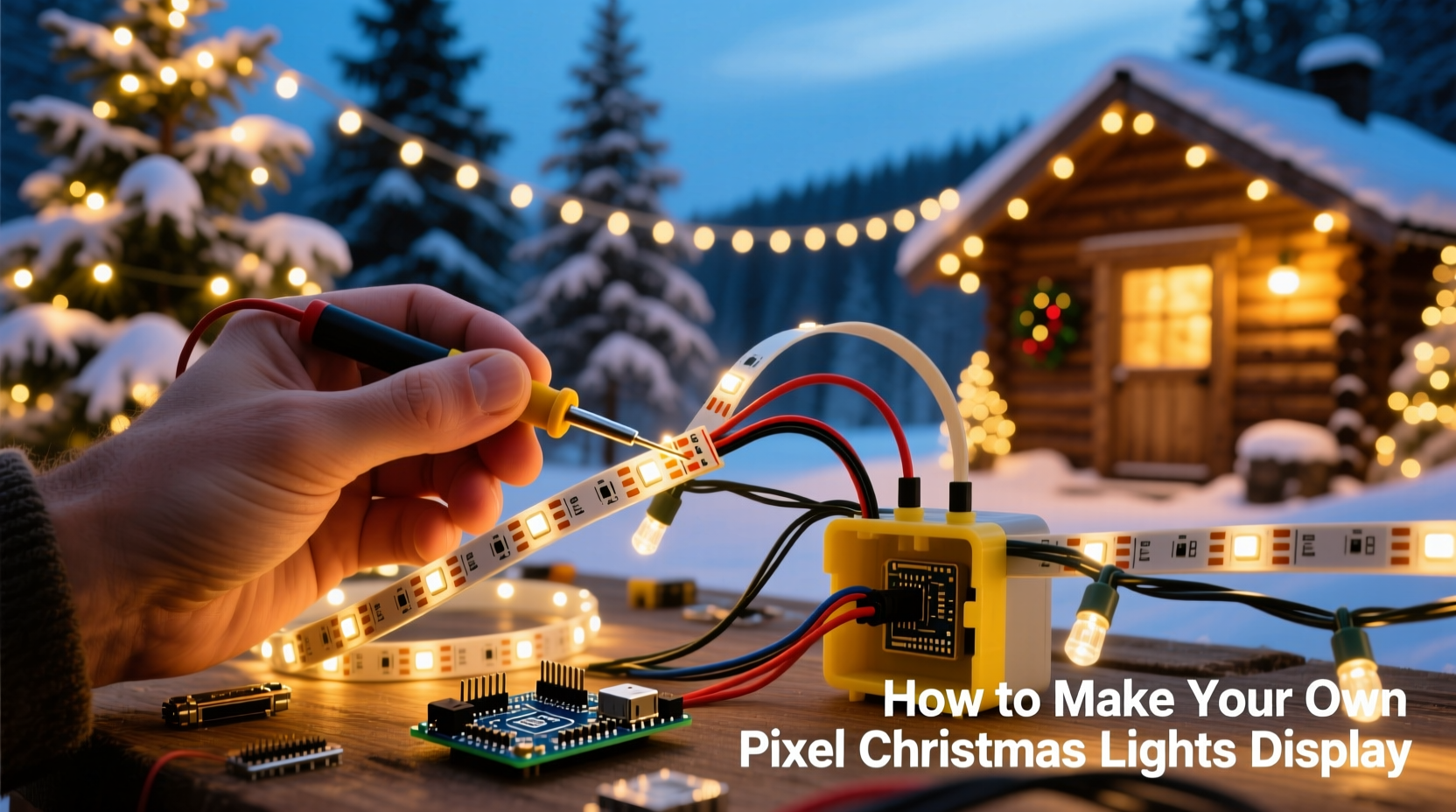
The WS2812B is part of the NeoPixel family—a 5050-size SMD LED with an integrated driver IC that accepts 800 kHz serial data. Each LED contains red, green, and blue die plus a tiny controller that interprets incoming bits and passes the remainder downstream. This daisy-chain architecture eliminates the need for separate controllers per segment and enables precise per-LED control. Crucially, WS2812Bs operate at 5 V DC, making them compatible with USB power banks, regulated wall adapters, and automotive supplies—unlike higher-voltage strips that demand complex step-down circuits.
Not all WS2812B strips are equal. Counterfeit variants—often labeled “WS2812B” but sourced from uncertified factories—suffer from inconsistent color calibration, voltage drop over distance, and thermal shutdown after 10–15 minutes of full-white operation. Genuine strips (identified by consistent solder mask color, crisp silkscreen markings, and datasheet-compliant timing) maintain stable brightness across 144 LEDs/meter at full intensity when properly powered. For holiday installations, this reliability directly impacts longevity: a genuine strip rated for IP65 (silicone-coated, sealed ends) will survive three to five seasons outdoors; a knockoff may fail before New Year’s Eve.
“Over 68% of ‘flickering display’ support tickets trace back to undersized power supplies—not faulty code or bad wiring.” — Javier Mendez, Lead Firmware Engineer at FastLED.io
Essential Hardware & Smart Sourcing Checklist
Building a display that runs reliably through rain, frost, and temperature swings demands careful component selection—not just raw LED count. Below is what you’ll actually need, with real-world notes on where corners *can* and *cannot* be cut.
Core Components Checklist
- WS2812B Strip: Choose 60 LEDs/meter for balance of resolution and power draw (e.g., 5 m strip = 300 pixels). Avoid 144 LEDs/m for large outdoor runs—voltage drop becomes severe beyond 2 m without injection.
- Power Supply: 5 V, 20+ A for up to 300 LEDs (4 A per 60 LEDs at full white). Use a Mean Well LRS-350-5 or equivalent—never repurpose laptop chargers or unregulated wall warts.
- Microcontroller: Arduino Nano (with CH340G USB chip) or ESP32 DevKit v1. ESP32 adds Wi-Fi for remote updates and audio-reactive modes later.
- Logic Level Shifter (critical): WS2812Bs require clean 5 V data signals. Arduino outputs 5 V logic natively, but ESP32 outputs only 3.3 V—so a bidirectional shifter like the TXB0104 is mandatory for ESP32 builds.
- Capacitor & Resistor: 1000 µF electrolytic capacitor across power input (prevents brownouts), and 300–500 Ω resistor in series with data line (dampens signal reflections).
- Weatherproof Enclosure: IP66-rated project box for controller + power supply. Include cable glands for strain relief on all entries.
Wiring & Power Injection: Preventing Flicker Before It Starts
WS2812B strips fail not from software bugs—but from electrical instability. Voltage drop across long traces causes downstream LEDs to receive <4.5 V, triggering erratic behavior: random resets, color shifts, or complete blackouts. The solution isn’t thicker wire alone—it’s strategic power injection and proper grounding.
For any run longer than 2 meters, inject 5 V power at both ends *and* the midpoint. Do not splice power only at the far end—that creates a high-resistance loop. Instead, run dedicated 16 AWG stranded copper wires (red for +5 V, black for GND) from your supply’s terminals directly to injection points along the strip. Solder or use waterproof Wago lever-nut connectors rated for outdoor use. Crucially, connect *all* ground lines together—including the microcontroller’s GND, power supply GND, and strip GNDs—at a single point near the controller. This eliminates ground loops that induce noise on the data line.
| Run Length | Max Safe LEDs Without Injection | Recommended Injection Points | Wire Gauge |
|---|---|---|---|
| ≤ 1 m | 60 | None needed | 22 AWG |
| 1–3 m | 120 | Start + End | 20 AWG |
| 3–6 m | 300 | Start + Midpoint + End | 16 AWG |
| 6–10 m | 500 | Start + Every 2 m + End | 14 AWG |
Never daisy-chain more than 300 LEDs on one data line—even with perfect power. Signal integrity degrades past ~5 meters of wire length due to capacitance. For larger displays, split into multiple strips driven by separate data pins (e.g., ESP32 GPIO16 and GPIO17), synchronized via FastLED’s show() call.
Programming Your Display: Simple Code That Scales
You don’t need to write animation algorithms from scratch. The FastLED library handles timing-critical WS2812B protocols while providing intuitive functions like fill_solid(), rainbow(), and fadeToBlackBy(). Start with this proven base sketch for Arduino Nano—tested on 300-pixel strips:
#include \"FastLED.h\"
#define LED_PIN     6
#define NUM_LEDS    300
CRGB leds[NUM_LEDS];

void setup() {
  FastLED.addLeds<WS2812B, LED_PIN, GRB>(leds, NUM_LEDS);
  FastLED.setBrightness(128); // 50% brightness reduces heat & power draw
}

void loop() {
  // Smooth rainbow cycle
  static uint8_t hue = 0;
  fill_rainbow(leds, NUM_LEDS, hue, 7);
  FastLED.show();
  hue += 1;
  delay(20);
}
This code runs flawlessly because it avoids common pitfalls: no Serial.print() calls (they stall the data line), no floating-point math in the main loop (causes jitter), and brightness capped at 128 (full white at 255 draws 60 mA per LED—300 × 60 mA = 18 A, exceeding most supplies’ continuous rating). To add interactivity, replace the delay(20) with EVERY_N_MILLISECONDS(20) { ... } from the Arduino.h library—enabling concurrent button presses or sensor reads.
Mounting & Weatherproofing: Securing Pixels Through Winter
Adhesive backing fails in cold weather. Tape yellows and loses grip below 5°C. Instead, mount strips using UV-stable, stainless steel mounting clips spaced every 30 cm. For gutters, use adjustable aluminum channel profiles with silicone gasket seals—these protect solder joints from ice dams and allow airflow to prevent condensation buildup. Never staple directly through the strip’s PCB; use nylon zip-ties threaded through the mounting holes pre-drilled in the silicone sleeve.
At termination points, seal exposed copper pads with marine-grade liquid electrical tape (not standard PVC tape), then encapsulate with heat-shrink tubing rated for -40°C to +105°C. For outdoor controllers, place silica gel desiccant packs inside the enclosure and vent it using Gore-Tex membrane vents—these permit humidity exchange while blocking liquid water ingress.
Real-World Example: The Elm Street Porch Arch
In Portland, OR, homeowner Lena R. built a 12-ft arch using two 5-m WS2812B strips (600 total pixels) mounted inside clear acrylic channels. She used a 40 A Mean Well PSU with four injection points (start, 3 ft, 6 ft, end), ran all grounds to a brass bus bar, and housed her ESP32 + shifter in a NEMA 4X enclosure with Gore-Tex vent. Her display ran continuously from November 20 to January 5—through 17 days of rain and two freeze-thaw cycles—without a single pixel failure. Key insight: she tested each 1-m segment independently before final assembly, catching one defective 60-LED section early. “That 15 minutes of testing saved me three hours of debugging on Christmas Eve,” she notes.
Troubleshooting Common Failures
FAQ
Why do my LEDs flicker only when showing white or bright yellow?
Flicker during high-intensity colors almost always indicates insufficient power delivery—not code errors. Measure voltage at the last LED: if it reads <4.7 V, add another power injection point or upgrade your supply’s current rating. Also verify your capacitor is installed correctly (long leg/+ to 5 V, short leg/– to GND) and hasn’t dried out.
My first 10 LEDs work, but the rest are dark or show random colors. What’s wrong?
This is classic data line corruption. Check: (1) You’re using a 300–500 Ω resistor between microcontroller pin and strip data input; (2) Your data wire is ≤ 30 cm long and shielded from power cables; (3) You’re not sharing ground between power supply and microcontroller (they must share a common ground!).
Can I run WS2812Bs directly from a 12 V battery with a buck converter?
Yes—but only with a high-frequency, low-noise buck converter (e.g., LM2596-based modules *with* input/output capacitors installed). Cheap converters introduce ripple that disrupts the WS2812B’s precise timing. Always measure output with an oscilloscope if possible—or test with a multimeter in AC mode: ripple > 50 mV RMS will cause instability.
Conclusion: Your First Pixel Display Is Closer Than You Think
Building a pixel Christmas light display isn’t about mastering electronics theory—it’s about applying repeatable, field-tested practices: sourcing authentic components, respecting electrical limits, validating each stage before scaling up, and sealing against the elements with materials engineered for winter. You don’t need a workshop or engineering degree. You need a $5 Arduino, a $30 strip, a $40 power supply, and the willingness to test incrementally. Every professional display began as a single 1-meter strip blinking red on a workbench. The magic isn’t in the LEDs—it’s in the confidence that comes from knowing exactly why each wire connects where it does, and how to fix it when something blinks unexpectedly. This December, don’t just watch the lights. Design them. Animate them. Make them yours.




 浙公网安备
33010002000092号
浙公网安备
33010002000092号 浙B2-20120091-4
Comments
No comments yet. Why don't you start the discussion?