
Christmas lights don’t have to be a seasonal afterthought plugged in at dusk and turned off at bedtime. With a little planning and the right tools, you can transform your holiday display into a synchronized, automated spectacle—all without spending hundreds on proprietary smart systems. Using only free apps and affordable hardware, you can design custom lighting routines that respond to music, time of day, or even weather conditions. This guide walks you through building a fully functional smart lighting setup from scratch, using accessible technology anyone can download and use.
Why Automate Your Christmas Lights?
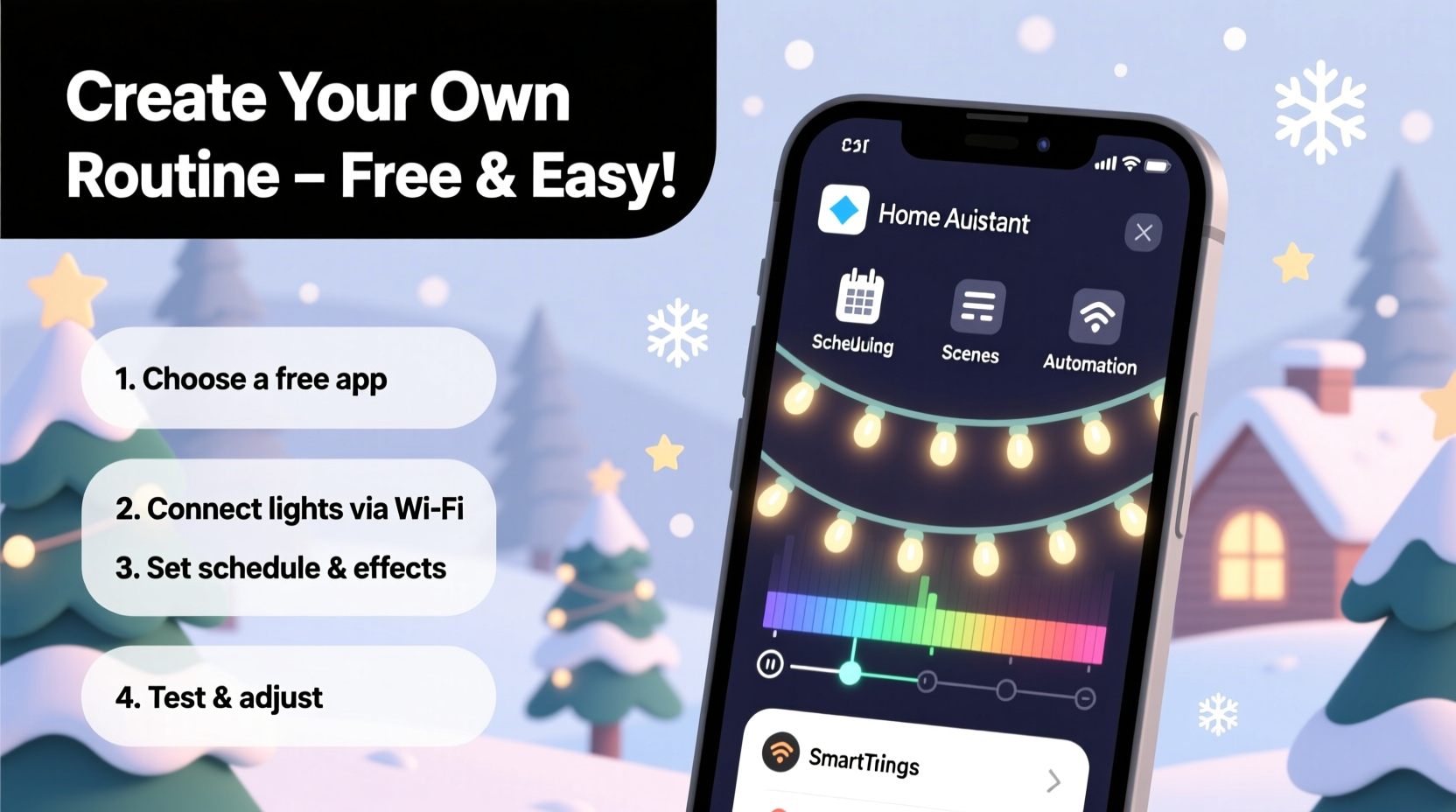
Manual control means missed moments. You forget to turn the lights on during a snowy evening. They stay lit all night, wasting energy. Or worse—your neighbor’s house pulses to Mariah Carey while yours just blinks monotonously. Automation solves these issues by introducing precision, timing, and creativity into your display.
Smart routines let you:
- Schedule lights to turn on at sunset and off at midnight
- Create dynamic effects like chasing, fading, or pulsing
- Synchronize lights with holiday music for a professional-grade show
- Control everything remotely from your phone
- Reduce electricity usage with precise timing
The best part? You don’t need a degree in electrical engineering or a budget for premium smart bulbs. Free apps and low-cost smart plugs make this achievable for nearly any household.
Essential Tools and Setup Requirements
To build your own smart lighting routine, you’ll need three core components: compatible hardware, a stable Wi-Fi network, and free control software. Here's what to gather before beginning:
- Wi-Fi-enabled smart plugs or strips – Devices like the Tapo P100, Kasa KP105, or generic Tuya-based plugs allow remote control over standard Christmas lights. Look for models under $15 that support scheduling and third-party app integration.
- A smartphone or tablet – Used to configure and monitor your system via apps.
- Stable home Wi-Fi – Smart devices rely on consistent connectivity. Avoid weak signal areas when placing outdoor plugs.
- Standard Christmas lights (non-smart) – Any string lights work as long as they’re connected through a smart plug.
- Free automation apps – We'll explore IFTTT, Tasker, and Blynk—each offering powerful features at no cost.
Ensure your smart plugs are set up and controllable through their native app before moving to advanced automation. Most require initial configuration via QR code or Wi-Fi pairing. Once online, they become programmable endpoints for more complex behaviors.
Choosing the Right App Ecosystem
Not all free apps offer the same level of control. Some are limited to basic schedules; others enable conditional logic and music synchronization. Below is a comparison of top free options:
| App | Best For | Key Features | Limitations |
|---|---|---|---|
| IFTTT | Beginners, cross-platform triggers | Weather-based actions, sunrise/sunset triggers, Google Assistant integration | Limited real-time control; delays up to 1 minute |
| Tasker (Android only) | Advanced users, granular control | Time-based profiles, sensor input, loops, variables | Steep learning curve; not available on iOS |
| Blynk | Custom interfaces, real-time control | Drag-and-drop dashboard, push buttons, sliders, timers | Requires device always-on; free tier has limited widgets |
For most users, starting with IFTTT provides the gentlest entry point. As confidence grows, combining it with Blynk or Tasker unlocks deeper customization.
Step-by-Step Guide: Building Your First Routine
Follow this sequence to create an automated Christmas light schedule that activates daily at sunset and turns off at 11 PM.
- Set up your smart plug – Install the manufacturer’s app (e.g., Kasa, Tapo), connect the plug to Wi-Fi, and plug in your Christmas lights. Confirm you can manually turn it on/off from your phone.
- Create an IFTTT account – Go to ifttt.com and sign up. Search for your smart plug brand under “Services” and connect it to your IFTTT profile.
- Choose the \"Sunset\" trigger – In IFTTT, click “Create,” then “Add” under “If This.” Search for “Date & Time” and select “Sunset.” This ensures your lights activate based on your local geographic sunset time, which changes daily.
- Add the action: Turn on lights – Click “Then That,” choose your smart plug service, and pick “Turn on outlet.” Save the applet.
- Create a second applet for shutdown – Repeat the process, but this time use a time-based trigger (e.g., “Every day at 11:00 PM”) and set the action to “Turn off outlet.”
- Test the system – Manually override the plug to off, wait for sunset (or adjust your phone’s location to simulate it), and verify the lights turn on automatically.
This simple routine eliminates daily management and ensures your display runs reliably throughout December.
Adding Dynamic Effects and Music Sync
Basic on/off scheduling is just the start. To elevate your display, introduce rhythm and variation using audio-responsive patterns.
One effective method uses Blynk to create a manual beat-sync interface:
- In the Blynk app, create a new project and add a button widget linked to your smart plug.
- Enable the “Pulse” function on the button, setting duration to 500ms (half-second flash).
- Play a holiday track on your speaker while pressing the button in time with the beat.
- For hands-free operation, record yourself tapping and loop it using a macro tool like MacroDroid (free on Android).
While true music visualization requires dedicated controllers like WLED or ESP8266 boards, this tactile method gives immediate results using only free apps and minimal gear.
“Even modest setups can feel cinematic when lights move with intention. It’s not about quantity—it’s about timing.” — Daniel Ruiz, DIY Holiday Lighting Designer
Mini Case Study: The Neighborhood-Favorite Display on a Budget
Mark from Portland, Oregon, wanted his home to stand out during the holidays but couldn’t justify spending over $200 on smart lighting systems. He owned two strands of LED Christmas lights and purchased a $13 Tapo P100 smart plug.
Using IFTTT, he created a routine where lights turned on at sunset and off at 10:30 PM Sunday–Thursday, extending to 11:30 PM on weekends. He added a third applet triggered by weather: if snow was forecasted, the lights blinked rapidly for 15 minutes after activation to catch neighbors’ attention.
On Christmas Eve, he manually used Blynk to pulse the lights to “All I Want for Christmas Is You” during a family gathering. The impromptu show drew compliments from passersby and inspired two neighbors to start their own setups the following year.
Total cost: $13. Total app cost: $0. Impact: unforgettable.
Checklist: Launch Your Smart Light Routine in One Weekend
Use this checklist to ensure a smooth setup process:
- ☐ Purchase at least one Wi-Fi smart plug compatible with free apps
- ☐ Test physical connection: plug in lights, confirm they work
- ☐ Install and configure the plug’s native app
- ☐ Download IFTTT and link your smart plug account
- ☐ Create a “Sunset On / 11 PM Off” automation pair
- ☐ Test automation during twilight or simulate location shift
- ☐ Expand with additional triggers (weather, voice commands, holidays)
- ☐ Add Blynk or Tasker for advanced control (optional)
- ☐ Share your creation with family and neighbors
Completing these steps over a weekend gives you a reliable, intelligent lighting system ready for the entire season.
Frequently Asked Questions
Can I automate Christmas lights without buying smart bulbs?
Yes. Standard incandescent or LED light strings work perfectly when plugged into a smart outlet. The intelligence comes from the plug, not the lights themselves.
Do these free apps work with voice assistants?
Yes. IFTTT integrates with Amazon Alexa and Google Assistant. You can say, “Hey Google, turn on the Christmas lights,” even if your plug isn’t natively supported.
Are there security risks with using third-party apps like IFTTT?
Minimal, if precautions are taken. Only connect trusted services, use strong passwords, and revoke access for apps you no longer use. Avoid sharing login details or enabling unnecessary permissions.
Going Further: Scaling Your System
Once comfortable with single-zone control, consider expanding:
- Multiple zones: Use separate plugs for roof lines, trees, and porch displays. Control each independently via different applets.
- Holiday countdowns: Set lights to blink faster as Christmas approaches using date-based conditions in Tasker.
- Energy monitoring: Some smart plugs (like Kasa) report power usage. Track consumption and optimize runtime to save costs.
- Community sharing: Export your IFTTT applets and share them online. Many forums welcome automation templates for holiday displays.
With modular expansion, your setup can grow year after year—without replacing existing components.
Conclusion
Creating a smart Christmas light routine doesn’t require expensive gear or technical expertise. Free apps like IFTTT, Blynk, and Tasker put powerful automation in your hands, letting you craft personalized, responsive displays that delight your household and neighborhood. From sunset-triggered glows to beat-synchronized flashes, the tools are accessible, affordable, and surprisingly capable.




 浙公网安备
33010002000092号
浙公网安备
33010002000092号 浙B2-20120091-4
Comments
No comments yet. Why don't you start the discussion?