
Creating a synchronized Christmas light show used to require technical expertise, expensive equipment, and complex wiring. Today, thanks to affordable smart lighting kits and open-source software, anyone can design a dazzling, music-synced display from the comfort of their garage or backyard. With WiFi-connected lights, precise timing, and smartphone control, you can choreograph a holiday spectacle that rivals professional setups—all without breaking the bank.
The key is knowing which components to buy, how to set them up safely, and how to sync animations to music using intuitive tools. Whether you're decorating a small porch or planning a full-house light festival, this guide walks you through every stage of building a custom, WiFi-powered display using accessible hardware and free software.
Why Go WiFi-Synced?
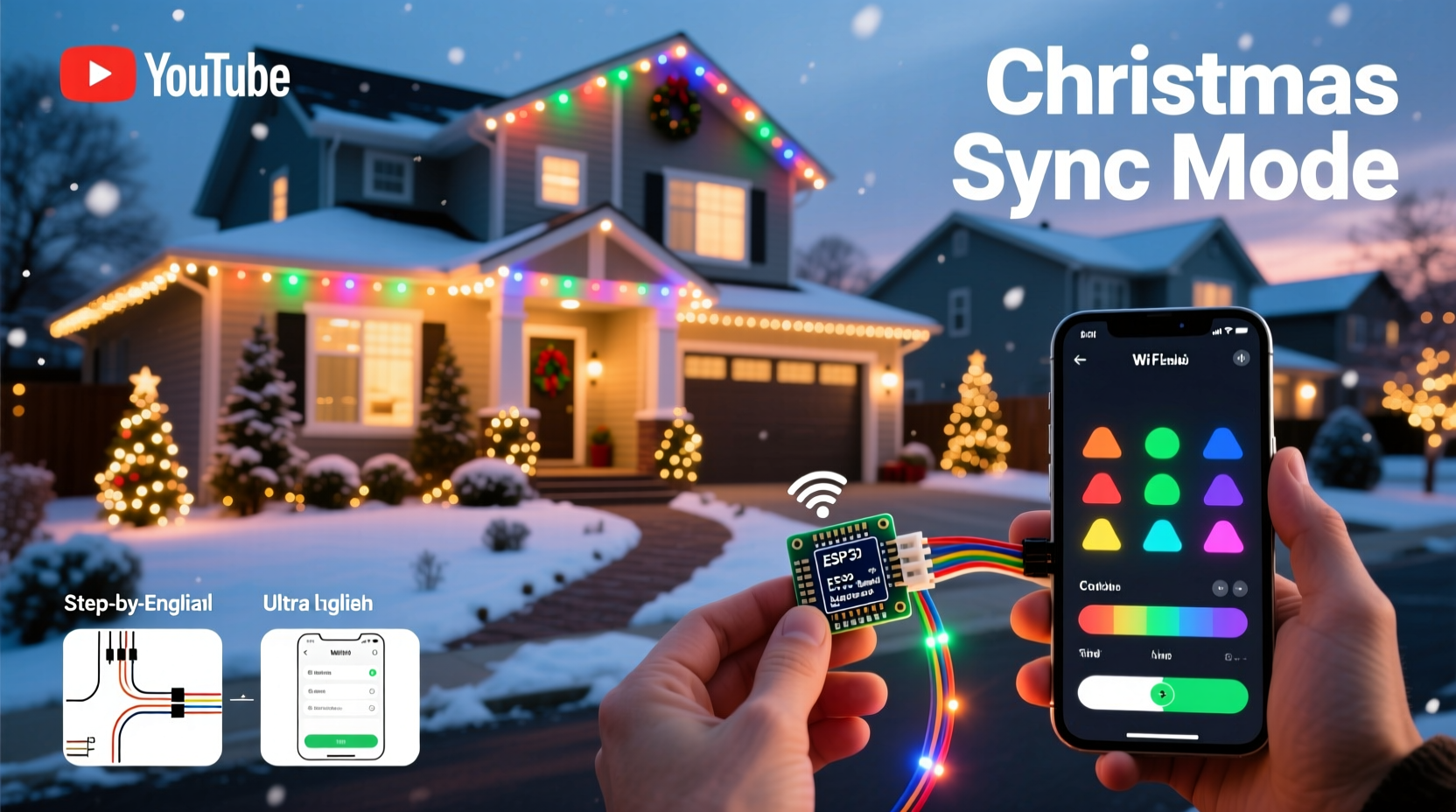
Traditional Christmas lights are static—on, off, or twinkling in preset patterns. A WiFi-synced system transforms them into dynamic visual performers. Each string or segment can be individually controlled, allowing for complex effects like waves, chases, color fades, and real-time synchronization with holiday music streamed from your phone or computer.
WiFi control also means remote access. You can turn your display on or off from bed, adjust brightness based on ambient light, or update animations without stepping outside. When paired with scheduling apps or voice assistants like Alexa or Google Home, your lights become part of a smart home ecosystem.
Essential Components for Your Setup
To build a functional, affordable WiFi-synced display, you need four core elements: addressable LED strips, a microcontroller, a power supply, and control software. The good news? You don’t need engineering skills—just attention to detail and basic soldering ability (or pre-soldered options).
- Addressable LEDs: WS2811 or WS2812B strips are ideal. They allow individual pixel control, meaning each light can change color and brightness independently.
- Microcontroller: An ESP8266 (like NodeMCU) or ESP32 is perfect. These chips support WiFi and run open-source firmware such as WLED or FastLED.
- Power Supply: Match voltage (usually 5V or 12V) and amperage to your strip length. For example, a 5-meter 5V WS2812B strip draws about 3A at full white—use a 5V 5A supply for headroom.
- Control Software: WLED is free, user-friendly, and supports music-reactive modes, presets, and time-based automation.
Most complete starter kits—including controller, strip, and power adapter—can be found online for under $60. Look for “WLED-ready” bundles to save setup time.
Step-by-Step Guide to Building Your Display
- Plan Your Layout: Sketch where lights will go—roofline, windows, trees, driveway. Estimate total LED count (e.g., 300 pixels). More pixels = more processing power needed.
- Assemble Hardware: Connect the data input of your LED strip to GPIO pin D4 (or equivalent) on the ESP8266. Solder carefully and insulate connections. Link power wires to the correct terminals, ensuring polarity is correct.
- Flash Firmware: Download WLED from wled.me. Use the WLED Flasher tool (Windows/macOS) to install it onto your ESP device via USB. No coding required.
- Power Up & Connect: Plug in the power supply and microcontroller. The ESP should emit a soft blue flash. Connect your phone or laptop to the new “WLED” WiFi network it broadcasts.
- Configure Settings: Open a browser and go to 192.168.4.1. Set your home WiFi credentials so the device connects automatically. Assign a friendly name like “Front Roof Lights.”
- Test Effects: Browse the WLED interface to try built-in effects—twinkles, rainbows, wipes. Adjust brightness and speed. Confirm all LEDs respond uniformly.
- Mount Securely: Use UV-resistant zip ties or adhesive clips. Avoid sharp bends; maintain at least a 2-inch radius on LED strips.
- Sync to Music: Enable “Live Mode” in WLED and connect via audio input (microphone or line-in). For multi-strip setups, group devices under one WLED sync group.
Scaling Up: From One Strand to a Full Display
A single strip is just the beginning. Most homeowners expand to multiple zones—roof, porch, yard, tree—for dramatic layered effects. To scale efficiently:
- Use identical LED types across zones to ensure consistent color rendering.
- Add more ESP8266 controllers—one per zone—and assign them unique names.
- Enable UDP broadcast in WLED settings so all controllers receive the same animation commands simultaneously.
- Run everything from a central dashboard using the WLED app or Home Assistant integration.
For larger installations, consider splitting long runs into shorter segments with local power injection every 2–3 meters to prevent dimming at the end of the strip.
Do’s and Don’ts of DIY Smart Lighting
| Action | Do | Don't |
|---|---|---|
| Power Management | Use regulated power supplies with surge protection | Daisy-chain too many strips without power injection |
| Weatherproofing | Seal connections with silicone or heat-shrink tubing | Leave exposed wires outdoors |
| WiFi Signal | Place ESP modules within range of your router or use extenders | Install controllers behind thick metal gutters or walls |
| Heat Buildup | Allow airflow around densely packed LEDs | Coil excess strip tightly or cover with insulation |
Real Example: The Johnson Family Front Yard Upgrade
The Johnsons in suburban Denver wanted to elevate their annual Christmas display but were overwhelmed by technical jargon. After researching, they bought two $45 WLED starter kits: one for their roofline (5m strip), another for their front tree (helix-wrapped 3m strip).
Using YouTube tutorials, they flashed WLED firmware in under 20 minutes. By naming each device and syncing both via UDP, they created a unified show triggered by a single button. They even connected it to a Sonos speaker—when “Jingle Bell Rock” plays, the entire yard pulses in rhythm.
Last December, over 300 neighbors visited their home during peak hours. “We didn’t spend thousands,” said Mark Johnson. “We spent a weekend and about $100. Now our kids help pick the songs—it’s become a family tradition.”
“We’re seeing a democratization of light art. What once took $10k and a team now fits in a shoebox and a hobbyist’s skillset.” — Sarah Lin, DIY Smart Home Advocate and Creator of LightShowHack.com
Advanced Features Without Advanced Skills
You don’t need to code to unlock advanced functionality. WLED offers several pro-level features out of the box:
- Scheduling: Automate on/off times. Have lights fade in at dusk and shut down at midnight.
- Music Reactivity: Choose beat detection sensitivity and effect mapping (e.g., bass = red flashes).
- Presets: Save favorite combinations and cycle through them remotely.
- Alexa/Google Integration: Say “Turn on Santa’s Express” and watch your display ignite.
For those ready to experiment further, platforms like xLights (free) allow frame-by-frame choreography and export to WLED-compatible JSON files. Import these into WLED to play perfectly timed sequences during caroling hours.
Checklist: Launch Your WiFi Light Show in 7 Days
- ✅ Week 1, Day 1: Research and order starter kit(s) online
- ✅ Day 2: Unbox and inspect components; test strip with 5V USB power
- ✅ Day 3: Flash WLED firmware using PC/Mac
- ✅ Day 4: Wire controller to strip and power supply; verify operation
- ✅ Day 5: Connect to home WiFi; rename and calibrate in WLED UI
- ✅ Day 6: Mount lights securely; weatherproof all joints
- ✅ Day 7: Test live audio sync and schedule daily activation
Frequently Asked Questions
Can I run this display year-round?
Absolutely. While most use these systems seasonally, you can reprogram them for birthdays, national holidays, or even mood lighting. Many users keep strings mounted and switch themes via app. Just ensure materials are rated for outdoor use and shielded from prolonged sun exposure.
What if my WiFi signal is weak outside?
If your router doesn’t reach the yard, use a WiFi extender or switch to ESP32-based controllers, which have stronger antennas. Alternatively, run an Ethernet-to-WiFi bridge near the display zone. Another option: schedule shows locally so internet isn’t needed during playback.
Are these kits safe around children and pets?
Yes, when installed correctly. Low-voltage DC systems (5V/12V) pose minimal electrical risk. However, secure all wiring off the ground and away from foot traffic. Use conduit or lawn staples to prevent tripping hazards. Keep power supplies in locked enclosures if accessible.
Final Thoughts: Turn Magic Into Reality
There’s something deeply rewarding about creating a light show that dances to Mariah Carey’s “All I Want for Christmas Is You”—especially when you built it yourself. Modern technology has removed the barriers between imagination and execution. With less than $100 and a few evenings of work, you can deliver joy to your street, spark wonder in children, and establish a holiday tradition that grows richer each year.
The tools are available, the knowledge is public, and the community is welcoming. Thousands share animations, wiring tips, and troubleshooting advice in forums like Reddit’s r/WLED and r/christmaslights. You’re not starting from scratch—you’re joining a movement of makers who believe magic belongs in the driveway, not just in movies.




 浙公网安备
33010002000092号
浙公网安备
33010002000092号 浙B2-20120091-4
Comments
No comments yet. Why don't you start the discussion?