
In today’s digital-first world, online reputation is everything. For most consumers, a quick Google search and a glance at your star rating can make or break their decision to engage with your business. While positive reviews build trust, negative or misleading feedback can damage credibility—even if it's unwarranted. The challenge? You can't delete legitimate customer reviews on Google, but you *can* manage them strategically. Understanding how to respond, report inappropriate content, and proactively shape your review ecosystem empowers you to maintain control over your brand narrative.
Understanding Google’s Review Policies
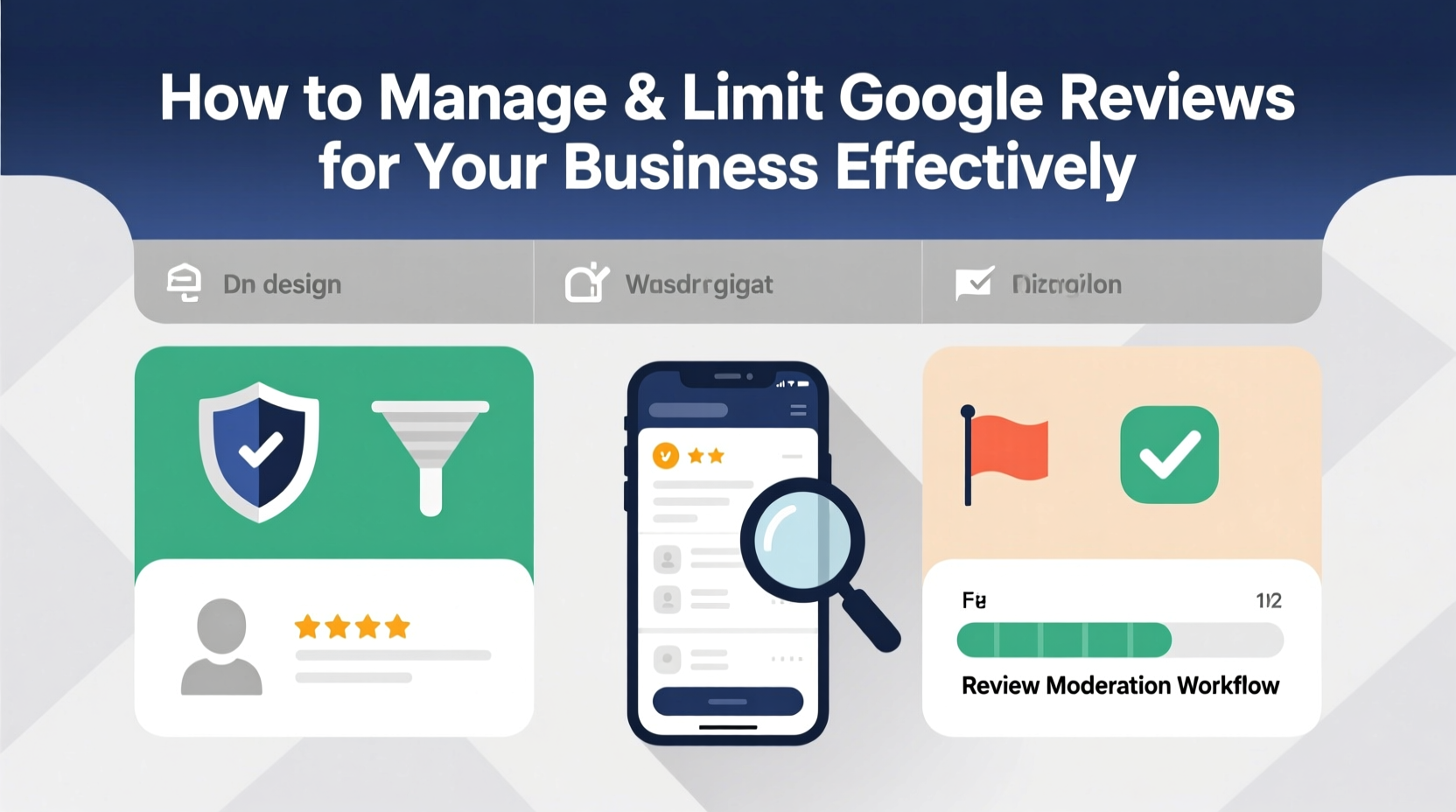
Before diving into tactics, it’s crucial to understand what Google allows and prohibits. Google does not let businesses remove authentic customer reviews simply because they are negative. However, the platform does allow removal of reviews that violate its community guidelines. These include:
- Fake or fraudulent reviews (e.g., posted by competitors or bots)
- Off-topic content unrelated to the customer experience
- Profanity, hate speech, or threats
- Personally identifiable information (PII) such as phone numbers or addresses
- Conflicts of interest (e.g., employees posting under fake names)
If a review falls into one of these categories, you can flag it for Google’s moderation team. But success isn’t guaranteed—Google reviews each case manually, and decisions may take days or weeks.
“Businesses often expect immediate removal of negative feedback, but Google prioritizes user expression unless there’s clear policy violation.” — Sarah Lin, Digital Reputation Strategist at TrustEdge Consulting
Step-by-Step Guide to Reporting Inappropriate Reviews
When you encounter a review that breaches Google’s policies, follow this structured process to increase your chances of removal:
- Log in to Google Business Profile: Access your account via business.google.com.
- Navigate to the Reviews section: Find the offending review under the “Reviews” tab.
- Click the three-dot menu next to the review: Select “Flag as inappropriate.”
- Select the reason: Choose the most accurate violation type (e.g., spam, offensive language).
- Add context: Briefly explain why the review violates policy—be factual, not emotional.
- Submit the report: Wait for Google’s response, typically within 3–7 business days.
Proactive Strategies to Shape Your Review Landscape
You can’t delete honest criticism, but you can influence the overall tone and volume of feedback through proactive engagement. A high number of recent, positive reviews naturally pushes down older or isolated negative ones in visibility.
Encourage satisfied customers to leave reviews using ethical, compliant methods:
- Include a polite request in post-purchase emails or receipts.
- Display QR codes linking directly to your Google review page at checkout counters.
- Train staff to mention reviews during positive service interactions—without offering incentives.
Avoid any form of coercion or exchange (e.g., discounts for five-star ratings), as this violates Google’s spam policies and risks suspension of your Business Profile.
Do’s and Don’ts of Review Management
| Do’s | Don’ts |
|---|---|
| Respond professionally to all reviews—positive and negative | Argue publicly with a reviewer or get defensive |
| Ask happy customers to share their experience online | Offer rewards or compensation in exchange for reviews |
| Report reviews with false claims or policy violations | Post fake reviews under fake accounts |
| Monitor reviews weekly and stay engaged | Ignore negative feedback or leave it unaddressed |
| Use feedback to improve internal operations | Delete or hide legitimate negative reviews through third-party tools |
Real Example: Turning a Crisis into an Opportunity
A boutique HVAC company in Portland received a one-star review claiming a technician arrived two hours late and was rude. The owner, reviewing internal logs, saw the appointment was actually on time and confirmed by the customer’s signed work order. Instead of disputing it publicly, he responded calmly:
“We’re sorry your experience didn’t meet expectations. Our records show the service call was completed on schedule, and we’d appreciate the chance to speak with you directly to understand the disconnect. Please contact us at [phone] so we can make this right.”
The reviewer never replied, but the public response demonstrated accountability. Over the next six weeks, the company encouraged five satisfied clients to leave reviews. The negative review remained—but now sat beneath seven glowing five-star entries, reducing its impact significantly.
Essential Checklist for Ongoing Review Management
- ✅ Monitor new reviews at least twice per week
- ✅ Respond to every review within 48 hours
- ✅ Report policy-violating reviews with evidence
- ✅ Encourage genuine feedback from satisfied customers
- ✅ Audit your Google Business Profile monthly for accuracy
- ✅ Train team members on ethical review practices
- ✅ Analyze recurring complaints to improve service
Frequently Asked Questions
Can I legally delete a bad Google review?
No business can delete a legitimate customer review on Google. Only Google removes content that violates its policies. If a review is factually false or abusive, you can report it, but removal is not guaranteed.
What should I do if a competitor posts fake negative reviews?
Gather evidence such as IP addresses (if available), patterns of language, or timing anomalies, then report each review using Google’s flagging tool. For repeated attacks, consider legal counsel—some jurisdictions recognize competitive defamation.
Is it okay to ask for reviews?
Yes, as long as you don’t manipulate, incentivize, or filter feedback. Simply inviting customers to share their honest experience is permitted and encouraged by Google.
Conclusion: Take Control of Your Online Narrative
Managing Google reviews isn’t about silencing criticism—it’s about fostering transparency, responding with integrity, and building a resilient online presence. While you can’t eliminate every negative comment, you can reduce their influence through consistent reputation hygiene. By understanding reporting protocols, engaging professionally, and encouraging authentic feedback, you shift the balance in your favor. Your goal isn’t perfection; it’s proportionality. Let the majority of real, positive experiences define your brand—not the outliers.




 浙公网安备
33010002000092号
浙公网安备
33010002000092号 浙B2-20120091-4
Comments
No comments yet. Why don't you start the discussion?