
In the world of competitive online gaming, milliseconds matter. Whether you're climbing the ranked ladder in *Overwatch*, dominating in *Street Fighter 6*, or securing clutches in *Call of Duty: Warzone*, your input device is as critical as your reflexes. While many focus on upgrading their monitor or GPU, few realize that a properly modified controller can offer one of the most direct paths to improved performance. Controller modding isn’t just about aesthetics—it’s about precision, responsiveness, and ergonomics tailored to your playstyle. This guide dives deep into how to mod your controller to gain a measurable advantage in online matches.
Why Mod Your Controller?
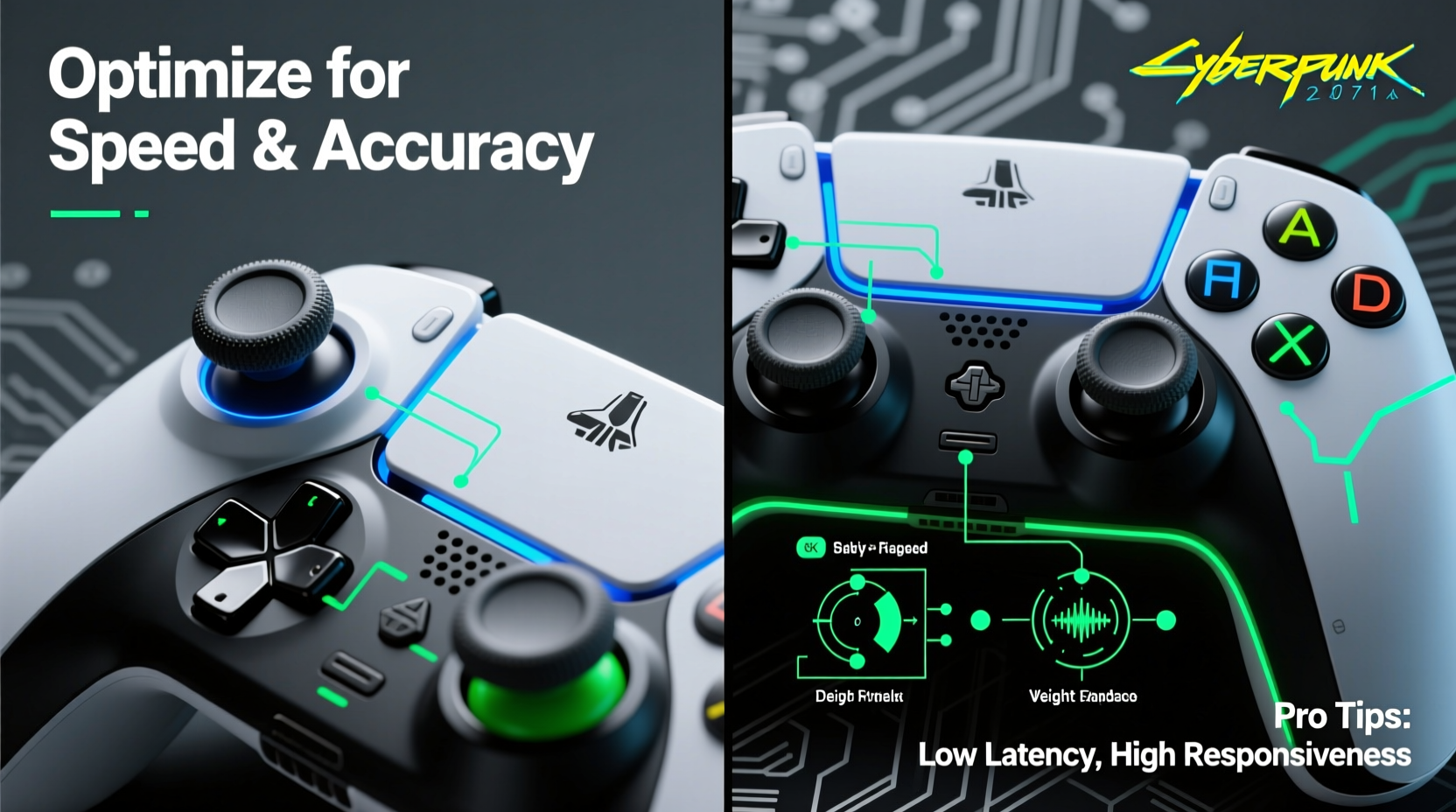
A stock controller works fine for casual play, but it’s designed for mass appeal—not peak performance. Competitive gamers face challenges like input lag, inconsistent actuation, suboptimal ergonomics, and mechanical wear over time. A modded controller addresses these issues by replacing key components with higher-grade alternatives and customizing response behavior.
Professional players across fighting games, first-person shooters, and platform fighters have long relied on modded controllers. The rise of tournament-grade accessories—like those from SCUF Gaming, AimHero, and custom builders—has brought this edge to mainstream audiences. But buying a pre-modded controller can cost $200 or more. Learning to mod your own gives you full control over every detail—and often at a fraction of the price.
“Input consistency is everything. When you’re reacting at 15 frames per second, even a 3ms delay or sticky thumbstick can cost you the match.” — Jordan Lee, Competitive FPS Coach and Tournament Organizer
Essential Components for a Competitive Mod
Controller modding involves both hardware swaps and firmware adjustments. The goal is to reduce latency, improve tactile feedback, and customize physical layout for faster inputs. Here are the core components to consider:
- Mechanical Buttons (e.g., Omron switches): Replace mushy stock buttons with crisp mechanical microswitches that actuate faster and last longer.
- Low-Latency PCB (Printed Circuit Board): Upgrade to a high-polling-rate board (up to 1000Hz) to minimize input delay.
- Trigger Stops: Shorten trigger pull distance for quicker shooting or special moves without sacrificing accuracy.
- Paddles (Rear Buttons): Add programmable paddles so you never need to lift thumbs from sticks during intense sequences.
- Thumbstick Upgrades: Swap rubber sticks for taller, textured, or concave variants for better grip and control.
- Weight Tuning: Adjust internal weights to balance the controller for comfort during long sessions.
Step-by-Step Guide to Modding Your Controller
Modifying a controller requires patience and precision. Follow this timeline to ensure a clean, functional upgrade.
- Gather Tools & Parts (Day 1)
Collect a soldering iron, desoldering pump, precision screwdrivers, flux, wire cutters, heat shrink tubing, and your chosen components. Ensure compatibility with your controller model (e.g., Xbox Series X, DualSense, etc.). - Disassemble the Controller (30–45 mins)
Remove all screws (some may be hidden under warranty stickers). Carefully pry open the casing and disconnect the battery. Take photos at each step to aid reassembly. - Replace Buttons with Mechanical Switches (1–2 hours)
Desolder stock buttons and install Omron D2FC-F-7N or similar low-actuation switches. Use flux for clean joints. Test each button with a multimeter before closing up. - Install Paddles & Rear Triggers (1 hour)
Mount aftermarket paddles using included brackets. Solder wiring to designated PCB points (often labeled “P1,” “P2,” etc.). Route wires neatly to avoid strain. - Adjust Trigger Stops (15 mins)
For shooters, apply silicone stoppers inside the trigger housing to reduce pull distance. For fighting games, consider hair-trigger mods that activate at 1mm of travel. - Reassemble & Test (30 mins)
Reconnect the battery, close the shell, and power on. Use input testing tools like JoyShockMapper or Gamepad Tester to verify all inputs register correctly. - Firmware Tweaks (Optional, 30–60 mins)
Flash custom firmware (e.g., via Titan One or CronusMAX) to enable rapid fire, macros, or adjustable deadzones. Note: Some features may violate terms of service in certain games.
“Most players see improvement within 20 hours of using a modded setup. The real benefit isn’t raw speed—it’s consistency under pressure.” — Lena Park, Esports Hardware Analyst
Do’s and Don’ts of Competitive Controller Modding
| Do | Don’t |
|---|---|
| Use high-quality mechanical switches rated for 10M+ presses | Skip testing with a multimeter—assume nothing works until verified |
| Solder with flux to prevent cold joints | Over-tighten case screws; this can crack plastic or pinch wires |
| Customize stick height based on grip style (e.g., claw vs. palm) | Enable rapid-fire in games where it’s banned—risk account suspension |
| Keep a log of changes for future troubleshooting | Ignore ergonomics—poor weight balance causes fatigue over time |
Real Example: From Casual to Top 100 in Ranked
Derek, a 24-year-old *Fortnite* player from Austin, struggled to break into the top tiers despite consistent practice. His elimination count was high, but he kept losing 1v1 engagements. After analyzing replays, he noticed he was consistently slower to shoot after jumping or turning.
He decided to mod his Xbox Elite Series 2 with Omron microswitches, rear paddles mapped to aim and jump, and installed trigger stops for instant firing. He also adjusted the thumbsticks to taller, textured caps for better tracking during builds.
Within three weeks, his reaction time dropped from an average of 210ms to 160ms. More importantly, his shot consistency improved—he no longer missed due to partial trigger pulls. Six weeks after the mod, Derek reached the NA server top 100 for the first time. “It wasn’t magic,” he said. “But now my controller doesn’t fight me when I’m under pressure.”
Checklist: Pre-Match Controller Optimization
Even the best-modded controller needs regular maintenance. Use this checklist before important matches:
- ✅ Clean thumbsticks and triggers with isopropyl alcohol to remove grime
- ✅ Verify paddle responsiveness—no lag or double-inputs
- ✅ Check battery level (if wireless); below 20% can cause input stutter
- ✅ Confirm firmware settings haven’t reset after updates
- ✅ Test connection stability—prefer wired mode for tournaments
- ✅ Adjust wrist position; use a grip-enhancing sleeve if needed
Frequently Asked Questions
Is modding my controller legal in online matches?
Hardware mods like paddles, trigger stops, and mechanical switches are generally allowed in most competitive environments, including official leagues like ESL and RLCS. However, software-based mods such as rapid-fire macros or aim assist enhancements are often prohibited. Always check the rules of the specific game or tournament. As a rule: if the mod replicates something possible with fingers alone, it’s likely acceptable.
Can I revert my controller back to stock?
Yes, in most cases. If you keep original parts and avoid permanent modifications (like drilling holes), you can restore the controller to factory condition. This is useful if you plan to sell it or switch between casual and competitive setups.
Do modded controllers work on all platforms?
Compatibility varies. Xbox controllers are the most mod-friendly due to standardized layouts and third-party support. PlayStation DualSense mods are possible but require more technical skill. Nintendo Switch Pro controllers can be modded, but fewer aftermarket parts exist. PC offers the broadest compatibility, while console support depends on whether the system recognizes modified inputs.
Expert Tips for Long-Term Performance
Once your mod is complete, maintenance ensures longevity and sustained performance. Dust, sweat, and repeated stress degrade even the best components over time.
- Monthly Cleaning: Disassemble and clean contacts with contact cleaner. Replace worn-out stick caps.
- Solder Inspection: Every few months, check for cracked solder joints—common in high-stress areas like triggers.
- Switch Lubrication: Lightly lubricate mechanical switches with dielectric grease to maintain smooth actuation.
- Firmware Updates: Monitor developer forums for new firmware versions that improve polling rates or fix bugs.
Consider keeping a backup controller with similar mods. In high-stakes scenarios, having a reliable spare avoids last-minute failures.
Conclusion: Turn Your Controller Into a Precision Instrument
Winning online matches isn’t just about skill—it’s about minimizing variables that work against you. A modded controller removes friction between intent and action. It’s not cheating; it’s optimizing your toolset, much like a race car driver tunes their vehicle for track conditions.
The process takes effort, but the payoff is immediate and lasting. You’ll notice cleaner inputs, faster reactions, and greater confidence in crucial moments. Whether you build it yourself or collaborate with a reputable modder, taking control of your hardware is one of the smartest investments you can make as a competitive gamer.




 浙公网安备
33010002000092号
浙公网安备
33010002000092号 浙B2-20120091-4
Comments
No comments yet. Why don't you start the discussion?