
Navigating daily life often involves setting up new files or accounts—whether it's opening a bank account, accessing digital documents, registering for utilities, or creating secure online profiles. While these tasks may seem routine, confusion over documentation, verification steps, or technical procedures can cause delays. This guide breaks down the most common scenarios with clear, actionable steps so you can complete them efficiently and confidently.
Opening a Bank Account: A Practical Walkthrough
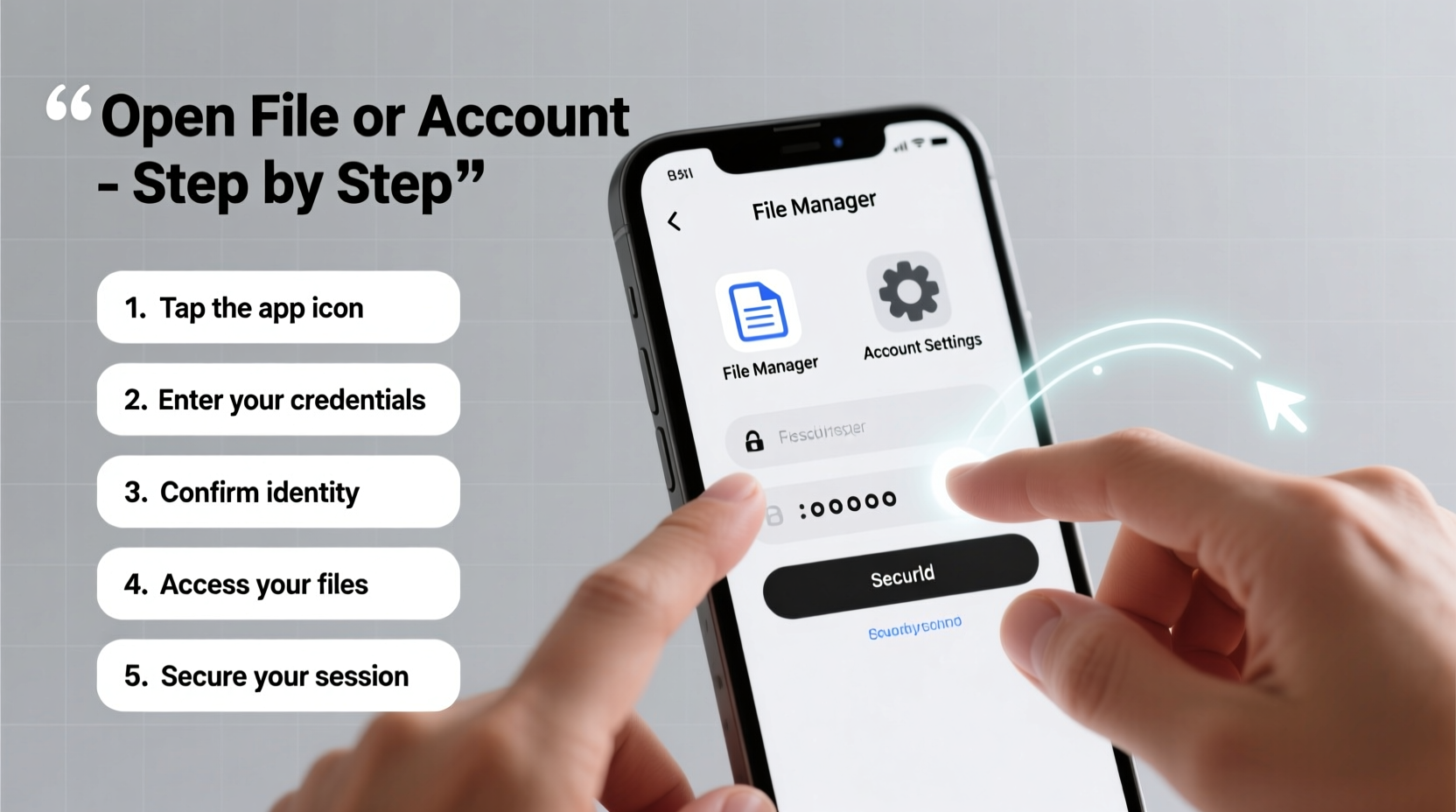 Setting up a personal bank account is one of the first financial steps adults take. Whether you're starting your first job, moving to a new city, or simply switching banks, the process follows a consistent structure across most institutions.
- Choose the right account type: Decide between checking, savings, student, or joint accounts based on your needs.
- Gather required documents: Typically include government-issued ID (driver’s license or passport), Social Security number, proof of address (utility bill or lease agreement), and initial deposit if required.
- Visit the bank in person or apply online: Many banks allow full digital applications, but some still require branch visits for identity verification. <4> Complete the application form: Fill in personal details, employment information, and preferred contact methods.
- Verify identity: Upload scanned copies of IDs or present them at a branch. Some banks use video verification for remote applicants.
- Fund your account: Transfer money via mobile check deposit, wire transfer, or cash deposit at a local branch.
- Receive your debit card and access tools: Activate your card online or through the bank’s app once delivered.
Accessing Digital Files: Common Formats and How to Open Them
From work documents to personal photos, knowing how to open various file types prevents frustration and wasted time. Different file extensions require specific software:| File Type | Description | How to Open |
|---|---|---|
| Portable Document Format – preserves layout | Adobe Reader, Preview (Mac), web browsers | |
| .DOCX | Microsoft Word document | Microsoft Word, Google Docs, LibreOffice |
| .XLSX | Excel spreadsheet | Excel, Google Sheets, Numbers |
| .JPG / .PNG | Image files | Any image viewer, photo apps, web browsers |
| .ZIP | Compressed folder | Extract using built-in tools (Windows/Mac) or WinZip/7-Zip |
“Always verify file sources before opening attachments. Malicious files often disguise themselves as harmless documents.” — Sarah Lin, Cybersecurity Analyst at NetShield Solutions
Setting Up Essential Utility Accounts
When moving into a new home, activating electricity, water, gas, and internet services is critical. Each utility has its own setup process, but they share key similarities. Here’s a universal checklist:- Research providers available in your area
- Contact customer service or visit official websites
- Provide proof of residency (lease agreement or deed)
- Submit identification and payment method
- Schedule installation (if applicable, e.g., internet or gas)
- Confirm activation date and meter readings
- Visit the provider’s website and navigate to “Start Service.”
- Select residential or commercial service.
- Enter property address to confirm service eligibility.
- Submit personal information and choose a start date.
- Pay any required deposit based on credit history.
- Receive confirmation email and track status online.
Mini Case Study: Relocating Across State Lines
Maria moved from Chicago to Austin for a new job. She had two weeks between leases and needed all utilities active on move-in day. Using her employer’s relocation checklist, she contacted providers three weeks in advance. By scheduling installations during weekdays and bundling internet with cable, she secured a discounted rate and avoided late fees. Her foresight ensured lights were on and Wi-Fi worked the moment she arrived—turning a stressful transition into a smooth start.Creating Secure Online Accounts
From email to shopping platforms, nearly every service requires an online account. Doing this securely protects your data and reduces risk. Follow this step-by-step timeline:Day 1: Prepare Your Tools
- Use a private browser or device
- Have a valid email address ready
- Ensure phone number is active for SMS verification
Day 1: Account Creation
- Go directly to the official website (avoid third-party links).
- Click “Sign Up” or “Create Account.”
- Enter your name, email, and create a strong password (at least 12 characters with numbers, symbols, uppercase).
- Verify email via confirmation link sent to your inbox.
- Enable two-factor authentication (2FA) using an authenticator app or backup codes.
After Setup: Maintain Security
- Review privacy settings within 48 hours
- Store login details in a trusted password manager (e.g., Bitwarden, 1Password)
- Avoid saving passwords on shared devices
| Do’s | Don’ts |
|---|---|
| Use unique passwords per account | Reuse passwords across sites |
| Enable 2FA whenever possible | Skip verification steps |
| Log out after public use | Stay logged in on public computers |
Frequently Asked Questions
What should I do if I can't open a PDF file?
First, try opening it in a modern web browser like Chrome or Firefox—most support PDF viewing natively. If that fails, download a free PDF reader such as Adobe Acrobat Reader or Foxit. Ensure the file isn’t corrupted by attempting to open another PDF. If only one file won’t open, it may be damaged or encrypted.
Can I open a bank account without a Social Security number?
Yes, some banks accept alternative forms of identification. Immigrants or non-residents may provide an Individual Taxpayer Identification Number (ITIN), passport, or consular ID. Credit unions and community banks are often more flexible than large national banks. Always call ahead to confirm acceptable documents.
How long does it take to activate a utility account?
Activation typically takes 1–5 business days. Some providers offer same-day service for urgent requests, sometimes for an additional fee. Internet installations may take longer due to technician availability—schedule at least a week in advance.




 浙公网安备
33010002000092号
浙公网安备
33010002000092号 浙B2-20120091-4
Comments
No comments yet. Why don't you start the discussion?