
Your Instagram bio is the first impression you make on potential followers. In just a few seconds, visitors decide whether to follow, visit your link, or scroll past. With only 150 characters to work with, every word must earn its place. A well-crafted bio doesn’t just describe who you are—it invites engagement, communicates value, and drives action. Whether you're a creator, entrepreneur, or brand, optimizing your bio is one of the most effective ways to grow your presence.
Why Your Instagram Bio Matters More Than You Think
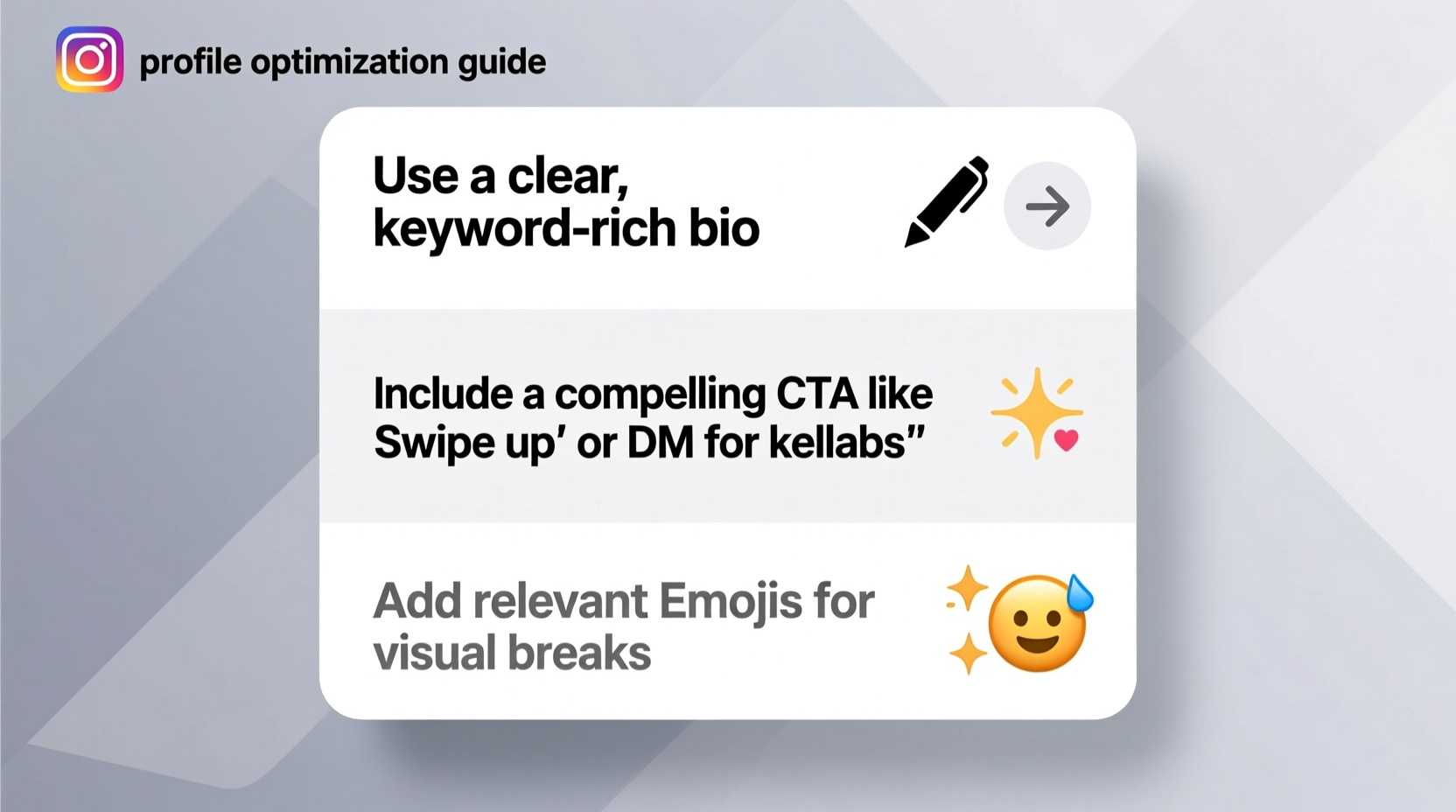
Instagram is visual, but your bio is where context meets conversion. It appears above your grid, supports your personal or business identity, and often determines whether someone clicks “Follow” or taps your link. Unlike posts, which come and go, your bio remains constant—making it a permanent marketing asset.
Consider this: when someone finds you through a hashtag, story mention, or shared post, the very next thing they see is your profile. If your bio lacks clarity or appeal, that moment of interest can vanish instantly. On the other hand, a sharp, strategic bio can turn casual browsers into loyal followers—or even customers.
“Your Instagram bio is your digital handshake. Make it clear, compelling, and consistent with your brand.” — Jasmine Reed, Social Media Strategist at BrandLift Agency
Key Elements of a High-Converting Instagram Bio
An optimized bio isn’t just about personality—it’s about precision. The best bios combine identity, intent, and invitation. Here are the essential components:
- Name Field (Display Name): Appears in search results and notifications. Use real names or recognizable brand terms.
- Username (@handle): Should be easy to remember and match your brand or personal name when possible.
- Bio Text (150 characters): Your elevator pitch. Clarify who you are, who you help, and what value you offer.
- Link: The only clickable URL on your profile. Use it strategically to drive traffic.
- Profile Photo: Reinforces recognition. Use a clear headshot or logo.
- Story Highlights: Extend your bio’s message with curated content like services, testimonials, or products.
Step-by-Step Guide to Crafting an Effective Bio
Optimizing your bio isn’t guesswork. Follow this structured approach to ensure every element works toward growth.
- Define Your Primary Goal
Are you building a community, promoting a product, or growing as a creator? Your goal shapes your messaging. For example, a fitness coach might aim to get sign-ups, while a photographer may want commissions. - Identify Your Target Audience
Speak directly to the people you serve. Instead of “I help people,” say “Helping busy moms build strength at home.” Specificity builds connection. - Write a Clear Value Proposition
In one sentence, answer: What do you do? Who is it for? Why should they care? Example: “Teaching freelancers to price confidently so they earn what they’re worth.” - Add Keywords for Searchability
Instagram’s internal search indexes bios. Include relevant terms like “digital marketer,” “vegan recipes,” or “graphic designer” so users can find you. - Include a Strong Call-to-Action (CTA)
Tell visitors exactly what to do next: “Tap the link to grab your free guide,” or “DM ‘YES’ to book a session.” - Use Emojis Strategically
Emojis break up text and add personality, but don’t overdo it. One per line is usually enough. Use them as visual anchors—not decoration. - Optimize Your Link
If you have one link slot, make it count. Use a smart link-in-bio tool (like Linktree, Beacons, or Koji) to direct users to multiple destinations. - Update Story Highlights
Create highlight covers with clear icons or labels: Services, Reviews, Portfolio, FAQ. These visually extend your bio’s message.
Do’s and Don’ts: Bio Optimization Checklist
Even small mistakes can weaken your bio’s impact. Use this checklist to audit your current profile.
| Do’s | Don’ts |
|---|---|
| Use your real name or brand name in the display field | Don’t stuff your name with irrelevant keywords (#likes #followme) |
| Include a clear CTA (e.g., “Click link to join”) | Don’t write vague statements like “Living my truth” without context |
| Leverage line breaks for readability | Don’t use excessive emojis (👉🔥💥👇❤️🎯🌟) |
| Use niche-specific keywords for discoverability | Don’t leave the link blank or point to an inactive page |
| Align your bio with your content theme | Don’t ignore your profile picture—use a high-quality image |
Real Example: From Weak to Winning Bio
Meet Alex, a freelance copywriter who struggled to gain traction despite posting quality content. His original bio read:
✨ Words that sell ✨ | Let’s connect! | #copywriter #marketing #content
It was generic, lacked specificity, and didn’t tell visitors what to do. After optimization, his new bio became:
I write sales pages that convert.
For coaches & course creators.
→ Free template in the link!
The changes were simple but powerful:
- Clarified service: “sales pages that convert” instead of “words that sell”
- Specified audience: “coaches & course creators”
- Added a strong CTA with incentive: “Free template in the link!”
- Removed hashtags and redundant emojis
Within three weeks, Alex saw a 47% increase in profile visits and a 33% rise in link clicks. More importantly, DM inquiries for paid work doubled.
“People don’t follow vague ideas—they follow solutions. Your bio should solve the visitor’s silent question: ‘Is this for me?’” — Marcus Lin, Growth Consultant
Advanced Tactics for Maximum Impact
Once the basics are solid, layer in advanced strategies to stand out.
Use Brackets or Symbols for Visual Hierarchy
Characters like [ ], |, •, or ➜ help separate ideas without using extra words. Example:
Content strategist | Helping founders scale [Free guide ↓]
Highlight Social Proof
If you’ve been featured or have notable achievements, include them briefly:
As seen in Forbes • 50K+ students trained
Rotate Seasonal CTAs
Update your bio to reflect launches, events, or promotions. Example during a launch:
Enrollment open: My 5-Day Writing Challenge → Join now!
Leverage the Name Field for SEO
You can add keywords to your display name (without sacrificing clarity). For example:
- Before: Jamie Lee
- After: Jamie Lee | Email Marketing Tips
This increases visibility when users search terms like “email marketing.”
Use Unicode Characters for Styling
While Instagram doesn’t support rich text, you can paste special characters like •, ─, or ✦ to create clean dividers. Just avoid anything that might render poorly on mobile.
FAQ: Common Bio Questions Answered
How short should my Instagram bio be?
There’s no minimum length, but aim for clarity over brevity. Use all 150 characters if needed, but cut filler words. Prioritize meaning and flow.
Should I include hashtags in my bio?
No. Hashtags in bios don’t improve reach and waste valuable space. They’re not clickable in the same way as in captions, and they look outdated.
Can I use two links in my Instagram bio?
Not directly—but you can use a multi-link platform (like Linktree, Carrd, or Milkshake) to host several links under one URL. Many creators use these to promote blogs, products, lead magnets, and social channels.
Final Checklist: Optimize Your Bio in 10 Minutes
Apply everything you’ve learned with this quick action plan:
- ✅ Review your current bio and highlight unclear phrases.
- ✅ Define your niche and ideal follower in one sentence.
- ✅ Rewrite your bio with: identity + audience + value + CTA.
- ✅ Add 1–2 relevant emojis for visual scanning.
- ✅ Update your display name with a keyword if appropriate.
- ✅ Set or update your link to a live, relevant destination.
- ✅ Create or rename story highlights to support your message.
- ✅ Test on mobile: Does it look clean and load quickly?
- ✅ Share your profile with a friend: “What do you think I do?”
- ✅ Schedule a monthly review to refresh CTAs or offers.
Conclusion: Turn Your Bio Into a Growth Engine
Your Instagram bio is more than a description—it’s a conversion tool. When crafted with intention, it filters the right audience, strengthens your brand, and guides behavior. The best part? Optimization takes minutes but delivers long-term returns. A single improved CTA can generate hundreds of extra clicks. A clearer value proposition can boost follows over time. Small tweaks compound.
Don’t treat your bio as static. Revisit it every month. Align it with your current goals. Test variations. Listen to what resonates. Whether you're building influence, selling a service, or sharing creativity, your bio sets the tone. Make it count.




 浙公网安备
33010002000092号
浙公网安备
33010002000092号 浙B2-20120091-4
Comments
No comments yet. Why don't you start the discussion?