
Virtual gatherings are here to stay, and with them comes the growing popularity of digital gift exchanges. Whether it’s a holiday party over Zoom, a remote team celebration, or a family tradition adapted for distance, organizing a gift swap online can be fun, meaningful, and surprisingly personal — if done right. But one misconfigured link, a forgotten email, or a last-minute app crash can turn festive cheer into frustration.
The difference between a joyful surprise and an awkward silence often comes down to preparation. With thoughtful planning, clear communication, and the right tools, you can host a digital gift exchange that feels effortless — even magical — for everyone involved.
Choose the Right Platform (and Have a Backup)
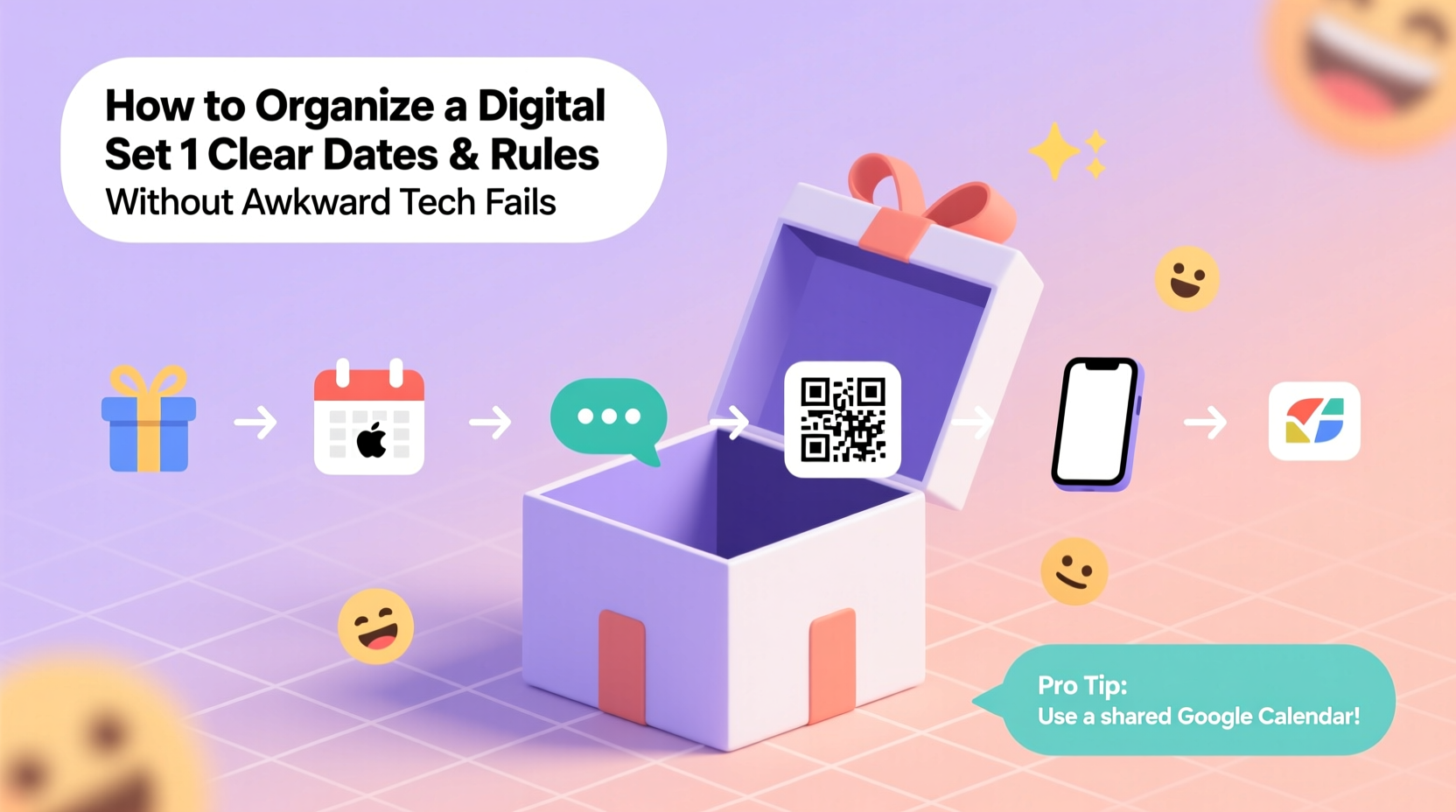
The foundation of any successful digital gift exchange is the platform you use. Not all video conferencing tools or apps support the same features, and some may not integrate well with third-party gift generators or randomization tools.
Zoom, Google Meet, and Microsoft Teams are the most common choices for hosting virtual events. Each has strengths:
- Zoom allows screen sharing, breakout rooms, and participant management — ideal for larger groups or when you want to build suspense.
- Google Meet integrates smoothly with Google Calendar and Gmail, making scheduling and reminders easier, especially for families or school groups.
- Microsoft Teams works best in corporate environments where participants already use Office 365.
But don’t rely solely on your main platform. Technical issues like dropped connections, audio delays, or login problems are inevitable. Always have a backup communication channel — a group text thread, WhatsApp group, or Slack channel — where participants can troubleshoot in real time.
Set Clear Rules and Share Them Early
Confusion about rules is the second most common cause of awkwardness in digital gift exchanges — right after someone’s mic being on mute during their big reveal.
Send out a detailed invitation at least five days in advance. Include:
- Event date, time, and time zone
- Platform link and instructions for joining
- Budget limit (e.g., $25)
- Gift preferences or restrictions (e.g., no alcohol, eco-friendly only)
- Shipping deadlines and address collection method
- Game format (e.g., White Elephant, Secret Santa, randomized draw)
Be specific. Instead of “send a small gift,” say “choose something under $25 that fits in a standard shoebox.” Vague guidelines lead to mismatched expectations — one person sends gourmet coffee beans while another receives a $5 keychain.
“Clarity prevents resentment. When everyone knows the rules upfront, the focus stays on fun, not fairness.” — Lena Torres, Virtual Event Coordinator
Step-by-Step Guide: Hosting a Smooth Digital Gift Exchange
Follow this timeline to ensure nothing slips through the cracks.
- 7–10 Days Before: Choose your platform and game type. Create a guest list and confirm availability via a quick poll (use free tools like Doodle or When2Meet).
- 6 Days Before: Send the official invite with all rules, budget, and shipping details. Include a deadline for address submission (at least 5 days before the event).
- 5 Days Before: Collect physical addresses securely. Use a private Google Form or encrypted spreadsheet. Never share addresses in public channels.
- 4 Days Before: Assign gift recipients using a randomizer tool like Elfster, Drawnames, or SecretSanta.com. These tools auto-email assignments and track who’s buying for whom.
- 3 Days Before: Confirm all gifts have been shipped. Send a reminder email with the meeting link and a checklist for participants.
- Day Of: Start the call 10 minutes early to troubleshoot tech. Mute all participants upon entry to avoid echo. Assign a co-host to manage chat and assist latecomers.
- During the Event: Follow a structured flow: welcome, explain rules again, begin the exchange, allow time for reactions, and end with a group photo or toast.
Avoid Common Tech Pitfalls
Even seasoned remote workers stumble when live events go wrong. The good news? Most technical failures are predictable — and preventable.
| Potential Issue | Solution | Pro Tip |
|---|---|---|
| Participant can't join the call | Send direct link + dial-in option | Include phone number access for low-bandwidth users |
| No one can see the gift reveal | Use screen sharing or high-quality camera close-up | Ask gift-giver to show package from multiple angles |
| Audio feedback or echo | Mute all by default; unmute only when speaking | Ask attendees to use headphones |
| Randomizer tool fails | Have a manual backup (e.g., names in a hat, pre-written assignments) | Save PDFs of assignments in case of login errors |
| Gift hasn’t arrived yet | Allow photo reveals or delayed opening | Encourage senders to ship early with tracking |
One often-overlooked issue is time zone confusion. If your group spans multiple regions, use a tool like WorldTimeBuddy in your invite so everyone sees the correct local time. A simple “3 PM EST” isn’t enough — convert it visually.
Real Example: The Remote Team That Nailed It
Last December, a marketing team of 14 spread across six states hosted their annual gift exchange entirely online. They used Google Meet, set a $30 budget, and chose a “local flavor” theme — each person sent a regional specialty (Texas hot sauce, Vermont maple syrup, California olive oil).
They created a shared Google Sheet (view-only for others) where each member privately entered their address. The organizer used Drawnames to assign pairs and sent automated emails. Participants had five days to ship.
On event day, they started with a 5-minute tech check. During the exchange, each recipient held their gift up to the camera while the group guessed what it was. Laughter erupted when someone opened a jar labeled “spicy love” — it was habanero jelly with a handwritten note.
Only one gift arrived late — the sender’s mail carrier missed the pickup. But because they’d agreed in advance to accept photos, the employee shared a snapshot mid-call, promising to mail it immediately. No drama, just goodwill.
The secret? They treated the event like a production — with rehearsals, backups, and empathy.
Essential Checklist for Hosts
Before you hit “send” on that invite, run through this checklist:
- ✅ Finalized guest list and confirmed availability
- ✅ Selected platform and tested key features (screen share, mute controls)
- ✅ Defined gift rules: budget, theme, restrictions
- ✅ Created secure method for collecting addresses
- ✅ Chosen and tested random assignment tool
- ✅ Scheduled reminder emails (3-day and 1-hour before)
- ✅ Prepared a script or agenda for the event
- ✅ Identified a co-host or assistant for tech support
- ✅ Shared backup communication channel (text group, Slack, etc.)
- ✅ Verified all gifts were shipped with tracking numbers
Frequently Asked Questions
What if someone forgets to ship their gift?
Address this in your initial rules: “All gifts must be shipped by [date]. Late shipments will be regifted from a communal pool or result in sitting out next year.” For casual groups, allow e-gift cards as a last resort, delivered during the call.
Can we do a digital gift exchange without physical gifts?
Absolutely. Try exchanging digital items: curated playlists, online course subscriptions, ebook recommendations, or personalized video messages. Just agree on the format in advance so no one feels left out.
How do we handle international participants?
Shipping costs and delays increase significantly. Either raise the budget, switch to digital gifts, or use regional grouping (pair people in the same country). Be transparent about limitations early on.
Final Thoughts: Make It Memorable, Not Stressful
A digital gift exchange doesn’t need fancy software or perfect lighting to succeed. What it needs is intention. The goal isn’t flawless execution — it’s connection. A slightly delayed package, a frozen screen, or a forgotten rule can become part of the story, not the end of it.
When you prioritize clarity, empathy, and flexibility, you create space for genuine moments. That gasp when someone opens a gift they’ve wanted for years. The laughter when a pet steals the spotlight during a reveal. The quiet “thank you” that means more than any wrapped box.
Technology will fail. People will forget. But kindness, preparation, and a little humor go much further than any app ever could.




 浙公网安备
33010002000092号
浙公网安备
33010002000092号 浙B2-20120091-4
Comments
No comments yet. Why don't you start the discussion?