
In an age where ideas spark on smartphones, insights form during laptop work sessions, and reminders pop up on tablets, managing digital notes consistently has become a critical skill. Yet many professionals, students, and creatives struggle with fragmented note systems—duplicate entries, outdated versions, missing context, or the dreaded “I know I wrote that down somewhere.” The solution isn’t more apps; it’s smarter organization. With the right structure, tools, and habits, you can maintain a unified, reliable knowledge base accessible from any device, anytime.
Choose the Right Note-Taking Ecosystem
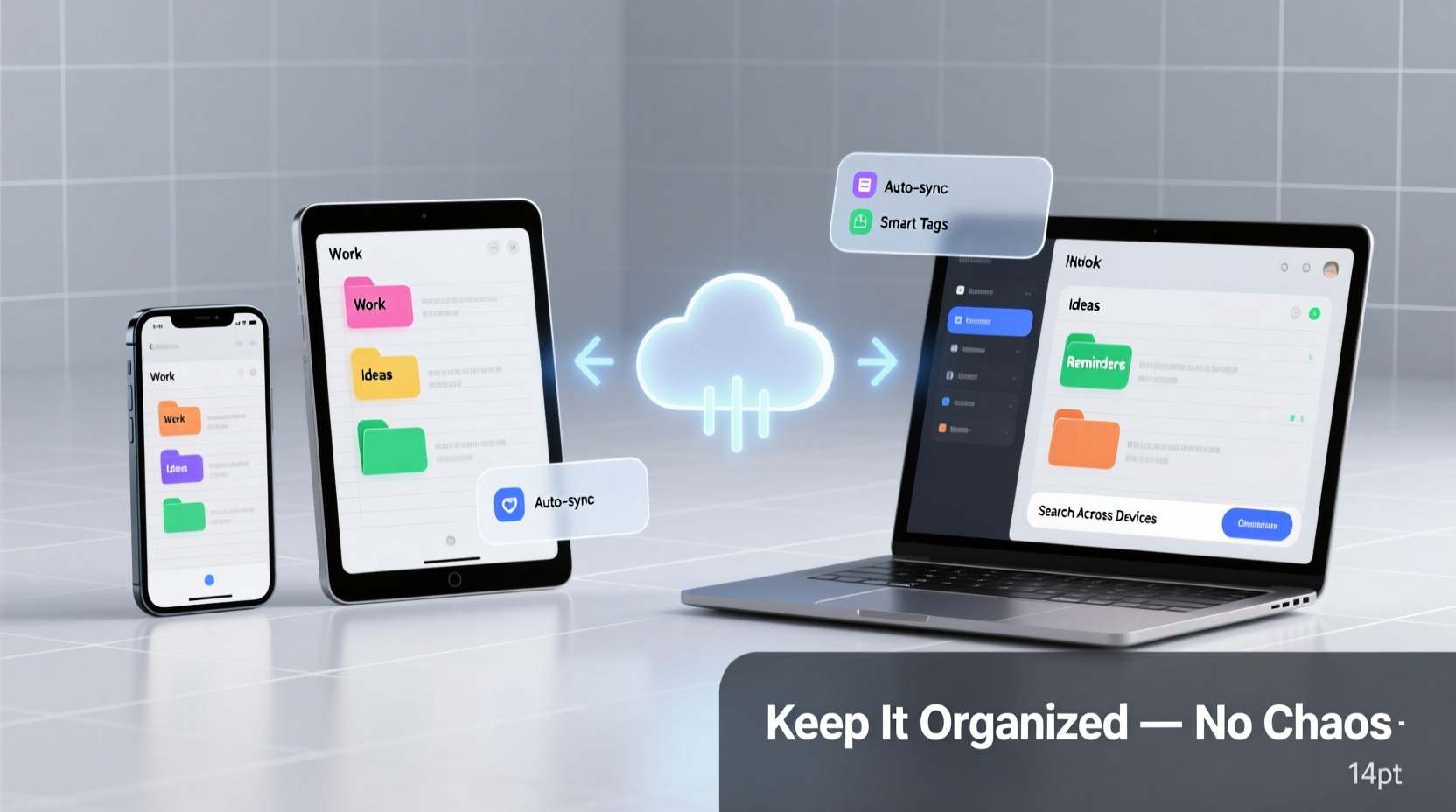
The foundation of cross-device note harmony is selecting a platform built for synchronization. Not all apps are equal when it comes to syncing speed, reliability, offline access, and formatting consistency. Your choice should align with your workflow, not just features.
Popular options like Notion, Obsidian, Evernote, and Apple Notes offer varying degrees of flexibility and integration. For example, Apple Notes excels within the iOS ecosystem but may feel limited on Android, while Obsidian provides deep customization but requires manual setup for cloud sync via third-party services like iCloud or Dropbox.
Key criteria when choosing a system:
- End-to-end encryption for sensitive information
- Cross-platform availability (iOS, Android, Windows, macOS, web)
- Offline functionality with automatic sync upon reconnection
- Search capabilities, including OCR for handwritten notes or images
- File attachment support without size limitations
Build a Logical Folder and Tag Structure
A powerful note-taking app is only as useful as its organization. Without a consistent structure, even perfectly synced notes become unfindable. Think of your digital notebook as a personal library—you wouldn’t shelve books randomly.
Start by defining broad categories. These might include:
- Work Projects
- Personal Development
- Meetings & Notes
- Reference Materials
- Ideas & Brainstorms
Within each category, use subfolders or nested pages for specific topics. But avoid over-nesting—going beyond three levels deep often creates confusion. Instead, supplement folders with tags to allow multidimensional classification.
“Without structure, digital notes devolve into digital hoarding. A simple taxonomy saves hours in retrieval time.” — Dr. Lena Torres, Cognitive Productivity Researcher
For instance, a meeting note about a product launch could live in Work Projects > Marketing Campaign Q3 and be tagged with #meeting, #product-launch, and #budget-discussion. This way, it appears in relevant searches whether you're filtering by project, topic, or note type.
Do’s and Don’ts of Digital Note Organization
| Do | Don't |
|---|---|
| Use consistent naming conventions (e.g., YYYY-MM-DD_Title) | Name notes vaguely like “Notes” or “Stuff” |
| Limit tag usage to 3–5 per note to avoid clutter | Create overly specific tags like #project-alpha-team-meeting-notes-v2 |
| Archive old projects instead of deleting them | Delete notes “to clean up”—you may lose context forever |
| Use templates for recurring note types (e.g., meeting minutes) | Recreate structure manually every time |
Sync Smartly: Avoid Common Pitfalls
Synchronization issues are the silent killers of digital note systems. You make a change on your phone, only to find it didn’t update on your laptop—or worse, two conflicting versions appear. Understanding how sync works—and how to protect against failures—is essential.
Most apps rely on cloud services (iCloud, Google Drive, proprietary servers) to push updates. But conflicts arise when multiple devices edit the same note offline. Some platforms handle merge logic well (like Notion), while others may require manual reconciliation.
To minimize sync chaos:
- Stick to one primary editor per session. If you start a note on your phone, finish it there if possible, or open it immediately on another device to continue.
- Enable auto-save and background sync in your app settings.
- Avoid renaming or moving notes across folders simultaneously on different devices.
- Check sync status regularly, especially after traveling or spotty internet exposure.
If your app supports version history (like Evernote or Notion), use it. Being able to roll back to a previous state after a sync error can prevent data loss.
Real-World Example: A Consultant’s Cross-Device Workflow
Sophie, a management consultant, travels weekly between client sites, airports, and home offices. She uses her iPad for handwritten meeting sketches, her MacBook for detailed reports, and her iPhone for quick voice-to-text memos.
Her system:
- All notes live in Notion, synced via her company account.
- She created a template for client meetings that includes sections for objectives, decisions, action items, and follow-ups.
- Each client has a dedicated page with subpages for every meeting, stored under Clients > [Client Name] > Meetings.
- She tags notes with #action-required, #awaiting-response, or #reference for quick filtering.
- Every Friday, she reviews all #action-required notes and converts them into tasks in her project management tool.
Because her templates and folder hierarchy are consistent, Sophie never wastes time searching. Even when jotting down a thought mid-flight on her phone, she knows it will appear fully formatted and searchable when she opens her laptop the next day.
This level of coherence didn’t happen overnight. It took three months of refining her structure, discarding redundant tags, and training herself to file notes immediately rather than “later.” But now, her digital notes aren’t just organized—they’re a strategic asset.
Step-by-Step Guide to Setting Up a Unified System
Follow this timeline to build a reliable, cross-device note organization system in one week:
- Day 1: Audit Your Current Notes
Review all existing notes across devices. Delete duplicates, merge overlapping content, and identify what’s worth keeping. - Day 2: Select Your Primary Tool
Based on your device ecosystem and needs, choose one central app. Install it on all devices and sign in. - Day 3: Design Your Structure
Create top-level categories and decide on naming conventions. Set up folders or databases accordingly. - Day 4: Build Templates
Create reusable templates for common note types: meetings, project plans, reading summaries, etc. - Day 5: Migrate Key Notes
Transfer your most important active notes into the new system using your chosen structure. - Day 6: Enable Sync & Test
Make a change on one device, then verify it appears correctly on others. Check formatting, images, and timestamps. - Day 7: Establish Maintenance Habits
Schedule a 10-minute weekly review to archive old notes, update tags, and ensure consistency.
This process establishes both technical and behavioral foundations. The goal isn’t perfection—it’s progress toward sustainability.
Essential Checklist for Seamless Note Management
Use this checklist weekly to maintain order:
- ✅ All new notes saved in the correct category
- ✅ Tags applied consistently (max 5 per note)
- ✅ Sync status confirmed across devices
- ✅ No duplicate notes found
- ✅ Action items extracted and moved to task manager
- ✅ Old notes archived monthly
- ✅ Backup verified (if applicable)
Posting this checklist digitally or printing it briefly helps reinforce discipline until the habits become automatic.
Frequently Asked Questions
What if my app stops syncing?
First, check your internet connection and app updates. Restart the app or device if needed. If the issue persists, consult the app’s status page (e.g., Notion Status) to see if there’s a service outage. As a last resort, export your notes manually and re-import once sync resumes.
Should I use one app or multiple tools for different note types?
While tempting, using multiple apps increases fragmentation risk. Start with one central hub. Use integrations (e.g., linking a spreadsheet in Notion or embedding a PDF in Evernote) rather than scattering content. Only introduce secondary tools if they serve a truly unique function (e.g., audio transcription).
How do I keep my notes secure across devices?
Enable two-factor authentication on your note app account. Use strong, unique passwords. For highly sensitive data, consider end-to-end encrypted tools like Standard Notes or Obsidian with a secure vault. Avoid storing confidential information on shared or public devices.
Maintain Clarity, Not Just Access
Having your notes available everywhere means little if you can’t trust their accuracy or find what you need. True organization goes beyond syncing—it’s about creating a system that reduces cognitive load, not adds to it.
Regular maintenance is non-negotiable. Just as you wouldn’t let physical files pile up, schedule time to review, prune, and reorganize. Treat your digital notes as a living knowledge base, not a dumping ground.
Also, resist the urge to capture everything. The most effective note-takers are selective. They summarize, synthesize, and discard noise. A well-placed highlight or concise bullet point often holds more value than a verbatim transcript.
Take Control of Your Digital Mind
Your notes are an extension of your thinking. When disorganized, they reflect mental clutter. When structured with intention, they amplify clarity, creativity, and productivity. The tools exist. The methods are proven. Now it’s about implementation.
Start small. Pick one device, one app, one folder. Build outward with consistency. Within weeks, you’ll stop asking, “Where did I put that note?” and start asking, “What brilliant idea can I capture next?”




 浙公网安备
33010002000092号
浙公网安备
33010002000092号 浙B2-20120091-4
Comments
No comments yet. Why don't you start the discussion?