
For many gamers, building a video game collection is more than a hobby—it’s a passion. Whether you own dozens of cartridges, hundreds of discs, or thousands of digital titles, an unorganized library can quickly become overwhelming. Finding the right game at the right time should be effortless, not frustrating. The key lies in choosing a smart organizational system tailored to your habits and preferences.
Three of the most effective ways to structure a video game collection are by genre, release date, or play frequency. Each method offers unique advantages depending on how you engage with your games. This guide explores all three systems in depth, helping you decide which fits your lifestyle—or how to combine them for maximum efficiency.
Why Organizing Your Game Collection Matters
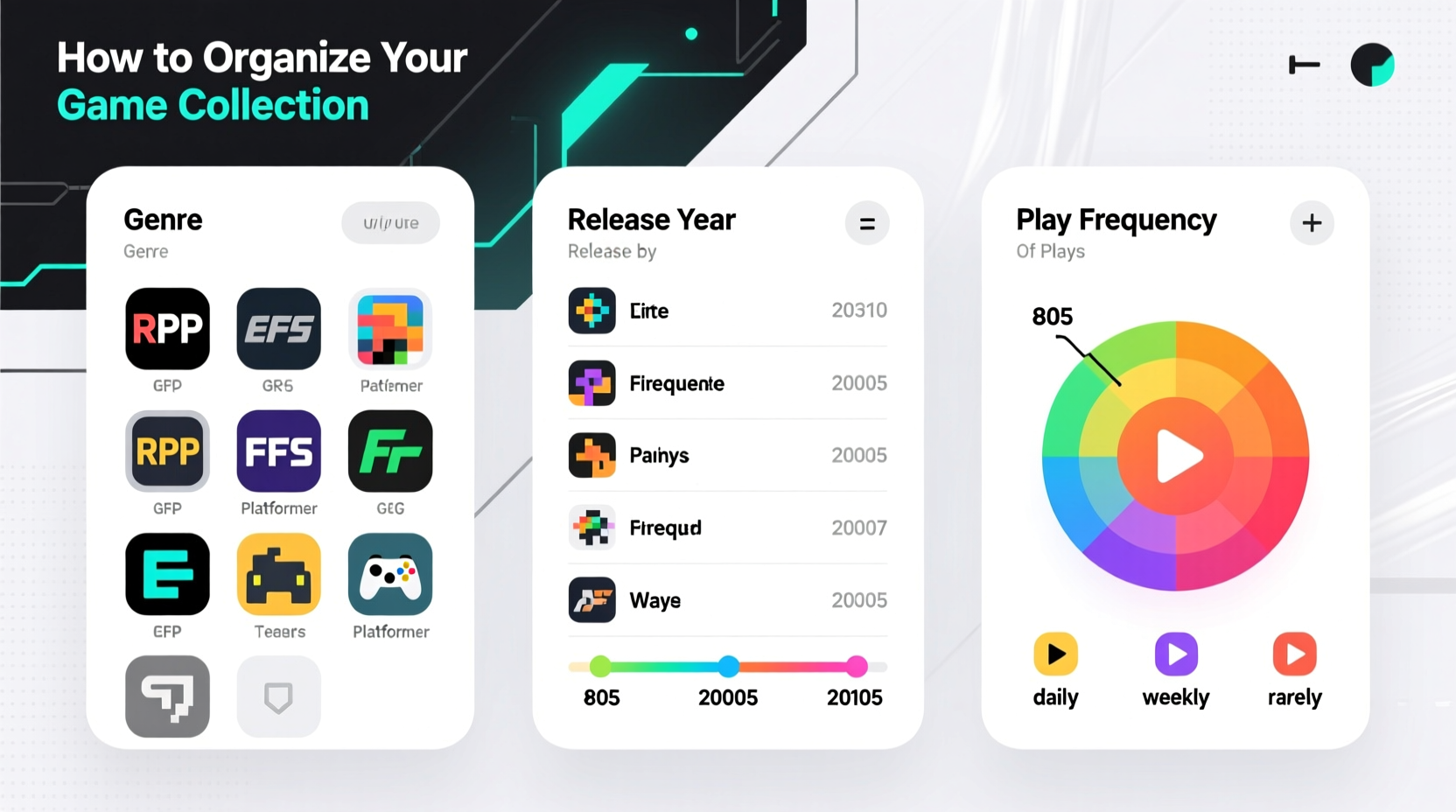
A well-organized game library does more than look impressive—it enhances your gaming experience. Cluttered shelves or chaotic digital folders make it difficult to rediscover forgotten gems or pick something new to play. Poor organization also increases wear and tear when searching through stacks, and can lead to lost or damaged media.
Beyond practicality, organizing your collection adds emotional value. A curated setup turns your games into a personal archive—a reflection of your journey as a player. It makes sharing your passion with friends or family easier and preserves your investment over time.
Organizing by Genre: Grouping Games by Type
Sorting your games by genre means grouping titles based on their gameplay style—such as action, RPG, platformer, simulation, or puzzle. This approach works especially well if you often choose games based on mood or preferred mechanics.
For physical collections, label bins or shelves clearly by genre. For digital libraries (Steam, PlayStation, Xbox), use built-in tagging or create custom categories. Some platforms even allow color-coding or folder hierarchies that support genre-based navigation.
Genre-based sorting shines when you know what kind of experience you want. Craving exploration? Head straight to open-world. In the mood for competition? Jump to multiplayer or fighting games. This method reduces decision fatigue and streamlines selection.
However, some games span multiple genres. A title like Disco Elysium blends RPG, narrative adventure, and detective elements. In such cases, assign a primary genre based on dominant gameplay, or create a “hybrid” section for cross-genre titles.
“Genre categorization helps players align their mental state with gameplay expectations.” — Dr. Lena Torres, Digital Media Psychologist
Pros and Cons of Genre-Based Organization
| Advantage | Drawback |
|---|---|
| Makes game selection intuitive based on mood | Some games don’t fit neatly into one category |
| Encourages deeper engagement within favorite types | May overlook chronological or historical context |
| Easy to scale across physical and digital formats | Requires consistent labeling to maintain clarity |
Organizing by Release Date: A Timeline of Gaming History
Chronological organization arranges games from oldest to newest (or vice versa) based on original release date. This method appeals to collectors who appreciate gaming evolution, nostalgia, or historical significance.
If you collect retro games, arranging by year reveals technological progress—from 8-bit sprites to modern ray tracing. You might group titles by decade (1980s, 1990s, etc.) or by console generation (PS1 era, PS2 era). For digital collections, use spreadsheet tools or third-party apps like Backloggd or HowLongToBeat to sort entries by release year.
This system supports storytelling. Walking through your shelf becomes a journey through gaming history. It also helps identify gaps—perhaps you realize you’re missing major titles from a pivotal year like 1998 (The Legend of Zelda: Ocarina of Time) or 2007 (BioShock, Portal).
Real Example: The Retro Collector’s Timeline
James, a collector of Nintendo consoles, organizes his 200+ cartridge collection chronologically by year. His shelves start with early NES titles from 1985–1987, progress through late NES and SNES classics, then transition into N64 and GameCube eras. He uses small printed labels showing each game’s year, developer, and region (NTSC vs. PAL).
When hosting game nights, James walks guests through “a year in gaming,” pulling five influential titles from 1995 to discuss design trends. His system has turned his collection into an informal museum—one that educates as much as entertains.
Organizing by Play Frequency: Prioritizing What You Actually Play
Not all games are played equally. Some are revisited monthly; others sit untouched after launch. Sorting by play frequency means grouping games based on how often you actually engage with them—whether weekly, occasionally, or rarely.
This method is ideal for maximizing usability. Frequently played games should be front and center—on display stands, top shelves, or pinned in digital libraries. Rarely played titles can be stored out of reach or archived digitally.
To implement this system, track your playtime over a few months. Many platforms provide usage data: Steam shows hours played, while consoles like PlayStation offer activity logs. Based on this, assign tiers:
- High Frequency: Played monthly or more. Keep accessible.
- Medium Frequency: Played seasonally or biannually.
- Low Frequency / Archive: Played once or never. Store or rotate.
Reassess every six months. A game once deemed “rarely played” might gain new appeal after a sequel releases or a friend recommends it.
“Frequency-based sorting transforms collections from static displays into dynamic, living libraries.” — Marcus Reed, Curator at the Interactive Media Archive
Do’s and Don’ts of Frequency-Based Systems
| Do | Don’t |
|---|---|
| Use real playtime data, not assumptions | Keep rarely played games in prime space |
| Rotate archived games quarterly for rediscovery | Label games as “never again” without reassessment |
| Combine with genre tags for faster filtering | Ignore emotional or sentimental value in archiving |
Hybrid Systems: Combining Genre, Date, and Frequency
Pure single-method sorting isn’t always optimal. Many advanced collectors use hybrid models that layer multiple criteria for precision access.
For example, you might organize primarily by genre, then subdivide each genre by release decade, and finally mark high-frequency titles with colored stickers. In digital libraries, this could mean creating folders like “RPG > 2000s > Frequently Played.”
Another option: arrange physically by release date but use a companion app to tag each game with genre and last-played date. This keeps the aesthetic clean while enabling smart filtering.
Step-by-Step Guide to Building a Hybrid System
- Inventory your entire collection—list every game with details: title, platform, genre, release year, last played date.
- Choose a primary sorting method based on your most common selection habit (e.g., mood → genre).
- Add secondary layers (e.g., within genre, sort by release decade).
- Tag frequency using labels, icons, or digital flags.
- Test the system over two weeks. Can you find games easily? Adjust as needed.
- Maintain quarterly reviews to update play frequency and retire inactive titles.
Frequently Asked Questions
Should I organize digital and physical collections the same way?
Not necessarily. Physical collections benefit from visual consistency and spatial logic (genre or date). Digital libraries thrive on searchability and tagging. Use genre and frequency heavily in digital spaces, where filters make complex systems easy to navigate. For physical setups, prioritize aesthetics and ease of access.
What do I do with games I’ve never played?
Consider a “Backlog” section. Label it honestly—these are games you own but haven’t experienced. Set a goal to play one per month. If after a year you still haven’t touched certain titles, consider selling or gifting them to someone who will.
How often should I reorganize my collection?
Review your system every 3–6 months. Major life changes (new console, shift in free time, new gaming interests) may warrant immediate updates. Regular maintenance prevents clutter from creeping back in.
Checklist: Organizing Your Game Collection in 10 Steps
- ✅ Take a full inventory of all games (physical and digital)
- ✅ Record key details: title, platform, genre, release year, last played
- ✅ Decide on a primary sorting method (genre, date, or frequency)
- ✅ Choose secondary criteria if using a hybrid system
- ✅ Clean and repair any damaged cases or discs
- ✅ Label shelves, bins, or digital folders clearly
- ✅ Place high-use games in easily accessible locations
- ✅ Archive or store low-frequency games appropriately
- ✅ Document your system (take photos or create a digital log)
- ✅ Schedule a review every six months to stay current
Final Thoughts: Make Your Collection Work for You
There’s no single “correct” way to organize a video game collection. The best system reflects how you think, feel, and play. Genre sorting suits those who choose games by mood. Release date order appeals to historians and nostalgics. Frequency-based layouts optimize for active engagement.
Most importantly, your collection should inspire joy—not stress. It should make it easier to revisit old favorites and discover new ones. Whether you go minimalist or go all-in with archival rigor, the goal is usability and personal meaning.




 浙公网安备
33010002000092号
浙公网安备
33010002000092号 浙B2-20120091-4
Comments
No comments yet. Why don't you start the discussion?