
For many fans, anime is more than entertainment—it’s a passion that accumulates over time into a vast library of series, merchandise, and memorabilia. But as collections grow, so does the risk of clutter. Disorganized digital files, overflowing Blu-ray shelves, scattered figures, and forgotten watchlists can turn enthusiasm into stress. The solution lies not in limiting your love for anime, but in creating intentional systems—both digital and physical—that preserve accessibility, enjoyment, and space. With the right strategies, you can maintain a curated, clutter-free collection that reflects your dedication without overwhelming your environment.
Assess and Audit Your Current Collection
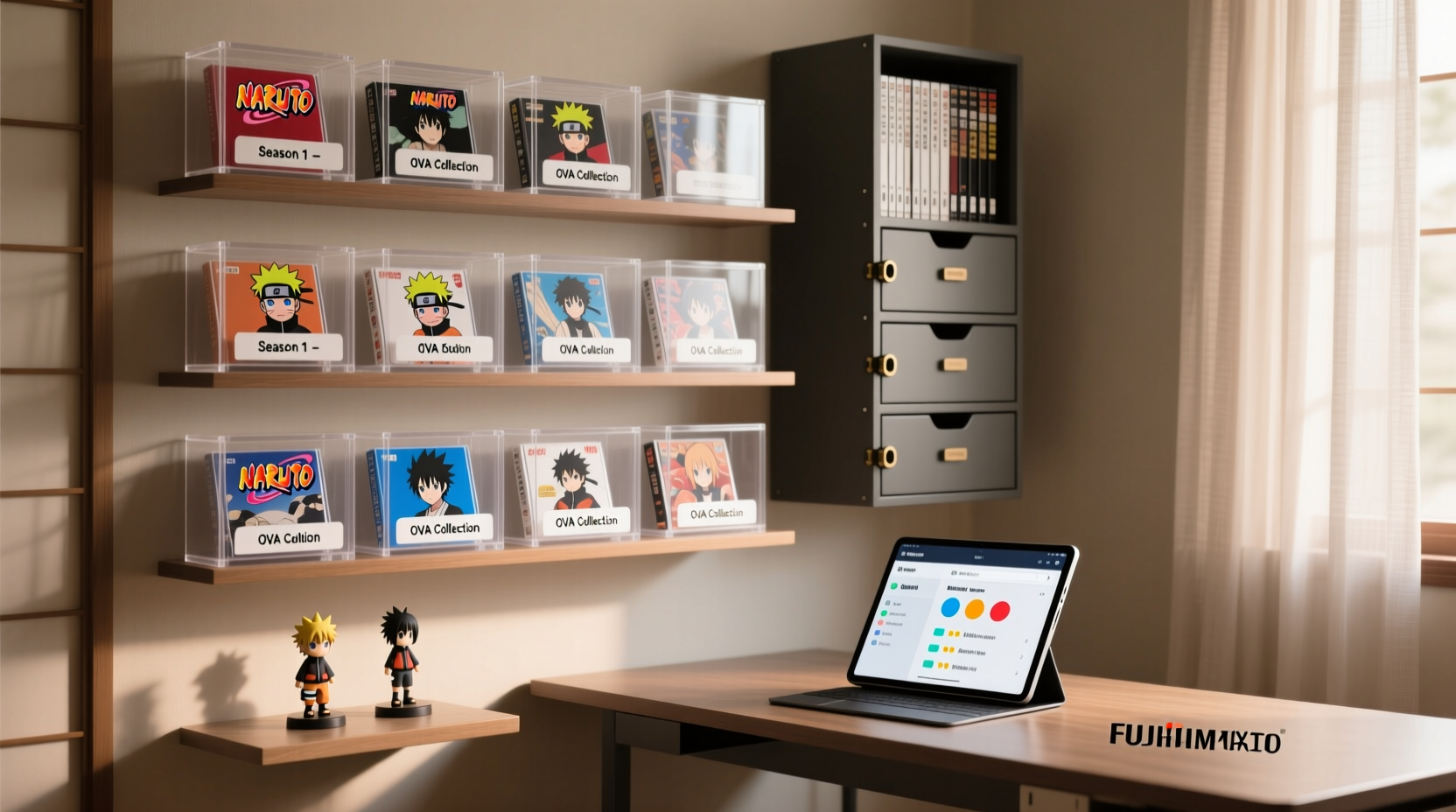
Before organizing, take stock of what you own. Many collectors underestimate the size of their holdings or forget about duplicates and incomplete series. Begin with a full audit: list every anime title across all formats—digital downloads, streaming playlists, physical discs, manga volumes, and related merchandise. This step reveals redundancies, gaps, and items no longer of interest.
Use a simple spreadsheet or note-taking app to categorize entries by format, status (watched/unwatched), and priority. For physical media, group items by type: Blu-rays, DVDs, art books, apparel, and collectibles. During this process, be honest about what you truly value. Sentimental pieces are worth keeping, but outdated or damaged items may be better donated, sold, or recycled.
Digital Organization: Streamline Files and Streaming Libraries
Digital clutter often stems from unstructured file naming, duplicate downloads, and fragmented access across platforms. To reclaim control, standardize your digital system with consistent naming conventions and centralized management.
Start by renaming files using a clear format: [Show Name] - S01E05 - Episode Title.mkv. Tools like FileBot or MediaElch automate this process by pulling metadata from databases such as AniDB or MyAnimeList. Store all files in a dedicated folder hierarchy—grouped by genre, year, or alphabetical order—to simplify navigation.
Next, manage your streaming presence. If you use multiple services (Crunchyroll, Netflix, Hulu), create a master watchlist on a platform like AniList or MyAnimeList. These sites sync progress, rate shows, and offer custom lists (e.g., “To Watch,” “Completed,” “Favorites”). Integrations with tracking apps ensure you never lose track of where you left off.
“Digital organization isn’t just about storage—it’s about retrieval. A well-labeled file saves more time than a fast hard drive.” — Jordan Lee, Digital Archivist & Media Consultant
Step-by-Step Guide to Digital Cleanup
- Gather all anime files into a single root folder for assessment.
- Remove duplicates using tools like Duplicate Cleaner or CCleaner.
- Rename files consistently with season/episode numbering and accurate titles.
- Organize folders by show name, then season (e.g., /One Piece/S01/).
- Back up data to an external drive or cloud service (Google Drive, NAS).
- Sync with a tracker like AniList to log progress and ratings.
Physical Storage: Maximize Space and Minimize Clutter
Physical anime collections—especially Blu-rays, figures, and posters—can dominate shelf space if not managed intentionally. The key is combining aesthetic display with functional storage.
For media, consider slim disc wallets or stackable cases that hold multiple series in minimal footprint. Label each case clearly with a printed index or spine tags. Store less frequently accessed sets in labeled archival boxes, grouped by franchise or decade. Climate-controlled environments prevent warping and disc rot—avoid attics or basements with humidity fluctuations.
Figures and merch should be displayed thoughtfully. Use wall-mounted shelves or glass cabinets to contain dust while showcasing favorites. Rotate seasonal displays to keep things fresh without overcrowding surfaces. For plushies and apparel, vacuum-sealed bags or breathable fabric bins under beds or in closets preserve condition without visual clutter.
Do’s and Don’ts of Physical Storage
| Do | Don’t |
|---|---|
| Use acid-free sleeves for art books and posters | Stack heavy items on top of delicate figures |
| Label containers with removable tags | Store discs in direct sunlight |
| Rotate displays seasonally | Overcrowd shelves—leave breathing room |
| Invest in modular shelving systems | Keep food or drinks near collectibles |
Integrate Technology: Track, Sync, and Automate
Modern tools make it easier than ever to maintain a seamless, clutter-free anime experience. Beyond file renamers and trackers, advanced users can leverage home servers and automation.
A Network Attached Storage (NAS) device acts as a private cloud, storing your entire digital library accessible from any device at home. Pair it with Plex, Jellyfin, or Emby to stream anime with beautiful thumbnails, episode summaries, and watch progress tracking—just like commercial platforms, but ad-free and fully controlled by you.
Automation tools enhance efficiency. Use Radarr (for movies) and Sonarr (for series) to automatically download, sort, and rename new episodes from legal sources when integrated with torrent clients or Usenet. While these require technical setup, they eliminate manual file management once configured.
For physical inventory, QR code tagging adds smart functionality. Print and attach scannable labels to storage boxes or shelves that link to digital logs—scan with your phone to instantly see contents without opening containers.
Mini Case Study: How Lena Maintains a Clutter-Free Collection
Lena, a long-time anime fan from Portland, once had DVDs stacked on her floor and files scattered across three laptops. After moving into a smaller apartment, she restructured her collection entirely. She digitized all physical media using a BD burner and HandBrake, renamed files via FileBot, and stored them on a Synology NAS. Her physical discs were donated, except for limited editions she now keeps in a single acrylic display case. She uses Plex to stream everything to her TV and AniList to track viewing progress. For merch, she rotates six figures per month on a central shelf, storing the rest in labeled, stackable bins. “I enjoy my collection more now,” she says. “Everything has a place, and I actually *see* what I own.”
Preservation and Maintenance Routine
Organization isn’t a one-time task—it requires ongoing care. Establish a quarterly maintenance schedule to ensure your system stays effective.
- Digital checkup: Scan for corrupted files, update metadata, delete unwanted downloads.
- Physical dusting: Wipe shelves, cases, and figures with microfiber cloths; inspect for damage.
- Collection review: Reassess what you want to keep. Sell or donate items that no longer resonate.
- Software updates: Keep media servers and tracking apps updated for security and performance.
Preserve longevity by avoiding common pitfalls: don’t eat near your collection, keep liquids away, and maintain stable room temperature. UV-filtering film on windows protects artwork from fading. For long-term digital preservation, follow the 3-2-1 backup rule: three copies of your data, on two different media types, with one offsite (e.g., cloud backup).
Checklist: Anime Collection Organization
- ✅ Audit all digital and physical anime holdings
- ✅ Delete duplicates and unwanted files
- ✅ Rename files with consistent formatting
- ✅ Organize folders by show and season
- ✅ Back up digital collection to external drive or cloud
- ✅ Log watched status and ratings on MyAnimeList or AniList
- ✅ Sort physical media into labeled cases or boxes
- ✅ Display select figures; store others in protective bins
- ✅ Install Plex/Jellyfin for unified streaming
- ✅ Schedule quarterly maintenance reminders
Frequently Asked Questions
Can I get rid of physical discs if I’ve digitized them?
Yes, if you’ve made high-quality rips and retain ownership. However, consider keeping limited or collector’s edition packaging for sentimental or resale value. Always comply with copyright laws in your country regarding personal backups.
How do I decide what to keep versus what to sell?
Ask: Have I rewatched this in the past two years? Does it have emotional or monetary value? If not, it may be time to let go. Use marketplaces like eBay or specialty forums to sell rare items responsibly.
Is a NAS worth the investment for anime storage?
For serious collectors with large libraries, yes. A NAS offers centralized, secure, and streamable storage with remote access. Entry-level models like Synology DS220+ or QNAP TS-251D provide excellent value for media archiving.
Conclusion: Enjoy Your Collection, Not the Clutter
A well-organized anime collection enhances the joy of fandom. When every episode, figure, and soundtrack has a designated place, you spend less time searching and more time engaging with what you love. Whether digital or physical, the goal isn’t minimalism for its own sake—but intentionality. By implementing structured systems, leveraging technology, and maintaining consistency, you transform clutter into curation. Your collection becomes not just manageable, but a source of pride and inspiration.




 浙公网安备
33010002000092号
浙公网安备
33010002000092号 浙B2-20120091-4
Comments
No comments yet. Why don't you start the discussion?