
For many gamers, building a personal library of games is as much about the experience as it is about ownership. Whether you collect physical discs, digital downloads, or retro cartridges, disorganization can turn excitement into frustration. Without a clear system, finding that one nostalgic title from your childhood or tracking which games you’ve completed becomes a chore. The solution lies in digitizing your collection—not just storing data, but organizing it intelligently.
Digital organization goes beyond listing titles alphabetically. It’s about creating a dynamic, searchable, and personalized database using free tools and structured tagging systems. This approach transforms your game library from a static archive into an interactive catalog that enhances discovery, planning, and enjoyment.
Why Digital Organization Matters for Gamers
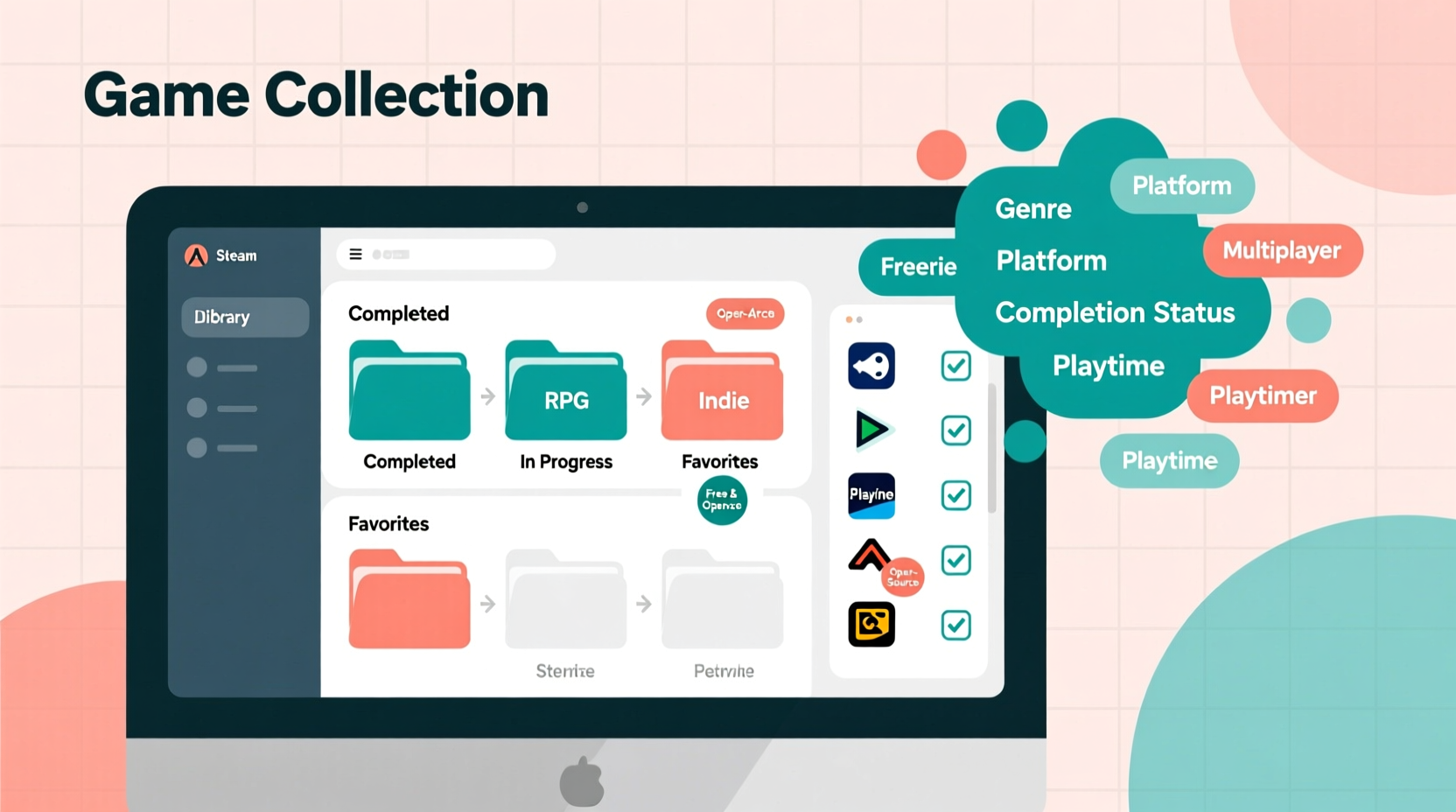
A well-organized digital game collection offers more than aesthetic satisfaction. It improves accessibility, supports decision-making, and preserves gaming history. Think of it like a personal video game museum—curated, labeled, and easy to navigate.
Physical collections often suffer from poor labeling, shelf clutter, or lost boxes. Digital versions eliminate these issues by centralizing information. You can include details like release year, platform, genre, completion status, personal ratings, and even notes on gameplay memories. This metadata turns raw data into meaningful insight.
Moreover, when you tag games thoughtfully, you unlock powerful filtering capabilities. Want to find all co-op RPGs under 20 hours long? Or every point-and-click adventure released before 2005? With proper tagging, those queries take seconds.
“Organization isn’t just about tidiness—it’s about reclaiming time and attention so you can focus on what matters: playing the games you love.” — Lena Patel, Digital Archivist & Game Historian
Choosing the Right Free Tools for Game Cataloging
The foundation of any digital collection is the tool you use to manage it. Fortunately, several robust, free platforms allow detailed customization without requiring technical expertise.
Notion stands out for its flexibility. While commonly used for note-taking and project management, Notion excels at building relational databases. You can create a table of games with properties such as Platform, Release Year, Genre, Status (Owned/Played/Wishlist), and custom tags. Its interface supports rich text formatting, embedded images (via URLs), and even linked databases—for example, connecting games to developer profiles or franchises.
Obsidian appeals to users who prefer a knowledge-base model. Instead of tables, each game gets its own markdown file. Tags are written directly into the document (e.g., #rpg, #nintendo, #completed). Obsidian’s graph view visually maps connections between entries, revealing patterns across your collection. For instance, you might see clusters around certain developers or overlapping genres.
Google Sheets remains a reliable, universally accessible option. Though less visually dynamic than Notion or Obsidian, it supports sorting, filtering, conditional formatting, and basic formulas. Use columns for Title, Platform, Purchase Date, Price, Completion Status, and multiple tag fields (Tag1, Tag2, etc.). Add color-coding for quick visual cues.
Each tool has strengths:
| Tool | Best For | Limits |
|---|---|---|
| Notion | Interactive databases, cross-linking, templates | Offline access limited; mobile app can lag |
| Obsidian | Deep personal insights, networked thinking | Steeper learning curve; no built-in sync |
| Google Sheets | Simplicity, collaboration, formula support | Less intuitive tagging; harder to scale |
Designing an Effective Tagging System
Tags are the backbone of intelligent categorization. Unlike rigid folder hierarchies, tags allow multi-dimensional classification. A single game can belong to multiple categories simultaneously—essential for capturing complexity.
Effective tagging balances specificity and usability. Too few tags limit searchability; too many create noise. Aim for a consistent schema with three layers:
- Core Metadata Tags: Objective facts like platform (#ps5), genre (#action-adventure), release decade (#2020s), developer (#naughtydog).
- Status & Ownership: Personal context such as #owned, #wishlist, #completed, #abandoned, #digital, #physical.
- Experience-Based Tags: Subjective qualities like #emotional, #multiplayer, #short-play, #nostalgic, #difficult.
Use prefixes to avoid confusion. For example:
#p_for platform: #p_switch, #p_pc#g_for genre: #g_platformer, #g_metroidvania#s_for status: #s_beaten, #s_backlog
This convention ensures tags remain machine-readable and human-scanable. In tools like Obsidian or Notion, you can filter results using these prefixes to isolate specific dimensions.
Real Example: Building a Retro Collection
Consider Alex, a retro gaming enthusiast with over 150 cartridges spanning NES, SNES, and Sega Genesis. Initially, Alex stored them in shoeboxes by console—but finding a specific title took minutes. After digitizing the collection in Notion, Alex created a database with fields for Title, Year, Publisher, Cartridge Condition, and a multi-select Tags property.
Using standardized tags like #p_nes, #g_rpg, #co_op, and #unreleased_prototype, Alex could instantly locate two-player classics or rare Japanese imports. By adding #c_fair, #c_mint, etc., condition tracking became effortless. Within weeks, Alex discovered forgotten gems simply by filtering for #g_puzzle and #played_once.
The system also helped identify duplicates and prioritize repairs. Most importantly, sharing the Notion page with fellow collectors sparked collaborative discussions and trades.
Step-by-Step Guide to Building Your Digital Game Library
Follow this timeline to build a functional, scalable game collection from scratch:
- Week 1: Choose Your Tool & Define Structure
Select Notion, Obsidian, or Google Sheets. Decide which attributes matter most (Title, Platform, Year, etc.) and sketch your layout. - Week 2–3: Input Core Data
Begin entering games. Focus on accuracy—double-check titles and release years. Prioritize frequently played or hard-to-find items first. - Week 4: Implement Tagging Schema
Apply your predefined tags consistently. Don’t rush—quality tagging pays off later. Use batch-edit features where available. - Week 5: Enhance with Notes & Ratings
Add personal reflections: “This brought me joy during lockdown,” or “Great soundtrack, weak ending.” Include star ratings or playtime estimates. - Ongoing: Maintain & Refine
Update the database weekly. Add new purchases immediately. Re-evaluate tags quarterly to ensure relevance.
Automate where possible. If using Notion, set default values for common fields (e.g., Status = #s_owned). In Google Sheets, use dropdown validation to prevent typos in genre or platform entries.
Common Pitfalls and How to Avoid Them
Even with good intentions, digital organization efforts often stall due to avoidable mistakes.
- Inconsistent Naming: Mixing “The Legend of Zelda: Ocarina of Time” with “Zelda – OoT (NTSC)” breaks search functionality. Stick to official titles and standard abbreviations.
- Over-Tagging: Creating unique tags for every minor feature leads to fragmentation. Merge similar ones: use #save_anywhere instead of both #autosave and #manual_save.
- Neglecting Backups: Digital doesn’t mean indestructible. Export your database monthly. For Notion, enable third-party sync services; for Obsidian, back up vaults to cloud storage.
- Waiting for Perfection: Don’t delay entry because you lack box art or exact purchase date. Record what you know now—details can be added later.
“Start messy. Perfect systems come through iteration, not initial design.” — Rafael Tong, Open-Source Knowledge Engineer
FAQ
Can I import my Steam library automatically?
Yes. Tools like SteamID Finder or browser extensions such as \"Steam Database Exporter\" let you export your owned games, wishlists, and playtimes. These CSV files can be imported into Google Sheets or Notion with minimal cleanup.
How do I handle games available on multiple platforms?
Treat each version as a separate entry if differences matter (e.g., performance, exclusive content). Use a parent-child structure or link entries together. Tag accordingly: #p_ps4 and #p_ps5 for remasters, or #version_enhanced for upgraded editions.
Is there a way to scan physical game barcodes?
While no universal free app exists solely for game scanning, tools like Libib (free tier available) support barcode input for DVDs and CDs. Alternatively, use your phone’s camera to scan codes and look up identifiers manually via online databases like Giant Bomb or MobyGames.
Checklist: Launch Your Digital Game Collection
- ✅ Choose a primary tool (Notion / Obsidian / Google Sheets)
- ✅ Define core fields (Title, Platform, Year, Status, etc.)
- ✅ Design a tagging system with prefixes and consistency rules
- ✅ Enter first 20 games to test workflow
- ✅ Set up automatic backups or cloud sync
- ✅ Schedule weekly maintenance time (15 minutes)
- ✅ Share with a friend or community for accountability
Conclusion
Your game collection is more than a list—it’s a reflection of your journey as a player. Organizing it digitally with free tools and thoughtful tagging honors that legacy while making it infinitely more useful. No longer will you wonder whether you already own a title or struggle to recall why you loved a particular game. With a few hours of setup and regular upkeep, you gain clarity, rediscovery, and deeper engagement.




 浙公网安备
33010002000092号
浙公网安备
33010002000092号 浙B2-20120091-4
Comments
No comments yet. Why don't you start the discussion?