
Gaming has evolved from a single-device hobby into a multi-platform lifestyle. Whether you're juggling Steam, Xbox Game Pass, PlayStation Plus, Nintendo Switch, Epic Games Store, or cloud services like GeForce Now, keeping track of what you own, where it lives, and when you last played can quickly become overwhelming. Without a system in place, your digital collection risks turning into a fragmented mess—games purchased twice, forgotten purchases, or titles lost in notification silos. The good news is that organizing your cross-platform game library doesn’t require magic. With the right tools, mindset, and workflow, you can unify your gaming experience, save money, and rediscover games you forgot you owned.
Why Cross-Platform Organization Matters
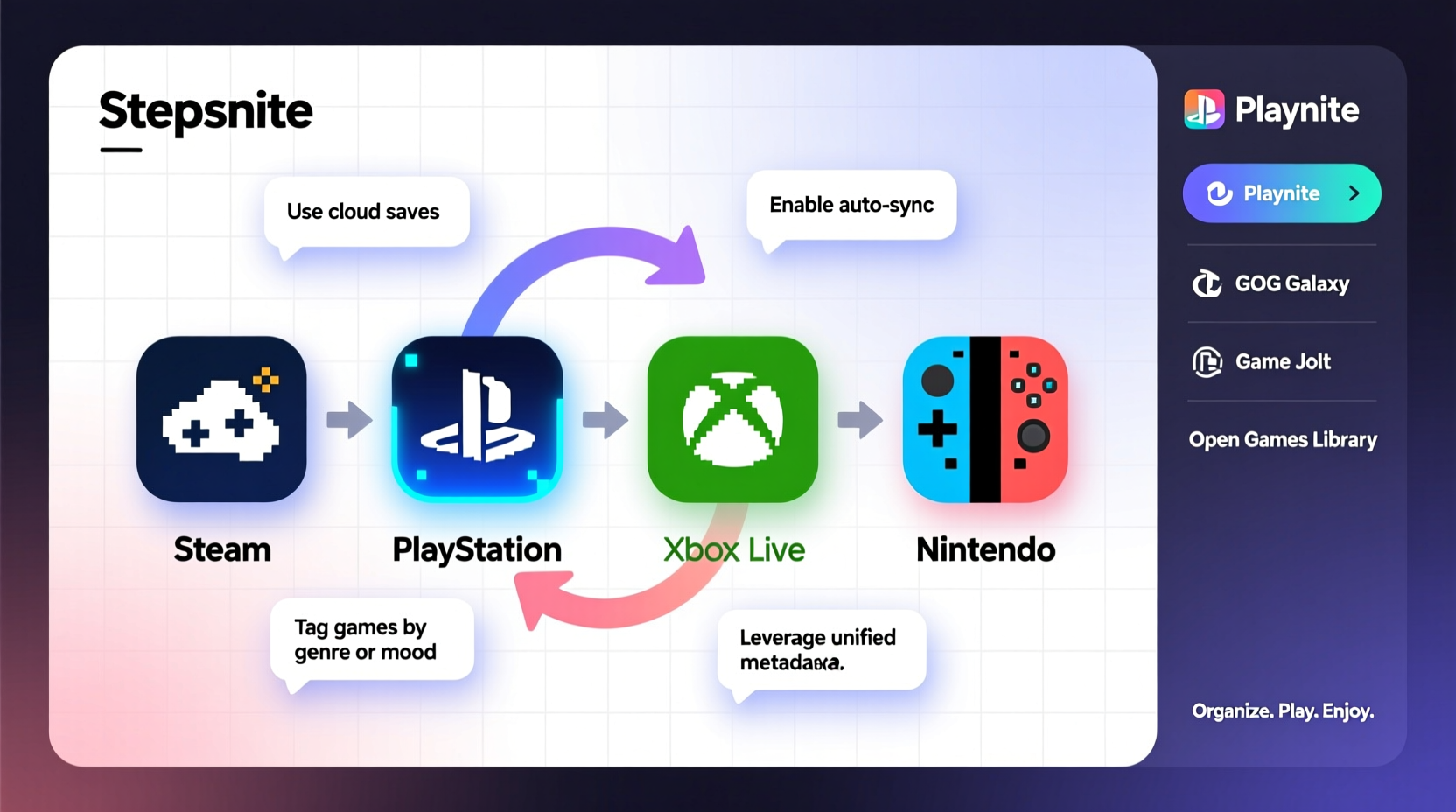
In 2024, the average gamer owns games on at least three different platforms. This sprawl isn't just inconvenient—it leads to real problems: duplicate purchases, wasted subscription fees, and missed opportunities to revisit beloved titles. A well-organized library helps you:
- See all your games in one place
- Avoid buying the same title twice
- Track playtime and completion status
- Manage wishlists efficiently
- Optimize storage across devices
- Make informed decisions about subscriptions
The key isn’t to force everything into one launcher—but to create visibility and control across systems. Think of it as financial budgeting for your digital entertainment: if you don’t know what you own, you can’t manage it wisely.
Step-by-Step Guide to Unifying Your Game Library
Organization doesn’t happen overnight. Follow this structured approach to build a sustainable system.
- Inventory Your Current Libraries
Log into each platform (Steam, PlayStation, Xbox, GOG, Epic, etc.) and note down every game you own. Use spreadsheets or dedicated apps to record titles, purchase dates, prices, and platforms. - Identify Overlaps and Duplicates
Cross-reference your list to find games you own on multiple platforms. Decide which version you prefer based on features (mods, achievements, performance) and consolidate access. - Choose a Central Tracking Tool
Select a third-party app or service that supports multi-platform integration. Options include HowLongToBeat, Backloggd, or Playnite (discussed below). - Sync and Tag Your Collection
Import your games and categorize them: “Played,” “Backlog,” “Wishlist,” “Favorites,” or by genre. Add personal notes like “Great co-op” or “Needs mods.” - Set Up Maintenance Routines
Dedicate 15 minutes monthly to update your tracker—adding new purchases, removing uninstalled games, or adjusting statuses.
This process transforms chaos into clarity. You’ll stop asking, “Did I already buy this?” and start asking, “What should I play next?”
Best Tools for Multi-Platform Game Management
No single platform offers full cross-library support, but several third-party tools bridge the gap effectively.
| Tool | Platforms Supported | Key Features | Best For |
|---|---|---|---|
| Playnite | Steam, GOG, Epic, Xbox, PSN, Origin, Uplay, Amazon, itch.io | Desktop app with full library import, offline mode, custom metadata, themes | Power users who want full control |
| HowLongToBeat | Most major platforms via manual or API sync | Time estimates, completion tracking, community data | Players focused on time investment |
| Backloggd | Manual entry with search database | Minimalist UI, tagging, reviews, screenshots, wishlist | Those who enjoy journaling their gaming journey |
| Planned.gg | Epic, Steam, GOG, Xbox, PSN (via HLTB) | Beautiful interface, stats, charts, goals | Visual learners and stat enthusiasts |
Of these, Playnite stands out for its depth. It functions as a unified launcher while also serving as a database. You can theme it, add trailers, edit icons, and even integrate emulators. For less technical users, Backloggd offers a social, blog-like experience without requiring complex setup.
“Players who track their libraries are 3x more likely to finish games they start.” — Dr. Lena Torres, Behavioral Researcher at GameFocus Institute
Real Example: From Chaos to Clarity in 3 Weeks
Take Mark, a 32-year-old gamer with accounts on Steam, PlayStation, Xbox, and the Epic Store. He frequently bought games on sale but rarely played them. After realizing he’d spent over $800 in two years on unplayed titles, he decided to act.
Week 1: He exported his Steam library using SteamDB, manually listed his PSN and Xbox games, and imported everything into Playnite. He discovered he owned *Hades* on both Steam and Switch—opting to keep only the Switch version for portability.
Week 2: He tagged games by mood (“Relaxing,” “Challenging,” “Co-op”) and added playtimes from HowLongToBeat. He created a “Priority Queue” of five games under 15 hours long to rebuild momentum.
Week 3: He set up a recurring calendar reminder: “Game Audit – 1st Sunday Monthly.” During this session, he logs recent plays, removes uninstalled titles, and checks upcoming releases.
Result: Within two months, Mark completed seven backlog games, avoided three duplicate purchases, and canceled an unused subscription. More importantly, he felt reconnected to gaming—not as a consumer, but as a player.
Smart Habits to Maintain Order Long-Term
Tools alone won’t sustain organization. Pair them with consistent habits:
- Buy with intention: Before purchasing, check your tracker. Is this a new interest or just FOMO?
- Update immediately: When you buy or uninstall a game, log it within 24 hours.
- Review quarterly: Every three months, scan your backlog. Archive or remove games you no longer care about.
- Leverage wishlists: Use platform-specific wishlists as short-term holding zones, then migrate desired titles to your central tracker.
- Use cloud saves strategically: If a game supports cloud sync (e.g., Steam Cloud, Xbox Live), ensure it’s enabled so progress follows your organization system.
One overlooked habit is renaming local folders consistently. Instead of default install paths, use a naming convention like [Platform] - [Game Name]. This makes file management easier if you ever need to troubleshoot or backup.
Checklist: Build Your Unified Game Library in One Weekend
Follow this actionable checklist to get organized fast:
- ☐ List all active gaming platforms you use
- ☐ Export or manually record all owned games per platform
- ☐ Choose a central tracking tool (Playnite, Backloggd, etc.)
- ☐ Import or enter your games into the chosen system
- ☐ Remove duplicates and mark preferred versions
- ☐ Tag games: “Played,” “Want to Play,” “Multiplayer,” etc.
- ☐ Add personal notes or ratings for 5 favorite games
- ☐ Set up a monthly calendar reminder for maintenance
- ☐ Share your profile (optional) to invite friends or accountability partners
- ☐ Celebrate: Play a game from your newly organized backlog!
This isn’t about perfection—it’s about progress. Even completing six of these steps will dramatically improve your gaming clarity.
Frequently Asked Questions
Can I sync my PlayStation and Xbox libraries automatically?
Direct syncing between consoles isn’t supported by Sony or Microsoft, but tools like HowLongToBeat and Playnite can pull data through public APIs or manual imports. Playnite, for example, uses web scraping (with your login) to fetch PSN titles securely. Always enable 2FA on your accounts when using third-party tools.
Is it safe to use third-party apps like Playnite?
Yes, if downloaded from official sources. Playnite is open-source and does not store your credentials on remote servers. It runs locally on your PC. Avoid entering login details into unknown websites or browser extensions claiming to “sync all your games.” Stick to reputable, community-vetted tools.
What if I mostly play on mobile or cloud platforms?
Mobile games are harder to track due to lack of standardized ownership records. For Android/iOS, maintain a manual list of premium purchases (not free-to-play). Cloud services like GeForce Now sync with your Steam or Epic library, so tracking those linked accounts usually covers your cloud-accessible games.
Final Thoughts: Take Control of Your Gaming Life
Your game library is more than a list—it’s a reflection of your interests, time, and spending. Left unmanaged, it becomes noise. Organized intentionally, it becomes a roadmap for enjoyment. The goal isn’t to eliminate choice but to make better choices. By investing a few hours upfront and maintaining simple routines, you reclaim agency over your digital life.
You don’t need every tool or perfect data. Start small: pick one platform, enter ten games, and tag them. That single action shifts your relationship with your collection—from passive owner to active curator.




 浙公网安备
33010002000092号
浙公网安备
33010002000092号 浙B2-20120091-4
Comments
No comments yet. Why don't you start the discussion?