
Fitness trackers have become essential companions for health-conscious individuals, offering insights into heart rate, sleep patterns, activity levels, and more. As these devices blend into daily life, users naturally want to make them their own—stylish bands, custom watch faces, app integrations, and even third-party accessories. But personalization often raises concerns: will modifying my device cancel the warranty? The good news is that many customizations are safe and encouraged by manufacturers. The key lies in knowing what changes are allowed and which could jeopardize your protection.
This guide breaks down exactly how to personalize your fitness tracker without risking warranty coverage. From choosing compatible accessories to understanding manufacturer policies, you’ll learn practical steps to express yourself while keeping your device protected.
Understanding Warranty Terms and What They Cover
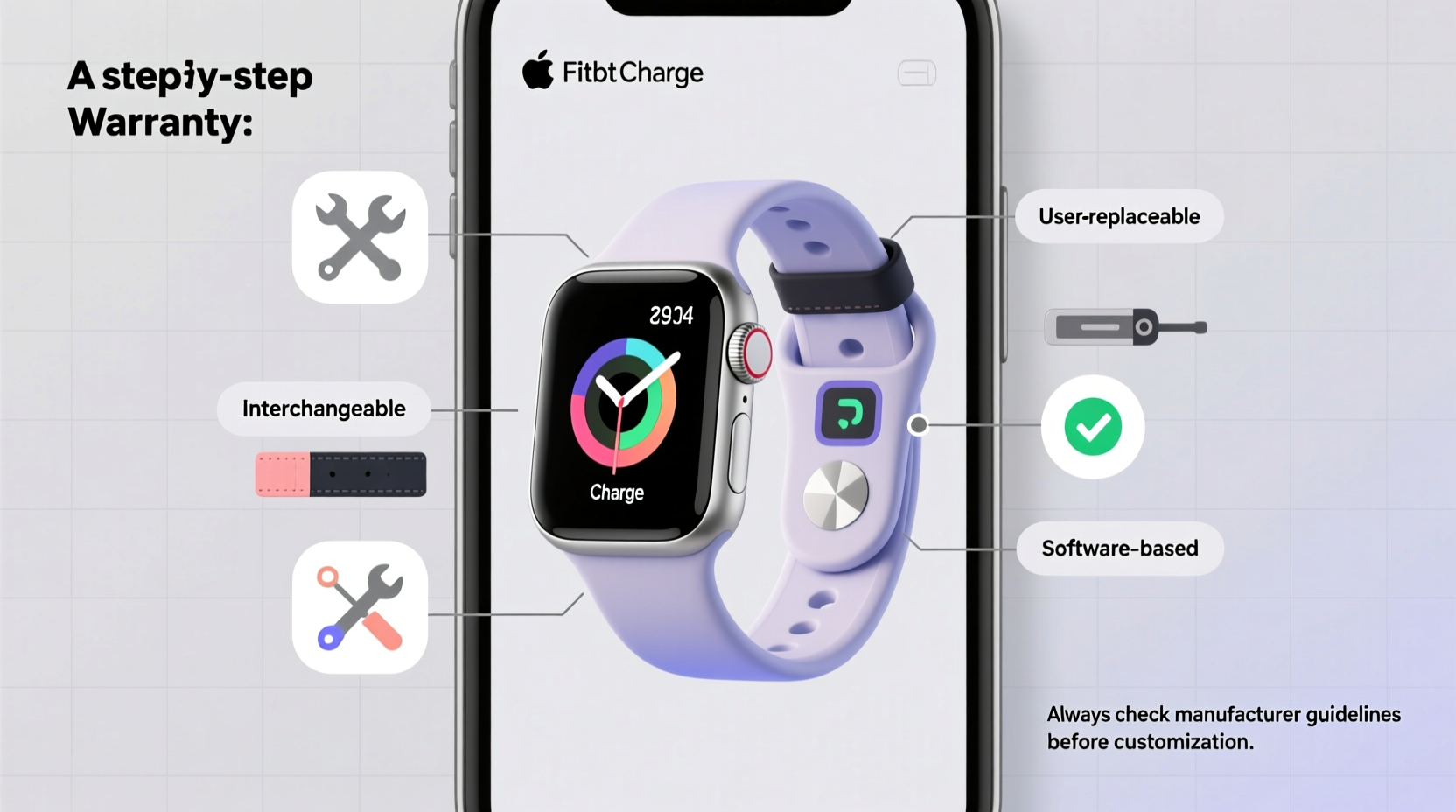
Before making any modifications, it’s crucial to understand what a warranty actually protects. Most fitness trackers come with a limited one-year warranty covering defects in materials and workmanship under normal use. This means if your screen cracks from accidental drops or water damage occurs due to misuse, those typically aren’t covered—even before any customization.
The real risk comes when a modification introduces damage or requires disassembly of sealed components. Manufacturers like Fitbit, Garmin, Apple, and Samsung explicitly state that opening the device case, tampering with internal hardware, or using non-approved charging methods voids the warranty. However, external changes such as swapping bands or adjusting software settings generally do not affect coverage.
“Warranties are designed to protect against manufacturing flaws, not user customization—unless that customization leads to physical damage or unauthorized hardware access.” — David Lin, Consumer Electronics Warranty Analyst
To stay on the safe side, always review your device’s official warranty documentation. Look for phrases like “authorized service providers,” “sealed unit integrity,” and “peripheral accessories.” These terms help clarify where the boundaries lie between acceptable personalization and risky alterations.
Safe Ways to Personalize Your Fitness Tracker
Personalizing your fitness tracker doesn’t require invasive procedures. Many aesthetic and functional upgrades can be done safely and reversibly. Here are several approved methods:
1. Swap Out Bands with Manufacturer-Approved Options
One of the easiest ways to refresh your tracker’s look is by changing the band. Most brands offer interchangeable straps made from silicone, leather, metal, or fabric. For example, Fitbit uses a standard 18mm or 20mm quick-release pin system across models like the Charge 5 and Versa series, allowing seamless swaps.
Third-party bands are widely available, but choose ones labeled as “compatible” rather than “modified” or “custom-cut.” Avoid bands that require tools or force to install, as improper alignment can stress the housing or block optical sensors.
2. Customize Watch Faces and Display Settings
Digital personalization is completely risk-free. Through companion apps (like Fitbit App, Garmin Connect, or Samsung Health), users can select from dozens of watch faces, adjust brightness, set goal reminders, and enable silent alarms. Some platforms even allow uploading custom clock designs or integrating weather widgets.
These changes occur entirely within the software layer and don’t interact with hardware components. No manufacturer considers UI customization a violation of warranty terms.
3. Use Compatible Charging Accessories
If you travel frequently or lose your original charger, replacement cables and docks are common purchases. As long as they match the voltage and connector type specified by the manufacturer, third-party chargers are generally acceptable.
However, avoid magnetic boosters, fast-charging adapters not rated for wearables, or counterfeit products. Poor-quality power delivery can degrade battery life over time—a condition sometimes excluded from warranty claims if deemed caused by external factors.
Step-by-Step Guide to Safe Customization
Follow this timeline to personalize your device securely while preserving warranty eligibility:
- Week 1: Review Warranty Policy – Locate your device’s support page and read the full warranty terms. Note any sections about accessories, water resistance, and authorized repairs.
- Week 2: Purchase Certified Accessories – Buy bands, screen protectors, or chargers endorsed by the brand or verified as compatible through reputable retailers.
- Day of Installation: Inspect Before Attaching – Check for sharp edges, misaligned connectors, or loose parts on new accessories. Install gently without prying or forcing components.
- After Setup: Test All Functions – Confirm heart rate monitoring, GPS accuracy, and touchscreen responsiveness post-installation. If performance declines, remove the accessory immediately.
- Ongoing: Document Changes – Keep receipts and product details for all added items. In case of future service needs, showing responsible usage strengthens your claim.
What NOT to Do: Common Mistakes That Void Warranties
While many customizations are harmless, certain actions almost always invalidate warranty protection. Avoid these at all costs:
| Action | Risk Level | Why It Voids Warranty |
|---|---|---|
| Opening the device casing | High | Breaches waterproof seals; exposes internal circuitry |
| Installing unofficial firmware | High | Can brick the device or introduce security flaws |
| Using abrasive cleaners on screen | Medium | Scratches may interfere with touch sensitivity; not covered under \"normal wear\" |
| Attaching bulky add-ons that obstruct sensors | Medium | May cause inaccurate readings; viewed as misuse |
| Exposing device to extreme temperatures during mods | Low-Medium | Heat/cold stress can warp casing or damage battery |
Even seemingly minor acts—like using superglue to secure a loose band—can be interpreted as user-induced damage. Always opt for reversible solutions instead of permanent fixes.
Mini Case Study: Sarah’s Stylish Yet Safe Upgrade
Sarah, a nurse working 12-hour shifts, wanted her Garmin Venu Sq to reflect her personality without compromising reliability. Her hospital enforces strict hygiene rules, so she needed a durable, easy-to-clean band.
Instead of cutting a leather strap herself, she researched antimicrobial silicone bands approved by Garmin. She selected a navy-blue option with breathable grooves and installed it using the built-in release mechanism—no tools required. She then downloaded a minimalist watch face optimized for quick glance readability during rounds.
When her tracker later developed a sync issue, she contacted Garmin support confidently. Because all modifications were reversible and non-invasive, her warranty remained intact, and she received a free replacement unit within five days.
Sarah’s experience shows that thoughtful, compliant personalization enhances usability without sacrificing protection.
Checklist: Personalize Safely Without Voiding Warranty
- ✅ Read the official warranty document before making changes
- ✅ Stick to external, non-invasive modifications only
- ✅ Use manufacturer-recommended or certified-compatible bands and chargers
- ✅ Apply screen protectors designed for your model (avoid adhesive overflow)
- ✅ Customize watch faces and notifications via official apps
- ❌ Never open the device casing or attempt internal repairs
- ❌ Avoid harsh chemicals, adhesives, or irreversible alterations
- ❌ Don’t install unverified third-party apps or firmware
- ✅ Keep purchase records for all accessories used
- ✅ Test device functionality after each change
Expert Insight: When Modifications Cross the Line
According to Lena Park, a senior technician at a major wearable repair center, most warranty denials stem from misunderstandings about what constitutes tampering.
“A lot of customers think putting on a different band is risky, but we see far more issues from people trying to clean inside the speaker grill with pins or attempting DIY battery replacements. Those actions clearly breach the sealed design. Swapping a strap? That’s like changing shoes—it’s expected.” — Lena Park, Wearable Device Technician
She emphasizes that manufacturers anticipate some level of customization and design their products accordingly. The line is drawn at anything that compromises structural integrity or introduces foreign objects into protected zones.
Frequently Asked Questions
Can I use a screen protector without voiding the warranty?
Yes, absolutely. Transparent, adhesive-based screen protectors are considered protective measures, not modifications. Just ensure they’re sized correctly and don’t cover sensors located near the edges.
Is engraving my fitness tracker allowed?
No. Engraving involves permanently altering the surface, which is considered user damage. Even light etching can create micro-cracks that compromise water resistance. Most brands prohibit engraving unless performed by an authorized partner during purchase.
Will using a third-party app to track workouts affect my warranty?
No. Data tracking via Bluetooth-connected apps does not interact with hardware systems. As long as the app doesn’t require rooting or jailbreaking your phone or device, usage remains fully compliant.
Conclusion: Express Yourself Responsibly
Your fitness tracker is both a tool and a reflection of your lifestyle. With careful choices, you can enhance its appearance and functionality without surrendering warranty protection. Focus on reversible, externally applied upgrades—swap bands, tweak interfaces, and use trusted accessories—and you’ll enjoy a personalized experience backed by peace of mind.
Manufacturers want you to love your device, which includes making it feel uniquely yours. By staying within the boundaries of approved customization, you honor both your investment and your individuality. Take pride in a setup that’s stylish, functional, and fully protected.




 浙公网安备
33010002000092号
浙公网安备
33010002000092号 浙B2-20120091-4
Comments
No comments yet. Why don't you start the discussion?