
A planner is more than just a place to write down appointments or deadlines—it’s a reflection of your workflow, mindset, and creative rhythm. Yet many people treat their planners as generic tools, using them passively instead of shaping them into dynamic instruments that serve their unique goals. When personalized intentionally, a planner becomes a powerful ally in boosting both productivity and creativity. The key lies not in following rigid templates, but in designing a system that aligns with how you think, work, and create.
Understand Your Personal Workflow Before Customizing
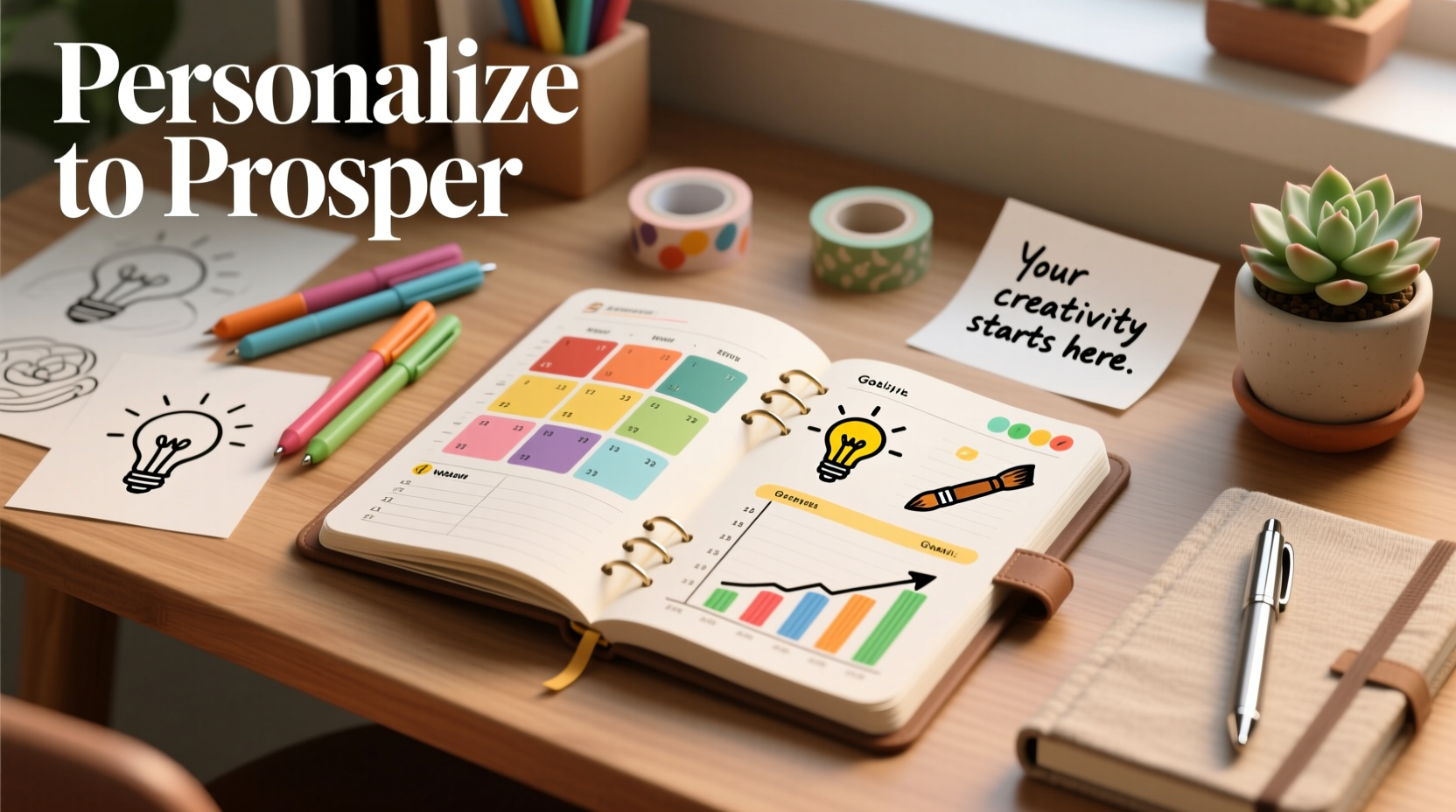
Before adding stickers or color-coding sections, take time to assess how you naturally organize your thoughts and manage tasks. Are you someone who thrives on structure, needing clearly defined time blocks and prioritized lists? Or do you operate best in bursts of inspiration, relying on intuition and fluid scheduling?
Recognizing your working style prevents the common pitfall of adopting a planner method that looks beautiful but doesn’t function well for your habits. For example, a highly visual person might benefit from mood-based color schemes, while someone detail-oriented may prefer bullet journal-style rapid logging.
“Productivity isn't about doing more—it's about designing systems that reduce friction between intention and action.” — Dr. Lara Kim, Behavioral Productivity Researcher
Start by answering three questions:
- When during the day am I most focused?
- What types of tasks drain my energy versus energize me?
- Do I respond better to minimalism or rich visual cues?
This self-audit ensures your planner supports—not fights—your natural tendencies.
Create a Modular Layout That Scales With Your Needs
One-size-fits-all layouts fail because life isn’t static. A personalized planner should evolve with your projects, seasons, and priorities. Instead of committing to a fixed format, design modular sections that can be added, removed, or reorganized monthly.
Consider dividing your planner into core components:
- Time-Based Tracking: Daily/weekly spreads for appointments, deadlines, and time-blocking.
- Project Hubs: Dedicated pages for active initiatives, including goals, milestones, and resource notes.
- Creative Incubation Zones: Blank or lightly structured areas for brainstorming, sketching, or free writing.
- Habit & Reflection Logs: Track routines, moods, or weekly reviews to maintain awareness and momentum.
These modules allow flexibility without chaos. You can rotate which sections are visible based on current demands—emphasizing project tracking during busy work months, then shifting focus to creative exploration during quieter periods.
Example Table: Planner Module Use Cases
| Module Type | Best For | Customization Ideas |
|---|---|---|
| Time-Based Tracking | Scheduling, meetings, time-sensitive tasks | Add hourly grids, priority tags, buffer zones |
| Project Hubs | Long-term goals, campaigns, product launches | Milestone timelines, contact lists, progress bars |
| Creative Incubation | Ideation, journaling, artistic planning | Doodle corners, prompt lists, mind map templates |
| Habit & Reflection | Wellness, personal growth, accountability | Mood trackers, gratitude logs, review prompts |
Incorporate Visual Cues That Trigger Focus and Inspiration
Visual elements aren’t just decorative—they serve cognitive functions. Color coding, symbols, and spatial design help your brain quickly interpret information and stay engaged.
For instance, assign specific colors to categories like “work,” “personal,” “creative,” and “admin.” This enables instant recognition when scanning a page. Similarly, use icons (like a lightbulb for ideas or a clock for time-sensitive items) to reduce reading load and increase processing speed.
The goal isn’t aesthetic perfection, but functional clarity. Over-decorating can backfire if it distracts from usability. Keep visuals purposeful.
Mini Case Study: From Overwhelmed to Organized in Three Weeks
Sophie, a freelance graphic designer, used a standard weekly planner but often missed deadlines and felt creatively drained. After analyzing her workflow, she realized her planner lacked space for idea capture and didn’t reflect her peak creative hours (9–11 AM).
She redesigned her layout: moving client tasks to afternoons, reserving mornings for unstructured creative time, and adding a \"spark log\" section where she jotted down design inspirations throughout the week. She also introduced purple ink for high-priority deliverables and green for personal development.
Within three weeks, Sophie reported a 40% reduction in missed follow-ups and doubled her weekly idea output. Her planner stopped being a chore and became a source of motivation.
Build In Feedback Loops for Continuous Improvement
A truly effective planner doesn’t just record—it reflects. Without regular review, even the most beautifully designed system becomes outdated or irrelevant.
Integrate short reflection rituals into your weekly routine. Set aside 20 minutes every Sunday to ask:
- What tasks took longer than expected? Why?
- Which sections of the planner did I actually use?
- Were there recurring distractions or bottlenecks?
- What new type of support do I need next week?
Based on these insights, adjust your layout accordingly. Maybe you need larger note margins, a dedicated “waiting on” list, or a simplified daily header. Treat your planner as a living document, not a finished product.
Step-by-Step Guide: How to Audit and Refine Your Planner Monthly
- Gather data: Flip through the past month’s entries. Count how many times you referred to each section.
- Identify gaps: Mark missing features—e.g., no place for passwords, forgotten birthdays, overlooked ideas.
- Remove clutter: Eliminate unused pages or redundant trackers (e.g., two habit charts for the same goal).
- Test one change: Introduce a single improvement (e.g., sticky tab for urgent tasks) and monitor its impact.
- Document lessons: Write a brief summary at the end of the month: “What worked? What didn’t?”
This iterative process ensures your planner grows alongside your evolving needs.
Balance Structure With Creative Freedom
The tension between productivity and creativity often stems from over-structuring. Too much rigidity kills spontaneity; too little leads to disorganization. The solution lies in intentional imbalance—designing a framework flexible enough to accommodate inspiration.
One approach is the “anchor and drift” model: define non-negotiable anchors (e.g., client calls, gym sessions), then leave adjacent spaces open for drifting activities (idea generation, learning, rest). These open zones become fertile ground for innovation.
Another technique is using dual-purpose pages. For example, a meeting log can include a sidebar titled “Thoughts to Explore Later”—transforming passive note-taking into proactive ideation.
“Creativity flourishes not in emptiness, but within boundaries that give it direction.” — Mira Chen, Innovation Coach
By embedding creative triggers within structured formats, you make room for insight without sacrificing accountability.
Frequently Asked Questions
Can digital planners be personalized effectively?
Yes, though the methods differ. Digital tools like Notion, GoodNotes, or Obsidian allow deep customization through templates, tags, and linked databases. However, they require discipline to avoid feature overload. Start simple—replicate one analog strategy digitally before expanding.
How do I prevent my planner from becoming cluttered?
Set usage rules upfront. For example: only transfer actionable items, archive completed projects monthly, and limit decorative elements to 20% of the page. Regular audits also help maintain clarity.
Is handwriting still better than typing in a personalized planner?
Research suggests handwriting enhances memory retention and conceptual understanding. If possible, reserve key planning activities (goal setting, reviews, brainstorming) for pen and paper. Use typing for quick logging or backup storage.
Essential Checklist: Building Your Personalized Planner System
- Assess your natural work rhythms and energy patterns
- Choose a physical or digital format that matches your access preferences
- Design modular sections (time tracking, projects, creativity, habits)
- Assign meaningful colors and symbols for quick visual navigation
- Add space for unscheduled inspiration and idea capture
- Schedule weekly reviews and monthly audits
- Iterate based on real-world usage—not trends or aesthetics
Conclusion: Make Your Planner a True Extension of Yourself
A personalized planner shouldn’t mirror someone else’s Instagram-worthy spread—it should mirror your mind. When tailored to your cognitive style, professional demands, and creative impulses, it transforms from a passive calendar into an active thinking partner. The most productive and imaginative people don’t just use planners; they co-create them, refining the system continuously until it feels effortless.
Start small. Pick one element—your daily layout, your task labels, or your review process—and redesign it with intention. Observe how it affects your focus and flow. Then build from there. Over time, you’ll develop a planner that doesn’t just track your days, but elevates them.




 浙公网安备
33010002000092号
浙公网安备
33010002000092号 浙B2-20120091-4
Comments
No comments yet. Why don't you start the discussion?