
For the dedicated gamer, the latest console, high-refresh-rate monitor, or mechanical keyboard might already be part of their setup. When someone has every piece of hardware on their wishlist, the real challenge isn’t finding *what* to give—but how to make the gift feel unique, thoughtful, and deeply personal. The key lies not in the gadget itself, but in how it’s customized, presented, and integrated into their world. Personalization transforms a standard tech item into a one-of-a-kind experience that reflects the recipient’s identity, play style, and passions.
True personalization goes beyond engraving initials. It involves understanding the gamer’s habits, favorite titles, aesthetic preferences, and even in-game personas. Whether it’s a custom-coded macro pad, a themed streaming backdrop, or a retro-styled controller with nostalgic artwork, the most memorable gifts are those that surprise and resonate on a personal level. This guide explores practical, creative strategies to elevate a tech gift from generic to extraordinary—even when the recipient seems to have it all.
Understand the Gamer’s Identity Before Choosing the Gadget
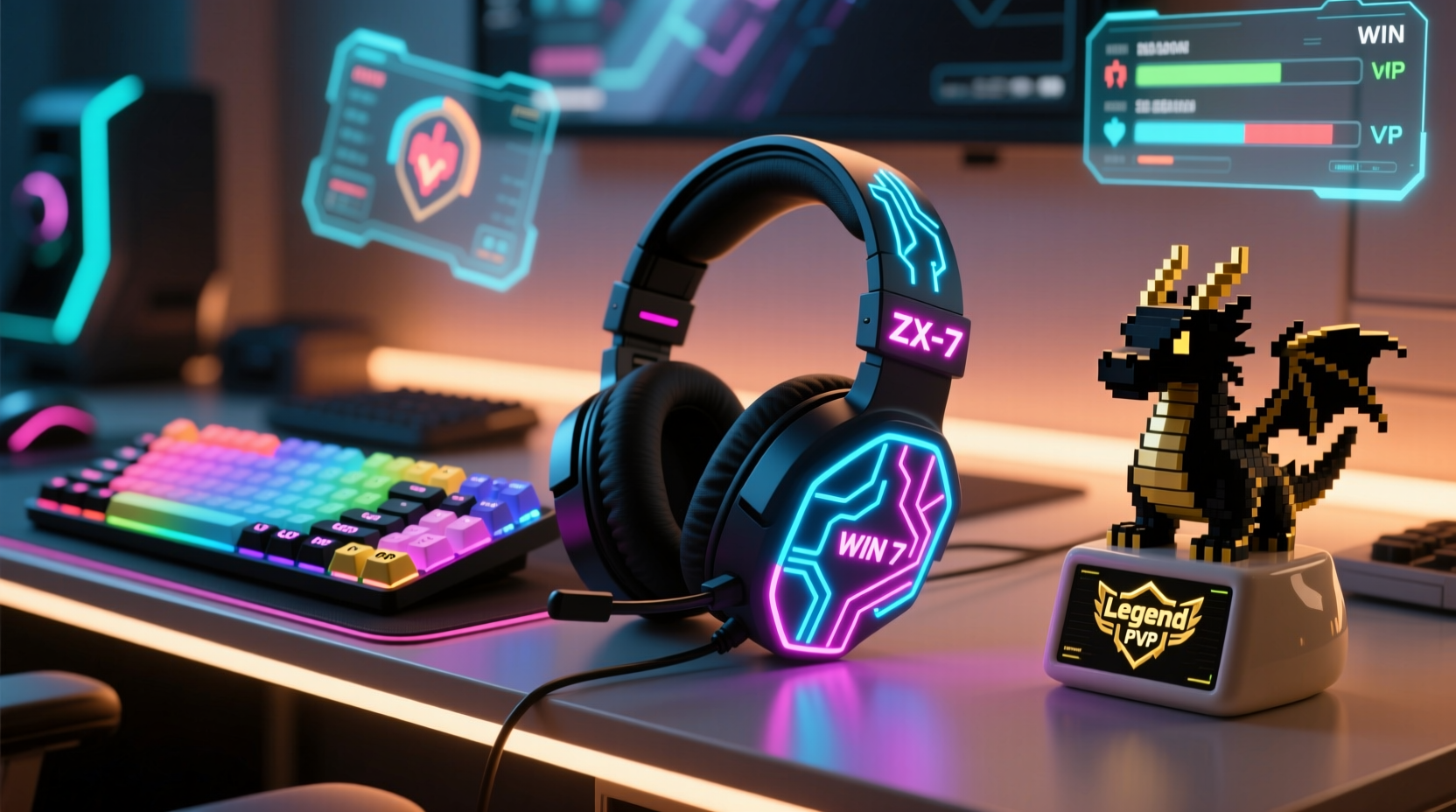
The foundation of any personalized gift is insight. Gamers often build strong identities around their favorite genres, characters, or communities. A player who spends weekends raiding in MMORPGs likely values lore, customization, and long-term progression. Someone who dominates in competitive FPS titles may prioritize precision, speed, and clean aesthetics. Recognizing these nuances helps tailor both the gadget and its personalization.
Start by observing their current setup. Do they lean toward minimalist black-and-white peripherals, or do they embrace RGB lighting with bold color schemes? Are their walls decorated with posters from specific franchises like The Legend of Zelda, Cyberpunk 2077, or Overwatch? These visual cues offer valuable clues about what resonates with them emotionally.
Engage in low-key conversations. Ask about their “dream setup” or which game they’ve replayed the most. You don’t need to pry; casual questions can reveal deep preferences. For example, learning that someone played Stardew Valley during a difficult life transition could inspire a gift that honors that emotional connection—like a custom Raspberry Pi-powered farm-themed smart display.
Select a Customizable Tech Platform
Not all gadgets lend themselves to personalization. To create something truly unique, choose a device that supports modification, either through software, physical design, or third-party accessories. The best candidates include:
- Mechanical keyboards (keycap swaps, firmware tweaks)
- Gaming mice (programmable buttons, swappable weights, skins)
- Controllers (custom faceplates, button colors, grip textures)
- Streaming gear (OBS overlays, voice changers, LED panels)
- Mini PCs or single-board computers (Raspberry Pi, Steam Deck clones)
A programmable macro keypad, such as those from Elgato or QMK-compatible DIY kits, offers immense potential. Each key can be assigned to a complex command, labeled with a custom icon, or lit up in a color scheme matching a favorite game. For instance, a Doom Eternal fan might appreciate a keypad where each button triggers a different weapon shortcut, labeled with demonic symbols and glowing red.
“Personalization turns tools into artifacts. A keyboard isn’t just input hardware—it becomes an extension of the player’s digital self.” — Lena Torres, UX Designer & Gaming Anthropologist
Create a Themed Experience, Not Just a Device
The most impactful personalized gifts go beyond the object—they create a narrative. Instead of handing over a modified controller, wrap it in a package that mimics a fictional universe. For a Portal enthusiast, present the gift inside a cardboard box styled like the Aperture Science testing chamber, complete with faux hazard labels and a note from “GLaDOS” granting access to “Experimental Input Device #7.”
This approach leverages the power of storytelling to deepen emotional impact. Even if the gadget itself is commercially available, the unboxing becomes a memorable event. Include a handwritten letter that ties the gift to the recipient’s gaming journey: “I know you’ve spent 200 hours mastering headshots in Valorant—this mouse was calibrated for agents who never miss.”
| Game Theme | Gadget Idea | Personalization Touch |
|---|---|---|
| The Witcher 3 | Custom trackball mouse | Engraved with witcher signs; comes with a leather-bound \"Bestiary Log\" detailing sensitivity settings |
| Animal Crossing | Raspberry Pi handheld | Housed in a pastel case with character decals; preloaded with custom chiptune soundtrack |
| Dark Souls | Rechargeable lantern-style desk light | Labeled “Firelink Shard”; activates via motion sensor like a bonfire |
| Cyberpunk 2077 | RGB keyboard | Keycaps labeled with Night City slang; backlighting cycles like a neon district |
Step-by-Step Guide: Building a Personalized Macro Pad
One of the most effective personalized tech gifts is a custom macro pad. Follow this timeline to create one tailored to the recipient’s gaming habits.
- Week 1: Research and Planning
Identify the recipient’s main game(s). Note frequent actions: inventory swaps, ability combos, chat commands. Choose a base device (e.g., a 6-key QMK pad). - Week 2: Design Layout and Labels
Use software like GIMP or Keycap Designer to create icons. For a Hades fan, use Olympian sigils. Print labels or order custom keycaps. - Week 3: Program Functions
Flash the firmware using QMK Toolbox. Assign macros—e.g., one button types “GG, WP” in chat, another launches Discord with push-to-talk. - Week 4: Assemble and Test
Install keycaps, test responsiveness, adjust actuation force if possible. Add a custom baseplate engraving: “Forged in [Player’s Username]’s Fire Zone.” - Final Step: Present with Context
Include a quick-start card explaining each button’s function and why it was chosen.
Incorporate Inside Jokes and Shared Memories
The deepest level of personalization draws from shared experiences. Did you and the gamer survive a brutal Left 4 Dead 2 campaign at 3 a.m.? Did they once rage-quit after falling into a lava pit in Minecraft? These moments are goldmines for meaningful touches.
Consider a USB hub shaped like a creeper head—but with a label: “The One That Got Away – July 2023.” Or a custom mousepad stitched with a pixel-art map of the exact coordinates where they built their first survival base. These details signal that you’ve paid attention, not just to their games, but to their journey within them.
A mini case study illustrates this well: Mark wanted to surprise his friend Jess, a veteran World of Warcraft player who had recently retired her longtime mage character. He purchased a compact NAS drive preloaded with every expansion’s original soundtrack and labeled it “Arcane Archive: Kel’Thera’s Legacy.” The device doubled as a network storage unit and a nostalgic tribute to her in-game persona. Jess later said it was the only gift that made her feel “seen” as a player, not just a consumer.
Checklist: Ensuring Your Gift Stands Out
Before finalizing your personalized tech gift, run through this checklist to maximize impact:
- ✅ Chose a gadget that aligns with the recipient’s primary gaming platform (PC, console, mobile)
- ✅ Confirmed compatibility (e.g., Xbox controllers vs. PlayStation, Windows vs. macOS drivers)
- ✅ Incorporated at least one personal detail (username, favorite quote, in-game achievement)
- ✅ Tested all modifications for functionality (no broken macros or loose parts)
- ✅ Designed packaging that enhances the theme (avoid plain boxes)
- ✅ Included clear instructions if setup is required
- ✅ Added a handwritten note explaining the thought behind the gift
FAQ
Can I personalize a gift without technical skills?
Absolutely. Many companies offer custom engraving, skin printing, or pre-built themed kits. You can also pair a standard gadget with a deeply personal presentation—like a controller wrapped in fabric from their favorite game’s hoodie, accompanied by a story card.
What if the gamer already has a similar device?
Focus on differentiation. If they own five keyboards, create one that serves a niche purpose—like a silent, compact board for late-night typing or a rugged outdoor gaming pad for LAN parties. Uniqueness matters more than utility.
Is software-based personalization worth it?
Yes, especially for PC gamers. Custom scripts, auto-hotkey bindings, or personalized OBS scenes add value without physical modification. A simple .json configuration file shared via USB can be surprisingly touching when labeled “Your Perfect Aim Settings – Based on 50 Headshots.”
Conclusion
When a gamer appears to have everything, the answer isn’t to find a rarer gadget—but to redefine what “gift” means. The most cherished items aren’t the most expensive or powerful; they’re the ones that reflect identity, memory, and intention. A personalized tech gift doesn’t just sit on a desk—it becomes part of a player’s daily ritual, a quiet reminder that someone truly understands their passion.
Start small. Observe. Create with care. Whether it’s a macro-laden numpad themed after their favorite RPG class or a streaming light synced to their in-game achievements, your effort will resonate far beyond the specs. In a world of mass-produced gear, personalization is the ultimate upgrade.




 浙公网安备
33010002000092号
浙公网安备
33010002000092号 浙B2-20120091-4
Comments
No comments yet. Why don't you start the discussion?