
In the digital world of online gaming communities and fan forums, your anime avatar is more than just a profile picture—it’s a visual extension of your personality, interests, and style. Whether you're joining a competitive multiplayer arena or engaging in passionate discussions about the latest season of your favorite series, a well-crafted anime avatar helps you stand out and connect with like-minded fans. Personalization isn’t just about aesthetics; it's about creating an identity that feels authentic and memorable.
With the growing popularity of anime-inspired avatars across platforms like Discord, Reddit, Steam, and mobile games such as Genshin Impact or Honkai: Star Rail, users now have unprecedented control over how they present themselves. From choosing character traits to embedding symbolic details, personalization transforms a generic image into a signature representation. This guide walks through practical strategies, tools, and design principles to help you craft a distinctive anime avatar that resonates with who you are—and what you love.
Understanding Your Avatar’s Purpose
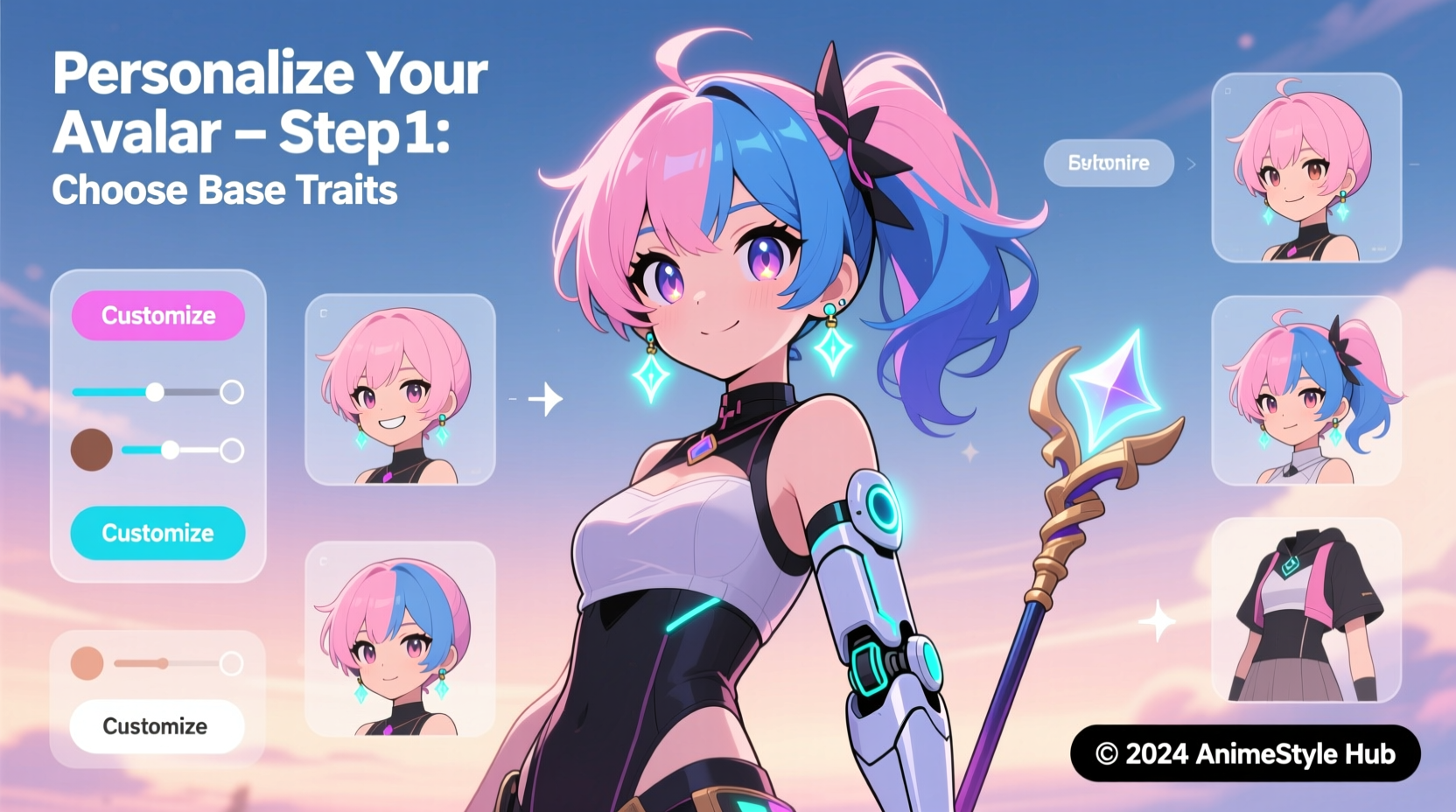
Before diving into customization tools, consider where your avatar will be used and what message it should convey. An avatar for a casual anime discussion board may lean toward whimsy and fandom references, while one for a ranked PvP game might prioritize clarity, recognizability, and intimidation.
- Forums: Focus on expressiveness and cultural relevance—fans appreciate subtle nods to iconic scenes or memes.
- Online Games: Prioritize visibility and readability at small sizes; avoid overly busy designs.
- Social Platforms: Balance uniqueness with professionalism if your account serves multiple purposes.
Your avatar can reflect your favorite character, represent an original persona (often called an \"OC\" or original character), or blend elements from various series into a hybrid aesthetic. The key is intentionality: every choice should contribute to a coherent identity.
Choosing the Right Creation Method
There are several ways to generate an anime-style avatar, each offering different levels of control and creativity. Selecting the right method depends on your technical skill, time investment, and desired outcome.
| Method | Best For | Pros | Cons |
|---|---|---|---|
| Avatar Generators (e.g., Picrew, Zmoji) | Beginners, quick results | User-friendly, no drawing skills needed, wide variety of styles | Limited uniqueness, potential for duplicates |
| Drawing Your Own (Digital/Traditional) | Artists, OC creators | Full creative freedom, highly personalized | Requires artistic ability and time |
| AI Art Tools (e.g., Leonardo AI, Stable Diffusion) | Hybrid creators, experimental designs | Fast generation, high-quality output, customizable prompts | Learning curve, ethical concerns around training data |
| Editing Existing Images (Photoshop, GIMP) | Customizers, meme creators | High precision, familiar software | Risk of copyright issues if using official artwork |
Many users begin with avatar generators to explore styles before progressing to more advanced tools. Platforms like Picrew host thousands of anime-themed customizers, allowing you to adjust hair color, eye shape, clothing, and accessories with sliders and click menus. These are ideal for testing concepts without committing to long-term projects.
“Personalization starts not with tools, but with vision. Know your character before you draw them.” — Rina Takahashi, Digital Character Designer & Illustrator
Design Principles for Maximum Impact
A compelling anime avatar follows fundamental design principles that enhance recognition and emotional resonance—even at thumbnail size.
Color Psychology and Palette Selection
Colors evoke emotion and association. Choose hues that align with your personality or favorite themes:
- Red: Passion, energy, aggression (ideal for action-oriented gamers)
- Blue: Calm, intelligence, loyalty (popular among strategy players)
- Purple: Mystery, creativity, spirituality (favored in fantasy RPGs)
- Pastels: Softness, innocence, kawaii culture (common in slice-of-life fanbases)
Limit your palette to 3–5 dominant colors to maintain visual harmony. Use contrasting shades for eyes or accessories to create focal points.
Facial Expression and Pose
Anime excels at conveying emotion through exaggerated expressions. A confident smirk, determined glare, or playful wink can instantly communicate attitude. Avoid neutral faces unless aiming for mystery or stoicism.
Consider dynamic poses even in static images: a slight tilt of the head, a hand near the weapon, or wind-blown hair adds movement and narrative depth.
Symbols and Signature Elements
Incorporate meaningful symbols to deepen personal connection:
- A recurring accessory (glasses, scarf, pendant)
- A pet or companion creature (chibi fox, robotic drone)
- A background motif (constellation, kanji, game logo)
Step-by-Step Guide to Creating Your Anime Avatar
Follow this structured process to build a polished, personalized avatar regardless of your chosen method.
- Define Your Concept
Decide whether you’re channeling a canon character, designing an OC, or creating a stylized version of yourself. Write down keywords: e.g., “mysterious,” “loyal,” “tech-savvy,” “magical girl.” - Select a Base Tool
Choose between an avatar generator, AI platform, or illustration software based on your comfort level and goals. - Build Core Features
Start with face shape, eye style, and hair—these define first impressions. Anime eyes vary widely: large and sparkly for cuteness, narrow and sharp for intensity. - Add Clothing and Gear
Dress your avatar according to role: school uniform for slice-of-life themes, armor for battle-ready personas, futuristic suits for sci-fi settings. - Incorporate Personality Markers
Add tattoos, scars, badges, or insignias that hint at backstory. A patch with a guild name or a book tucked under the arm tells a story. - Refine Details
Adjust lighting, add glows, or include subtle effects like floating particles or aura trails. Keep file size optimized for web use. - Test Across Platforms
Upload a draft to your target forum or game client. Check visibility at 64x64 pixels. Simplify if details get lost. - Finalize and Save
Export in PNG format for transparency support. Keep layered source files for future edits.
Real Example: Building a Forum Identity from Scratch
Maya, a longtime fan of *My Hero Academia*, wanted a unique presence on r/AnimeDiscussion. She didn’t want to use Deku or Bakugo—too common. Instead, she created an original character named “Kiri,” a quiet student with smoke-based quirk abilities, symbolizing her own introverted nature and love for atmospheric storytelling.
Using Picrew’s “Fantasy School Avatar Maker,” she selected silver-gray hair with black streaks, heterochromatic eyes (one red, one gold), and a modified academy uniform with a tattered scarf. In the corner, she added a faint wisp effect representing her quirk. After downloading, she imported the image into Krita to hand-paint a small phoenix emblem on the scarf—a nod to her resilience during tough times.
The result? A visually striking, emotionally resonant avatar that sparked conversations. Other users began referring to her as “Phoenix Girl,” strengthening her sense of belonging. Her avatar wasn’t just art—it became part of her community identity.
Checklist: Essential Avatar Personalization Steps
Use this checklist to ensure your avatar is complete and effective:
- ✅ Concept clearly defined (OC, self-representation, tribute?)
- ✅ Chosen creation method matches skill level and goals
- ✅ Color scheme reflects intended mood or theme
- ✅ Facial expression conveys personality
- ✅ Includes at least one unique identifier (accessory, symbol, trait)
- ✅ Optimized for small display sizes (test at 64x64px)
- ✅ Saved in appropriate format (PNG recommended)
- ✅ Complies with platform rules (no NSFW, copyrighted logos)
Frequently Asked Questions
Can I use official anime characters as my avatar?
Yes, but with caution. Using copyrighted characters is generally tolerated in fan communities as fair use, especially for non-commercial profiles. However, avoid modifying official artwork in ways that could infringe on rights (e.g., placing them in inappropriate contexts). For originality and legal safety, consider creating a character inspired by your favorite hero instead.
How do I make my avatar stand out without being distracting?
Focus on one standout feature—such as glowing eyes, vibrant hair, or a signature weapon—and keep the rest balanced. Overloading with effects (fire, lightning, rain) can make avatars hard to read at small sizes. Simplicity often has greater impact.
Is it okay to change my avatar frequently?
Absolutely. Many users rotate avatars based on seasons, current favorite shows, or mood. Just be mindful that frequent changes may reduce recognition in tight-knit communities. Some platforms allow animated avatars (GIFs), which offer dynamic variation within a single upload.
Conclusion: Make Your Mark in the Anime Community
Your anime avatar is more than decoration—it’s a declaration of identity in a global network of fans, creators, and competitors. By thoughtfully selecting design elements, leveraging accessible tools, and infusing personal meaning into every detail, you transform a simple image into a lasting digital impression. Whether you’re entering a high-stakes raid or sharing theories about the next plot twist, your avatar speaks before you type a word.
The most memorable avatars aren’t always the flashiest—they’re the ones that feel true. So take the time to craft something that reflects your journey, passions, and personality. Experiment, iterate, and don’t fear imperfection. In the world of anime culture, authenticity resonates louder than perfection.




 浙公网安备
33010002000092号
浙公网安备
33010002000092号 浙B2-20120091-4
Comments
No comments yet. Why don't you start the discussion?