
Fitness trackers have evolved from simple step counters into powerful health companions. Yet, many users only scratch the surface of their capabilities. Personalizing your device transforms it from a generic gadget into a tailored health ally—one that understands your body, habits, and aspirations. When customized effectively, your tracker becomes a proactive guide, not just a passive recorder. This article explores how to fine-tune your fitness tracker to align with your unique lifestyle and long-term wellness objectives.
Understand Your Device’s Full Capabilities
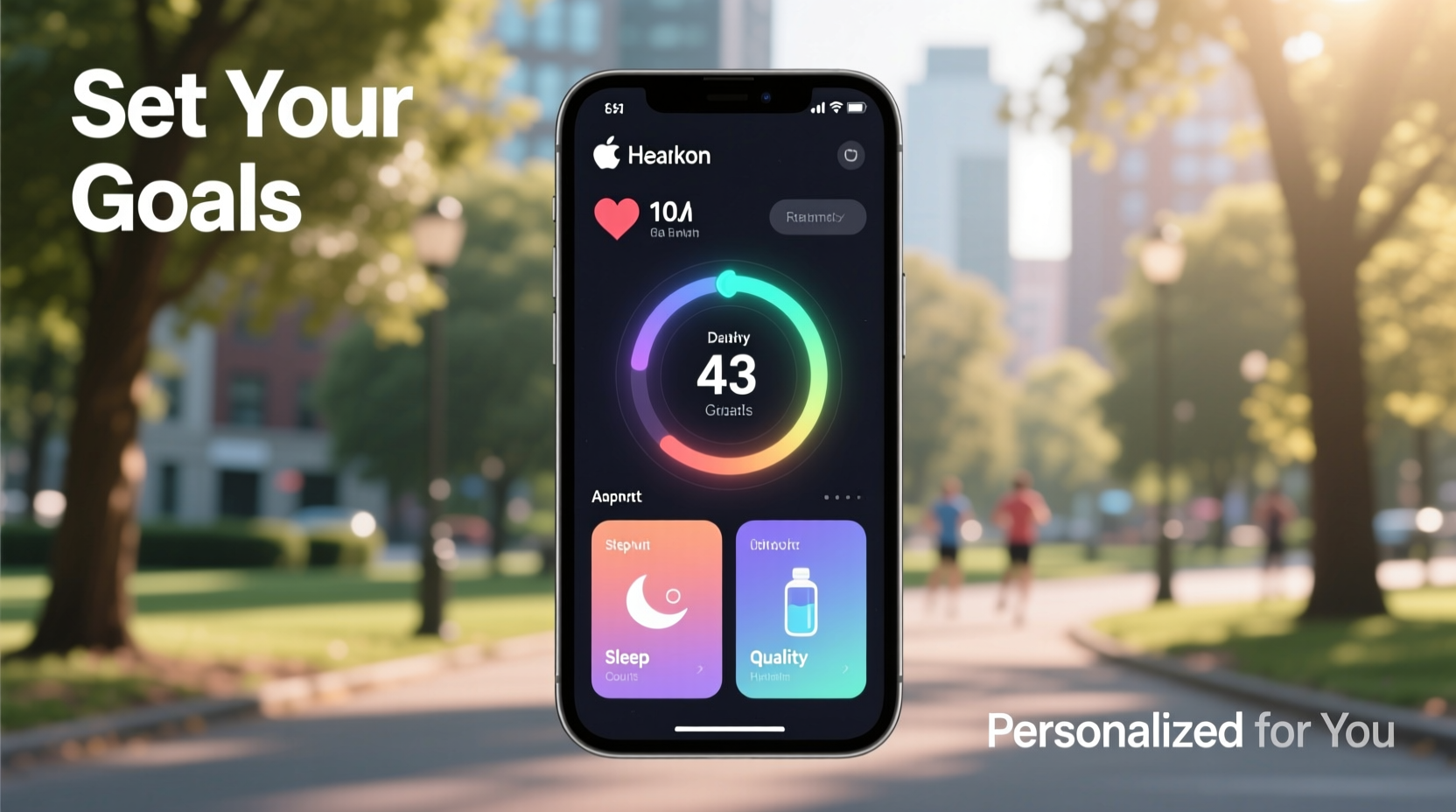
Before personalization begins, you must understand what your tracker can do. Most modern devices go beyond counting steps. They monitor heart rate variability, sleep stages, blood oxygen levels, stress indicators, menstrual cycles, and even guided breathing sessions. High-end models integrate GPS, VO₂ max estimates, and workout auto-detection.
However, these features often remain dormant unless activated or calibrated. For example, a user aiming to improve cardiovascular endurance will benefit more from HR zone tracking than step goals alone. Someone managing insomnia should prioritize sleep staging accuracy and bedtime reminders. The first step in personalization is auditing your tracker’s full feature set—usually found in the companion app settings—and identifying which tools serve your current health priorities.
Set Realistic, Data-Driven Goals
Default goals—like 10,000 steps per day—are arbitrary and may not suit everyone. A sedentary office worker might find this overwhelming, while an athlete could consider it too low. Personalization starts with goal calibration based on baseline data.
Begin by tracking your natural activity level for one week without trying to change habits. Use this data to establish a starting point. If your average is 5,000 steps, aim for 6,000 next week, then gradually increase. This approach prevents burnout and builds sustainable momentum.
For weight loss, pair your tracker with calorie intake monitoring. Many apps sync with nutrition platforms like MyFitnessPal, allowing you to view energy balance trends. Similarly, if improving sleep quality is your focus, use your tracker’s sleep efficiency score (time asleep vs. time in bed) as a benchmark. Target incremental improvements—such as reducing wake-ups after midnight or increasing deep sleep duration by 10% over six weeks.
“Personalized health goals grounded in real biometrics lead to 3x higher adherence compared to generic targets.” — Dr. Lena Torres, Digital Health Researcher at Stanford Medicine
Customize Notifications and Alerts Strategically
Notifications are powerful—but only when they’re meaningful. Most users disable alerts after being overwhelmed by constant buzzes. The key is selective activation based on individual needs.
For instance, a person with high-stress levels benefits from stress alerts triggered by elevated heart rate variability (HRV). These prompts encourage breathing exercises or short breaks. Conversely, someone recovering from injury might enable posture reminders or inactivity warnings every 45 minutes to avoid prolonged sitting.
You can also schedule smart notifications around your routine. If you meditate daily at 7:30 AM, program a mindfulness alert. Night owls should disable evening message pings to protect sleep hygiene. On the other hand, light exposure alerts can prompt outdoor walks during daylight hours to regulate circadian rhythms.
| Goal | Recommended Alert | When to Enable |
|---|---|---|
| Improve Sleep | Bedtime Reminder + Do Not Disturb Mode | 90 min before target sleep time |
| Reduce Sedentary Time | Inactivity Alert (every 45–60 min) | Work hours, Mon–Fri |
| Manage Stress | Stress Level Notification + Breathing Prompt | During workdays, 9 AM–6 PM |
| Boost Hydration | Water Intake Reminder | Morning to early afternoon |
| Enhance Workout Performance | HR Zone Guidance + Recovery Time Estimate | During exercise sessions |
Integrate Lifestyle Context for Smarter Insights
A tracker that only measures movement misses half the picture. True personalization happens when biometric data is combined with lifestyle inputs. Most apps allow manual logging for hydration, mood, caffeine, alcohol, and menstruation. When paired with physiological metrics, these entries reveal patterns invisible through motion sensors alone.
Consider a woman tracking fatigue. Her device shows poor sleep efficiency two nights per week. Upon logging her cycle, she notices these nights consistently follow ovulation. With this insight, she adjusts caffeine timing and adds magnesium supplements during luteal phases—resulting in improved rest.
Similarly, a remote worker logs low energy despite adequate sleep. Cross-referencing mood tags with screen time reveals a correlation between afternoon slumps and uninterrupted computer use. He enables hourly stretch alerts and schedules walking meetings, leading to sustained alertness.
Mini Case Study: From Burnout to Balanced Energy
Mark, a 38-year-old project manager, wore his fitness tracker religiously but felt no improvement in energy. His step count was consistent, yet fatigue persisted. After enabling mood logging and syncing his calendar, he noticed a pattern: days with back-to-back virtual meetings showed elevated resting heart rate (+8 BPM) and reduced HRV.
He personalized his tracker by setting meeting end-time vibrations to prompt a 5-minute walk. He also began tagging each day’s mental load (light, moderate, heavy). Over three weeks, his recovery scores improved by 22%, and subjective fatigue dropped significantly. The tracker didn’t fix his problem—it revealed the right question to ask.
Step-by-Step Guide to Full Personalization
Follow this seven-day plan to fully customize your fitness tracker:
- Day 1: Baseline Assessment
Wear your tracker normally. Avoid changing routines. Record natural step count, sleep duration, and resting heart rate. - Day 2: Feature Audit
Open your companion app. Navigate to settings. List all available health metrics (e.g., SpO₂, HRV, stress score). Note which are enabled. - Day 3: Goal Alignment
Define one primary health objective (e.g., better sleep, lower stress, consistent workouts). Adjust default goals to reflect realistic increments from your baseline. - Day 4: Notification Setup
Select 2–3 context-aware alerts aligned with your goal. Disable non-essential notifications (e.g., social media pings). - Day 5: Lifestyle Logging
Begin manually entering hydration, mood, and key habits. Do this for at least five minutes each evening. - Day 6: App Integration
Sync your tracker with complementary tools: calendar (for activity forecasting), nutrition app, meditation platform, or period tracker. - Day 7: Weekly Review
Analyze trends. Did your resting heart rate drop? Did inactivity alerts reduce sitting time? Refine one setting based on findings.
Common Personalization Mistakes to Avoid
- Overloading with alerts: Too many vibrations cause notification fatigue and eventual disengagement.
- Ignoring data context: A high heart rate during a work call isn’t the same as during a run. Always interpret metrics within situational awareness.
- Setting static goals: Failing to update targets as fitness improves leads to complacency or frustration.
- Skipping manual inputs: Mood, diet, and stress logs dramatically enhance data accuracy and usefulness.
- Comparing with others: Biometric baselines vary widely. Focus on your own trends, not leaderboard rankings.
Checklist: Optimize Your Tracker in 10 Minutes
Use this quick checklist weekly to maintain optimal personalization:
- ✅ Confirm today’s step, sleep, and heart rate goals are still relevant
- ✅ Check that active notifications support current priorities
- ✅ Log yesterday’s hydration and mood (if applicable)
- ✅ Review last night’s sleep score and note disruptions
- ✅ Verify app syncs with connected services (calendar, nutrition, etc.)
- ✅ Delete outdated widgets or unused watch faces cluttering your interface
- ✅ Charge device if battery is below 30%
FAQ
Can I personalize my fitness tracker without a smartphone?
Basic personalization—like adjusting brightness or setting alarms—is possible directly on most devices. However, advanced customization (goal setting, metric selection, app integration) typically requires a companion smartphone app. Some brands offer limited web-based dashboards, but functionality is reduced.
How accurate are personalized health insights?
Consumer-grade trackers provide trend-level accuracy, not medical precision. They excel at showing directional changes (e.g., improving or declining recovery) rather than absolute values. For clinical decisions, always consult a healthcare provider. That said, consistent use yields highly reliable personal baselines over time.
Should I wear my tracker 24/7 for best results?
Yes, for comprehensive insights—especially sleep and recovery metrics—continuous wear is ideal. Removing it frequently creates data gaps that undermine personalization. Charge it during low-activity periods (e.g., midday break) to maintain continuity.
Conclusion: Turn Data Into Daily Wisdom
Your fitness tracker is only as smart as the way you configure it. Out of the box, it offers general feedback. But once personalized, it evolves into a responsive partner in your health journey. It learns your rhythms, challenges unproductive patterns, and celebrates subtle progress invisible to the naked eye.
The most effective users don’t just collect data—they act on it. They adjust goals, refine alerts, and log context until their device feels less like technology and more like intuition. Start small: recalibrate one goal, add one meaningful notification, or begin journaling one habit. Over time, these micro-adjustments compound into lasting behavioral change.




 浙公网安备
33010002000092号
浙公网安备
33010002000092号 浙B2-20120091-4
Comments
No comments yet. Why don't you start the discussion?