
For gamers with smaller hands, finding the right gaming mouse can be more challenging than it seems. Many popular models are designed with medium to large hands in mind, leaving those with petite palms struggling with discomfort, reduced control, or even long-term strain. A poorly fitting mouse doesn’t just hinder performance—it can lead to fatigue, soreness, and repetitive stress injuries over time. The solution isn’t to compromise on features or settle for less; it’s about making informed choices based on hand size, grip style, and ergonomic design. This guide breaks down exactly what to look for when selecting a gaming mouse tailored to small hands, ensuring both comfort and precision during extended gaming sessions.
Understand Your Hand Size and Grip Style
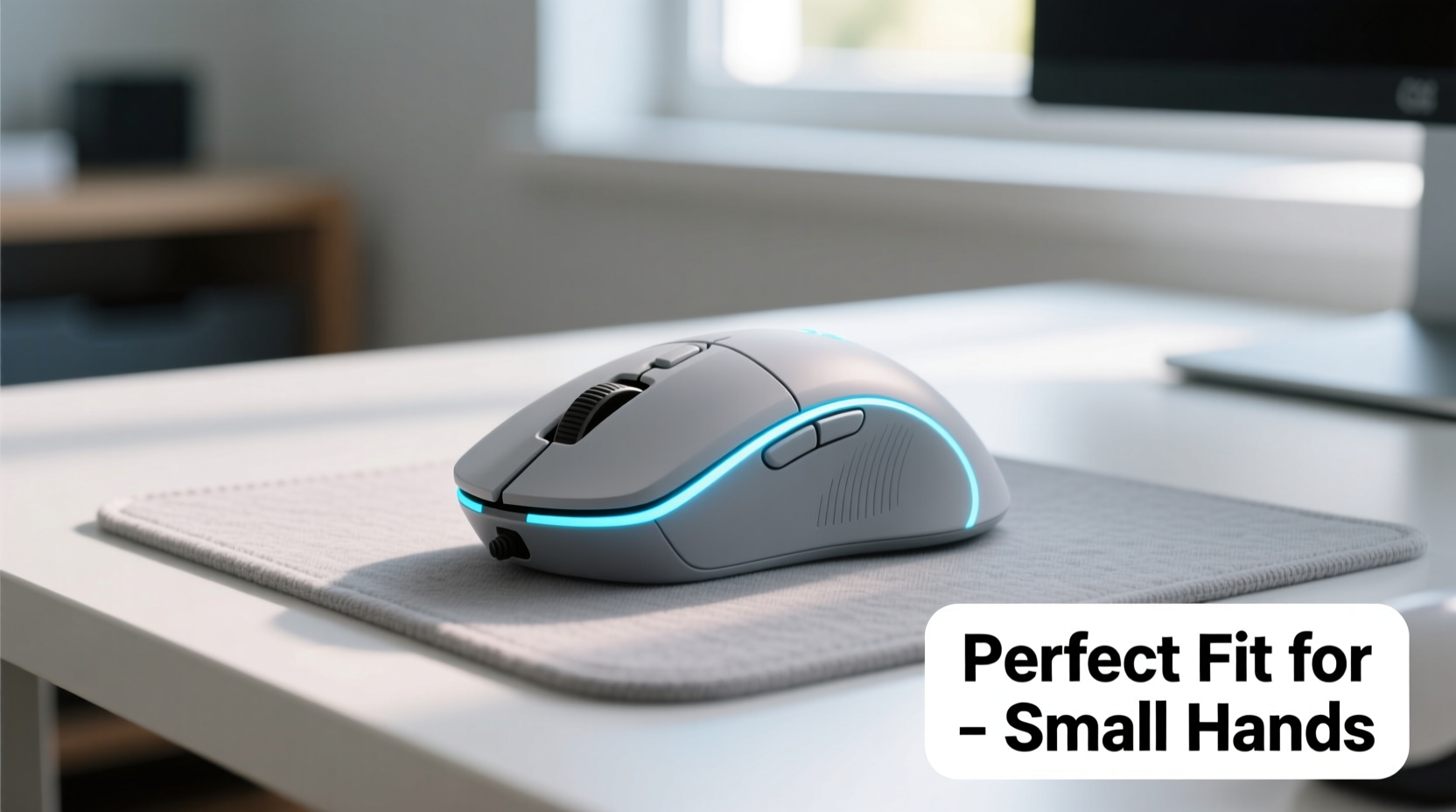
Before evaluating specific mice, you must first understand your own hand dimensions and preferred grip technique. These two factors directly influence how a mouse will feel and perform in your hand.
Measure your hand from the base of your palm (where it meets the wrist) to the tip of your middle finger. If your measurement is under 6.5 inches (about 16.5 cm), you likely have small hands. Mice designed for this range typically fall between 4.0 and 4.5 inches in length. Anything longer may force your fingers into an unnatural position, leading to cramping.
Equally important is identifying your grip style:
- Palm grip: The entire hand rests flat on the mouse. Ideal for comfort but requires a contoured shape that supports the full palm.
- Claw grip: Fingers are arched, with knuckles elevated. Offers quick movement but demands a higher hump near the back of the mouse.
- Fingertip grip: Only fingertips and thumb contact the mouse. Maximizes agility but reduces stability—common in fast-paced competitive games.
Small-handed users often favor fingertip or claw grips because they reduce the need to stretch across a large body. However, palm grippers aren’t excluded—they simply need compact, well-contoured designs that support their natural hand curve without overreaching.
Key Features to Prioritize for Small Hands
Not all gaming mice are created equal—especially when it comes to ergonomics for smaller users. Focus on these critical specifications to ensure a comfortable fit:
Size and Shape
A compact footprint is non-negotiable. Look for mice under 4.4 inches long and avoid bulk-heavy models marketed toward large-palm users. Vertical height matters too: a lower profile reduces finger strain, especially for fingertip grippers. Symmetrical shapes offer versatility, while right-handed ergonomic curves provide better support—if they match your hand’s natural posture.
Weight and Balance
Lightweight mice (under 80g) are generally easier to maneuver for small-handed players, reducing muscle fatigue during rapid flicks and swipes. However, some prefer slightly heavier models (80–95g) for improved stability. What matters most is balance: the center of gravity should align with your grip point, usually near the middle of the mouse. An off-center weight distribution forces constant correction, increasing tension.
DPI and Sensor Accuracy
Higher DPI (dots per inch) allows for faster cursor movement with less physical travel—useful when desk space is limited. But sensitivity should complement, not compensate for, poor ergonomics. Aim for a sensor with at least 3,200 DPI and adjustable settings so you can fine-tune responsiveness without sacrificing control.
Button Placement and Accessibility
Sidewide buttons should fall naturally under your thumb without stretching. On compact mice, poorly placed side keys can cause accidental presses or require awkward repositioning. Test button reach virtually via product reviews or opt for models known for thoughtful switch layout, like the Logitech GPX Lightcycle or Razer Viper Mini.
Surface Compatibility
A high-performance sensor means little if it doesn’t track reliably on your preferred surface. Most modern optical sensors work flawlessly on cloth pads, but check compatibility with hard mats or glass if applicable. Consistent tracking prevents micro-corrections that accumulate into hand strain over hours.
“Ergonomic mismatch is one of the top causes of gaming-related hand fatigue. A mouse should adapt to the hand, not the other way around.” — Dr. Lena Torres, Occupational Ergonomist & Human Factors Specialist
Top Mouse Recommendations for Small Hands
Certain models consistently receive praise from petite-handed gamers for their blend of size, comfort, and performance. Below is a curated comparison of standout options:
| Model | Length | Weight | Grip Style Suitability | Notable Feature |
|---|---|---|---|---|
| Razer Viper Mini | 4.17\" | 61g | Fingertip, Claw | Ultra-lightweight, 8KHz polling rate |
| Logitech G Pro X Superlight | 4.57\" | 63g | Fingertip, Claw | Premium wireless, excellent sensor |
| Zowie EC2 | 4.43\" | 93g | Palm, Claw | Ergonomic right-hand contour, no software needed |
| SteelSeries Aerox 3 Wireless | 4.33\" | 57g | All styles | Hole-out design for extreme lightness |
| Kinzu V2 by Logitech | 4.25\" | 75g | Fingertip, Claw | Budget-friendly, reliable sensor |
The Razer Viper Mini stands out as a favorite among competitive gamers with small hands due to its aggressive mini-sizing and responsive switches. Meanwhile, the Zowie EC2 offers a rare combination of palm support and compactness, ideal for users who prioritize structure over minimalism. For those willing to invest, the Logitech G Pro X Superlight delivers flagship performance in a lightweight chassis that doesn’t sacrifice build quality.
Step-by-Step Guide to Choosing Your Ideal Mouse
Selecting the perfect mouse doesn’t have to be overwhelming. Follow this structured approach to make a confident decision:
- Measure your hand: Use a ruler to determine the length from wrist crease to middle fingertip. Record this number.
- Identify your grip style: Observe how you naturally hold a pen or current mouse. Is your palm flat? Are your fingers arched?
- Research specs: Filter mice by length (ideally 4.0”–4.5”), weight (60–85g), and shape (symmetrical or low-hump ergonomic).
- Read user reviews: Search forums like Reddit’s r/MouseReview or YouTube channels focused on small-hand testing. Look for comments like “fits my 6-inch hand perfectly” or “no pinky drag.”
- Check return policies: Buy from retailers with generous return windows. Even detailed specs can’t replace real-world feel.
- Test in person if possible: Visit electronics stores to hold demo units. Mimic clicking and scrolling motions to assess comfort.
- Adjust settings post-purchase: Fine-tune DPI, polling rate, and button assignments to match your playstyle and reduce unnecessary movements.
Mini Case Study: Finding Comfort After Years of Discomfort
Sophie, a 24-year-old streamer and Apex Legends enthusiast, struggled with persistent wrist pain after switching to a professional gaming setup. Her previous mouse—a standard-sized wireless model—felt fine initially, but after two-hour sessions, she’d experience numbness in her ring and pinky fingers. She assumed it was normal until watching a video about \"pinky drag,\" where the smallest finger scrapes the desk due to inadequate support.
After measuring her hand at 6.2 inches, Sophie researched compact mice and settled on the Razer Viper Mini. Within days, her symptoms improved dramatically. The shorter body eliminated overreach, and the lightweight frame reduced overall effort. She also switched to a claw grip, which felt more natural with the new shape. Six months later, she reports zero discomfort and even improved aim consistency. “I didn’t realize how much energy I was wasting just holding onto a mouse that didn’t fit,” she said. “It wasn’t just comfort—it was performance.”
Common Mistakes to Avoid
Even with good intentions, buyers often fall into traps that undermine comfort. Watch out for these pitfalls:
- Chasing brand prestige over fit: Just because a pro player uses a certain mouse doesn’t mean it suits your anatomy.
- Ignoring cable drag (wired models): A stiff cord can pull the mouse off course, forcing compensatory hand tension. Opt for thin, flexible cables or go wireless.
- Overlooking button actuation force: Some switches require more pressure to click. For delicate hands, lighter switches reduce finger fatigue.
- Assuming wireless means lag: Modern wireless gaming mice like the Logitech Lightspeed series offer latency indistinguishable from wired connections.
- Skipping wrist rest use: While not essential, a soft pad can relieve pressure on the ulnar side of the hand, especially during long sessions.
FAQ
Can I use a large gaming mouse if I have small hands?
You can, but it’s not recommended for prolonged use. Oversized mice force your fingers to stretch, increasing strain on tendons and joints. Over time, this may contribute to discomfort or injury. Compact models designed for smaller hands provide better control and reduce fatigue.
Is wireless worth it for small-handed gamers?
Absolutely. Wireless eliminates cable resistance, allowing smoother, unrestricted movement—particularly beneficial for fast-paced genres like FPS or MOBA. Modern wireless tech offers reliable connectivity and battery life, with many compact models now built specifically for mobility and comfort.
How do I know if a mouse is too big?
If your fingertips extend far beyond the front edge, or if your palm doesn’t make full contact with the body, the mouse is likely too long. You might also notice your pinky dragging on the desk (\"pinky drag\"), which indicates poor support and inefficient weight distribution.
Final Checklist Before Buying
Use this concise checklist to confirm your choice aligns with small-hand comfort needs:
- ✅ Hand length measured and matched to mouse dimensions
- ✅ Grip style confirmed and supported by mouse shape
- ✅ Weight under 85g (preferably 60–75g)
- ✅ DPI adjustable between 800–3200 for balanced sensitivity
- ✅ Side buttons within easy thumb reach
- ✅ Positive reviews from users with similar hand size
- ✅ Return policy available in case of fit issues
Conclusion
Choosing a gaming mouse for small hands isn’t about settling for less—it’s about being intentional. The right mouse enhances precision, reduces physical strain, and ultimately improves your gaming experience. By focusing on size, weight, grip compatibility, and real-world feedback, you can find a device that feels like an extension of your hand rather than a tool you struggle to control. Don’t let generic designs dictate your comfort. Measure, research, test, and trust your instincts. When you prioritize fit, every click becomes more accurate, every movement more fluid, and every session more enjoyable.




 浙公网安备
33010002000092号
浙公网安备
33010002000092号 浙B2-20120091-4
Comments
No comments yet. Why don't you start the discussion?