
Creating a synchronized holiday light display that pulses, fades, and dances to your favorite carols used to require expensive controllers, proprietary software, and hours of technical training. Today, it’s accessible to anyone with a laptop, basic LED lights, and an afternoon to spare. The rise of open-source lighting platforms has democratized what was once a niche hobby for electrical engineers and professional installers. This guide walks you through the entire process—from selecting compatible hardware to exporting a fully timed sequence that plays flawlessly on Christmas Eve—using only free, cross-platform tools trusted by thousands of home display builders worldwide.
Why Free Software Works Better Than You Think
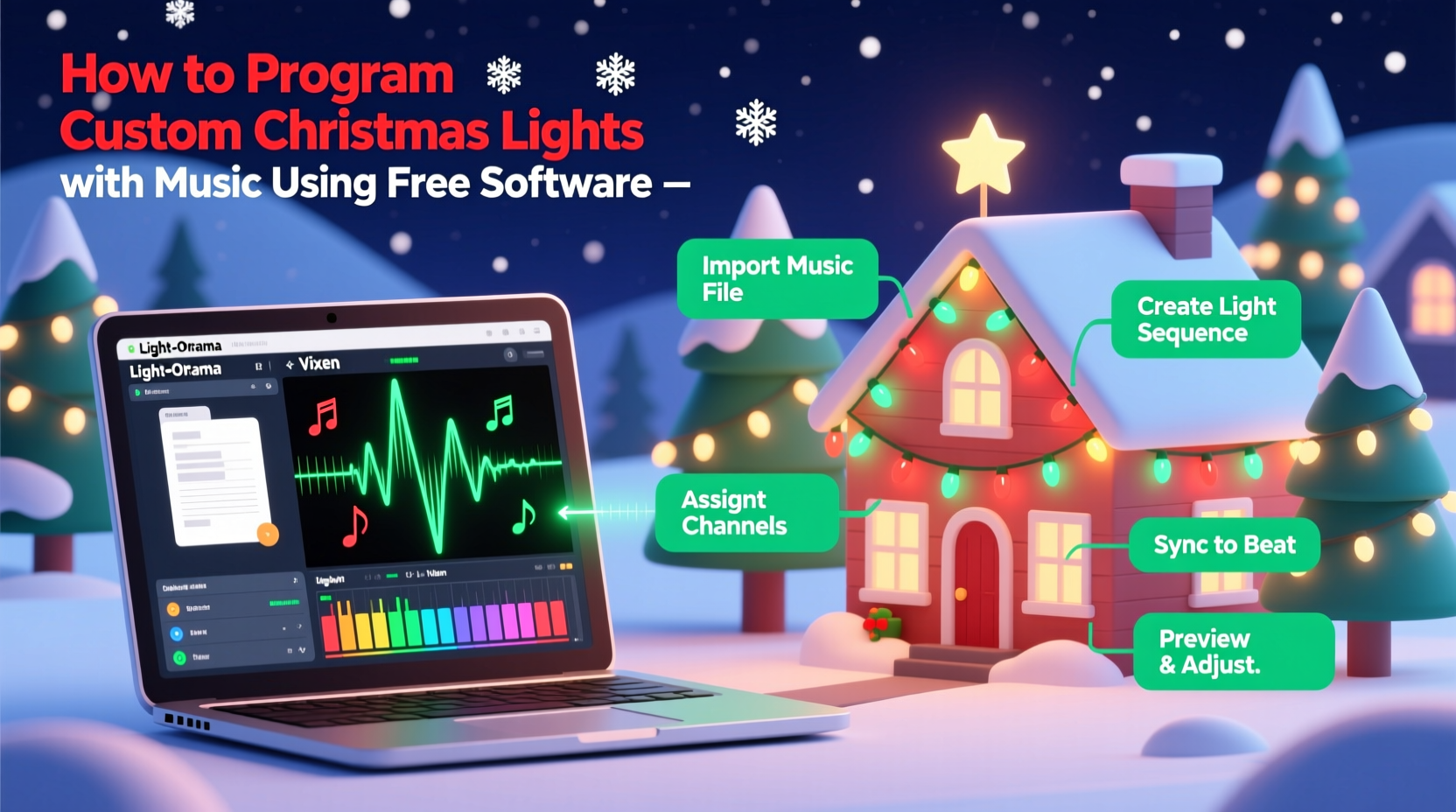
Many assume “free” means limited, unstable, or overly complex. In reality, the leading open-source lighting ecosystems—especially xLights and Vixen Lights—have evolved over more than a decade with contributions from hundreds of active developers and display veterans. These tools are not simplified versions of commercial products; they’re full-featured, actively maintained, and built specifically for the nuanced demands of musical light sequencing: precise timing (down to 10-millisecond resolution), multi-channel output management, pixel mapping for RGB strips, and real-time visualization. Unlike subscription-based services, there are no hidden fees, no export watermarks, and no arbitrary limits on show length or controller count. What you build stays yours—forever.
Hardware Requirements: What You Actually Need
You don’t need a warehouse full of gear. A functional musical light display starts with three core components: lights, a controller, and a computer. Compatibility is critical—some free software only supports specific protocols (like E1.31/Art-Net), while others offer broader USB and serial options. Below is a realistic, budget-conscious hardware checklist validated by community testing in 2024:
| Component | Minimum Requirement | Why It Matters |
|---|---|---|
| Lights | WS2811 or WS2812B (NeoPixel) RGB strip or nodes, 5V or 12V | These chips accept digital signals directly—no analog dimming needed—and are natively supported by all major free sequencers. Avoid non-addressable (dumb) LEDs unless using a dedicated analog controller like a Falcon F16v3 with PWM expansion. |
| Controller | ESP32-based WLED device (e.g., NodeMCU + WS2812B strip) OR Raspberry Pi 4 running xLights Controller (xLC) | WLED is free firmware that turns low-cost microcontrollers into E1.31 receivers. xLC transforms a Pi into a standalone playback engine—ideal for unattended displays. Both integrate seamlessly with xLights’ export pipeline. |
| Computer | Windows 10/11 (64-bit), macOS 12+, or Ubuntu 22.04 LTS with 8GB RAM, SSD recommended | xLights runs best on Windows due to driver stability, but macOS and Linux users report reliable performance for sequencing (not real-time preview). Avoid Chromebooks or tablets—they lack the USB/audio I/O and processing headroom. |
Important note: Never power more than 150–200 LEDs from a single 5V supply without voltage injection. Underpowering causes color shift, flicker, and premature failure. Always use a dedicated 5V or 12V power supply rated at least 20% above your strip’s maximum draw (calculate using Adafruit’s LED calculator).
The Step-by-Step Sequencing Workflow
Programming a musical sequence isn’t about guessing when lights should flash—it’s about translating audio energy into visual rhythm. The following six-step workflow has been refined by display builders across 12+ seasons. Follow it precisely to avoid common pitfalls like misaligned beats, inconsistent tempo, or export failures.
- Select & prepare your audio: Use a clean, high-bitrate (320kbps MP3 or WAV) version of your track. Remove silence from the beginning and end. Normalize peak volume to -1dB using Audacity (free) to prevent clipping during waveform analysis.
- Create your model in xLights: Define how your lights are physically arranged (e.g., “roofline: 100 pixels, linear, horizontal”). Assign each physical string or prop to a “model” with accurate pixel count and layout type (linear, arch, matrix). This enables accurate visual preview and effect placement.
- Import and analyze the audio: Drag your track into xLights’ timeline. Click “Analyze Audio” → select “Beat Detection.” Adjust sensitivity until detected beats align with snare hits and bass drops—not every percussive sound. Manually correct missed or false beats using the beat editor.
- Build your sequence layer-by-layer: Start with foundational effects (e.g., “Color Wash” on all channels for verse sections). Then add rhythmic layers: “Chase” on roofline during chorus, “Twinkle” on tree outline during bridge. Use the “Effect Library” browser—not random dragging—to ensure timing precision.
- Refine timing with the Grid Editor: Zoom into 0.1-second increments. Drag effect start/end points to snap exactly to beat markers. Use “Copy/Paste Effects” to replicate patterns across identical sections (e.g., repeating chorus). Never rely solely on auto-generation—human judgment ensures musicality.
- Export and test: Choose “E1.31 (sACN)” as output protocol. Set universe count based on your controller’s channel capacity (e.g., 1 universe = 512 channels = ~170 RGB pixels). Export to SD card or network folder, then trigger playback via WLED’s web UI or xLC dashboard.
Real Example: The Thompson Family’s First Display
In December 2023, the Thompsons—a couple in suburban Ohio with no prior electronics experience—built a 320-pixel display covering their porch, roofline, and front-yard tree. They used $45 in WS2812B lights, a $22 ESP32 dev board flashed with WLED, and xLights on their 2019 MacBook Air. Their biggest hurdle wasn’t wiring or software—it was interpreting the audio waveform. For their 2-minute rendition of “Carol of the Bells,” they spent 90 minutes adjusting beat detection sensitivity before achieving consistent alignment. Once mastered, they built the full sequence in under 4 hours using only pre-built effects like “Pulse,” “Sine Wave,” and “Rainbow Cycle.” On opening night, neighbors reported seeing “professional-level sync”—and the Thomsons exported their sequence file to share freely on the r/xLights subreddit. Their secret? Starting with one 50-pixel section and mastering timing before expanding.
Do’s and Don’ts: Critical Mistakes That Break Your Sequence
Even experienced sequencers stumble on these subtle but consequential errors. Avoid them from day one:
- DO name every model and channel clearly (e.g., “porch_left_001–050”)—this prevents confusion when troubleshooting or reusing sequences next year.
- DO save incremental backups (Sequence_v1.xlights, Sequence_v2.xlights) before major edits. xLights autosave doesn’t capture version history.
- DON’T use compressed audio formats like YouTube rips—low sample rates and heavy compression distort waveform analysis, causing erratic beat detection.
- DON’T assign overlapping models to the same physical pixels. If “roofline_front” and “roofline_left” both control pixel 1–50, effects will conflict unpredictably.
- DON’T skip voltage testing. Use a multimeter to verify stable 5.0V (±0.2V) at the farthest pixel. Dropping below 4.75V causes red/green channel failure and brownouts.
“Free software succeeds because it’s built by people who *do* the work—not sell it. When you hit a wall in xLights, you’re not alone: there’s a forum post, a Discord thread, or a YouTube tutorial made by someone who solved that exact problem last week.” — Marcus Bell, Lead Developer, xLights Project (2021–present)
FAQ: Practical Questions From New Sequencers
Can I run this on a Mac or Linux machine?
Yes—but with caveats. xLights runs natively on macOS (Intel and Apple Silicon) and most Linux distributions. However, real-time preview performance is significantly slower than on Windows due to graphics driver limitations. For sequencing, it’s perfectly capable. For live testing with hardware, use a Windows VM or dual-boot setup if possible. Vixen Lights remains Windows-only.
How do I fix lights that blink randomly or show wrong colors?
90% of these issues stem from signal integrity problems—not software bugs. Check: (1) Data line is shielded and under 10 feet long (use SN74HCT245 level shifter for longer runs), (2) Ground wires from controller and power supply are bonded together, (3) You’re using a logic-level converter if connecting 5V LEDs to a 3.3V controller (like ESP32). Re-flash WLED firmware only after verifying wiring.
Is there a way to automate parts of the process?
Yes—xLights includes powerful automation tools. Use “Auto Beat Sync” to align entire effect layers to detected beats with one click. “Auto Color Palette” generates harmonious RGB values from your audio’s spectral profile. And “Batch Export” lets you generate .e131 files for multiple controllers simultaneously—critical when scaling beyond a single string.
Getting Started Today: Your First 90-Minute Plan
You don’t need to understand every setting to create something beautiful. Here’s what to accomplish in your first focused session:
- Minutes 0–15: Download and install xLights (xlights.org) and Audacity (audacityteam.org). Install WLED firmware on an ESP32 using the official WLED installer (wled.me).
- Minutes 16–30: Wire one 1-meter WS2812B strip to your ESP32 (5V, GND, GPIO3). Power it separately with a 5V/2A supply. Confirm lights respond in WLED’s web interface (192.168.x.x).
- Minutes 31–60: Import a 60-second audio clip into xLights. Analyze beats. Create a single “Color Wash” effect spanning 0:00–0:60. Export as E1.31 to your ESP32’s IP address.
- Minutes 61–90: Watch your lights pulse in time with the music. Take a screenshot. Post it in the xLights Facebook group with “#FirstSequence.” Celebrate—you’ve crossed the threshold.
That first synchronized moment—when the bass drop triggers a deep blue sweep across your roofline—is why people return year after year. It’s not about technical perfection. It’s about transforming ordinary lights into shared joy. Every display builder started where you are now: uncertain, slightly overwhelmed, holding a soldering iron they weren’t sure how to use. But they pressed play. They adjusted one beat marker. They tried again.




 浙公网安备
33010002000092号
浙公网安备
33010002000092号 浙B2-20120091-4
Comments
No comments yet. Why don't you start the discussion?