
Programming a custom light show for your outdoor display transforms seasonal decoration into immersive storytelling. It’s not about flashing random colors—it’s about rhythm, intention, and precision: the swell of music matched to a cascade of warm white pulses; the slow fade across roofline icicles as a jazz standard reaches its bridge; the synchronized strobe that punctuates a drum hit on New Year’s Eve. This level of control is now accessible—not just to professional installers, but to homeowners, community groups, and school theater departments—thanks to affordable controllers, open-source software, and standardized protocols like DMX512 and E1.31 (sACN). What separates a good show from a great one isn’t budget; it’s methodical planning, disciplined timing, and iterative testing under real-world conditions.
1. Choose and Verify Your Hardware Ecosystem
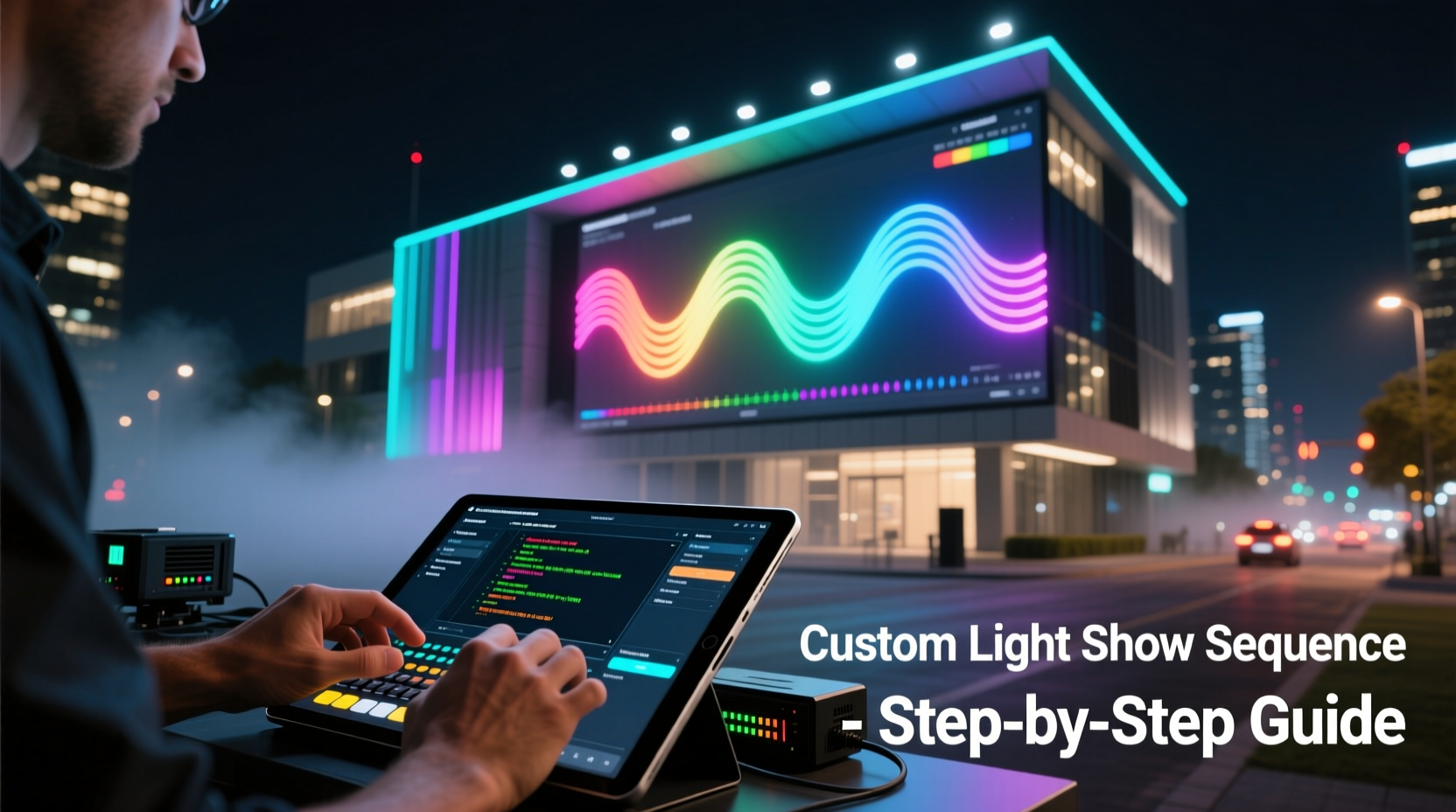
Before writing a single frame of animation, confirm hardware compatibility and physical readiness. Most outdoor light shows rely on addressable LED strings (e.g., WS2811, WS2812B, or APA102) controlled by microcontrollers such as ESP32-based WLED devices, Raspberry Pi with Falcon Player (FPP), or dedicated commercial controllers like Light-O-Rama (LOR) or SanDevices E68x. Each platform imposes constraints: pixel density per port, maximum string length, refresh rate limits, and power delivery capacity.
Outdoor deployments demand weatherproofing at every junction—controllers must be housed in NEMA 3R-rated enclosures, wire splices sealed with heat-shrink butt connectors (not electrical tape), and all low-voltage wiring run through UV-resistant conduit. Voltage drop is the silent showkiller: a 5V string longer than 10 meters without mid-span power injection will dim significantly toward the end. Always calculate total current draw (pixels × 0.06A max per pixel at full white) and size power supplies accordingly—never exceed 80% of rated capacity.
2. Select and Configure Your Sequencing Software
Sequencing software translates musical timing and creative intent into precise pixel instructions. The three dominant options differ in philosophy and workflow:
| Software | Best For | Key Strengths | Learning Curve |
|---|---|---|---|
| Falcon Player (FPP) + xLights | Large-scale, multi-controller setups | Free, open-source, supports E1.31/sACN and DMX; powerful visualizer with real-time preview; robust import/export for LOR and Vixen | Moderate—requires Linux command-line familiarity for advanced config |
| Vixen Lights 3 | Beginners & intermediate users | Windows-native, intuitive drag-and-drop timeline, strong audio analysis tools, large community forum | Gentle—ideal first sequencer |
| Light-O-Rama S4 | Commercial or high-reliability installations | Industry-standard scheduling, built-in diagnostics, remote monitoring, professional support | Steeper—license required; interface optimized for channel-based (non-pixel) logic |
All three require importing your audio track (WAV preferred over MP3 for sample-accurate timing) and mapping physical outputs to virtual channels. In xLights, this means defining “models”—digital representations of your physical layout (e.g., “Front Porch Arch,” “Garage Roofline,” “Tree Trunk Spiral”). Accuracy here is non-negotiable: a misaligned model causes sequencing errors that manifest as lights triggering out of sync or skipping sections entirely.
3. Build Your Sequence: From Beat Mapping to Pixel Choreography
A compelling light show balances macro structure and micro detail. Start with beat mapping—not just detecting tempo, but identifying downbeats, phrase boundaries, and emotional inflection points. In xLights, use the Audio Analysis tool to generate a preliminary beat grid, then manually refine it using waveform zoom and playback scrubbing. Mark major sections (intro, verse, chorus, bridge, outro) with color-coded markers.
Then layer effects deliberately:
- Macro-level effects (applied to entire models): Slow color washes for ambient verses, rapid brightness modulation during intense instrumental breaks, or directional movement (left-to-right sweep) to emphasize lyrical motion.
- Micro-level effects (pixel-specific): Individual pixel twinkle rates, per-pixel hue rotation for shimmer, or custom waveforms mapped to bass frequencies using FFT analysis.
- Transitions: Avoid abrupt cuts. Use crossfades (minimum 0.3 seconds), easing functions (ease-in-out), or rhythmic “stutter” fades that align with eighth-note subdivisions.
Resist overloading. A 3-minute song with 120 BPM contains 360 beats—but only 4–6 truly impactful moments deserve spotlight treatment. Let silence speak: holding a single warm amber hue across the front facade for four bars before a crescendo delivers more emotional weight than constant motion.
4. Real-World Case Study: The Maple Street Neighborhood Display
In 2023, the Maple Street Homeowners Association upgraded their annual holiday display from static incandescent strings to a 240-pixel, 3-controller synchronized show. Their goal: a 5-minute sequence set to a slowed, orchestral arrangement of “Carol of the Bells.”
They began with a site survey: measuring distances between eaves, counting pixels per section, and confirming Wi-Fi coverage at each controller location. Using xLights, they built exact digital models—including a 72-pixel “circular wreath” above the garage door and two 48-pixel “candle flame” columns flanking the walkway.
Their breakthrough came during beat mapping. The original audio had inconsistent mastering; peaks were clipped, making automatic beat detection unreliable. Instead, they imported a clean, unmastered version from the arranger and manually placed 32 primary beat markers over the first 30 seconds. That discipline paid off: when syncing the “wreath” to rotate once per 8-bar phrase, the motion felt inevitable—not mechanical.
Power management proved critical. They installed two 30A 5V supplies—one feeding the front roofline and wreath, another powering the candle columns and side-yard arch—with dual 12-gauge feeder wires and mid-span injection at the 5-meter mark on every string longer than 8 meters. On opening night, every pixel held full brightness—even during the climactic 16-beat finale where all elements pulsed in unison.
“People don’t remember how many pixels you used—they remember how the lights made them feel when the final chord resolved. That feeling comes from timing, not technology.” — Derek Lin, Lighting Designer & Founder of HolidayPixel Labs
5. Step-by-Step: Programming Your First 90-Second Sequence
Follow this actionable workflow to create your first functional outdoor light show segment:
- Prepare assets: Export your audio as 44.1kHz, 16-bit WAV. Photograph your display setup and label each physical string (e.g., “South Eave – 60 pixels”).
- Model creation: In xLights, define a new model matching your photo labels. Set pixel count, spacing, and orientation. Name each output port clearly (e.g., “Pi0-Port1 = North Eave”).
- Beat grid foundation: Import audio → Run Auto Beat Detection → Zoom to 0:15–0:25 → Manually adjust first 10 beats to match conductor’s downbeat. Save as “Master Grid.”
- Layer 1 – Base rhythm: Apply “Pulse” effect to entire model. Set duration to match quarter-note interval (e.g., 0.5 sec at 120 BPM). Adjust intensity curve to peak at beat onset.
- Layer 2 – Melodic accent: Isolate a melodic phrase (e.g., flute solo at 1:08). Create a “Color Fade” effect on the wreath model only, cycling from deep green to gold over 4 beats—starting precisely on beat 1 of the phrase.
- Layer 3 – Transition: At 1:32, apply a 0.4-second “Fade Out” to all models, followed immediately by a “Fade In” of cool blue across only the side-yard arch—creating a spatial “shift” that mirrors the music’s key change.
- Export & deploy: Generate E1.31 output. Copy sequence file to FPP SD card. Reboot controllers. Verify timecode sync via FPP’s web dashboard.
- Field test at dusk: Watch for 10 minutes. Note any lag, flicker, or misalignment. Adjust network QoS settings if latency exceeds 12ms.
6. Troubleshooting Common Outdoor-Specific Issues
Outdoor environments introduce variables absent in lab testing. Here’s how to diagnose and resolve frequent problems:
- Flickering or dropout during wind gusts: Caused by loose connections vibrating open. Solution: Replace screw terminals with crimped Anderson Powerpole connectors; secure all cable runs with UV-stable zip ties every 12 inches.
- Color shift (e.g., reds appearing orange): Indicates voltage drop or overheating LEDs. Measure voltage at string end under load—if below 4.75V at 5V system, add mid-span power or reduce pixel count per run.
- Controllers losing sync overnight: Often due to DHCP lease expiration or NTP drift. Fix: Assign static IPs to all controllers; configure NTP server to pool.ntp.org with 15-minute update interval.
- Wi-Fi interference from neighbor’s mesh network: Switch controller radios to 5GHz band (if supported) or use point-to-point Ethernet over outdoor-rated Cat6a cable instead of Wi-Fi.
7. FAQ
Can I run a custom light show without a computer constantly powered on?
Yes—once sequenced, files are deployed to standalone controllers (e.g., FPP on Raspberry Pi, LOR S4 Pro). These operate autonomously from SD cards or internal storage. Your laptop is only needed for creation and updates.
How do I protect my controllers from rain, snow, and extreme cold?
Use NEMA 3R-rated polycarbonate enclosures with integrated gasketed cable glands. Mount enclosures vertically (not upside-down) to prevent water pooling. Include silica gel packs inside, and avoid sealing vents completely—controlled airflow prevents condensation buildup. Most modern controllers operate reliably from −20°C to 60°C.
Is it possible to synchronize multiple houses on one show?
Absolutely—and increasingly common. Use E1.31 multicast with a dedicated VLAN. Assign each house a unique Universe number (e.g., House A = Universe 1, House B = Universe 2). Coordinate timing via GPS-synchronized NTP servers or a master timecode generator. Community projects like “Neighborhood Light Sync” provide free configuration templates.
Conclusion
A custom outdoor light show is more than technical execution—it’s civic artistry. It invites neighbors onto sidewalks, draws families into shared wonder, and turns private property into public celebration. The tools are no longer proprietary or prohibitively expensive; what matters now is patience in calibration, respect for electrical fundamentals, and the willingness to iterate. Your first sequence won’t be perfect. The roofline arch might pulse a half-beat late. The tree trunk spiral may saturate at dusk. That’s expected. Refine one element at a time: tighten timing, balance voltage, simplify transitions. Within three seasons, you’ll move beyond copying tutorials to composing original visual scores—where every pixel serves the story you want your street to tell.




 浙公网安备
33010002000092号
浙公网安备
33010002000092号 浙B2-20120091-4
Comments
No comments yet. Why don't you start the discussion?