
For over a decade, Raspberry Pi has quietly transformed holiday lighting from static strings into dynamic, music-synchronized spectacles. Unlike commercial controllers that lock users into proprietary ecosystems, the Pi offers full creative ownership: you choose the lights, design the sequences, sync to your favorite playlist, and deploy across hundreds of channels—all for under $100 in hardware. This isn’t just about blinking LEDs. It’s about building a responsive, scalable, maintainable light show system grounded in open-source tools, electrical best practices, and real-world reliability.
1. Hardware Foundation: Choosing & Wiring Lights Safely
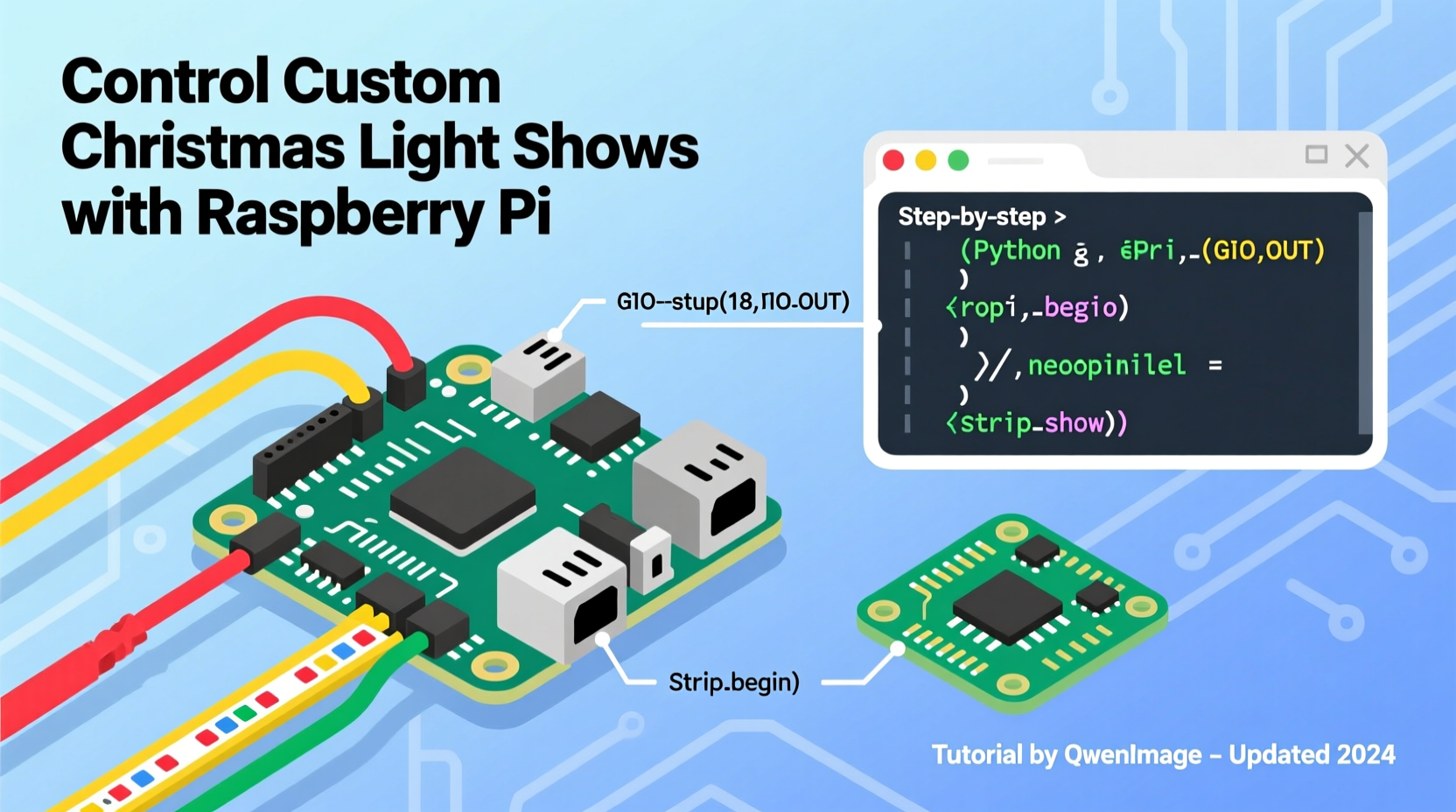
Not all lights are equal—and not all are safe for direct Pi control. The Raspberry Pi’s GPIO pins output only 3.3V and can source ~16mA per pin. Driving even a single 12V LED strip directly will damage the board instantly. Successful builds start with intelligent layering: the Pi handles logic and timing; external hardware handles power switching.
Two proven configurations dominate home deployments:
- WS2812B (NeoPixel) strips: Addressable RGB LEDs with integrated drivers. Communicate via a single data line (GPIO18), powered separately by a 5V supply. Ideal for intricate animations, pixel-level control, and indoor or covered outdoor use.
- AC-powered relay or SSR (Solid-State Relay) modules: Used with standard incandescent or LED Christmas lights (C7/C9 bulbs, mini-lights, net lights). Each channel switches 120V AC, controlled by a Pi GPIO pin via opto-isolated relays. Best for high-brightness, weather-resistant outdoor displays where individual pixel control isn’t required.
Wiring must prioritize isolation and surge protection. For AC setups, use UL-listed SSRs with zero-crossing detection (e.g., Fotek SSR-40DA) to eliminate audible buzzing and reduce EMI. Never connect mains voltage to breadboards or jumper wires. Mount SSRs on aluminum heatsinks outdoors, and route low-voltage GPIO lines separately from AC wiring—minimum 6 inches separation—to prevent noise coupling.
2. Software Stack: From OS to Sequencing Engine
A stable, lean OS is non-negotiable. Use Raspberry Pi OS Lite (64-bit) — no desktop bloat, minimal background processes, and full GPIO access. After flashing with Raspberry Pi Imager, enable SSH and configure Wi-Fi headlessly via the boot partition. Then update:
sudo apt update && sudo apt full-upgrade -y
sudo reboot
Install core dependencies:
python3-pip,python3-dev,libasound2-dev(for audio analysis)git,screen,rsync(for remote management)supervisor(to auto-restart services if they crash)
The sequencing engine determines your workflow. Two mature, community-supported options stand out:
| Tool | Best For | Key Strengths | Licensing |
|---|---|---|---|
| Falcon Player (FPP) | Large-scale shows (50+ channels), multi-Pi synchronization, professional-grade scheduling | Built-in web UI, E1.31 (sACN) support, USB audio input, playlist triggers, real-time OSC control | Open-source (GPLv2) |
| XLights + Raspberry Pi | Design-first creators who build sequences on Windows/macOS and deploy to Pi | Industry-standard visual editor, VU meter sync, beat detection, model import (3D preview), export to FPP or native Pi mode | Free (XLights); Pi runtime is open-source |
Both require the Pi to run as a dedicated controller—not a general-purpose computer. Disable Bluetooth (sudo systemctl disable bluetooth) and set GPU memory to 16MB (gpu_mem=16 in /boot/config.txt) to maximize CPU for timing-critical tasks.
3. Building Your First Sequence: A Real-World Example
In December 2023, Maria Rodriguez in Portland upgraded her 12-year-old analog light display using a single Raspberry Pi 4 (4GB) and eight 10-channel SSR modules. Her goal: synchronize 80 channels (including roof outline, tree wrap, and porch columns) to a 4-minute instrumental version of “Carol of the Bells.”
She followed this workflow:
- Designed the physical layout in XLights, assigning each SSR channel to a fixture group (e.g., “Front Roof Left,” “Porch Columns”).
- Imported her audio file and used XLights’ built-in beat finder to generate initial timing marks.
- Manually refined transitions—holding warm white for 3 seconds during choral swells, triggering rapid red/green strobes on percussion hits.
- Exported the sequence as an
.fseqfile and copied it to the Pi’s/home/pi/fpp/media/sequences/directory. - Configured FPP’s web interface (
http://[pi-ip]:8080) to load the sequence, set loop mode, and assign it to a scheduled playlist starting at 4:30 p.m. daily.
Her total development time: 14 hours over three weekends. The system ran unattended for 38 days—only interrupted once when a squirrel chewed through an outdoor extension cord. “I didn’t just get lights that blink to music,” she said. “I got a tool I understand, can fix myself, and will adapt for years.”
4. Timing Precision & Reliability: Avoiding the “Drift” Problem
Christmas light shows live or die by microsecond accuracy. A 10ms delay between audio playback and light activation breaks immersion. The Pi’s Linux kernel isn’t real-time by default—but you don’t need RTOS to achieve reliable performance.
Three proven techniques eliminate drift:
- Use hardware PWM on GPIO18: For NeoPixels, the
rpi_ws281xlibrary bypasses the kernel entirely, using DMA to drive LEDs with jitter under 1µs—even while running Python scripts or serving web pages. - Offload audio to dedicated hardware: Plug a USB audio interface (e.g., Behringer UCA202) into the Pi. Configure ALSA to use its clock as the master timer—eliminating resampling artifacts that cause lip-sync errors in E1.31 streams.
- Schedule via cron + supervisor, not Python timers: Never rely on
time.sleep()for show start times. Instead, use cron to launchfppdat 4:29:55 p.m., then trigger playlist start via FPP’s REST API at :00. This avoids cumulative scheduling error.
“Timing isn’t theoretical—it’s electrical. If your lights lag behind the music, check grounding first, then clock sources, then code. Ninety percent of ‘sync issues’ are solved by separating signal and power grounds.” — Dr. Kenji Tanaka, Embedded Systems Engineer, HolidayLight Labs
5. Safety, Maintenance & Troubleshooting Checklist
Holiday lighting operates in harsh conditions: rain, freezing temps, wind, and voltage spikes from nearby lightning. A robust system anticipates failure modes—not just prevents them.
Before powering up any new configuration, verify these points:
- ✅ All AC connections are torqued to manufacturer spec (typically 15–20 in-lbs for SSR terminals)
- ✅ Grounding rods are driven 8 feet deep and bonded to your home’s main ground with #6 AWG copper
- ✅ Every SSR has a metal oxide varistor (MOV) across its AC output terminals for surge suppression
- ✅ NeoPixel data lines include a 300–500Ω series resistor near the Pi to dampen reflections
- ✅ The Pi runs from a filtered, regulated 5V/3A USB-C power supply—not a phone charger
Common symptoms and fixes:
- Flickering on long NeoPixel runs: Add a 1000µF 6.3V capacitor across the 5V and GND lines at the strip’s far end.
- SSRs clicking randomly: Check for induced voltage on GPIO lines—add 10kΩ pull-down resistors from each control pin to ground.
- FPP web UI unresponsive: Run
sudo supervisorctl status; restart withsudo supervisorctl restart fppd. - Audio sync degrades over time: Disable NTP time sync during show hours (
sudo systemctl stop systemd-timesyncd)—it can introduce microsecond jumps.
FAQ
Can I run multiple Raspberry Pis from one XLights design?
Yes. XLights supports multi-universe E1.31 output. Assign different universes to different Pi IPs (e.g., Universe 1 → 192.168.1.101, Universe 2 → 192.168.1.102). Each Pi runs FPP configured to listen only to its assigned universe. No central server needed—just ensure your network switch supports IGMP snooping to prevent broadcast flooding.
Do I need a separate Pi for audio playback?
No. Modern Pi 4/5 models handle simultaneous audio decoding (via USB DAC), E1.31 packet generation, and GPIO control without dropping frames—if you disable desktop, Bluetooth, and unnecessary services. Use ffmpeg to pre-resample audio to 44.1kHz/16-bit PCM for lowest CPU overhead.
What’s the maximum number of lights a single Pi can control?
It depends on topology. For NeoPixels: up to 10,000 pixels reliably with rpi_ws281x (tested at 800kHz refresh). For AC channels: limited only by SSR count and power distribution—80+ channels is routine. Bottlenecks are almost always power delivery or network bandwidth, never Pi CPU.
Conclusion
Programming a Raspberry Pi to control custom Christmas lights isn’t about memorizing commands or chasing novelty effects. It’s about mastering layers: the physics of electricity, the discipline of clean code, the patience of iterative testing, and the quiet satisfaction of watching something you built—wire by wire, line by line—ignite a neighborhood with synchronized wonder. You won’t need cloud subscriptions or vendor lock-in. You’ll have documentation you wrote, schematics you traced, and confidence that when a fuse blows or a pixel fails, you know exactly where to look and how to restore it before the kids come home from school.
This year, skip the plug-and-play kits. Start small: one string, one relay, one sequence. Measure voltage with a multimeter. Read the datasheet. Break things—then fix them better. That’s how mastery begins. And when December arrives, your lights won’t just shine. They’ll speak—with rhythm, intention, and unmistakable human care.




 浙公网安备
33010002000092号
浙公网安备
33010002000092号 浙B2-20120091-4
Comments
No comments yet. Why don't you start the discussion?