
When the holiday season rolls around, nothing sets the mood quite like a dazzling display of multicolor Christmas lights. But what happens when you lose the remote or your lights don’t come with one? Many assume that without a remote, custom light sequences are impossible. That’s not true. With a little technical insight and some creative problem-solving, you can still achieve dynamic lighting effects—even on basic string lights.
Modern LED Christmas lights often rely on remotes for color cycling, fading, strobing, or twinkling patterns. However, many models have built-in manual controls or respond predictably to power cycles. By understanding how these systems work—and leveraging affordable tools—you can create programmed sequences manually. This guide walks through practical methods, tools, and step-by-step techniques to control your lights without ever touching a remote.
Understanding How Multicolor Lights Work Without a Remote
Multicolor LED Christmas lights typically fall into two categories: plug-and-play static strings and programmable RGB (Red, Green, Blue) LED strips or bulbs. The former usually has no controls at all, while the latter may include memory chips that store lighting modes and cycle through them via button presses or power interruptions.
The key lies in recognizing that many “remote-only” lights actually have onboard logic. When powered on, they default to a preset mode—often a slow fade or color chase. A quick power interruption (off for 1–2 seconds, then back on) may advance them to the next mode. Longer outages (5+ seconds) might reset them to the first setting. This behavior mimics a manual “button press” and is the foundation of remote-free programming.
Additionally, certain models feature a small button near the plug or battery pack. If present, pressing this manually cycles through available patterns. Even if your lights lack visible buttons, internal circuitry may still support mode switching via timed power cycling.
Step-by-Step Guide to Programming Sequences Manually
You don’t need advanced electronics knowledge to program your lights. Follow this timeline-based method to simulate a sequence using only household items and time management.
- Identify Your Light Type: Plug in the lights and observe their default behavior. Do they cycle automatically? Stay on one color? Flash erratically?
- Test Mode Cycling: Unplug the lights for exactly 2 seconds, then plug them back in. Note any change in pattern. Repeat up to 10 times to map all available modes.
- Label Each Mode: Keep a notebook. Record the sequence order: e.g., Mode 1 = Fade Red to Blue, Mode 2 = Twinkle White, etc.
- Determine Timing Needs: Decide when you want each effect to appear (e.g., twinkling during dinner, fading during caroling).
- Create a Power Schedule: Use a mechanical timer or smart plug to automate power cuts that trigger mode changes.
For example, if Mode 3 activates after three power cycles, schedule two brief outages early in the evening, then restore power at 7 PM to land on your desired twinkling effect by dinnertime.
“Many consumers don’t realize their lights have embedded firmware capable of multiple patterns. The remote just sends signals; the brain is already in the bulb.” — Marcus Lin, Embedded Systems Engineer & Holiday Lighting Enthusiast
Using Smart Plugs and Timers as Remote Replacements
A Wi-Fi-enabled smart plug can act as a programmable remote substitute. Devices like the TP-Link Kasa, Amazon Smart Plug, or Google Nest Outlet allow precise scheduling and automation through mobile apps. Here’s how to use one:
- Plug your lights into the smart plug.
- Use the app to set daily schedules: turn on at dusk, off at bedtime.
- To change modes, program brief “off” intervals. For instance:
- 6:00 PM – Power On → Enters Mode 1
- 6:02 PM – Power Off for 3 seconds → Simulates one cycle
- 6:05 PM – Power On → Now in Mode 2
This method requires testing to determine how long an outage must last to register as a valid cycle. Most lights require at least 1.5 seconds off to prevent accidental triggering from voltage dips.
For non-smart homes, a simple mechanical outlet timer works too. These analog or digital devices plug into the wall and let you set on/off pins every 15–30 minutes. While less precise, they’re reliable and weather-resistant for outdoor setups.
| Tool | Best For | Limits |
|---|---|---|
| Smart Plug (Wi-Fi) | Precise timing, remote access, integration with voice assistants | Requires stable Wi-Fi; higher cost (~$15–25) |
| Mechanical Timer | Outdoor use, simplicity, no app needed | Less accurate; hard to adjust mid-season |
| Manual Button Press | Indoor lights with accessible controls | Not automated; forgettable |
DIY Microcontroller Solution: Arduino or ESP8266 for Advanced Control
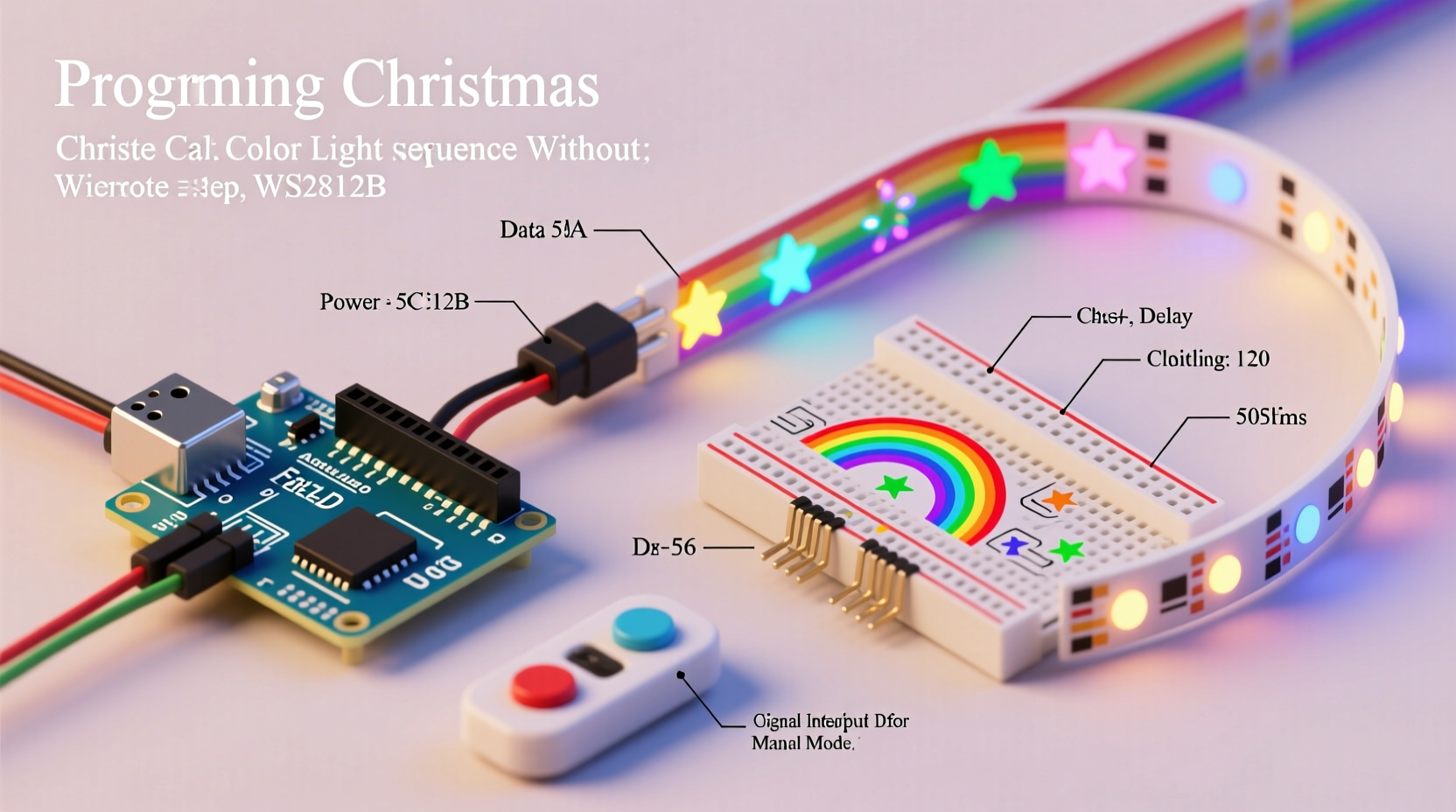
If you're technically inclined, building a low-cost controller using an Arduino or ESP8266 opens full customization. These microcontrollers can simulate remote signals or directly drive addressable LEDs (like WS2812B strips), enabling complex sequences such as waves, chases, or music synchronization.
For non-addressable multicolor strings (standard plug-in types), you can wire a relay module to the microcontroller and program precise power interruptions. Example code snippet for Arduino:
const int relayPin = 7;
void setup() {
  pinMode(relayPin, OUTPUT);
}
void loop() {
  // Cycle every 3 hours
  digitalWrite(relayPin, HIGH);   // Lights ON
  delay(10800000);                // Wait 3 hours
  digitalWrite(relayPin, LOW);    // Cut power
  delay(3000);                    // 3-second break
  digitalWrite(relayPin, HIGH);   // Restore power → advances mode
  delay(10800000);                // Next cycle
}
This approach gives complete control but requires soldering, coding, and safety precautions—especially for outdoor or high-voltage installations. Always use isolated relays and enclosures rated for electrical use.
For addressable RGB strips, libraries like FastLED or Adafruit Neopixel allow rich animations without relying on factory presets. You could program a gradient wave that moves across your roofline or a snowfall simulation—all without a single remote.
Real Example: Sarah’s Front Porch Transformation
Sarah had a set of multicolor icicle lights she loved, but the remote vanished after storage. Rather than buy new ones, she experimented. She discovered her lights cycled modes with each power-on event. Using a $12 digital outlet timer, she programmed four daily phases:
- 5:00 PM – On (Mode 1: Slow Fade)
- 6:30 PM – Off for 2 sec → On (Mode 2: Twinkle)
- 8:00 PM – Off for 2 sec → On (Mode 3: Chase)
- 10:00 PM – Off completely
The result? Her porch felt lively and dynamic throughout the evening. Neighbors assumed she had a smart lighting system. All she used was observation, timing, and a $12 tool from the hardware store.
Checklist: Program Your Lights Without a Remote
- ✅ Identify whether your lights have manual mode cycling capability
- ✅ Map all available light patterns by power-cycling and recording results
- ✅ Choose a control method: manual switch, mechanical timer, or smart plug
- ✅ Set a daily schedule based on desired visual effects
- ✅ Test the sequence over two evenings to ensure reliability
- ✅ Label your timer or app settings for easy adjustment
- ✅ Consider weather protection for outdoor timers
Common Mistakes to Avoid
- Over-cycling: Too many rapid power interruptions may confuse the light’s internal chip or cause it to reset unexpectedly.
- Ignoring startup delays: Some lights take 3–5 seconds to initialize. Cutting power too soon may not register a full cycle.
- Mixing incompatible strands: Daisychaining different brands or models can lead to uneven brightness or erratic behavior.
- Using indoor timers outdoors: Unless rated for exterior use, standard plugs can short in rain or snow.
Frequently Asked Questions
Can I program lights that don’t change modes when turned off and on?
Some basic LED strings have no internal logic and only offer a single fixed display. In that case, you cannot create sequences without rewiring or replacing them with programmable RGB versions. Check product manuals or packaging for terms like “7-mode,” “color-changing,” or “memory function.”
Do smart plugs work with all types of Christmas lights?
Most smart plugs handle standard incandescent and LED loads up to 1800 watts. However, issues can arise with older dimmer-compatible LEDs or inductive loads. Always check the plug’s specifications and avoid overloading circuits. For large displays, split loads across multiple outlets.
Is it safe to use power cycling frequently?
Yes, occasional power cycling is safe for modern LED lights. Unlike incandescent bulbs, LEDs aren’t damaged by frequent switching. Just ensure connections are secure and avoid using frayed cords or overloaded extension cables.
Conclusion: Take Control of Your Holiday Display
Losing a remote doesn’t mean surrendering to a static light show. With observation, timing, and a few inexpensive tools, you can program engaging sequences that elevate your holiday decor. Whether you choose a simple timer or dive into DIY electronics, the ability to control your lights rests more in understanding their behavior than in having the original remote.
Start tonight: unplug your lights, count to two, and plug them back in. Watch closely. You might just see the first flicker of a new tradition—one powered not by batteries in a remote, but by creativity and clever thinking.




 浙公网安备
33010002000092号
浙公网安备
33010002000092号 浙B2-20120091-4
Comments
No comments yet. Why don't you start the discussion?