
“Jingle Bell Rock” is more than a holiday staple—it’s a rhythmic invitation to movement. Its steady 120 BPM tempo, syncopated backbeat, and playful call-and-response structure make it ideal for light choreography. But translating that energy into synchronized illumination isn’t about guesswork or preloaded “party modes.” It’s about intentional timing, precise audio analysis, and thoughtful sequencing across physical channels. Whether you’re lighting a single porch arch or a full-yard installation with 300+ nodes, the goal remains the same: let the lights *breathe* with the song—not just flash alongside it. This guide walks through every technical and creative decision required to build a musically intelligent light show rooted in rhythm, phrasing, and expressive contrast.
Understanding the Rhythm and Structure of “Jingle Bell Rock”
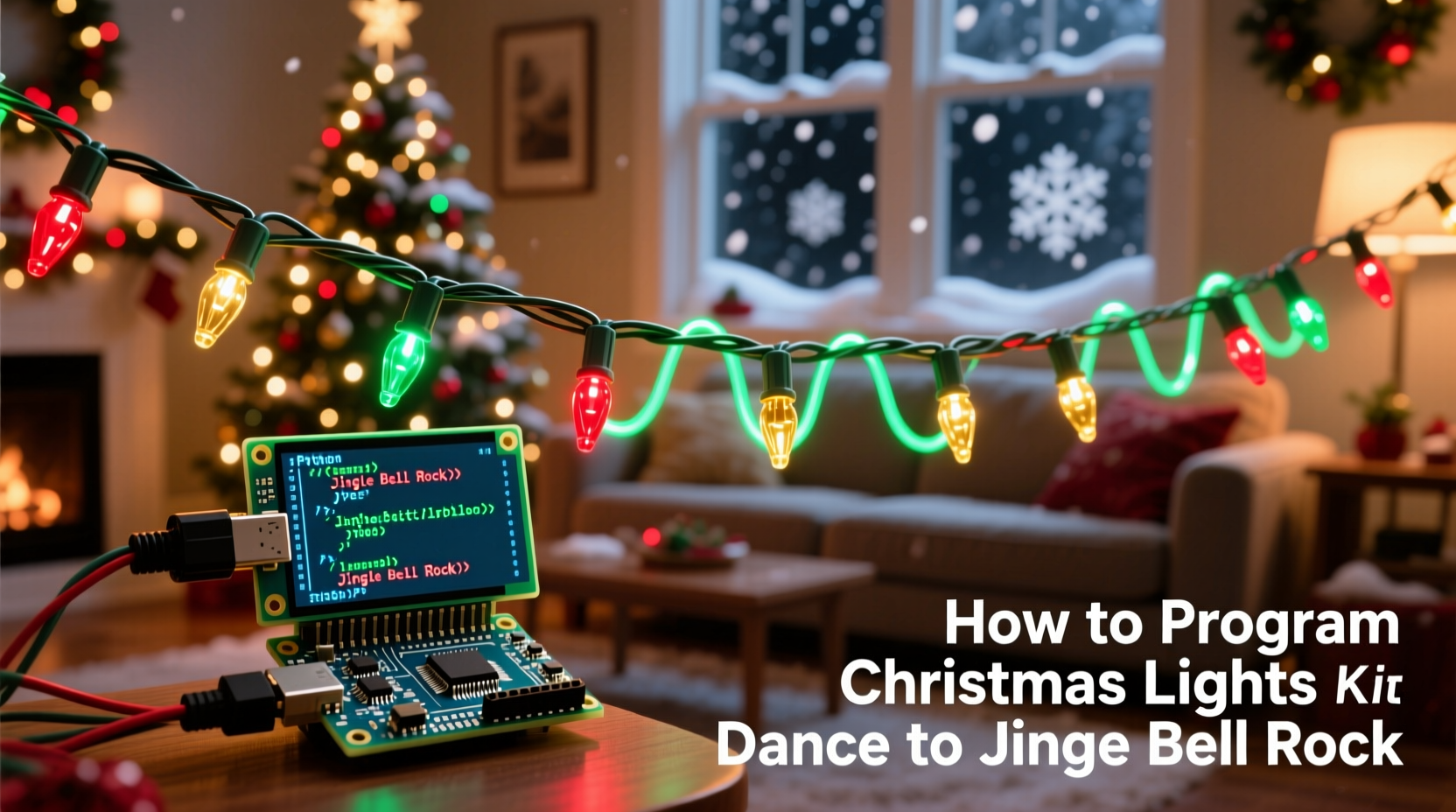
Before writing a single line of code or dragging a slider in sequencing software, dissect the track. The original 1957 version by Bobby Helms (and most modern covers) runs at a consistent 120 beats per minute—ideal for predictable timing. More importantly, its structure follows a clear, repeatable pattern:
- Intro (0:00–0:12): Four-bar instrumental vamp—clean guitar riff, brushed snare, tambourine shimmer. Perfect for a slow ramp-up: warm white fades in, then subtle blue pulses on each quarter note.
- Verse 1 (0:12–0:44): Lyrical storytelling with relaxed phrasing. Bassline walks steadily; drums stay light. Ideal for gentle color sweeps and soft channel transitions.
- Chorus (0:44–1:16): “Jingle bell, jingle bell, jingle bell rock!”—tight harmonies, driving snare backbeats on beats 2 and 4, bright piano stabs. This is where your lights should “jump”: sharp red/white flashes, rapid channel toggling, and full-string strobes aligned to snare hits.
- Instrumental Break (1:16–1:48): Saxophone solo over the same chord progression. Syncopated, playful, slightly swung. Use this section for dynamic motion: chasing patterns, rainbow waves, and randomized twinkle effects timed to off-beat accents.
- Outro (1:48–2:20): Fade-out with repeated “jingle bell rock” chant and decaying tambourine. Lights should mirror the decay—gradual dimming, slowing pulse rate, and final warm fade to black.
This structural awareness transforms sequencing from reactive flashing into narrative storytelling. As lighting designer and musician Lena Torres explains:
“Great light music isn’t about matching volume—it’s about honoring the song’s emotional arc. A chorus isn’t just louder; it’s more confident, more unified. Your lights should reflect that confidence—not just brightness.” — Lena Torres, Founder of Lumina Beats, award-winning holiday light choreographer
Hardware Requirements: Choosing What You’ll Control
You cannot sequence what you cannot control. The right hardware foundation determines scalability, reliability, and expressive range. Below is a comparison of common options based on skill level, budget, and output needs:
| Hardware Type | Best For | Max Channels | Key Limitation |
|---|---|---|---|
| ESP32-based Wi-Fi Controllers (e.g., WLED + ESP32 dev board) | DIY enthusiasts, mid-size displays (50–300 LEDs), real-time editing | Up to 1,500 RGB pixels (with proper power) | Requires basic soldering & firmware flashing; no built-in audio input |
| Commercial Smart Controllers (e.g., Light-O-Rama Pixie 4, Falcon F16v3) | Large installations, multi-channel precision, professional reliability | 4–16+ independent universes (680+ channels each) | Higher cost ($150–$400/unit); requires dedicated control PC |
| Plug-and-Play RGB Strips with Remote (e.g., Govee, Twinkly) | Beginners, small indoor setups, quick setup | 1–3 zones (limited to preset effects) | No custom beat detection; no timeline-based sequencing; no audio import |
| Raspberry Pi + DMX Interface (e.g., Enttec USB Pro) | Advanced users seeking full MIDI/DMX integration and open-source flexibility | 512+ DMX channels (or unlimited via E1.31) | Steeper learning curve; requires Linux command-line comfort |
For most readers building their first musical sequence to “Jingle Bell Rock,” we recommend starting with an ESP32 running WLED firmware paired with WS2812B (NeoPixel) strips. It offers granular per-pixel control, supports audio-reactive modes (via microphone or line-in), and integrates seamlessly with free desktop sequencers like xLights—without requiring proprietary licenses or expensive controllers.
Step-by-Step Sequencing Workflow
Sequencing isn’t linear—it’s iterative. Here’s the proven workflow used by top holiday display designers to ensure tight, expressive results:
- Export & Normalize Audio: Download a high-quality, clean version of “Jingle Bell Rock” (avoid YouTube rips with compression artifacts). Use Audacity to normalize peak amplitude to -1 dB and export as WAV (not MP3) for lossless timing fidelity.
- Create a Beat Grid in xLights: Import the WAV file. Use xLights’ built-in beat detector (set sensitivity to 75%, tolerance 10%)—then manually correct any missed snare hits using the waveform view. Lock all beats to a 16th-note grid (since the song’s swing relies heavily on off-beat eighth notes).
- Map Physical Channels to Logical Groups: Assign LED strings to logical groups—e.g., “Front Arch Top,” “Porch Rail Left,” “Garage Roof Edge.” Name them clearly. Grouping prevents accidental misalignment during complex edits.
- Build the Chorus First: Start with the most energetic section (0:44–1:16). Create a 4-beat repeating pattern: red-white-red-white on beat 1, 2, 3, 4—then invert for the next bar. Add a sharp white strobe on every snare backbeat (beats 2 and 4). This anchors your entire sequence in rhythm.
- Work Outward—Not Chronologically: After locking the chorus, build the intro (slow ramp), then the verse (gentle color flow), then the break (motion-heavy), and finally the outro (decay). This ensures consistency—your verse won’t feel disconnected because it was designed *after* the chorus established the visual language.
- Test at Real Speed—Every 15 Minutes: Export a 30-second preview to your controller and watch it live. Human eyes detect timing errors faster than software does. If the red flash feels “late” against the vocal “rock!”, shift it back by one 16th note (31.25 ms at 120 BPM).
Real-World Example: The Miller Family Porch Display (2023)
The Millers installed 144 WS2812B pixels across their front porch arch, railing, and window frames. With no prior coding experience, they used xLights + a $22 ESP32-WROVER board. Their initial attempt synced lights only to the loudest peaks—resulting in chaotic, unmoored flashes during the sax break and silence during quiet vocal lines. They revised using the workflow above: first identifying every snare hit (including ghost notes on beat “&” of 3), then assigning color logic to lyrical phrases (“jingle bell” = cool white; “rock” = bold crimson), and finally adding subtle breathing motion to sustained notes. On opening night, neighbors remarked how the lights “felt like they were singing along.” Their key insight? Timing without intention is noise. Intention without timing is stillness. Both are required.
Do’s and Don’ts of Musical Light Programming
| Do | Don’t |
|---|---|
| Use the song’s natural pauses (e.g., after “jingle bell rock!”) for full-black moments—creates dramatic contrast | Trigger lights on every syllable—overloading distracts from the music’s groove |
| Assign consistent color semantics: red = energy, blue = calm, gold = transition—so viewers subconsciously follow the arc | Change colors randomly per beat—breaks visual coherence and exhausts the eye |
| Layer effects: combine a slow amber sweep (for warmth) with fast white stabs (for rhythm) on the same string | Rely on single-effect modes (e.g., “rainbow chase”) throughout—lacks musical responsiveness |
| Export your final sequence as an .xseq file AND a backup .csv—CSVs survive software crashes and allow spreadsheet-level editing | Assume auto-beat detection is perfect—always verify against the waveform and your own count |
FAQ
Can I do this without buying new hardware?
Yes—if you already own smart RGB lights compatible with WLED or xLights (e.g., many Philips Hue, Nanoleaf, or TP-Link Kasa bulbs support E1.31 protocol). However, bulb-based systems lack pixel-level precision and often introduce 100–200 ms latency. For tight “Jingle Bell Rock” sync, dedicated addressable strips yield significantly better results.
How do I handle the song’s slight swing feel? It’s not perfectly straight 120 BPM.
True—the original recording has a subtle shuffle, especially in the sax break. Rather than fighting it, lean in: use triplet-based timing (e.g., three pulses per beat instead of four) during that section. In xLights, create a separate timing layer set to 384 PPQN (pulses per quarter note) and map snare hits to the second pulse of each triplet. This honors the human groove rather than forcing robotic precision.
What if my lights flicker or drop frames during the chorus?
Flickering almost always points to insufficient power delivery or data signal degradation—not software issues. Ensure: (1) Power injection every 2 meters on long strips, (2) 5V regulated supply rated for 120% of your strip’s max draw, and (3) a 330Ω resistor between ESP32 data pin and strip input. If using Wi-Fi, switch to wired Ethernet-to-serial (e.g., FTDI adapter) to eliminate wireless jitter.
Conclusion
Programming lights to “Jingle Bell Rock” is less about technical execution and more about listening deeply—then translating that listening into visible form. It asks you to notice how the tambourine rings out for exactly 0.8 seconds after the last “rock,” how the bass holds a note while the vocals skip ahead, how silence between phrases carries as much weight as sound. When done well, your display doesn’t just entertain—it resonates. It becomes part of the neighborhood’s shared joy, a visual echo of something familiar yet freshly felt. You don’t need a studio or a budget to begin. Grab a $15 controller, download xLights, load the track, and start with one string, one bar, one beat. Refine it until the red flash lands *exactly* where the snare cracks—and suddenly, your lights aren’t just on. They’re dancing.




 浙公网安备
33010002000092号
浙公网安备
33010002000092号 浙B2-20120091-4
Comments
No comments yet. Why don't you start the discussion?