
Modern holiday lighting has evolved far beyond simple blinking or steady-on displays. With addressable LED Christmas strings, each bulb can be individually controlled, enabling dynamic color shifts, flowing animations, and synchronized effects. These smart lights open the door to personalized holiday displays that reflect your creativity. Programming them may seem daunting at first, but with the right tools and understanding, you can craft dazzling light shows that captivate neighbors and guests alike.
Unlike traditional strands where all bulbs behave uniformly, addressable LEDs—commonly based on WS2812B (NeoPixel), SK6812, or similar chips—allow precise control over brightness, hue, and timing for every single diode. This granular control is achieved through microcontrollers like Arduino, ESP32, or Raspberry Pi Pico, paired with libraries such as FastLED or Adafruit_NeoPixel. The result? Custom chases, rainbow fades, music-reactive pulses, and even animated snowflakes—all within reach of a hobbyist with basic coding skills.
Understanding Addressable LED Technology
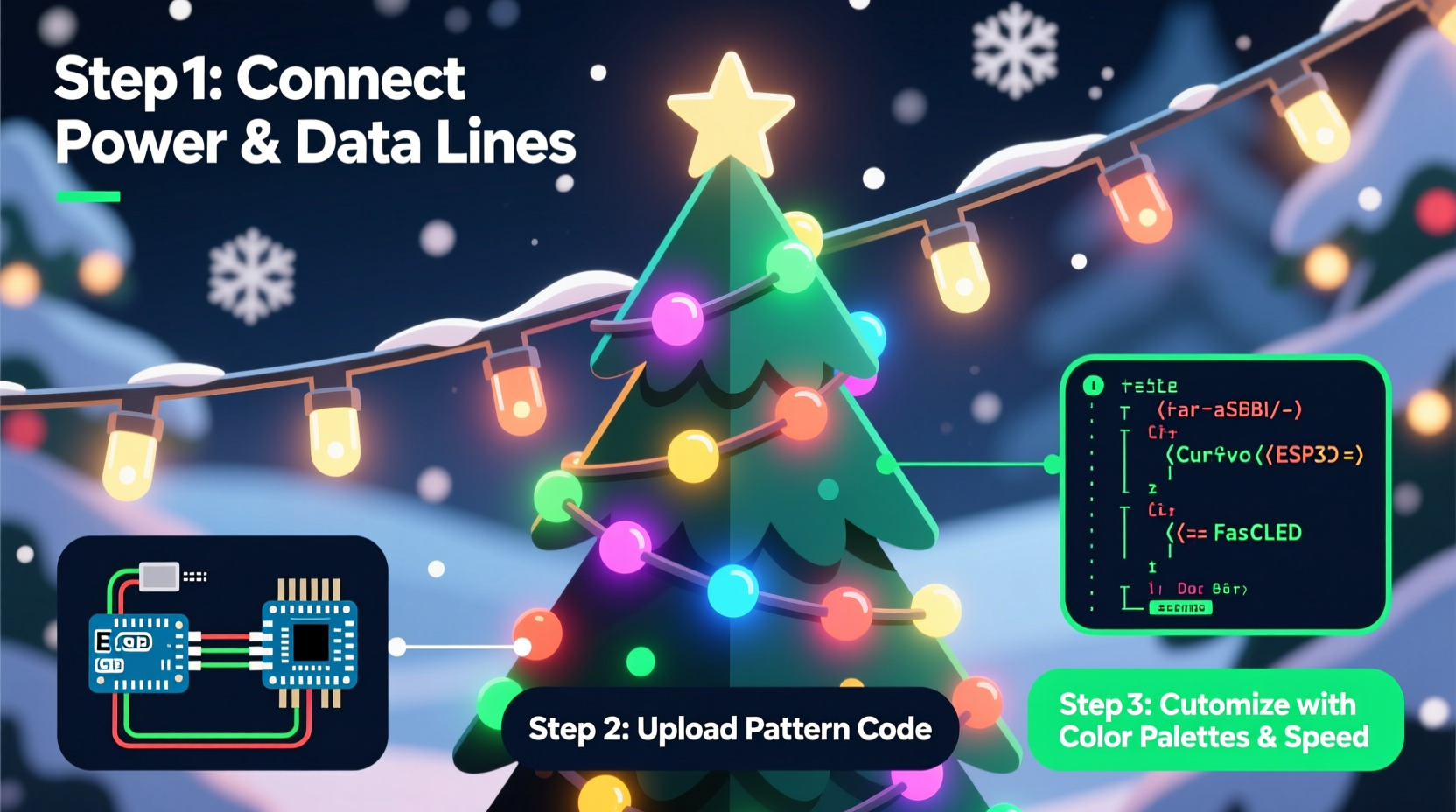
Addressable LED strings consist of individual LEDs embedded with tiny driver chips. Each chip receives data from the previous one and passes the remainder downstream, forming a daisy chain. Data is sent in a specific format—usually 800 kHz or 400 kHz digital signals—carrying red, green, and blue values for each pixel. Because each LED knows its position in the sequence, software can target it directly by index.
The most common types used in DIY holiday projects are:
- WS2812B: Integrated RGB LEDs with built-in controllers; widely supported, affordable, and reliable.
- SK6812: Similar to WS2812B but often includes a white channel (RGBW), allowing warmer whites and improved color blending.
- APA102 (DotStar): Uses clocked data transmission, making them faster and more stable over long runs than WS2812 types.
Voltage requirements typically range between 5V and 12V depending on density and length. Exceeding 5 meters of high-density strips without power injection risks voltage drop, leading to color distortion or flickering at the end of the string.
Essential Tools and Setup
To begin programming custom light patterns, gather the following components:
- Microcontroller: Arduino Uno, Nano, or ESP32 (recommended for Wi-Fi-enabled effects).
- Addressable LED string: Pre-wired Christmas strand or flexible strip with male/female connectors.
- Power supply: Match voltage to LED specs (e.g., 5V for short runs, 12V for longer ones) and ensure sufficient amperage (roughly 60mA per LED at full brightness).
- Breadboard and jumper wires: For prototyping connections.
- Resistor (330Ω): Placed in series with the data line to protect against voltage spikes.
- Software environment: Arduino IDE or PlatformIO with FastLED library installed.
Wiring is straightforward: connect the 5V or 12V line from the power supply to both the LED strip’s VCC and the microcontroller’s VIN (if sharing power), link grounds together, and attach the data input of the first LED to a digital pin (e.g., Pin 6). Never power the LEDs through the Arduino’s onboard regulator when driving more than a few dozen pixels—external power is essential.
Step-by-Step Guide to Creating Your First Animation
Once hardware is connected, write code to generate visual effects. The FastLED library simplifies animation development with pre-built functions and smooth color interpolation.
- Install FastLED: In Arduino IDE, go to Sketch → Include Library → Manage Libraries, then search for “FastLED” and install it.
- Define LED count and pin: At the top of your sketch, declare constants:
#define NUM_LEDS 150
#define DATA_PIN 6
CRGB leds[NUM_LEDS];
- Initialize in setup():
void setup() { FastLED.addLeds<WS2812B, DATA_PIN, GRB>(leds, NUM_LEDS); } - Create a pattern loop in loop(): Start with a simple rainbow cycle:
void loop() { static uint8_t hue = 0; fill_rainbow(leds, NUM_LEDS, hue++, 7); FastLED.show(); delay(20); } - Upload and observe: If wired correctly, the strip should display a smoothly shifting rainbow.
This foundational example uses fill_rainbow(), which fills the array with evenly spaced hues. Adjusting the third parameter controls saturation, while modifying the delay alters animation speed.
Designing Advanced Light Patterns
From here, expand into more complex behaviors. Below are three popular custom patterns and how to implement them.
Fade-In/Fade-Out Pulse
Simulate candlelight or gentle breathing effects using sine waves.
void pulseEffect() {
  static uint8_t beat = 0;
  uint8_t brightness = beatsin8(10, 10, 255); // Oscillates between 10 and 255 at 10 bpm
  for (int i = 0; i < NUM_LEDS; i++) {
    leds[i] = CRGB::Blue;
    leds[i].fadeToBlackBy(255 - brightness);
  }
  FastLED.show();
  delay(30);
}
Comet Chase
A bright head followed by a fading tail moves along the strip.
void comet() {
  static int pos = 0;
  fadeToBlackBy(leds, NUM_LEDS, 20);
  leds[pos] = CRGB::White;
  leds[(pos + 1) % NUM_LEDS] = CRGB::Cyan;
  leds[(pos + 2) % NUM_LEDS] = CRGB::Blue;
  pos = (pos + 1) % NUM_LEDS;
  FastLED.show();
  delay(50);
}
Synchronized Multi-Color Waves
Use trigonometric functions to create undulating bands of color.
void colorWave() {
  static uint8_t t = 0;
  t++;
  for (int i = 0; i < NUM_LEDS; i++) {
    leds[i] = CHSV(
      sin8(i * 3 + t) + hue1,
      255,
      sin8(i * 2 + t * 1.5)
    );
  }
  FastLED.show();
  delay(30);
}
These examples demonstrate how mathematical functions can drive organic-looking motion. By combining time-based variables, modular arithmetic, and HSV color space manipulation, nearly any visual rhythm becomes possible.
| Pattern Type | Best Use Case | Code Complexity |
|---|---|---|
| Rainbow Cycle | Background ambiance, tree wrapping | Low |
| Chase / Police Lights | Window outlines, eaves lighting | Medium |
| Music Reactive | Outdoor parties, synchronized shows | High |
| Fade Pulse | Indoor mood lighting, mantles | Low-Medium |
| Random Sparkle | Simulating falling snow or stars | Medium |
Mini Case Study: A Neighborhood-Winning Display
In suburban Minnesota, homeowner Daniel Reyes transformed his front yard display after switching from static LEDs to programmable WS2812B strings. Using an ESP32 and FastLED, he coded a winter forest theme featuring slow blue-green pulses mimicking northern lights, accented with random white twinkles representing snowfall.
He segmented his 300-LED layout into zones: roofline, tree trunks, fence posts, and pathway markers. Each zone ran a variation of the same base animation, offset slightly in timing to create depth. During special evenings, he activated a \"snowstorm mode\" triggered via MQTT from a mobile app—increasing sparkle frequency and adding gust-like flickers.
“People started parking just to watch,” Daniel said. “One neighbor asked if I was using professional gear. It’s just Arduino and some patience.” His project now runs autonomously each season, loading different routines based on time of day and calendar date.
“We’re seeing a shift from mass-produced light shows to deeply personal expressions of holiday spirit. Custom programming lets people tell stories with light.” — Dr. Lena Patel, Interactive Design Researcher at MIT Media Lab
Troubleshooting Common Issues
Even well-designed setups encounter problems. Here are frequent challenges and solutions:
- First few LEDs misbehave or flash randomly: Add a 330Ω resistor on the data line near the microcontroller to dampen signal reflections.
- Last LEDs turn pink or dim: Voltage drop. Inject power at multiple points along long runs, especially beyond 2 meters at 5V.
- Strip doesn’t light at all: Verify polarity (many strips label + and – incorrectly), check ground continuity, and confirm correct chipset type in code (e.g., WS2812B vs APA102).
- Animations stutter: Reduce delay times or switch to non-blocking logic using
millis()instead ofdelay().
Checklist: Launching Your Custom Light Project
Before powering up your final display, follow this checklist:
- ✅ Confirm LED count matches code definition
- ✅ Double-check data, power, and ground connections
- ✅ Use external power supply for more than 30 LEDs
- ✅ Solder connections for permanent outdoor use
- ✅ Seal exposed joints with heat shrink or silicone
- ✅ Program fallback routine (e.g., soft white glow) in case main animation fails
- ✅ Label controller box with reset instructions and pinout diagram
Frequently Asked Questions
Can I run these lights outdoors?
Yes, provided the LED string is rated for outdoor use (IP65 or higher) and all electrical junctions are properly sealed. Avoid submerging any part and consider enclosing the microcontroller in a weatherproof box.
Is it possible to sync multiple strands together?
Absolutely. Use one microcontroller with multiple data pins to drive separate strips, or network several devices via I²C, SPI, or wireless protocols like Wi-Fi (ESP32) or Bluetooth. Time synchronization ensures cohesive visuals across large areas.
Do I need to know C++ to program these lights?
Basic familiarity helps, but many effective patterns rely on simple loops, variables, and copy-paste templates. Online communities like Reddit’s r/FastLED or GitHub repositories offer ready-to-use code snippets for beginners.
Conclusion: Bring Your Vision to Life
Programming custom light patterns on addressable LED Christmas strings transforms seasonal decoration into an expressive art form. With accessible tools and open-source libraries, anyone can design animations that reflect their personality, rhythm, and festive imagination. Whether crafting a subtle indoor glow or a block-wide spectacle, the combination of hardware precision and creative coding delivers unforgettable results.
Start small, experiment fearlessly, and iterate toward complexity. The joy isn’t just in the final display—but in building something uniquely yours, one pixel at a time.




 浙公网安备
33010002000092号
浙公网安备
33010002000092号 浙B2-20120091-4
Comments
No comments yet. Why don't you start the discussion?