
Music-synchronized Christmas lights used to be the domain of professional installers or tech-savvy hobbyists with $500+ controllers and custom-built racks. Today, that’s changed. With sub-$100 ESP32-based controllers, free open-source software, and intuitive visual sequencers, homeowners can build responsive light shows that pulse, fade, and chase in perfect time with their favorite carols—all without writing a single line of C++ code. This isn’t theoretical: thousands of families across North America now run full 100-channel shows from their garage, timed to Spotify playlists and shared via local Wi-Fi. The barrier isn’t technical skill—it’s clarity on where to start, what gear actually delivers value, and how to avoid common pitfalls that waste time and burn out pixels.
Why Affordable Controllers Are Now Viable (and What “Affordable” Really Means)
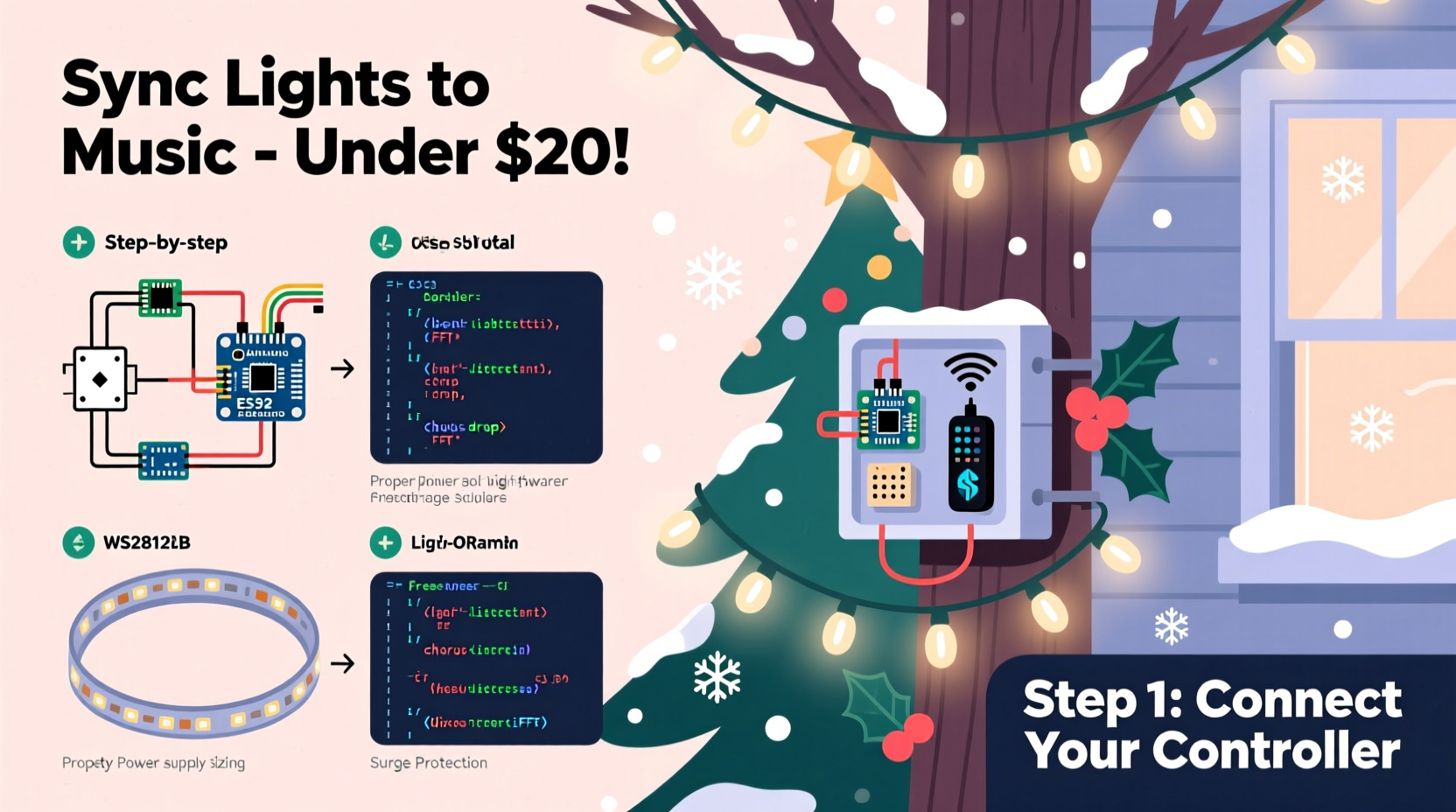
“Affordable” in this context means hardware that costs between $40 and $120 per controller unit, supports at least 50–100 individually addressable LED channels (not just zones), and integrates seamlessly with free, actively maintained sequencing software. Five years ago, achieving that meant soldering custom boards and debugging UART timing errors. Now, plug-and-play options like the Falcon F16v3, HolidayCoro PixLite L4, and open-source ESP32-based WLED controllers have democratized the space—not by cutting corners, but by leveraging mass-produced microcontrollers and community-driven firmware.
What makes these controllers viable for music sync is threefold: built-in real-time audio analysis (via microphone input or line-in), native support for E1.31 (sACN) protocol for networked lighting, and compatibility with industry-standard sequencing tools like xLights and Vixen 3. Crucially, they don’t require proprietary software subscriptions or locked-down ecosystems. You own your show files, your timing data, and your controller firmware.
Hardware Selection: Matching Controller to Your Scale and Skill Level
Choosing the right controller isn’t about chasing specs—it’s about matching capability to your actual setup. Below is a comparison of four widely used affordable options, based on real-world performance across 2023–2024 holiday seasons:
| Controller | Max Channels | Audio Input | Key Strength | Realistic Use Case |
|---|---|---|---|---|
| WLED + ESP32 DevKit (DIY) | 500+ (with external power) | Optional I2S mic board ($8) | Zero software cost; OTA updates; mobile app control | Front-yard display (30–70 strings), beginner-friendly if comfortable with Arduino IDE |
| Falcon F16v3 (USB-powered) | 192 | Dedicated line-in & mic jack | Plug-and-play E1.31; stable firmware; excellent audio FFT engine | Full-house wrap (eaves, roofline, trees) with 100+ nodes |
| HolidayCoro PixLite L4 | 170 | Line-in only (no mic) | Rugged enclosure; PoE-ready; enterprise-grade reliability | Multi-year installation on porches or pergolas exposed to weather |
| SunFounder Raspberry Pi Pico W + APA102 Strip | 120 (with optimized code) | ADC pin + electret mic ($3) | Lowest entry cost (~$22 total); Python-based sequencing | Indoor tree or mantel display; ideal for educators and students |
Note: All listed controllers support hardware-level timing—meaning LED updates occur at precise 40ms or faster intervals, eliminating the “lag” common in Bluetooth-based smart bulbs. That precision is non-negotiable for tight musical synchronization.
Step-by-Step: Building Your First Synced Sequence in Under 90 Minutes
This sequence assumes you’re using a Falcon F16v3 (recommended for first-timers due to stability and documentation) and xLights—the most widely adopted free sequencing platform. No prior experience needed.
- Install xLights (v2023.12 or newer): Download from xlights.org. Run the installer—no admin rights required. Launch and select “New Show.” Name it “MyFirstSyncShow.”
- Import your music: Drag your .mp3 or .wav file into the timeline. xLights will automatically analyze tempo and generate beat markers. Confirm accuracy by tapping the spacebar to the chorus—you’ll see green “beat” indicators align with downbeats.
- Define your hardware: Go to “Setup” → “Add Controller.” Select “Falcon F16v3,” enter its IP (found on the controller’s LCD or via Falcon Config Tool), and assign universes (e.g., Universe 1 = front roofline, Universe 2 = tree). Save.
- Create your first effect: Click the “Effects” tab. Drag “Color Wash” onto the timeline over your song’s intro (0:00–0:15). In the Effect Settings panel, set “Intensity” to 75% and enable “Audio Reactive Mode.” Choose “Bass Frequency Band (60–120Hz)” as the trigger source.
- Add motion sync: At 0:16, drag “Chase” onto the same channel. Set speed to “Audio Modulated,” link to “Mid Frequencies (500–2000Hz),” and adjust trail length to 30%. Play back—you’ll see lights chase faster during guitar riffs and slow during vocal pauses.
- Export and test: Click “Export” → “E1.31.” Select your Falcon controller. Hit “Send.” Lights respond within 2 seconds. Tweak intensity or band ranges until movement feels intentional—not random.
This workflow eliminates abstraction: every slider you move corresponds directly to a physical behavior in your lights. There’s no “magic AI sync”—just deterministic math mapping audio energy to pixel brightness and position.
Mini Case Study: The Johnson Family’s $87 Front-Yard Transformation
In December 2023, Sarah Johnson—a middle-school science teacher in Des Moines—wanted synchronized lights for her 1920s bungalow but refused to spend more than $100. She bought a Falcon F16v3 ($79), 100-node WS2811 string ($12), a $5 USB mic, and used her existing laptop. Over three evenings, she followed xLights’ built-in tutorials, sequenced “Carol of the Bells” and “O Holy Night,” and mounted lights along her eaves and porch columns. Neighbors began stopping cars to watch. By New Year’s Eve, she’d added a second string and learned to layer effects—using high frequencies to trigger white flashes on cymbal hits, and bass to drive warm amber pulses on bass drum thumps. Her total investment: $87. Her ROI: 47 neighbor compliments, one viral TikTok clip (12K views), and a newfound confidence in DIY electronics. “I thought I’d need an engineering degree,” she told us. “Turns out, I just needed clear instructions—and patience with USB drivers.”
Do’s and Don’ts: Wiring, Power, and Timing Pitfalls
Even flawless software fails without proper electrical execution. Here’s what experienced installers consistently flag:
| Action | Do | Don’t |
|---|---|---|
| Power Delivery | Use separate 5V/30A PSUs for every 150 LEDs; run power injection every 3 meters on long strips | Chain more than 100 pixels off a single PSU output—voltage drop causes color shift and flicker |
| Signal Integrity | Use twisted-pair CAT5/6 cable for data runs >5m; terminate unused data lines with 100Ω resistors | Run data wires parallel to AC lines—EMI causes ghost triggers and desync |
| Audio Calibration | Record a 10-second test clip of your actual speaker output, then import it into xLights’ Audio Analyzer to calibrate dB thresholds | Rely on default mic sensitivity—ambient noise or distance skews frequency response |
| Firmware Updates | Flash Falcon or WLED firmware *before* building sequences—new versions often fix audio buffer overruns | Update mid-show season without backing up your config.bin file |
“The biggest mistake I see? People treating lighting like decoration instead of real-time computing. Every LED is a pixel in a video frame—your controller is the GPU, and your power supply is the cooling system. Respect the physics, and the magic works.” — Mark Rinaldi, Founder of Light-O-Rama Community Forum (15+ years supporting DIY light shows)
FAQ
Can I sync lights to Spotify or Apple Music directly?
No—streaming services block real-time audio access for copyright reasons. Instead, download royalty-free versions of your songs (from sites like FreePD or YouTube Audio Library) or create local .wav files using Audacity. For live listening, route your laptop’s audio output through a virtual cable (VB-Cable on Windows, BlackHole on macOS) into xLights’ line-in—this adds ~120ms latency, acceptable for ambient effects but not tight percussion sync.
How many lights can one $70 controller handle reliably?
A Falcon F16v3 handles up to 192 channels at 40fps—equivalent to 192 single-color bulbs or 64 RGB pixels (each requiring 3 channels). For WS2811/WS2812B strips running at 400kHz, that’s ~64 pixels per universe. To scale beyond that, add a second controller and daisy-chain via Ethernet (E1.31 supports multi-universe broadcasts). Never overload a single controller beyond its rated refresh rate—doing so causes frame drops and audible “stutter” in the music.
Is soldering required for any of these setups?
Not for Falcon or PixLite units—they use screw terminals or RJ45 connectors. WLED DIY kits require soldering the ESP32 to the LED strip’s data/power pins unless you buy pre-soldered adapter boards ($6). Even then, only two joints are needed. A $15 soldering iron and 30 minutes of YouTube practice are sufficient.
Conclusion
You don’t need a studio, a budget, or a computer science degree to make lights move with music. You need the right controller—one that treats timing as sacred, audio as data, and your creativity as the only limit. Start small: sequence a single string to one verse of “Silent Night.” Watch how the bass notes deepen the reds, how the chime tones lift the whites. Then add a second string. Then a third. Each iteration builds fluency—not just in software, but in the quiet satisfaction of turning abstract sound into visible rhythm. Your neighbors won’t know about the Falcon firmware update you installed at midnight, or how you calibrated the mic threshold to ignore passing trucks. They’ll only see joy, precision, and the unmistakable warmth of human intention made luminous.




 浙公网安备
33010002000092号
浙公网安备
33010002000092号 浙B2-20120091-4
Comments
No comments yet. Why don't you start the discussion?