
In an age where digital footprints are nearly impossible to erase, maintaining control over your personal information on social media is more critical than ever. Facebook, with over 2.9 billion monthly active users, remains one of the most influential platforms for communication, networking, and self-expression. But its vast reach also makes it a prime target for data harvesting, unwanted tracking, and social engineering. Understanding who can see your activity—and who is actually engaging with your profile—is essential for safeguarding your online identity.
Unlike some platforms, Facebook does not provide a direct “Who viewed my profile?” feature. However, that doesn’t mean you’re completely in the dark. With strategic privacy settings, awareness of interaction patterns, and smart usage habits, you can gain meaningful insight into your digital exposure and take real steps to limit unnecessary access.
Understanding Facebook’s Privacy Model
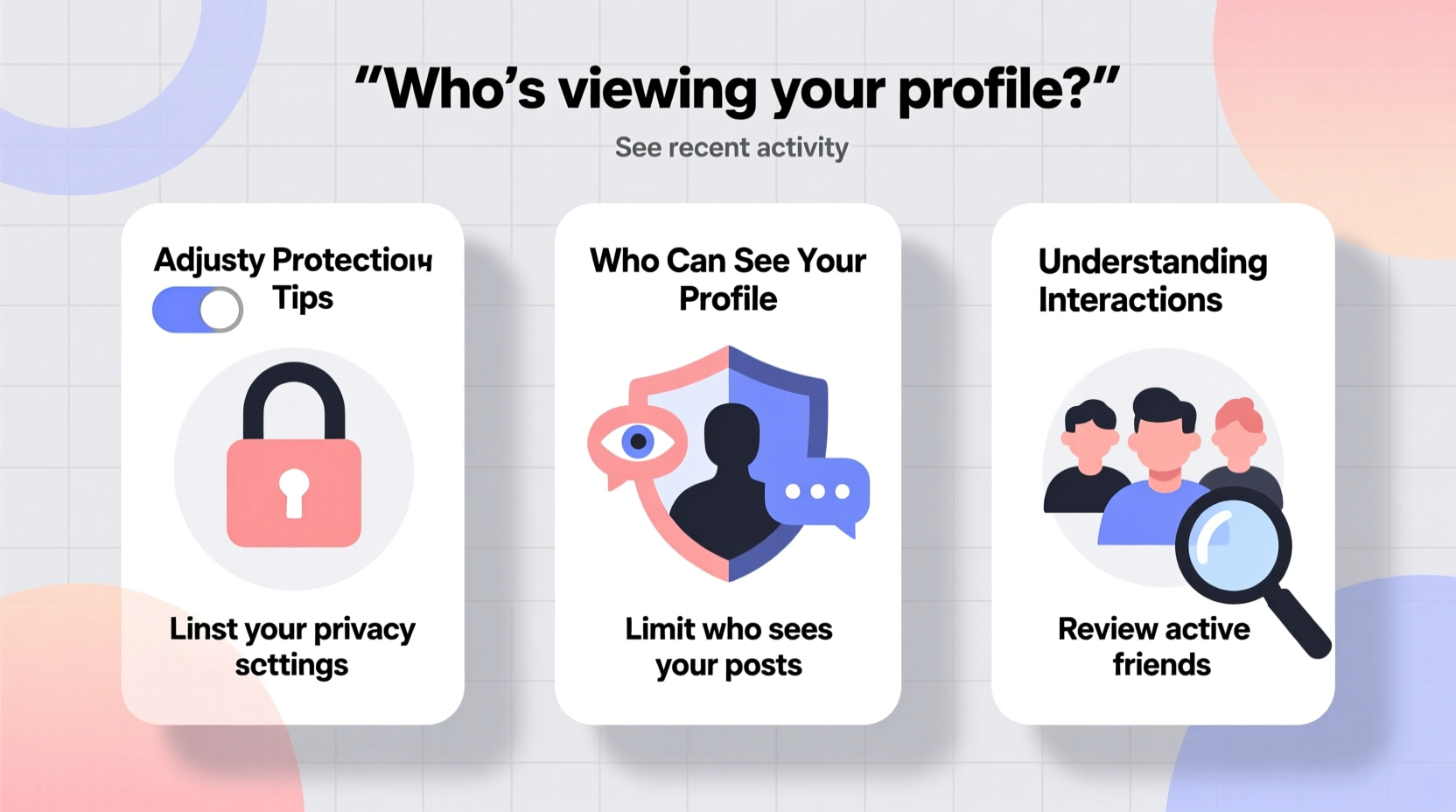
Facebook operates on a visibility-based system rather than a surveillance model. This means you don’t get alerts every time someone looks at your profile—nor should you expect to. The platform is designed to encourage connection, not paranoia. However, this design also means users must be proactive about managing their digital boundaries.
Your profile interactions fall into two categories: visible and invisible. Visible interactions include likes, comments, friend requests, and reactions—anything that generates a notification or appears in your activity log. Invisible interactions, such as profile views or passive scrolling through your posts, leave no trace unless they result in an action.
Because Facebook does not notify you when someone views your profile, third-party apps claiming to reveal \"stalkers\" or \"profile viewers\" are not only unreliable but often violate Facebook’s terms of service. These apps may harvest your data or install malware. Relying on official tools and settings is the safest path forward.
Step-by-Step Guide to Lock Down Your Privacy Settings
Taking control starts with adjusting your account settings. Follow this sequence to minimize unwanted access and better understand your audience:
- Access Privacy Shortcuts: Click the lock icon in the top-right corner of your Facebook homepage. This opens quick links to key privacy tools.
- Review Who Can See Your Future Posts: Use “Privacy Checkup” to set default audience for new posts (e.g., Friends only, Custom, or Only Me).
- Limit Past Posts: Go to Settings > Privacy > “Limit the audience for posts you’ve shared with friends of friends or Public.” This converts old public or wide-audience posts to “Friends-only” visibility.
- Control Tagging: Under Settings > Profile and Tagging, enable “Review tags people add to your posts before they appear on your timeline.” This prevents strangers from tagging you in unflattering or misleading content.
- Manage Search Visibility: Decide whether non-friends can find you via email or phone number. Restrict these options under Settings > Privacy > “How people can find and contact you.”
- Disable Face Recognition: In Settings > Face Recognition, turn off “Allow facial recognition” to prevent Facebook from identifying you in photos you’re not tagged in.
Who Is Interacting With Your Profile? Decoding Engagement Patterns
While you can’t see who views your profile, you *can* analyze engagement trends to infer interest. Pay attention to:
- Likes and Reactions: Sudden spikes from unfamiliar accounts may indicate broader visibility—possibly due to a shared post going semi-viral within a friend group.
- Comments on Old Posts: If someone comments on a years-old photo, they likely navigated directly to your profile, suggesting intentional interest.
- Frequent Profile Visitors via Messenger: If someone repeatedly checks your status or last seen time without messaging, they may be monitoring your activity.
- New Friend Requests After Limited Interaction: Be cautious of requests from people who suddenly appear after you’ve posted publicly or been tagged.
Use the Activity Log to filter interactions by date, type, and audience. This log reveals everything from deleted posts to hidden stories, giving you a comprehensive view of your digital footprint.
Real Example: Monitoring Unwanted Attention
Sophia, a freelance designer, noticed a former colleague she hadn’t spoken to in two years began liking her old vacation photos and sending vague messages through Messenger. She reviewed her Activity Log and discovered several of her previously public posts were still accessible. Using the “Limit Past Posts” tool, she reduced their visibility. She also adjusted her profile picture privacy and disabled face recognition. Within weeks, the unsolicited engagement stopped. By taking control of her settings, Sophia regained a sense of digital safety without sacrificing connectivity with genuine friends.
Do’s and Don’ts: A Privacy Best Practices Table
| Do | Don’t |
|---|---|
| Set default post audience to “Friends” | Accept friend requests from complete strangers |
| Regularly audit app permissions in Settings | Click on third-party “Who viewed my profile?” tools |
| Use two-factor authentication (2FA) | Share real-time location or travel plans publicly |
| Review and delete unused third-party apps | Assume “Only Me” posts are invisible to Facebook itself |
| Check who can send you friend requests (set to “Friends of Friends”) | Post sensitive documents (IDs, bills) even in private messages |
“Your Facebook privacy isn’t just about hiding from others—it’s about reclaiming agency over your digital identity. Small settings changes today can prevent major exposure tomorrow.” — Dr. Lena Patel, Cybersecurity Researcher at Stanford University
FAQ: Common Questions About Facebook Profile Privacy
Can someone tell if I viewed their Facebook profile?
No, Facebook does not notify users when their profile is viewed. Any service claiming to offer this feature is fraudulent and potentially dangerous.
Why do I see ads mentioning people who might know me?
Facebook uses data from your device, contacts, and mutual connections to suggest “People You May Know.” This is based on algorithms, not direct profile views. You can disable contact syncing in Settings to reduce this.
How do I stop someone from seeing my posts without unfriending them?
Use the “Restrict” feature. Go to their profile, click the Friends button, and select “Restricted.” They’ll only see your public posts and won’t appear on your active lists.
Final Checklist for Ongoing Privacy Protection
- ✅ Conduct a Privacy Checkup quarterly
- ✅ Limit past posts to “Friends”
- ✅ Enable two-factor authentication
- ✅ Remove unused third-party apps
- ✅ Disable facial recognition
- ✅ Review tag approvals and timeline suggestions
- ✅ Audit friend list and restrict suspicious accounts
- ✅ Avoid posting real-time location updates
Conclusion: Take Control Before It’s Too Late
Your Facebook profile is more than a digital scrapbook—it’s a reflection of your identity, relationships, and habits. Every like, comment, and shared memory contributes to a data profile that extends far beyond your immediate network. While Facebook provides tools to manage visibility, the responsibility ultimately falls on you to use them consistently and wisely.
Start today. Open your settings, run a Privacy Checkup, and apply the strategies outlined here. Share this knowledge with friends and family—especially those less familiar with digital risks. Privacy isn’t about secrecy; it’s about choice. And on Facebook, the most powerful choice you can make is to protect yourself before exposure occurs.




 浙公网安备
33010002000092号
浙公网安备
33010002000092号 浙B2-20120091-4
Comments
No comments yet. Why don't you start the discussion?