
Losing an Android phone can be stressful—especially when you rely on it for communication, navigation, work, and personal data. While Google’s Find My Device is the most widely known solution, it isn’t always accessible. Maybe location services were turned off, the phone is offline, or you never enabled the feature. The good news? There are several alternative methods that can help you locate your missing device quickly and efficiently.
This guide explores practical, lesser-known techniques that don’t depend on Google’s ecosystem. From built-in carrier tools to third-party apps and clever social engineering, these strategies have helped countless users recover their phones—even when standard tracking fails.
Why Google Find My Device Might Not Work
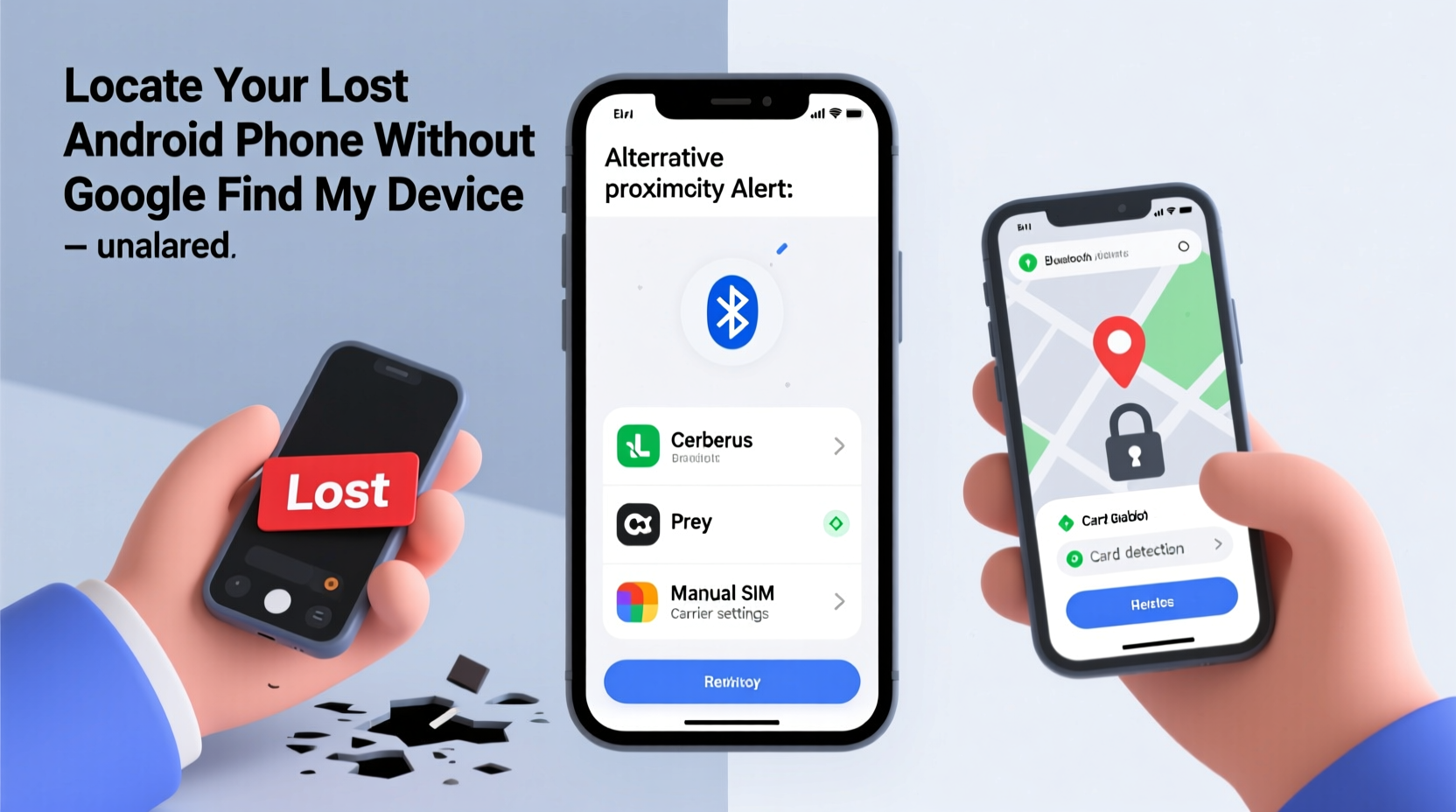
Before diving into alternatives, it’s important to understand why Google’s tool might not be available when you need it most:
- Location services disabled: If GPS or location access was turned off, the phone won’t transmit its position.
- Device powered off: A dead or switched-off phone cannot send signals.
- No internet connection: Without Wi-Fi or cellular data, Find My Device can't communicate with the phone.
- Feature never activated: Some users don’t set up Find My Device during initial setup.
- Removed Google account: In rare cases, a thief may factory reset the device before you act.
These limitations highlight the importance of having backup plans in place—ideally before you lose your phone.
Alternative Methods to Locate Your Lost Android Phone
When Google Find My Device isn’t an option, consider these five proven approaches.
1. Use Carrier-Based Tracking Tools
Many mobile carriers offer proprietary tools to help locate lost devices. These services often work independently of Google and may use network triangulation or SIM-based identification.
For example:
- AT&T: Offers “Phone Locator” through the AT&T Mobile Security app. It allows remote locking, wiping, and limited location tracking even if GPS is off.
- Verizon: Provides “Family Locator” and “Mobile Protect,” which include lost device assistance and remote alerts.
- T-Mobile: Includes “Scam Shield” and device protection features that support location history and remote actions.
To use these tools, you must have previously installed the carrier’s security app and logged in with your account. Once activated, they can provide approximate location data based on the last known cell tower connection.
“Carrier-level tracking doesn’t require GPS—it uses signal strength from nearby towers to estimate position.” — David Lin, Network Engineer at T-Mobile (via public interview)
2. Leverage Third-Party Security Apps
If you installed a third-party anti-theft or security app before losing your phone, you may still be able to track it. These apps often run in the background and bypass some of the limitations of Google’s system.
Popular options include:
| App Name | Key Features | Offline Capabilities |
|---|---|---|
| Cerberus | Remote camera snapshots, SIM change alerts, stealth mode | Yes – stores location when offline, syncs later |
| Prey Anti-Theft | Geofencing, screenshot capture, multi-device support | Limited – depends on periodic sync intervals |
| Lookout | Lost device finder, backup, malware protection | No – requires active internet |
Cerberus, in particular, has been praised for its ability to activate the front camera remotely and take photos of whoever is using the device—useful evidence for law enforcement.
3. Call or Text Your Phone Using Another Device
Sometimes the simplest method is the most effective. If your phone is somewhere nearby—like under couch cushions or in another room—calling it can help you locate it fast.
But what if it’s on silent?
Use a secondary device to send a text message. On most Android phones, incoming messages trigger a notification sound—even in Do Not Disturb mode—unless explicitly muted per app.
You can also try sending a message like:
“Hi, I think I left my phone at your place. Can you check if it’s there? It’s a black Samsung Galaxy S22.”
This works especially well if you lost it at a friend’s house, café, or office. People are often willing to help once contacted.
4. Check Smart Home or Wearable Device Logs
If you use connected devices like smartwatches, fitness trackers, or home assistants, they may hold clues about your phone’s last known location.
For instance:
- Your smartwatch may show the time and date when it disconnected from your phone.
- A Google Nest or Alexa device might have voice logs where you asked, “Hey Google, call Mom,” indicating proximity.
- Fitness bands like Fitbit record sync times with your phone, giving you a timeline of recent activity.
Reviewing these logs can narrow down the window and location where you last had your phone.
5. Use Social Media and Messaging Platforms
This method relies on indirect digital footprints. If someone finds your phone and turns it on, they may open apps like WhatsApp, Instagram, or Facebook.
Here’s how to use this to your advantage:
- Log into your accounts from another device.
- Check for unexpected logins or device changes.
- Send a direct message from another platform (e.g., email or SMS) asking the finder to contact you.
Some users report success by posting a polite message on their locked screen via WhatsApp web: “This is my phone. Please call me at [alternative number] if found.”
Step-by-Step Recovery Plan (When Google Isn’t an Option)
Follow this structured approach immediately after realizing your phone is missing:
- Stay calm and retrace your steps: Think about the last place you used the phone—was it at a store, restaurant, or transit station?
- Call your number from another phone: Listen for rings or ask someone nearby to check.
- Send a text message: Even if silenced, vibrations or screen flashes might reveal its location indoors.
- Check linked devices: Look at your smartwatch, tablet, or laptop for recent connection timestamps.
- Contact your carrier: Report the loss and ask if they can locate the device via SIM or network data.
- Access third-party apps: Log into Cerberus, Prey, or other installed security apps to trigger alarms or capture images.
- Notify locations where you lost it: Call cafes, gyms, taxis, or public transport lost-and-found departments.
- Monitor online activity: Watch for signs of usage on social media, email, or messaging platforms.
- File a police report (if stolen): Provide the IMEI number (dial *#06# to retrieve it) for official tracking.
- Remotely lock and wipe (if possible): Use any available tool to protect your data.
Mini Case Study: Recovering a Phone Left in a Taxi
Jessica, a marketing consultant in Chicago, left her Samsung Galaxy S21 in the back seat of an Uber after a late meeting. She didn’t use Google Find My Device but had installed Cerberus months earlier during a cybersecurity workshop.
Within minutes of realizing the loss, she logged into Cerberus from her work laptop. The app showed the phone moving along I-90, confirming it was still in the vehicle. She triggered a loud alarm and took a photo using the front camera, capturing the driver’s face.
She then called Uber support with the trip details and the image. Within 45 minutes, the driver had pulled over and returned the phone. Jessica credited the third-party app with making recovery possible—since GPS alone wouldn’t have provided enough proof.
This case illustrates how preparation and alternative tools can make all the difference.
Do’s and Don’ts When Searching for a Lost Android Phone
| Do | Don’t |
|---|---|
| Act immediately—every minute counts | Wait too long before taking action |
| Use multiple methods simultaneously | Rely on just one untested solution |
| Contact places where you’ve been | Assume no one will return it |
| Secure your accounts remotely | Forget to change passwords after recovery |
| Keep your IMEI number accessible | Throw away the original box (it has the IMEI printed) |
FAQ
Can I track my Android phone if it’s turned off?
Not in real time. However, some carrier and third-party tools store the last known location before shutdown. Once the phone reconnects to a network, certain apps like Cerberus can report its new location automatically.
What should I do if I suspect theft?
Report the incident to local authorities and provide the IMEI number. Contact your carrier to blacklist the device, preventing it from being used on most networks. Avoid confronting the thief directly.
Are third-party tracking apps safe to use?
Reputable apps like Cerberus and Prey are secure and privacy-focused. Always download them from official sources (Google Play Store), read permissions carefully, and avoid jailbroken or pirated versions.
Conclusion
Losing an Android phone doesn’t mean it’s gone forever—even without Google Find My Device. By combining smart preparation, alternative tracking tools, and quick thinking, you significantly increase your chances of recovery.
The key is acting fast and using every resource at your disposal: carrier services, third-party apps, connected devices, and human cooperation. Most importantly, take preventive steps now—install a backup tracker, note your IMEI, and test your setup while your phone is still safe.




 浙公网安备
33010002000092号
浙公网安备
33010002000092号 浙B2-20120091-4
Comments
No comments yet. Why don't you start the discussion?