
Sticker residue on electronics is more than just an eyesore—it can attract dust, interfere with device function, and diminish resale value. Whether it’s leftover adhesive from a warranty seal, promotional label, or protective film, removing it improperly can lead to scratches, discoloration, or damage to sensitive surfaces like screens, aluminum casings, or matte finishes. The key lies in choosing the right method for your device’s material and acting with precision. This guide delivers practical, tested techniques that prioritize both speed and safety, ensuring your electronics stay spotless and scratch-free.
Why Sticker Residue Is Tricky on Electronics
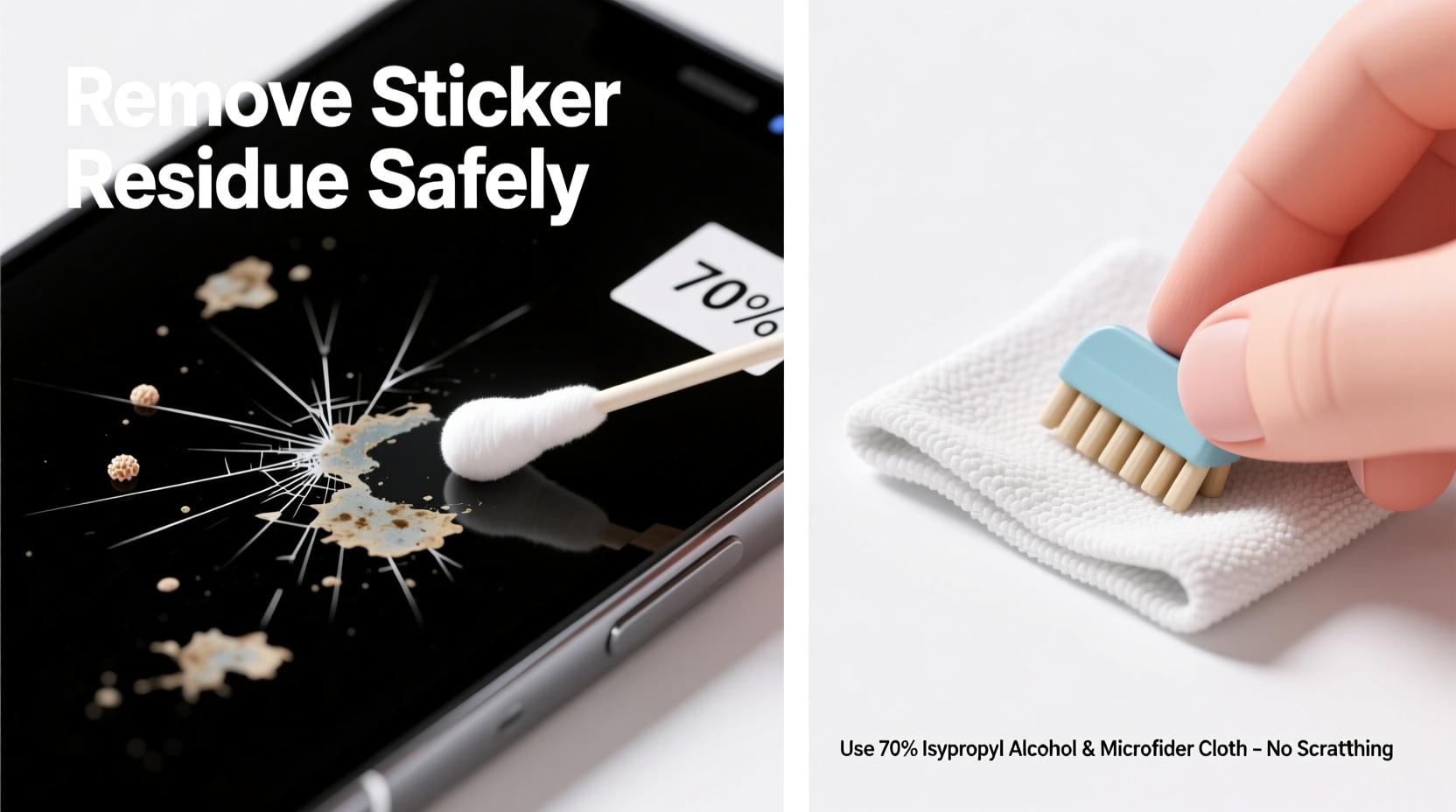
Unlike glass or metal tools, electronics feature delicate materials such as tempered glass, anodized aluminum, plastic polymers, and anti-glare coatings. These surfaces react poorly to abrasive scrubbing or harsh solvents. Adhesive left behind by stickers often contains pressure-sensitive polymers that bond strongly when exposed to heat or time. What makes removal challenging isn’t just the stickiness—it’s doing so without compromising the integrity of the device.
Many users reach for sharp tools or aggressive cleaners, only to discover micro-scratches or clouded finishes afterward. The solution isn’t brute force; it’s smart chemistry and gentle mechanics. Understanding your device’s surface type is the first step toward successful, non-damaging residue removal.
Safe Methods to Remove Residue Without Scratching
The most effective approaches use mild solvents to break down adhesive bonds while minimizing physical contact. Below are five proven techniques, ranked by safety and speed for common electronic devices.
1. Rubbing Alcohol (Isopropyl Alcohol) Method
Rubbing alcohol is one of the safest and fastest solvents for removing sticker residue from non-porous surfaces like glass, metal, and hard plastics. It evaporates quickly, doesn’t leave streaks, and won’t damage most screen coatings when used correctly.
- Dampen a lint-free microfiber cloth with 70% isopropyl alcohol—never pour directly onto the device.
- Gently rub the sticky area in small circular motions.
- Allow the alcohol to soften the residue for 10–20 seconds.
- Wipe away loosened adhesive with a clean section of the cloth.
- Finish by wiping with a dry microfiber cloth to prevent moisture buildup near ports.
This method works exceptionally well on smartphones, tablets, laptops, and camera bodies. Avoid using on soft-touch plastics or rubberized coatings, as alcohol may degrade them over time.
2. Warm Soapy Water and Microfiber Cloth
For less stubborn residue or devices with unknown coating types, a gentle soap-and-water solution offers a low-risk option. This method relies on warmth and mild surfactants to lift adhesive without chemical aggression.
- Mix a few drops of dish soap into warm water.
- Dampen a corner of a microfiber cloth—wring thoroughly so it’s only slightly moist.
- Hold the damp cloth against the residue for 30 seconds to soften the glue.
- Wipe gently in one direction to avoid spreading stickiness.
- Dry immediately with a second clean, dry microfiber cloth.
Best suited for sealed devices like e-readers or ruggedized gadgets. Never submerge electronics or allow moisture to enter openings.
3. Adhesive Remover Wipes (Commercial Grade)
Products like 3M Adhesive Remover Wipes or Goo Gone Pro-Power are formulated to dissolve adhesives without harming plastics or metals. They’re convenient for quick cleanup but require careful application.
| Product | Suitable For | Avoid On |
|---|---|---|
| 3M Adhesive Remover Wipes | Aluminum, glass, polycarbonate | Matte LCD bezels, rubber buttons |
| Goo Gone Original | Plastic housings, keyboard frames | Screens, touchpads |
| WD-40 Specialist Degreaser | Metal chassis, battery compartments | Any exposed circuitry |
Apply sparingly with a cloth—not directly on the device—and wipe residue away immediately. Follow up with a dry microfiber pass to eliminate oily residue.
4. Heat-Assisted Removal with a Hairdryer
Heat softens adhesive, making it easier to lift without scrubbing. A hairdryer on low heat can loosen residue enough to wipe away cleanly.
- Set hairdryer to low heat (no hot air blast).
- Hold 6–8 inches from the surface for 20–30 seconds.
- Use a plastic card edge (like an old credit card) to gently lift softened adhesive.
- Immediately wipe with a microfiber cloth.
This technique works well on flat surfaces such as laptop lids or monitor bezels. Do not apply prolonged heat to batteries or thin devices like phones, as internal components may overheat.
5. Baking Soda Paste (For Tough Residue on Durable Surfaces)
When other methods fail, a paste of baking soda and water can provide mild abrasion without scratching. Use only on robust surfaces like thick plastic or metal casings—never on screens.
- Mix two parts baking soda with one part water to form a thick paste.
- Apply with a cotton swab or soft cloth in small dabs.
- Gently rub in circular motion for no more than 15 seconds.
- Rinse residue with a damp microfiber cloth and dry thoroughly.
While technically abrasive, baking soda has a Mohs hardness below that of most electronic housing materials, making it safer than toothpaste or magic erasers, which contain melamine foam—a known scratch risk.
“Always favor chemical dissolution over mechanical removal. A little patience with isopropyl alcohol beats a lifetime of regret from a scratched display.” — Dr. Lena Tran, Materials Scientist at Consumer Electronics Safety Institute
Step-by-Step Quick Removal Guide
Follow this streamlined process to remove sticker residue efficiently and safely:
- Identify the Surface: Determine if the area is glass, metal, glossy plastic, or matte finish. This dictates solvent choice.
- Power Off and Disconnect: Turn off the device and unplug it. Remove batteries if possible.
- Test First: Apply your chosen method to a hidden spot (e.g., back panel) to check for adverse reactions.
- Apply Solvent: Use a microfiber cloth dampened with rubbing alcohol or soapy water. Let sit for 15 seconds.
- Wipe Gently: Use light pressure in one direction. Reapply if needed.
- Dry Completely: Use a dry microfiber cloth to absorb moisture and polish the surface.
- Inspect: Check under bright light for remaining residue or swirl marks.
Mini Case Study: Removing a Laptop Warranty Sticker Safely
Mark, a freelance graphic designer, purchased a refurbished MacBook Pro. Upon unboxing, he noticed a stubborn warranty sticker on the aluminum lid. Peeling it left behind a cloudy, sticky film that caught dust and looked unprofessional during client calls.
Instead of scraping it with a blade, Mark researched safe methods. He opted for 70% isopropyl alcohol and a fresh microfiber cloth. After testing on the bottom case, he applied the alcohol-soaked cloth to the residue for 20 seconds, then wiped in straight lines across the grain of the brushed aluminum. Within 60 seconds, the adhesive was gone, and the surface looked factory-clean. No scratches, no haze.
His takeaway? “I almost used nail polish remover because it worked on my old phone. But I realized this was aerospace-grade aluminum with a special coating. Taking five minutes to research saved me from permanent damage.”
Checklist: Safe Sticker Residue Removal
- ✅ Power off and disconnect the device
- ✅ Identify the surface material (glass, metal, plastic)
- ✅ Choose a compatible solvent (alcohol, soapy water, commercial wipe)
- ✅ Test on a hidden area first
- ✅ Use only lint-free microfiber cloths
- ✅ Avoid direct liquid application
- ✅ Wipe gently—no circular scrubbing on screens
- ✅ Dry thoroughly after cleaning
- ✅ Inspect under good lighting
- ✅ Discard used cloths to prevent re-depositing residue
What Not to Do: Common Mistakes
Even well-intentioned attempts can go wrong. Here are practices to avoid at all costs:
| Don’t | Why It’s Harmful |
|---|---|
| Use acetone or nail polish remover | Destroys plastic finishes and anti-reflective coatings |
| Scrape with a knife or razor blade | Causes irreversible scratches and gouges |
| Use toothpaste as a cleaner | Acts as a fine abrasive—can cloud surfaces |
| Apply excessive pressure | May crack screens or dislodge components |
| Soak the device or let liquid pool | Risk of short circuits and corrosion |
One user reported using a magic eraser on their tablet’s back panel, only to find the textured finish completely stripped in patches. These products are too aggressive for consumer electronics, regardless of online claims.
FAQ
Can I use hand sanitizer to remove sticker residue?
Yes, but cautiously. Most hand sanitizers contain 60–70% alcohol, making them effective for breaking down adhesive. However, they also include fragrances, glycerin, and thickeners that can leave behind a new sticky layer. If used, apply a small amount via cloth and wipe clean immediately with a dry microfiber towel.
Will vinegar damage my electronics?
Vinegar is acidic and can corrode metal contacts or degrade certain plastics over time. While it may work on tough residue, the risks outweigh the benefits. Stick to neutral pH solutions like isopropyl alcohol or mild dish soap instead.
How do I clean residue from around buttons or seams?
Use a cotton swab lightly dampened with alcohol. Twist gently along edges to lift adhesive without forcing liquid inside. Replace swabs frequently to avoid smearing. For deep crevices, a wooden toothpick can help—but never use metal tools.
Conclusion
Removing sticker residue from electronics doesn’t have to be risky or time-consuming. With the right tools and techniques, you can restore your devices to pristine condition in minutes—without a single scratch. Prioritize gentle solvents like isopropyl alcohol, rely on microfiber cloths, and always test before treating visible areas. Remember, patience and precision beat speed and force every time.




 浙公网安备
33010002000092号
浙公网安备
33010002000092号 浙B2-20120091-4
Comments
No comments yet. Why don't you start the discussion?