
Social media moves fast. A single tweet, once posted, can be gone in seconds—deleted intentionally, removed during an account purge, or lost due to a platform glitch. Whether you’re trying to retrieve your own content, verify someone else’s past statements, or simply track digital history, recovering deleted tweets isn’t always straightforward. But it’s not impossible. With the right tools, timing, and awareness of privacy boundaries, you can access archived Twitter content that no longer appears on public timelines.
This guide outlines proven techniques, from official data exports to third-party archives, offering realistic expectations and ethical considerations. If you need to recover or view deleted tweets—today—these are the most reliable paths available.
Why Tweets Disappear—and Why They Might Still Be Accessible
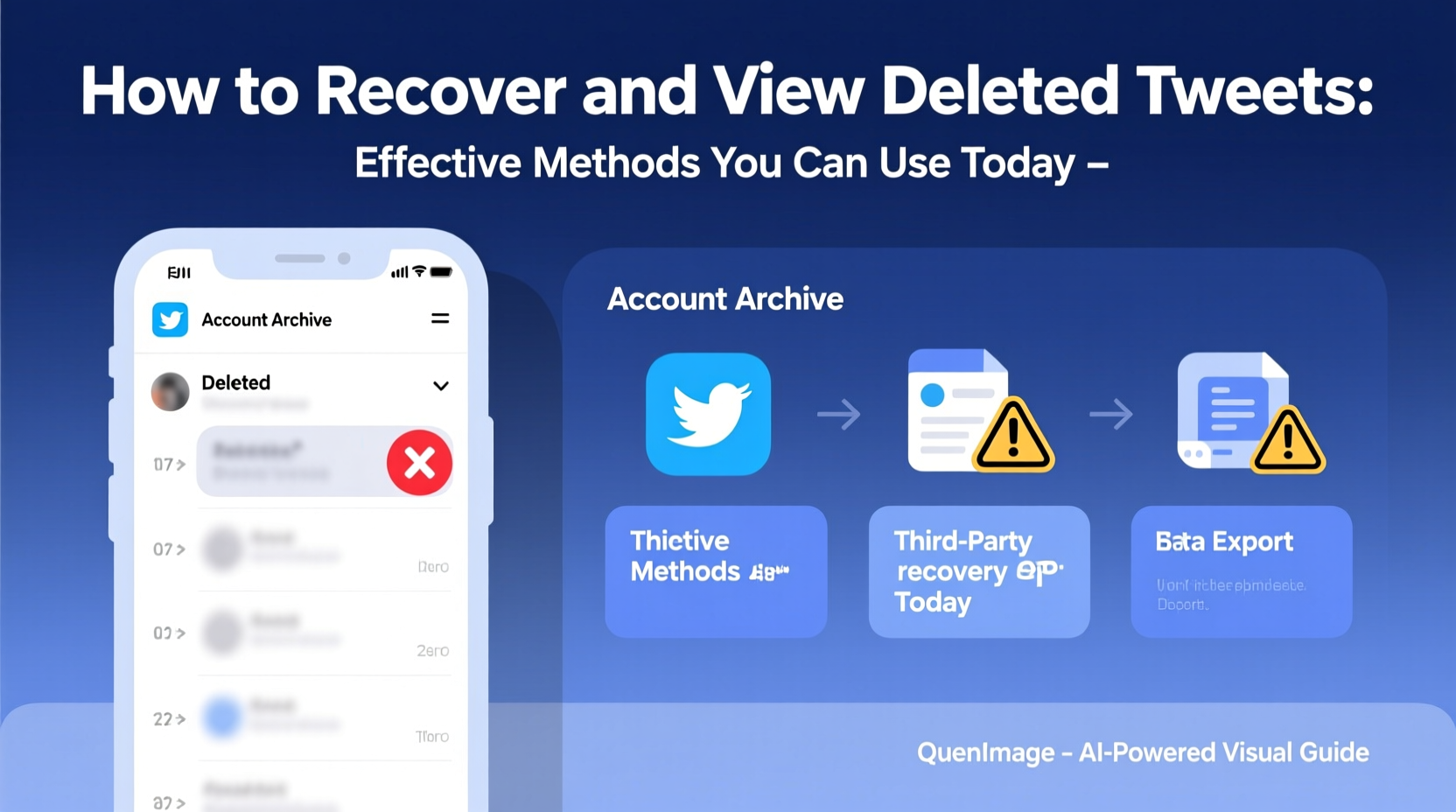
Tweets vanish for various reasons: users delete them manually, automate mass removals, deactivate accounts, or face suspension. Once deleted, tweets are typically removed from Twitter’s public interface. However, digital footprints often persist beyond visibility.
Twitter itself retains user data for internal purposes, including compliance and moderation. While not publicly accessible, this creates opportunities through official channels. Additionally, external services like web crawlers, archive platforms, and search engines may have captured snapshots before deletion.
The key to recovery lies in understanding three factors: time, tooling, and transparency. The sooner you act after a tweet is deleted, the higher the chance of retrieval. Automated archiving tools offer better results than manual searches. And respecting privacy and platform rules ensures your efforts remain both legal and ethical.
Step-by-Step Guide to Recover Your Own Deleted Tweets
Recovering your own deleted content starts with Twitter’s built-in tools. Here’s how to access what might still be available:
- Request Your Twitter Archive
Go to Settings & Privacy > Your Account > Download an Archive of Your Data. Enter your email and request the download. This file includes all tweets—including deleted ones—posted up to the date of the export. - Wait for Confirmation Email
Twitter will send a link (usually within minutes to hours) to download a ZIP file containing your full activity history. - Extract and Search
Open the “tweets.js” or “tweet.js” file in a text editor or browser. Use Ctrl+F to search keywords, dates, or hashtags to locate specific deleted tweets. - Check Media Attachments
If the tweet included images or videos, check the “media” folder in the archive. These files may still be intact even if the post is gone. - Verify Timestamps
Each tweet entry includes a timestamp. Cross-reference with your memory or calendar to confirm context.
Note: Archives only reflect data up to the moment they were generated. Any deletions made after the archive creation won’t appear unless you request a new one.
“Users underestimate how much data remains accessible through their own account exports. It’s the first and most legitimate step in digital self-auditing.” — Dr. Lena Torres, Digital Archivist & Social Media Researcher
How to View Others’ Deleted Tweets: Tools and Tactics
Finding deleted tweets from other users requires reliance on external services. Unlike personal archives, there’s no direct method via Twitter. However, several platforms index public content before it disappears.
- Wayback Machine (archive.org): Operated by the Internet Archive, this service periodically crawls public web pages, including Twitter profiles. Visit
https://web.archive.org, paste a user’s Twitter URL (e.g., https://twitter.com/username), and browse snapshots by date. - TweetDelete.net: While primarily a management tool, its public logs sometimes show when accounts delete large volumes of tweets, indirectly confirming removals.
- Unsend.io (defunct, but alternatives exist): Though discontinued, similar emerging platforms aim to monitor social media deletions. Currently, manual tracking via Google Cache offers limited success.
- Google Cache: Search for the tweet using site:twitter.com and keywords. Click the “Cached” link next to results to see Google’s stored version.
Success depends on whether the tweet was indexed before deletion. Highly shared or quoted tweets are more likely to be archived than obscure ones.
| Method | Best For | Likelihood of Success | Time Required |
|---|---|---|---|
| Twitter Data Archive | Recovering your own deleted tweets | High | 1–24 hours |
| Wayback Machine | Viewing others’ deleted public tweets | Moderate | 5–10 minutes |
| Google Cache | Recently deleted content | Low to Moderate | 2–5 minutes |
| Third-party monitoring tools | Ongoing tracking of account activity | Variable | Setup + ongoing |
Mini Case Study: Tracking Public Figure Statements
In early 2023, a journalist needed to verify a claim made by a public official who later deleted the tweet. Using the Wayback Machine, they located a snapshot from two days prior, which included the original wording. The archived version showed slight differences from media quotes, prompting a correction in reporting. This example highlights how archived tweets serve as accountability tools in public discourse.
Common Mistakes That Reduce Recovery Chances
Even with the right tools, poor habits limit success. Avoid these pitfalls:
- Waiting too long: Web crawlers don’t capture every page daily. Delayed action reduces the odds of finding a cached version.
- Assuming everything is saved: Private accounts, low-engagement tweets, and non-indexed links rarely appear in archives.
- Using unreliable recovery services: Many websites promise instant access to deleted tweets but require login credentials—a major security risk.
- Ignoring metadata: Without timestamps or context, recovered content can be misinterpreted.
Additionally, never attempt to bypass authentication or scrape data at scale without consent. Such actions violate Twitter’s Terms of Service and may lead to legal consequences.
Essential Checklist for Tweet Recovery
Follow this checklist to maximize your chances of recovering or viewing deleted tweets:
- ✅ Determine if the tweet belongs to you or someone else.
- ✅ If it’s your account, immediately request a Twitter data archive.
- ✅ Search Google using site-specific queries and check cached versions.
- ✅ Visit archive.org and enter the Twitter profile URL to explore snapshots.
- ✅ Use advanced search operators like
\"exact phrase\" site:twitter.com before:2023-05-01. - ✅ Evaluate the credibility of third-party tools—avoid those asking for passwords.
- ✅ Document findings with timestamps and URLs for future reference.
Frequently Asked Questions
Can I recover a tweet deleted years ago?
Possibility depends on whether it was archived. If a crawler like the Wayback Machine captured the profile around that time, yes. Otherwise, recovery is unlikely. Your own Twitter archive only includes data up to the export date, so requesting one now won’t help for older deletions unless you had previously downloaded it.
Are deleted tweets really gone forever?
From the public timeline, yes. But copies may exist in multiple places: search engine caches, screenshot shares, database backups, or third-party analytics tools. Twitter also retains data internally for up to 30 days before permanent deletion in some cases, though this isn’t user-accessible.
Is it legal to view someone’s deleted tweets?
If the content was public when posted and preserved by an archive, accessing it isn’t illegal. However, using it to harass, impersonate, or defame crosses ethical and legal lines. Always consider intent and context.
Conclusion: Act Now, Preserve Later
Deleted tweets aren’t always lost—they’re just out of sight. By leveraging data exports, web archives, and smart search techniques, you can uncover content that seemed gone for good. The most effective strategy combines proactive backup habits with timely use of external tools.
Whether you're protecting your digital legacy, verifying information, or conducting research, the ability to recover and view deleted tweets is a valuable skill in today’s fast-moving online world. Don’t wait until something disappears to start looking. Set up regular data downloads, bookmark key profiles in archive services, and stay informed about evolving tools.




 浙公网安备
33010002000092号
浙公网安备
33010002000092号 浙B2-20120091-4
Comments
No comments yet. Why don't you start the discussion?