
Every year, millions of tons of electronic waste—commonly known as e-waste—are generated globally. From outdated smartphones and laptops to broken televisions and kitchen appliances, electronics eventually reach the end of their life cycle. Improper disposal can lead to environmental contamination, data theft, and wasted resources. Recycling old electronics isn’t just about decluttering; it’s a responsible act that protects ecosystems, conserves raw materials, and supports sustainable innovation. This guide walks you through the safest and most effective ways to recycle your electronics locally, ensuring compliance with environmental standards and personal security.
Why Proper E-Waste Recycling Matters
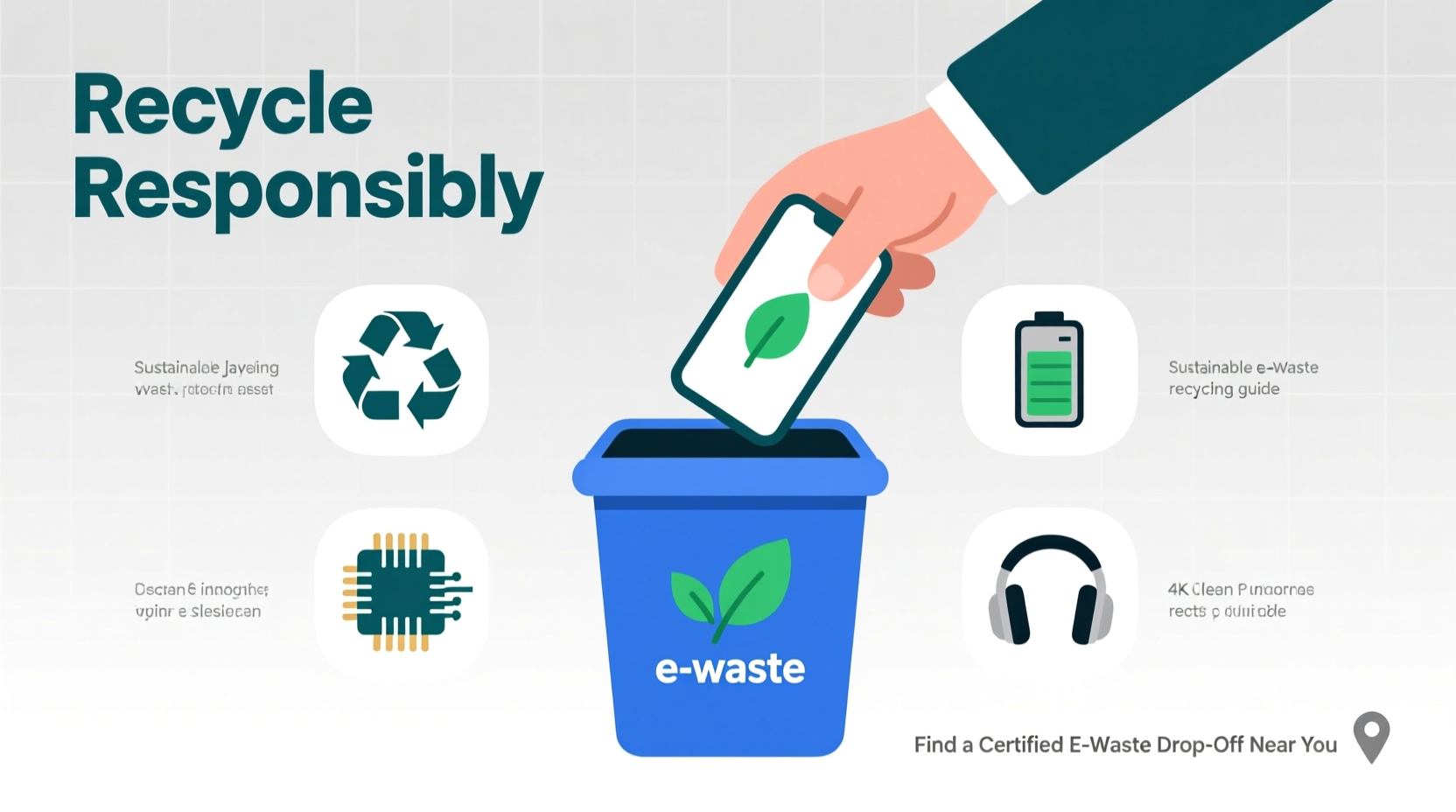
E-waste is one of the fastest-growing waste streams in the world. According to the United Nations, over 50 million metric tons of e-waste are produced annually, yet less than 20% is formally recycled. The rest often ends up in landfills or is illegally exported, where toxic components like lead, mercury, cadmium, and brominated flame retardants can leach into soil and water supplies.
Beyond environmental harm, improperly discarded devices pose serious privacy risks. Hard drives, phones, and tablets may still contain sensitive personal data—even if you’ve deleted files. Without proper wiping or destruction, this information can be recovered by malicious actors.
Recycling electronics helps recover valuable materials such as gold, silver, copper, and rare earth elements. These materials can be reused in new products, reducing the need for environmentally destructive mining operations. Responsible recycling closes the loop in the product lifecycle, supporting a circular economy.
Step-by-Step Guide to Recycling Electronics Safely
Recycling electronics responsibly involves more than dropping them off at a random collection bin. Follow these six essential steps to ensure safety, legality, and maximum environmental benefit.
- Inventory Your Devices: Make a list of all electronics you plan to recycle—phones, computers, printers, cables, etc. Note which ones still function and which are damaged.
- Back Up and Wipe Data: Transfer any important files to a secure location. Then, perform a factory reset on each device. For computers, use certified data erasure software like DBAN (for Windows) or Disk Utility (on Macs). Remove SIM and SD cards from mobile devices.
- Research Local Recycling Options: Not all recycling centers accept electronics. Use tools like Earth911, Call2Recycle, or your municipal waste authority’s website to find certified recyclers near you.
- Verify Recycler Certifications: Choose facilities certified by e-Stewards or R2 (Responsible Recycling). These standards ensure ethical labor practices, no prison labor, and no export of hazardous waste to developing countries.
- Prepare Devices for Drop-Off: Remove batteries if possible (some recyclers prefer them separated), disconnect peripherals, and pack items securely to prevent damage during transport.
- Drop Off or Schedule Pickup: Bring your electronics to a designated drop-off location. Some retailers and municipalities offer free pickup services for large items like TVs or refrigerators.
Real Example: Sarah’s Smartphone Upgrade
Sarah decided to upgrade her five-year-old smartphone but didn’t want to contribute to e-waste. She backed up her photos and contacts to the cloud, then used her phone’s built-in “erase all content and settings” feature. After verifying that her carrier (a Verizon partner) participated in the Call2Recycle program, she visited a nearby Best Buy store that accepts small electronics. A staff member confirmed the device would be processed by an R2-certified recycler. Within days, Sarah received a $50 gift card for her trade-in—and peace of mind knowing her data was safe and the phone would be responsibly handled.
Where to Recycle Electronics Near You
Location matters when it comes to convenient and trustworthy e-waste recycling. Here are the most accessible and reliable options available across the U.S. and similar regions:
- Retail Drop-Off Locations: Stores like Best Buy, Staples, and Office Depot accept a wide range of electronics, often for free. Best Buy, for example, takes nearly all consumer electronics regardless of brand or purchase history.
- Municipal E-Waste Events: Many cities host annual or quarterly e-waste collection days. Check your city’s public works website for dates and accepted items.
- Manufacturer Take-Back Programs: Companies like Apple, Dell, and Samsung offer mail-in or in-store recycling. Apple’s program includes free recycling for any Apple device, plus credit toward new purchases for eligible models.
- Certified Recycling Centers: Facilities audited under e-Stewards or R2 standards provide the highest level of accountability. Search the directories at e-stewards.org or sustainableelectronics.org.
- Nonprofit and Community Organizations: Groups like Goodwill (through its Dell Reconnect program) refurbish working electronics for resale, extending their useful life before eventual recycling.
| Option | Best For | Fees | Limitations |
|---|---|---|---|
| Best Buy | Small electronics, TVs, appliances | Free (up to limits); fees for CRT TVs | Max 3 items per household per day |
| Staples/Office Depot | Computers, printers, accessories | Free for most items | Excludes large appliances |
| Apple Trade-In | iPhones, MacBooks, iPads | Free recycling; paid trade-ins for working units | Limited to Apple and select brands |
| Municipal Collection | Bulky items, hazardous electronics | Usually free | Infrequent events; limited hours |
| e-Stewards Recyclers | All electronics, business equipment | Varies by volume and type | May require appointment or minimum load |
Expert Insight: The Importance of Certified Recycling
The difference between a legitimate recycler and a “sham” processor can be invisible to the untrained eye. That’s why third-party certifications are critical.
“Without R2 or e-Stewards certification, there’s no guarantee your electronics aren’t being dumped overseas or processed in unsafe conditions. Always verify credentials.” — Dr. Linda Tinker, Environmental Scientist & E-Waste Policy Advisor
Certified recyclers must adhere to strict protocols for data security, worker safety, environmental protection, and downstream vendor oversight. They document every step of the recycling process, including smelting, shredding, and material recovery. Choosing a certified facility ensures your electronics won’t end up in informal scrapyards where children dismantle circuit boards with bare hands.
Checklist: How to Prepare Electronics for Recycling
Use this checklist to ensure your e-waste is ready for safe, responsible recycling:
- ✅ Back up all personal data to cloud storage or external drive
- ✅ Sign out of all accounts (iCloud, Google, Microsoft, etc.)
- ✅ Perform a factory reset on all devices
- ✅ Remove SIM and memory cards
- ✅ Detach batteries if easily removable (especially lithium-ion)
- ✅ Gather cords, power adapters, and accessories
- ✅ Research and select a certified local recycler or drop-off point
- ✅ Confirm accepted items and prepare for transport
Common Mistakes to Avoid
Even well-intentioned efforts can go wrong without proper knowledge. Steer clear of these common pitfalls:
- Assuming “recycling” means reuse: Just because a bin says “e-waste” doesn’t mean the contents will be ethically processed. Unregulated collectors may resell devices or ship them abroad.
- Skipping data removal: A quick delete isn’t enough. Use full disk encryption or specialized wiping tools.
- Ignoring small electronics: Items like smartwatches, earbuds, and routers contain valuable materials and should not be trashed.
- Hoarding obsolete devices: Storing old electronics indefinitely increases fire risk (from degraded batteries) and delays resource recovery.
- Disassembling devices yourself: Modern electronics contain hazardous materials. Leave dismantling to trained professionals.
FAQ: Common Questions About E-Waste Recycling
Can I recycle electronics with cracked screens or water damage?
Yes. Physical damage doesn’t disqualify a device from recycling. In fact, damaged electronics should be recycled promptly to prevent battery leaks or further deterioration.
Are there laws against throwing electronics in the trash?
In over 25 U.S. states, it’s illegal to dispose of certain electronics—especially TVs, monitors, and laptops—in regular trash. Violators may face fines. Check your state’s Department of Environmental Quality website for specifics.
What happens to my electronics after I drop them off?
Certified recyclers first test devices for reuse potential. Working units may be refurbished and resold. Non-functional devices are disassembled: plastics are separated, metals are extracted via shredding and sorting, and hazardous materials are treated or contained. Recovered materials feed into new manufacturing cycles.
Conclusion: Take Action Today
Recycling old electronics safely and responsibly is a simple yet powerful way to protect the planet and your personal information. With numerous local options—from retail take-back programs to certified recyclers—you can dispose of outdated gadgets with confidence. The key is preparation: wipe your data, choose a verified recycler, and follow through with proper drop-off. Every device you recycle reduces pollution, conserves energy, and supports ethical labor practices worldwide.




 浙公网安备
33010002000092号
浙公网安备
33010002000092号 浙B2-20120091-4
Comments
No comments yet. Why don't you start the discussion?