
In today’s digital world, screens are unavoidable. Whether you're working late, reading before bed, or catching up on messages, exposure to blue light from phones, tablets, laptops, and monitors is nearly constant. While many modern devices come with a “night mode” or “blue light filter,” not all do—especially older models or budget-friendly gadgets. For those without access to built-in features, reducing blue light isn’t impossible. With the right tools, software, and behavioral adjustments, you can significantly lower your exposure and protect both your eyes and sleep quality.
Blue light, part of the visible light spectrum, has short wavelengths and high energy. During the day, it can boost alertness and mood. But at night, excessive exposure disrupts melatonin production—the hormone responsible for regulating sleep. This disruption can lead to difficulty falling asleep, reduced sleep quality, and even long-term issues like digital eye strain and circadian rhythm disorders.
The good news: you don’t need a premium smartphone or the latest operating system to manage blue light. There are effective, accessible methods that work across platforms and devices—even those lacking native filtering options.
Understanding Blue Light and Its Impact
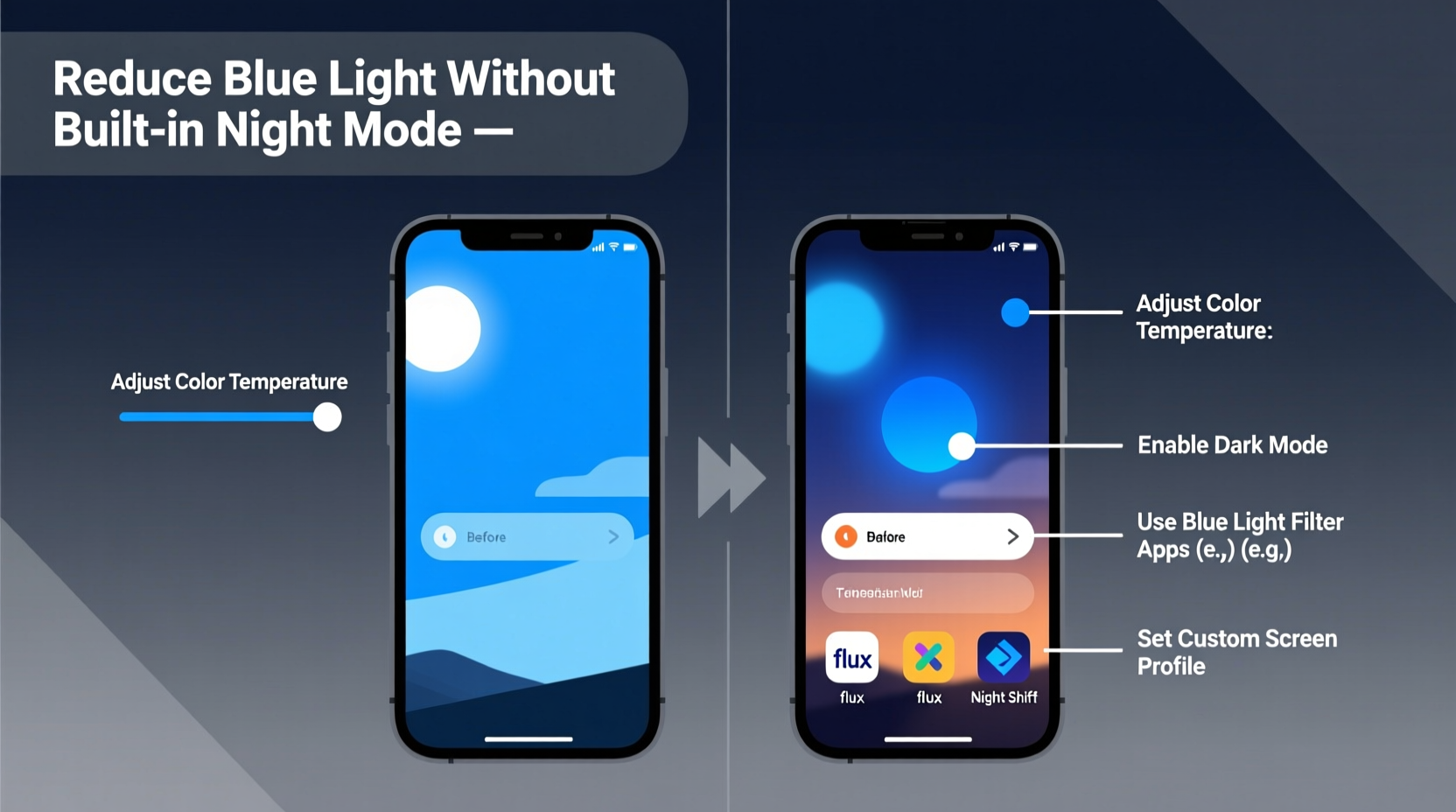
Blue light is emitted by the sun and artificial sources, including LED screens and fluorescent lighting. Devices like smartphones, computers, and televisions use LED backlights that produce intense blue light. While this enhances screen clarity and brightness, prolonged exposure—especially after sunset—can interfere with natural sleep cycles.
Research shows that blue light suppresses melatonin more than other wavelengths. A study published in *Applied Ergonomics* found that participants exposed to unfiltered screens before bedtime experienced delayed melatonin onset by up to 30 minutes. Over time, this adds up to chronic sleep deprivation, affecting cognitive performance, mood, and overall health.
“Even low levels of blue light at night can shift circadian rhythms and impair sleep if exposure occurs during sensitive biological windows.” — Dr. Steven Lockley, Neuroscientist, Harvard Medical School
For individuals using older devices, secondary monitors, or systems without night mode (such as Windows 7, certain Android versions, or basic e-readers), relying solely on built-in tools isn’t an option. That’s where third-party solutions and physical interventions become essential.
Software-Based Solutions for Any Operating System
One of the most effective ways to reduce blue light is through software that adjusts screen color temperature based on the time of day. These programs simulate warmer lighting as the sun sets, minimizing disruptive blue tones.
F.lux: The Pioneer of Screen Filtering
F.lux remains one of the most trusted tools for managing blue light across platforms. It automatically shifts your screen from cool (blue-rich) tones during daylight hours to warm (amber) hues at night. What makes F.lux unique is its precision: it uses your geographic location to determine local sunset and sunrise times, ensuring accurate transitions.
Available for Windows, macOS, Linux, and jailbroken iOS devices, F.lux works even on older operating systems. Unlike some apps that require constant internet access, F.lux runs locally, making it efficient and privacy-conscious.
Iris: Advanced Control and Flexibility
Iris offers similar functionality but with expanded customization. In addition to adjusting color temperature, Iris allows control over brightness, PWM flicker reduction, and even motion blur effects to reduce eye fatigue. It supports a wider range of devices, including external monitors connected via HDMI or DisplayPort.
The free version provides core features, while Iris Pro adds scheduling, per-monitor settings, and health-focused modes like “Reading,” “Cinema,” and “Dark Subtraction” for OLED screens. Iris is particularly useful for multi-monitor setups where standard OS-level filters may not apply uniformly.
Redshift (Linux Alternative)
For Linux users, Redshift is an open-source alternative that functions similarly to F.lux. It adjusts screen temperature based on the sun’s position and can be configured manually or via geolocation. Because it's command-line driven, it integrates well with lightweight desktop environments and older hardware.
Installation typically involves package managers like APT or Pacman, and configuration files allow fine-tuning of daytime/nighttime temperatures and transition speeds.
Browser Extensions and Web Filters
If installing full-screen software isn't feasible—due to administrative restrictions or compatibility issues—browser-based extensions offer a partial but helpful solution. These tools filter blue light specifically within web content, which accounts for much of daily screen usage.
- Night Eye (Chrome, Firefox, Edge): Transforms webpage colors into dark, warm themes. Can invert images selectively and preserve readability.
- Dark Reader: Primarily designed for dark mode, it also reduces blue tones by applying sepia or amber overlays.
- Just Dark (Firefox): Lightweight extension that applies warm filters only during evening hours.
While these won’t affect native applications or video players outside the browser, they’re ideal for users who spend most of their screen time online—reading articles, checking email, or browsing social media.
Physical and Environmental Adjustments
Not every solution requires software. Simple environmental changes can dramatically reduce blue light exposure, especially when combined with digital tools.
Use Warm-Bulb Lighting at Home
Replace cool-white LED bulbs (5000K–6500K) with warm-white ones (2700K–3000K) in rooms where you use screens at night. Warmer ambient lighting reduces the contrast between your screen and surroundings, easing eye strain and signaling to your brain that it’s time to wind down.
Apply Blue Light Filter Screens
Physical screen protectors with blue light filtering properties are available for laptops, tablets, and smartphones. These adhesive films block up to 35% of harmful blue light without distorting image clarity. They’re especially useful for shared devices or public computers where software installation isn’t allowed.
Look for products labeled “anti-blue light” or “HEV filtering” and ensure they fit your device model precisely. Some brands, like Moshi and Zagg, offer tempered glass variants that combine scratch resistance with spectral filtering.
Wear Blue Light Blocking Glasses
Amber- or red-tinted glasses are clinically proven to reduce melatonin suppression. A study in the *Journal of Clinical Sleep Medicine* showed that participants wearing amber lenses two hours before bedtime improved sleep quality and fell asleep faster compared to placebo groups.
Choose glasses with lenses that block wavelengths below 550nm for maximum effectiveness. Clear lenses marketed as “blue blockers” often lack sufficient filtration; true protection comes from noticeable tinting.
Step-by-Step Guide to Reduce Blue Light Without Night Mode
Follow this actionable timeline to implement effective blue light reduction across all your devices:
- Assess Your Devices (Day 1): List all screens you use regularly—laptop, phone, tablet, desktop monitor—and note their operating systems and age.
- Install Filtering Software (Day 1–2): Download F.lux or Iris on compatible machines. For Linux, install Redshift via terminal.
- Add Browser Extensions (Day 2): Install Night Eye or Dark Reader on all browsers used at night.
- Adjust Ambient Lighting (Day 3): Replace overhead or desk lamps with warm-white bulbs (2700K).
- Purchase Physical Filters (Day 4–7): Order screen protectors or blue-blocking glasses online.
- Establish a Routine (Ongoing): Begin using filtered screens and glasses consistently two hours before bedtime.
- Evaluate Results (After 2 Weeks): Track sleep quality, eye comfort, and screen fatigue. Adjust color temperatures or add additional filters if needed.
Do’s and Don’ts: Managing Blue Light Effectively
| Do | Don't |
|---|---|
| Use automatic tools like F.lux that adapt to your schedule | Rely solely on manual brightness adjustments |
| Wear amber-tinted glasses in the evening | Use clear \"blue blocking\" glasses without verified filtering |
| Pair screen filters with warm indoor lighting | Watch bright screens in completely dark rooms |
| Take 20-second breaks every 20 minutes (20-20-20 rule) | Stare continuously at screens for hours without rest |
| Combine multiple methods for cumulative effect | Expect one tool to solve all blue light issues |
Real-Life Example: Sarah’s Evening Screen Routine
Sarah, a freelance writer in her mid-30s, worked late each night on an aging Windows 7 laptop that lacked night mode. She frequently experienced headaches and struggled to fall asleep despite feeling tired. After learning about blue light effects, she took action.
She installed F.lux and set her color temperature to 3400K at sunset. She replaced her desk lamp with a 2700K bulb and began wearing amber glasses after 8 PM. Within a week, she noticed fewer eye twitches and less mental fog. After two weeks, she was falling asleep 20 minutes faster on average.
“I didn’t think such small changes would make a difference,” she said. “But now I feel more rested, and my eyes aren’t dry by midnight.”
Frequently Asked Questions
Can I reduce blue light on a smart TV without built-in night mode?
Yes. Many smart TVs allow manual color temperature adjustment in display settings. Switch from “Cool” or “Vivid” modes to “Warm” or “Cinema.” You can also dim the backlight and enable “Eye Comfort” modes if available. For non-smart TVs, consider using ambient lighting behind the screen (bias lighting) with warm tones to reduce contrast.
Are there risks to using blue light filters all day?
No significant risks exist, but overly warm screens during daylight hours may reduce alertness. Most recommended tools like F.lux automatically revert to neutral tones during the day. Avoid setting extreme warmth (below 2000K) in morning or afternoon unless medically advised.
Do blue light filters improve sleep for everyone?
Results vary, but research indicates consistent benefits for individuals with regular evening screen use. Those with insomnia, delayed sleep phase disorder, or high digital exposure see the most improvement. However, combining filters with good sleep hygiene—consistent bedtime, limited caffeine, and screen curfews—yields the best outcomes.
Final Thoughts and Action Plan
Reducing blue light doesn’t require cutting-edge technology or expensive upgrades. Even without built-in night mode, you have powerful options at your disposal—software, accessories, lighting, and habits. The key is consistency and layering multiple strategies for maximum impact.
Your eyes and sleep cycle will respond positively to even modest reductions in evening blue light. Start with one change—install F.lux, swap a lightbulb, or try a pair of amber glasses—and build from there. Small steps lead to lasting improvements in comfort, focus, and rest.




 浙公网安备
33010002000092号
浙公网安备
33010002000092号 浙B2-20120091-4
Comments
No comments yet. Why don't you start the discussion?