
In an era where data is currency, your name, address, phone number, and even social media activity can be collected, stored, and shared without your knowledge. Data brokers, public records, and social networks often make personal details accessible to anyone with an internet connection. This digital footprint increases risks of identity theft, scams, and unwanted contact. Fortunately, it’s possible to reclaim control. Removing your personal information from online platforms isn’t just a privacy preference—it’s a necessary step in safeguarding your digital identity.
Why Your Online Information Matters
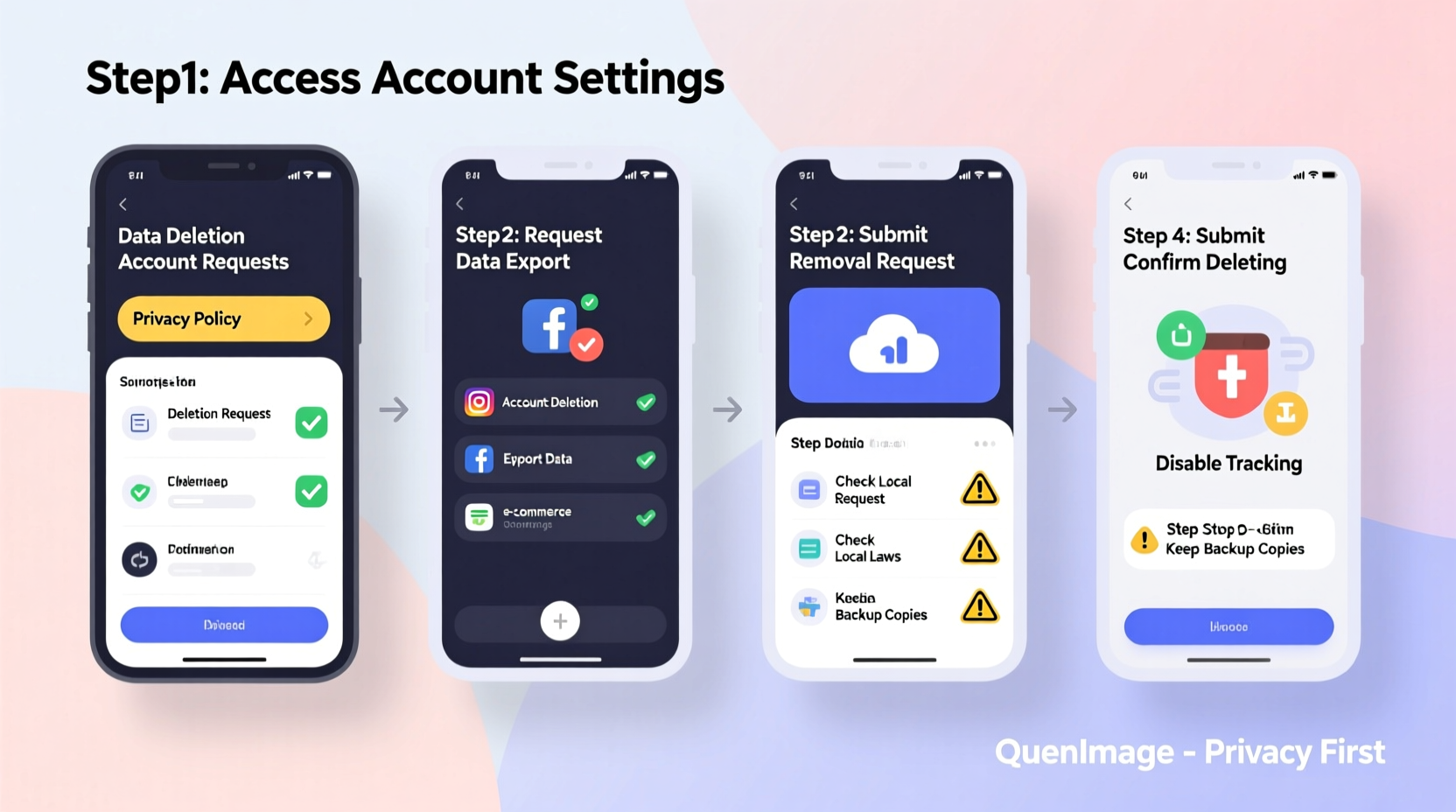
Every time you sign up for a service, fill out a form, or interact on social media, traces of your identity are left behind. These fragments accumulate across thousands of websites, from data broker directories to public court records. Search engines index much of this data, making it searchable by name, location, or email. While some information sharing is unavoidable, unchecked exposure can lead to doxxing, phishing attempts, or targeted advertising based on sensitive profiles.
According to the Federal Trade Commission (FTC), millions of Americans report issues related to unwanted exposure of personal data each year. The rise of AI-powered data aggregation has only accelerated the problem, enabling faster, more invasive compilation of user profiles. Taking deliberate steps to minimize your digital presence reduces these risks significantly.
Step-by-Step Guide to Removing Personal Data
Eliminating your information requires a systematic approach. Here’s a practical timeline to follow over several weeks:
- Week 1: Audit Your Digital Footprint
Perform searches using your full name, phone number, email addresses, and city. Use incognito mode to avoid personalized results. Note which sites display your data—especially people-finder sites like Spokeo, Whitepages, or BeenVerified. - Week 2: Opt Out of Major Data Brokers
Visit each identified data broker site and locate their “opt-out” or “privacy removal” page. Most require verification via email or postcard to confirm identity before removing listings. - Week 3: Request Removal from Public Records
Some information comes from government sources like voter registrations or property deeds. Contact local county clerks or state agencies to inquire about suppression options, especially if you’re at risk of stalking or harassment. - Week 4: Clean Up Social Media and Accounts
Review privacy settings on Facebook, LinkedIn, Instagram, and other platforms. Remove old posts containing addresses, phone numbers, or birthdates. Delete unused accounts entirely through account closure processes. - Ongoing: Monitor and Maintain Privacy
Set up Google Alerts for your name and key identifiers. Revisit major data brokers quarterly, as some republish information after months.
Data Broker Comparison: Opt-Out Processes
| Platform | Type of Data Collected | Removal Difficulty | Estimated Processing Time |
|---|---|---|---|
| Spokeo | Addresses, relatives, phone numbers | Moderate (email + postcard verification) | 7–14 days |
| Whitepages | Phone numbers, past addresses | Easy (online form) | Instant – 5 days |
| BeenVerified | Criminal records, background checks | High (account creation required) | Up to 30 days |
| FaxVIN | VIN reports, vehicle ownership | Moderate (support ticket) | 10–20 days |
| PeopleFinder | Employment history, education | Low (direct opt-out link) | Immediate |
Real Example: Reducing Exposure After Identity Theft
Sarah M., a marketing consultant from Austin, discovered her phone number and home address listed on six different people-search sites after receiving repeated scam calls. One caller even referenced her husband’s name, suggesting deep data profiling. She began systematically opting out of each platform. On Spokeo, she completed a two-step verification process involving a confirmation code sent by mail. Within three weeks, five of the six sites had removed her data. Though one site reappeared her information three months later, she was ready—she resubmitted the request and added a Google Alert to catch future relapses. Her unsolicited calls dropped by over 90%.
“Privacy isn’t about hiding—it’s about choosing who sees what. Once I cleaned up my online presence, I felt a real sense of control return.” — Sarah M., Data Privacy Advocate
Essential Tips for Long-Term Protection
- Use a dedicated secondary email for public sign-ups to prevent your primary inbox from being linked to multiple services.
- Consider using a P.O. box or privacy-forward mail service when registration requires an address.
- Enable two-factor authentication everywhere to reduce the impact if credentials are leaked.
- Avoid oversharing on social media—even seemingly harmless details like pet names or schools can be used in security questions.
Checklist: Secure Your Digital Identity
Use this actionable checklist to guide your cleanup process:
- ✅ Search your name, phone number, and email across search engines
- ✅ Identify all platforms hosting your personal data
- ✅ Submit opt-out requests to top data brokers (Spokeo, Whitepages, BeenVerified, etc.)
- ✅ Adjust privacy settings on all active social media accounts
- ✅ Delete inactive online accounts (shopping sites, forums, newsletters)
- ✅ Contact local authorities about restricting public record access if needed
- ✅ Set up Google Alerts for your name and key identifiers
- ✅ Repeat audit every 3–6 months
FAQ: Common Questions About Data Removal
Can I completely erase myself from the internet?
Complete erasure is nearly impossible due to archived records, third-party backups, and international data laws. However, you can significantly reduce your visibility by removing data from major brokers, search engines, and public directories. Persistence and regular monitoring are key.
Are there tools that automate data removal?
Yes. Services like DeleteMe, Incogni, and OneRep offer subscription-based solutions that monitor and submit removal requests on your behalf. They handle communication with data brokers and track compliance. While not free, they save time and improve success rates compared to manual efforts.
Is it safe to provide ID when verifying opt-out requests?
Reputable data brokers use identity verification to prevent fraudulent removals. Only submit documents through secure, HTTPS-enabled forms on official domains. Avoid sending sensitive files via email. If unsure, contact the site’s support team directly to confirm the correct procedure.
Conclusion: Take Control Before Someone Else Does
Your personal information is valuable—not just to advertisers, but to criminals looking to exploit vulnerabilities. Waiting until you’re targeted by fraud or harassment is too late. By proactively removing your data from online platforms, adjusting privacy settings, and monitoring your digital trail, you build a stronger defense against unseen threats. The process takes effort, but the peace of mind is worth it. Start today: run a search, identify one platform, and submit your first opt-out request. Small actions compound into lasting protection.




 浙公网安备
33010002000092号
浙公网安备
33010002000092号 浙B2-20120091-4
Comments
No comments yet. Why don't you start the discussion?