
Transforming your holiday lighting from static to dynamic elevates curb appeal and brings seasonal joy to life in vivid motion. Rotating Christmas light colors isn’t just about blinking red and green—it’s about choreography, rhythm, and visual storytelling. With the right tools and techniques, you can create a nightly display that evolves hour by hour, captivating neighbors and passersby alike. Whether you're using smart LEDs or programmable controllers, color rotation adds depth and energy to your outdoor decor.
Understanding Color-Rotating Light Technology
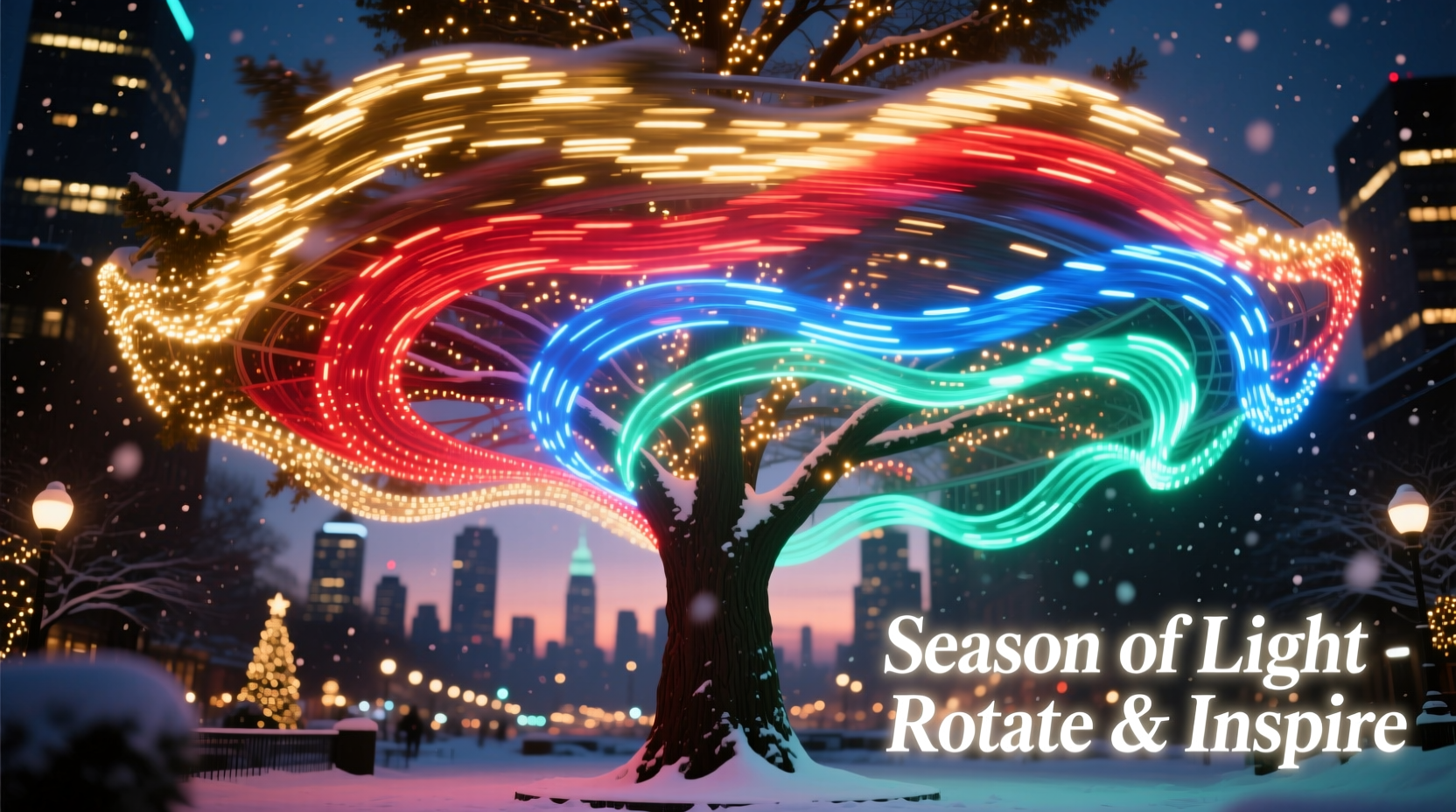
Before diving into setup, it's essential to understand the technology behind color-changing and rotating lights. Most modern holiday lights that support color rotation are either RGB (Red-Green-Blue) LED strings or addressable LEDs like WS2812B (commonly known as NeoPixels). These bulbs can produce millions of colors by adjusting the intensity of each primary color component.
RGB lights typically come in two forms: segment-controlled and individually addressable. Segment-controlled strings change color in fixed groups—every 5 or 10 bulbs move in unison. Individually addressable LEDs allow each bulb to be programmed separately, enabling complex effects like color waves, chases, and smooth rotations across the entire strand.
The key to rotating colors lies in the controller. Basic plug-in controllers offer preset patterns like \"fade,\" \"strobe,\" or \"twinkle.\" For true customization, however, use a microcontroller such as an ESP32 or Raspberry Pi paired with software like WLED, xLights, or Falcon Player. These platforms let you program precise color sequences, transition speeds, and synchronization with music.
Step-by-Step Guide to Setting Up Rotating Color Displays
Creating a rotating color effect involves hardware selection, software configuration, and physical installation. Follow this sequence to ensure reliable performance throughout the season.
- Choose Your Lights: Purchase high-quality, weatherproof RGB or RGBW LED strings rated for outdoor use. Look for IP65 or higher waterproofing.
- Select a Controller: For simple setups, use a Wi-Fi-enabled RGB controller compatible with apps like WLED. For advanced displays, consider an ESP32-based system connected to a home network.
- Map Out Zones: Divide your display into zones—roofline, trees, porch railings—each potentially running different rotation patterns.
- Install Wiring Safely: Use grounded outlets, surge protectors, and GFCI adapters. Keep connections elevated off the ground and sealed with waterproof connectors.
- Upload Firmware: Flash your controller with firmware such as WLED, which supports multiple animation effects including color wipe, sine wave, and random chase.
- Configure Effects: Access the controller via a web browser or mobile app. Select “Color Rotation” modes like “Scan,” “Larson Scanner,” or “Flow.” Adjust speed and direction.
- Test and Refine: Run tests at dusk to evaluate visibility and flow. Fine-tune brightness and timing based on ambient light conditions.
Once configured, most systems can run autonomously. Schedule daily start and end times so your display activates automatically after sunset and shuts down before sunrise.
Design Principles for Effective Color Rotation
A visually compelling display balances movement with coherence. Uncontrolled flashing or chaotic shifts can overwhelm viewers rather than delight them. Apply these principles to craft elegant, rotating color schemes.
- Use Complementary Palettes: Rotate between harmonious colors—red/green, blue/silver, gold/white—instead of clashing combinations. Limit active colors per zone to three or fewer.
- Vary Speed Strategically: Slow fades work well for rooflines; faster chases suit vertical elements like trees or columns.
- Synchronize Movement: If multiple strands are near each other, align their rotation phase so waves don’t cancel out or appear disorganized.
- Incorporate Rest Periods: Include moments of steady white or soft glow between animated sequences to give eyes a break.
- Layer Effects: Combine rotating colors with static accents. For example, spin colors along eaves while keeping wreaths lit in warm white.
“Dynamic lighting should feel intentional, not frantic. The best holiday displays tell a story through rhythm and restraint.” — Daniel Reeves, Lighting Designer & Holiday Display Consultant
Comparison Table: Types of Controllers for Color Rotation
| Controller Type | Best For | Rotation Capabilities | Cost Range | Setup Difficulty |
|---|---|---|---|---|
| Basic Plug-In Remote Controller | Small indoor/outdoor setups | Limited presets only (no custom timing) | $10–$25 | Easy |
| Wi-Fi Smart Strip (e.g., WLED-compatible) | Moderate DIY projects | Customizable speed, direction, pattern | $30–$70 | Moderate |
| Falcon Player + xLights | Large synchronized displays | Full sequencing with music sync | $100–$300+ | Advanced |
| Commercial DMX Controller | Professional installations | Precise frame-by-frame control | $200–$1000+ | Expert |
For homeowners seeking flexibility without complexity, WLED-powered setups offer the sweet spot: intuitive interface, robust features, and strong community support.
Real Example: A Suburban Home’s Rotating Light Transformation
The Thompson family in Portland, Oregon, upgraded their traditional red-and-green net lights to a fully programmable RGB system in 2022. They installed 12 channels of addressable LEDs along their roofline, driveway pillars, and two front-yard spruce trees. Using an ESP32 running WLED, they created a rotating color schedule:
- 5:00–6:30 PM: Warm white with gentle red-to-green gradient sweep every 10 seconds
- 6:30–8:00 PM: Full rotation cycle—cycling through festive palettes (crimson/emerald, cobalt/silver, amethyst/gold) every 15 minutes
- 8:00–9:00 PM: Music-synced pulse effect on weekends; weekday nights feature slow rainbow scroll
- After 9:00 PM: Auto-switch to low-intensity steady white until midnight
Neighbors reported stopping during evening walks to watch the transitions. Local news even featured the house in a “Holiday Lights Spotlight” segment. The total cost was under $350, mostly spent on lights and one central controller. Setup took two weekends, but now runs fully automated each year.
Checklist: Preparing Your Rotating Light Display
Ensure success with this pre-installation and testing checklist:
- ☐ Confirm all lights are rated for outdoor use (IP65 or higher)
- ☐ Test each string individually before mounting
- ☐ Label zones clearly (e.g., “Front Roof,” “Tree Left”) for easy troubleshooting
- ☐ Verify Wi-Fi signal strength near controller location
- ☐ Program and save at least three rotation effects
- ☐ Set automatic on/off times based on local sunset/sunrise
- ☐ Install surge protectors on all circuits
- ☐ Perform a full-night test run one week before public display
Common Challenges and How to Solve Them
Even well-planned displays encounter issues. Here are frequent problems and proven fixes:
- Desynced Lights: Occurs when power fluctuations disrupt data signals. Solution: Add signal amplifiers between long runs and use stable 5V or 12V power supplies.
- Partial Strand Failure: One section stops responding. Likely cause: water intrusion or bent pin. Inspect connectors, reseal with dielectric grease, and replace damaged segments.
- Colors Appear Washed Out: Often due to excessive brightness against dark backgrounds. Reduce intensity to 60–80% for richer contrast.
- App Connection Drops: Common with budget Wi-Fi modules. Place controller within 30 feet of router or use a Wi-Fi extender.
Always keep spare bulbs, fuses, and a multimeter on hand. Document wiring layouts and channel assignments in a notebook or digital file for future seasons.
Frequently Asked Questions
Can I rotate colors on non-smart Christmas lights?
No, standard incandescent or single-color LED strings cannot rotate colors. Only RGB or multi-color addressable LEDs support dynamic color changes. You may retrofit older displays by replacing sections with smart strips.
Do rotating lights use more electricity?
Not significantly. Power consumption depends on LED count and brightness, not animation type. A rotating RGB strip uses roughly the same energy as one displaying solid white at equal luminance. However, running more zones simultaneously increases overall draw.
How do I prevent my display from disturbing neighbors?
Respectful lighting considers timing, brightness, and motion. Avoid strobe effects after 8 PM, limit peak brightness, and direct intense animations away from bedroom windows. Many cities have ordinances limiting display duration—typically no later than 11 PM.
Final Thoughts: Elevate Your Holiday Spirit Through Motion
A rotating Christmas light display does more than decorate—it animates tradition. By thoughtfully shifting hues through the evening, you invite people into a living celebration, one that evolves with the night. It reflects care, creativity, and connection. The technology is accessible, the results are memorable, and the joy it spreads is immeasurable.
Start small if needed—a single eave strip with a slow color scan can make a big impact. As confidence grows, expand into coordinated scenes, timed transitions, and even holiday-themed animations. Each year, refine your show, building not just a display, but a neighborhood landmark.




 浙公网安备
33010002000092号
浙公网安备
33010002000092号 浙B2-20120091-4
Comments
No comments yet. Why don't you start the discussion?