
Every year, millions of people upgrade their smartphones, laptops, tablets, and other electronic devices. While recycling outdated electronics is an environmentally responsible choice, it carries a significant risk: the potential exposure of sensitive personal information. Even after deletion, data can linger on storage drives and be recovered by malicious actors if not properly erased. Recycling a device without securing its data is like tossing your diary into a public trash bin—convenient for you, dangerous for your privacy.
This guide outlines practical, proven methods to ensure your old electronics are truly wiped clean before they leave your possession. From factory resets to secure erasure tools and vetting recyclers, every step matters in protecting your digital identity.
Understanding the Risks of Improper Data Removal
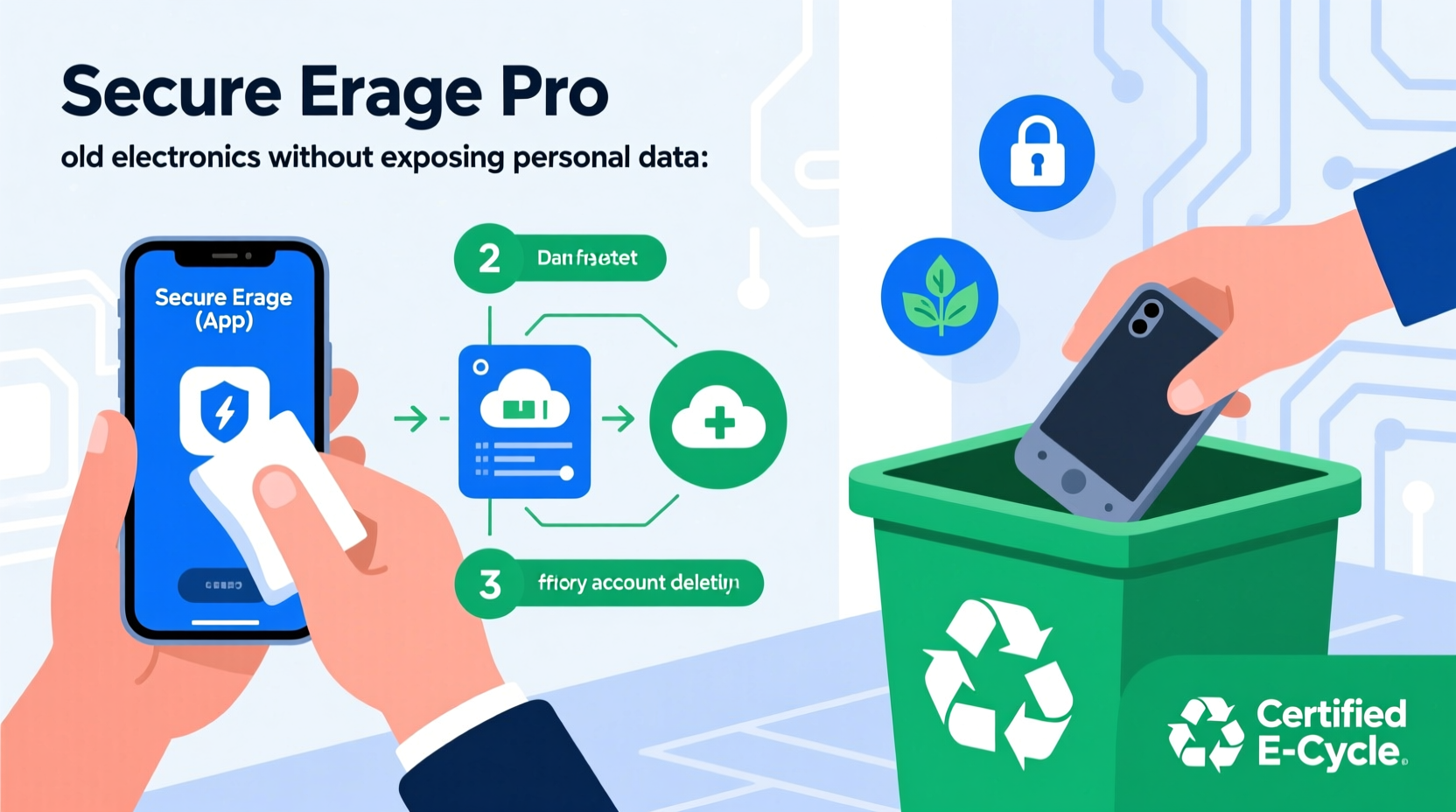
When you delete a file or perform a basic reset on your phone or computer, the data isn’t actually gone. Instead, the system marks the space as available for new data. Until that space is overwritten, skilled individuals with recovery software can retrieve everything from photos and messages to banking details and passwords.
According to a 2023 study by the National Institute of Standards and Technology (NIST), nearly 40% of used devices sold secondhand still contained recoverable personal data—even when sellers believed they had wiped them clean. This includes login credentials, GPS history, and private communications.
“Data remnants on recycled devices are a goldmine for cybercriminals. A simple factory reset is rarely enough to guarantee security.” — Dr. Lena Patel, Cybersecurity Researcher at MIT
The consequences of data exposure range from embarrassment to financial fraud and identity theft. That’s why proper data sanitization must precede any form of device disposal.
Step-by-Step Guide to Securely Wipe Your Devices
Follow this comprehensive process to eliminate personal data from various types of electronics before recycling.
- Back up essential data – Transfer files, photos, contacts, and documents to a secure cloud service or external drive. Once wiped, data cannot be recovered.
- Sign out of all accounts – Log out of email, social media, banking apps, and cloud services (e.g., iCloud, Google, Microsoft). On iOS and Android, disable “Find My iPhone” or “Find My Device” to prevent activation locks.
- Encrypt your device (if not already) – Encryption scrambles data so it’s unreadable without a key. Most modern smartphones encrypt by default, but verify settings under Security or Privacy menus.
- Perform a factory reset – This varies by device:
- iOS: Settings > General > Transfer or Reset iPhone > Erase All Content and Settings.
- Android: Settings > System > Reset Options > Erase All Data (Factory Reset).
- Windows PC: Settings > System > Recovery > Reset PC > Remove everything.
- Mac: Restart into Recovery Mode (hold Cmd+R), open Disk Utility, erase the startup disk, then reinstall macOS.
- Use specialized wiping software (for computers) – For hard drives and SSDs, factory resets may not overwrite all sectors. Use tools like DBAN (Darik’s Boot and Nuke) for HDDs or manufacturer utilities (e.g., Samsung Magician, Intel SSD Toolbox) for secure overwriting.
- Physically destroy storage (optional, extreme cases) – If the device is non-functional or contains highly sensitive data, consider removing and destroying the storage chip. This should only be done with proper tools and safety precautions.
Data Sanitization Methods Compared
Not all data removal techniques offer the same level of security. Here's how common methods stack up:
| Method | Security Level | Best For | Limits |
|---|---|---|---|
| Delete files manually | Low | Temporary cleanup | Data easily recoverable |
| Factory reset | Moderate | Phones, tablets, laptops | May leave traces; encryption helps |
| Encryption + reset | High | All devices | Requires prior encryption setup |
| Secure erase software | Very High | Hard drives, SSDs | Time-consuming; technical skill needed |
| Physical destruction | Maximum | Decommissioned hardware | Device unusable; environmental impact |
For most consumers, combining encryption with a factory reset provides sufficient protection. Enterprises handling sensitive data often require certified wiping tools or physical destruction.
Choosing a Trustworthy Electronics Recycler
Even with a wiped device, the recycler you choose plays a crucial role in maintaining data integrity. Not all recycling centers follow secure handling practices. Some resell devices without verifying data removal, while others lack accountability in their processing chain.
To avoid these pitfalls, use the following checklist when selecting a recycler:
- Look for certifications such as R2 (Responsible Recycling), e-Stewards, or NAID AAA (for data destruction).
- Avoid recyclers offering vague promises like “we wipe all devices” without explaining their process.
- Ask whether they provide a certificate of data destruction or recycling documentation.
- Check online reviews and Better Business Bureau ratings for red flags.
- Prefer local recyclers where you can observe drop-off procedures or request transparency reports.
“Certified recyclers adhere to strict protocols for both environmental responsibility and data security. Always verify their credentials.” — National Waste & Recycling Association
Major retailers like Best Buy, Staples, and Apple also offer trade-in or recycling programs with built-in data protection policies. These are generally reliable options, especially if you’re uncomfortable performing advanced wipes yourself.
Real-World Example: The Unwiped Laptop Incident
In 2021, a small business owner in Portland upgraded his office computers and donated the old laptops to a local nonprofit. Believing a factory reset was sufficient, he didn’t encrypt the drives or use wiping software. Months later, a cybersecurity student volunteering at the nonprofit discovered full access to customer invoices, employee records, and bank account logins on one of the machines.
The breach led to a minor phishing scam targeting former clients and required the business to issue formal notifications under state data protection laws. Though no major fraud occurred, the reputational damage and legal overhead cost thousands in mitigation efforts.
This case underscores a critical point: even well-intentioned recycling can backfire without proper data hygiene. A few extra minutes spent on secure erasure could have prevented the entire incident.
Checklist: Preparing Electronics for Safe Recycling
Before handing over any device, go through this final checklist:
- ✅ Backed up all important files to a secure location
- ✅ Signed out of all accounts (email, cloud, social media)
- ✅ Disabled device tracking (Find My iPhone, Find My Device)
- ✅ Verified device encryption is enabled
- ✅ Performed a complete factory reset
- ✅ Confirmed no personal data appears after restart
- ✅ Removed SIM and SD cards (they store separate data)
- ✅ Chose a certified recycler or trade-in program
- ✅ Requested proof of recycling or data destruction (if available)
Frequently Asked Questions
Can someone recover my data after a factory reset?
Yes, in many cases. A factory reset removes the file index but not the underlying data. With forensic tools, skilled individuals can recover photos, messages, and documents unless the drive was encrypted or securely overwritten.
Do I need to wipe a broken device that won’t turn on?
If the device doesn’t power on, you cannot wipe it remotely or manually. In such cases, consider professional data recovery services to extract and erase data, or physically destroy the storage component before recycling.
Is it safe to recycle electronics at big-box stores like Best Buy?
Yes, reputable retailers with established recycling programs typically partner with certified processors. They often include data protection in their service standards. However, always wipe your device beforehand—don’t rely solely on the recycler to do it.
Final Thoughts: Responsibility Starts with You
Recycling old electronics is a vital part of reducing e-waste and conserving resources. But environmental responsibility must go hand in hand with digital safety. No recycling effort is truly “green” if it compromises personal or organizational privacy.
The tools and knowledge to protect your data are accessible to everyone. Whether you're retiring a decade-old desktop or upgrading to the latest smartphone, take the time to sanitize your device properly. It’s not just about compliance or caution—it’s about control over your digital footprint.




 浙公网安备
33010002000092号
浙公网安备
33010002000092号 浙B2-20120091-4
Comments
No comments yet. Why don't you start the discussion?