
In today’s remote-first work environment, reliable communication tools are essential. One of the most effective ways to streamline team collaboration is by securing a dedicated conference call number. Unlike ad-hoc dial-in options tied to temporary meeting links, a dedicated number offers consistency, professionalism, and ease of access for recurring meetings. Whether you're managing a distributed team, hosting client calls, or coordinating global stakeholders, having a permanent line eliminates confusion and enhances reliability.
A dedicated conference call number acts as a fixed point of contact—participants can save it, use it across platforms, and trust that it will be active whenever needed. But setting one up requires more than just signing up for a VoIP service. It involves selecting the right provider, understanding technical requirements, configuring settings properly, and ensuring security and scalability. This guide walks through every step to help you establish a seamless, professional-grade conferencing solution.
Why a Dedicated Conference Call Number Matters
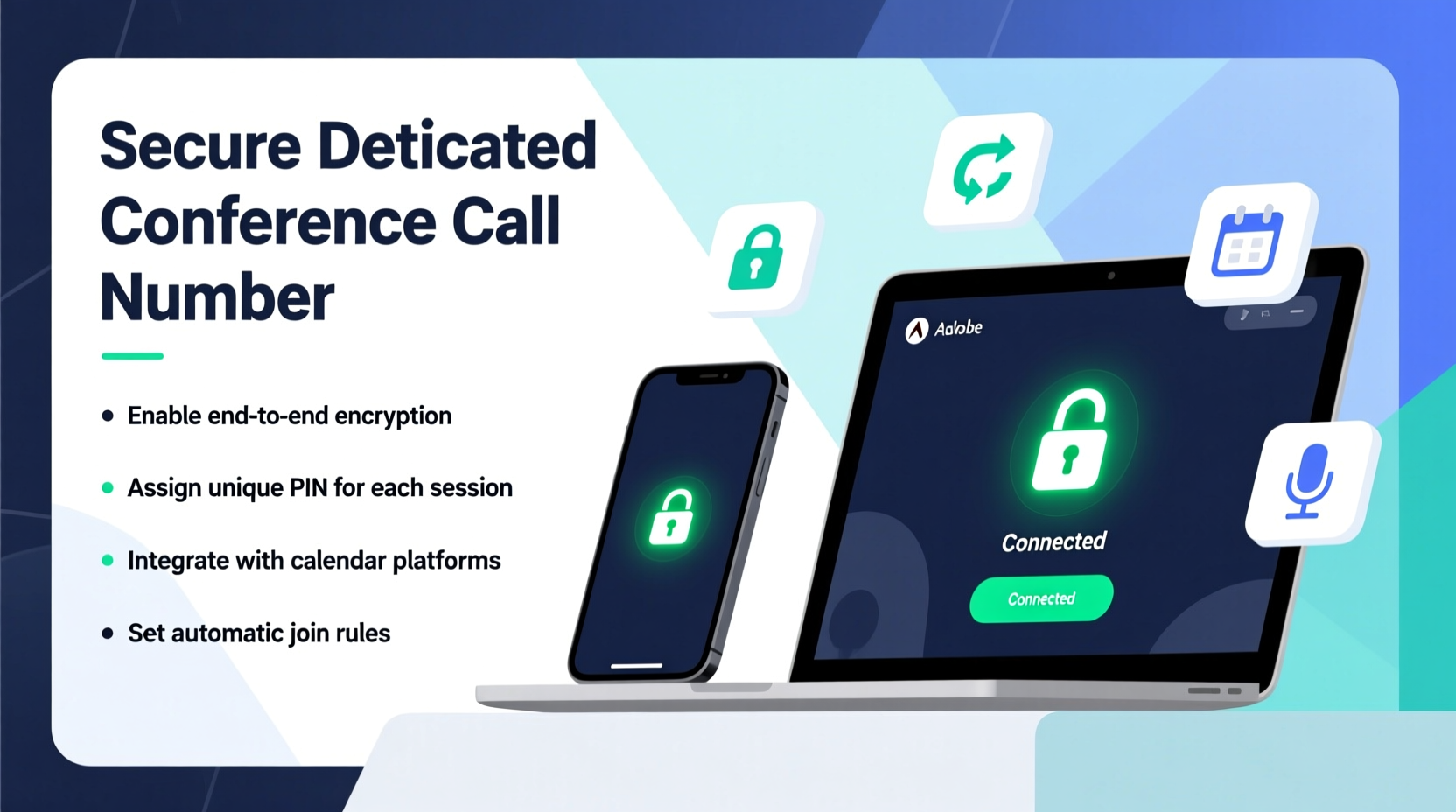
Using random or rotating dial-in numbers for meetings creates friction. Team members may miss calls due to outdated links, clients perceive disorganization, and administrative overhead increases when coordinators must generate new invites each time. A dedicated number solves these issues by providing a consistent entry point.
Key benefits include:
- Professionalism: Share one number across calendars, email signatures, and websites.
- Efficiency: Eliminate the need to distribute new dial-in details for every meeting.
- Brand Consistency: Use a local or toll-free number that aligns with your business identity.
- Reliability: Reduce dropped calls and connection issues with enterprise-grade infrastructure.
“Having a permanent conference line signals operational maturity. It tells participants they’re joining an organized, trustworthy organization.” — David Lin, Unified Communications Consultant at NexaBridge Solutions
Step-by-Step Guide to Securing Your Dedicated Number
Setting up a dedicated conference call number isn’t complicated, but it does require careful planning. Follow this timeline to ensure a smooth implementation:
- Assess Your Needs: Determine average participant count, frequency of meetings, geographic distribution, and required features (e.g., recording, PIN protection).
- Choose a Provider: Compare services based on reliability, pricing, support, and integration capabilities (e.g., Zoom, GoToMeeting, RingCentral).
- Select Number Type: Decide between toll-free, local, or international numbers depending on your audience.
- Sign Up and Configure: Create an account, enable the dedicated number feature, and set default meeting parameters.
- Customize Access Settings: Assign a host PIN, enable password protection, and configure wait modes if necessary.
- Test Thoroughly: Conduct internal test calls with various devices and network conditions.
- Distribute the Number: Add the number to calendars, email templates, and internal documentation.
Choosing the Right Service Provider
Not all conferencing platforms offer true dedicated numbers. Some provide \"recurring meeting IDs\" but still rotate dial-in numbers. Look for providers that explicitly support static phone lines accessible via PSTN (Public Switched Telephone Network).
| Provider | Dedicated Number? | Toll-Free Option | Max Participants | Starting Price (Monthly) |
|---|---|---|---|---|
| Zoom Phone | Yes | Yes | 1,000 | $10/user |
| RingCentral MVP | Yes | Yes | 1,000 | $27.99/line |
| GoToMeeting | Limited (recurring ID only) | No | 250 | $14.95/host |
| Microsoft Teams Calling | Yes (with add-on) | Yes | 300 | $20/user + $6 calling plan |
| 8x8 Express | Yes | Yes | 500 | $24.99/user |
For teams already using Microsoft 365 or Google Workspace, integrating with native tools like Teams or Meet (via third-party add-ons) can reduce complexity. However, standalone services like Zoom and RingCentral often offer superior audio quality and more robust administrative controls.
Security and Best Practices for Ongoing Use
A dedicated number improves accessibility—but also increases exposure if not secured properly. Without safeguards, unauthorized users could join meetings or tie up your line.
Implement these best practices:
- Always require a host PIN to start the meeting.
- Enable participant passcodes for external attendees.
- Use waiting rooms to screen entrants when sensitivity is high.
- Disable public listing if your provider allows it (e.g., don’t publish the number on public websites).
- Monitor usage logs monthly to detect anomalies.
“Over 60% of unintended meeting intrusions occur because hosts skip basic authentication steps. A dedicated number should never mean open access.” — Lena Park, Cybersecurity Analyst at CommSafe Labs
Mini Case Study: Streamlining Client Onboarding at FinEdge Advisors
FinEdge Advisors, a financial consulting firm with offices in Chicago and London, struggled with inconsistent client meeting experiences. Each week, assistants generated new Zoom links and emailed updated dial-in numbers. Clients frequently dialed old numbers and were disconnected, damaging trust.
The firm switched to Zoom Phone and secured a U.S. toll-free number with a reserved meeting room. They added the number to their CRM signature template and trained all consultants to use it for recurring check-ins. Within two weeks, missed calls dropped by 78%, and post-meeting satisfaction scores rose from 3.9 to 4.7 out of 5.
“Clients now treat our conference line like our office number,” said COO Maria Tran. “It’s become part of our brand reliability.”
Essential Setup Checklist
Before going live with your dedicated conference call number, verify the following:
- ✅ Confirmed availability of a static dial-in number with chosen provider
- ✅ Selected appropriate number type (toll-free, local, or vanity)
- ✅ Assigned admin-level access to manage settings
- ✅ Configured host PIN and optional participant passcode
- ✅ Tested audio quality from multiple locations and devices
- ✅ Updated internal communication channels (calendar systems, intranet)
- ✅ Trained key staff on starting and managing calls
- ✅ Established a backup plan (alternate number or app-based fallback)
Frequently Asked Questions
Can I keep my existing business number as the conference line?
Yes, many providers allow number porting. You can transfer an existing landline or mobile number to your conferencing platform, maintaining continuity. Check with your provider about porting timelines and fees—typically 2–4 weeks.
Is a dedicated number worth it for small teams?
Absolutely. Even teams of five benefit from reduced scheduling friction and a polished client experience. Many providers offer scalable plans where you pay only for active hosts, making it cost-effective.
What happens if too many people try to join at once?
Most enterprise plans cap concurrent callers (e.g., 100–1,000). Exceeding the limit results in busy signals. Monitor your peak usage and upgrade your tier proactively during growth phases.
Final Thoughts: Elevate Your Meeting Experience
A dedicated conference call number is more than a convenience—it's a strategic tool for building credibility, improving efficiency, and supporting scalable communication. By choosing the right provider, securing your line, and implementing consistent usage protocols, you create a foundation for seamless collaboration across time zones and devices.
The initial setup takes less than an hour, but the long-term impact on productivity and professionalism is significant. Whether you're a startup founder, project manager, or executive assistant, taking control of your conferencing infrastructure empowers your team to focus on what matters: meaningful conversation.




 浙公网安备
33010002000092号
浙公网安备
33010002000092号 浙B2-20120091-4
Comments
No comments yet. Why don't you start the discussion?