
In an age where digital privacy matters more than ever, managing multiple identities across personal, professional, and online platforms has become essential. Whether you're separating work from personal life, protecting your primary number from spam, or traveling abroad without changing SIMs, a second phone number offers flexibility and control. The good news? You don’t need to pay extra for it. With the right tools and strategies, securing a free second phone number is not only possible—it’s straightforward.
Why You Might Need a Second Phone Number
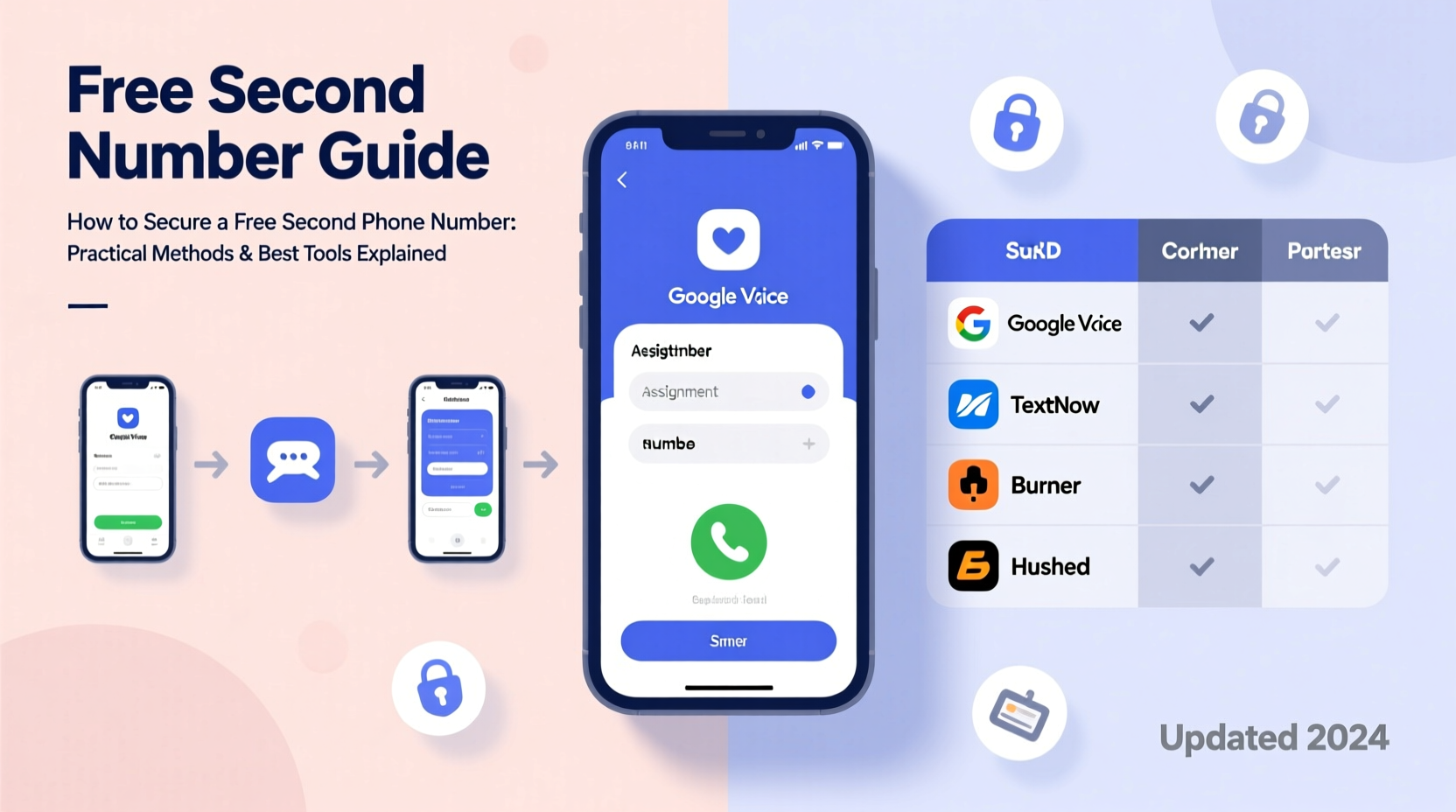
A second number isn’t just for executives or freelancers. It serves practical purposes for everyday users. For example, when selling items online, using your real number exposes you to unwanted calls and potential doxxing. Parents helping teens set up their first smartphone can use a secondary line for monitoring while preserving privacy. Remote workers collaborating across time zones benefit from local-looking numbers without physical presence.
Additional use cases include:
- Running side businesses discreetly
- Signing up for services that require SMS verification
- Maintaining anonymity on dating apps or classifieds
- Receiving two-factor authentication (2FA) codes securely
- Managing international communication affordably
Top Free Tools That Offer Second Phone Numbers
Several reputable platforms provide free virtual numbers with calling, texting, and voicemail capabilities. While most offer premium upgrades, their free tiers are robust enough for casual to moderate use.
| Service | Free Features | Limitations | Best For |
|---|---|---|---|
| Google Voice | Free US number, calls & texts to US/Canada, voicemail, transcription | Only available in the U.S., requires existing U.S. number to sign up | Domestic users needing reliable integration with Gmail and Android |
| TextNow | Free U.S. or Canada number, unlimited texting, low-cost calling | Ad-supported interface; calling credits expire if inactive | Budget-conscious users who text frequently |
| Dingtone | Free international number options, Wi-Fi calling, group messaging | Interface can be cluttered; credit system for long calls | International callers or those communicating globally |
| TextMe | Free U.S. number, HD voice, file sharing, cross-device sync | Limited customer support; occasional ad interruptions | Students or remote workers syncing across devices |
| 2ndLine | Free North American number, business hours calling, SMS/MMS | Voice minutes limited in free tier; ads present | Small business owners testing dual-line functionality |
“Virtual numbers are no longer niche—they’re a standard tool for digital hygiene.” — Lena Patel, Cybersecurity Consultant at Digital Shield Group
Step-by-Step Guide to Setting Up Your Free Second Number
Securing a second number takes less than 15 minutes. Follow this timeline to get started immediately:
- Choose a Service Based on Location and Use Case
Select Google Voice if you're in the U.S. and want seamless integration. Opt for TextNow or Dingtone if you need broader accessibility or plan to call internationally. - Download the App or Visit the Website
Install the app from the App Store or Google Play, or go directly to the provider’s website. Most services support both mobile and desktop access. - Create an Account
Sign up using your email address. Some platforms may ask for a recovery phone number—use your primary number here, but understand it won’t be visible to others. - Select Your Desired Number
Browse available area codes and pick one that fits your needs. If launching a business, choose a local code. For privacy, avoid numbers close to your real one. - Verify and Activate
The service will send a verification code via automated call or text to confirm ownership. Enter the code to activate your new line. - Set Up Forwarding and Notifications
Link your second number to notifications on your device. Enable call forwarding if you want incoming calls routed to your main phone. - Start Using It
Use the number for texts, calls, app verifications, or social media logins. Keep your primary number hidden unless absolutely necessary.
Real-World Example: Freelancer Protects Client Boundaries
Sophie, a freelance graphic designer based in Portland, used her personal number for client outreach early in her career. Over time, she began receiving after-hours messages and even unsolicited friend requests on social media. After switching to a Google Voice number for all professional communication, her boundaries improved dramatically. Clients could reach her during work hours, but her private life remained separate. She also used the auto-reply feature to manage expectations outside business hours, improving professionalism without additional effort.
Her experience highlights how a simple second line can enhance work-life balance and brand perception—even without spending a dime.
Maximizing Privacy and Security with Your Virtual Number
While virtual numbers improve privacy, they aren’t foolproof. Missteps like reusing the same number across high-risk sites or linking it to traceable accounts can undermine their purpose.
To maintain security:
- Never link your virtual number to your primary banking or government accounts.
- Use unique passwords and two-factor authentication on the virtual number platform itself.
- Disable location permissions for the app unless needed.
- Avoid posting the number publicly on forums or marketplaces.
Checklist: Securing Your Second Number
- ✅ Choose a trusted provider with strong encryption
- ✅ Pick a non-personal area code
- ✅ Enable two-step verification on the account
- ✅ Set up automatic message filtering or blocking
- ✅ Regularly audit linked services and remove outdated ones
- ✅ Back up contacts and message history monthly
Frequently Asked Questions
Can I keep my second number forever?
Most free services require periodic activity to retain your number. Google Voice, for instance, asks for at least one outbound call or text every six months. Inactive accounts risk reassignment. To keep your number indefinitely, use it occasionally—even a single automated text suffices.
Are free second numbers legal?
Yes, virtual phone numbers provided by licensed VoIP companies are fully legal. They operate under the same regulatory frameworks as traditional carriers. However, using them for fraudulent activities, harassment, or spoofing is illegal and monitored.
Can I receive verification codes on a free second number?
Many platforms—including WhatsApp, Telegram, and Facebook—accept virtual numbers for registration. However, some services like Google, Apple ID, and certain banks actively block known VoIP numbers. Success varies by provider and region. Having a backup method (like a prepaid SIM) is wise for critical accounts.
Final Thoughts: Take Control of Your Digital Identity
A second phone number is more than a convenience—it's a strategic asset in managing your digital footprint. From reducing spam to enabling flexible work arrangements, the benefits are tangible and immediate. With several reliable, no-cost tools available, there’s no barrier to entry.
The key lies in intentional use: treat your secondary line as a dedicated channel, maintain its security, and rotate it when necessary. By doing so, you gain not just an extra number, but greater autonomy over how and when you connect with the world.




 浙公网安备
33010002000092号
浙公网安备
33010002000092号 浙B2-20120091-4
Comments
No comments yet. Why don't you start the discussion?