
Retro gaming has surged in popularity over the past decade, not just as a hobby but as a cultural revival. For many, it’s about reconnecting with childhood memories—booting up Super Mario Bros., reliving the tension of Metal Gear Solid, or exploring Hyrule for the first time. But nothing ruins that nostalgia faster than input lag, screen tearing, or poor video output. The right retro gaming console can deliver authentic experiences with modern reliability. The wrong one turns your dream setup into a frustrating exercise in patience.
Selecting the best retro console isn’t just about which games it supports or how it looks on your shelf. It’s about performance, compatibility, latency, and how seamlessly it integrates with today’s displays. With so many options—from original hardware to FPGA-based clones and digital emulation boxes—making an informed decision is crucial. This guide breaks down what truly matters when choosing a lag-free retro gaming system, so you can enjoy classic titles the way they were meant to be played: instantly responsive and visually faithful.
Understanding Input Lag and Why It Matters
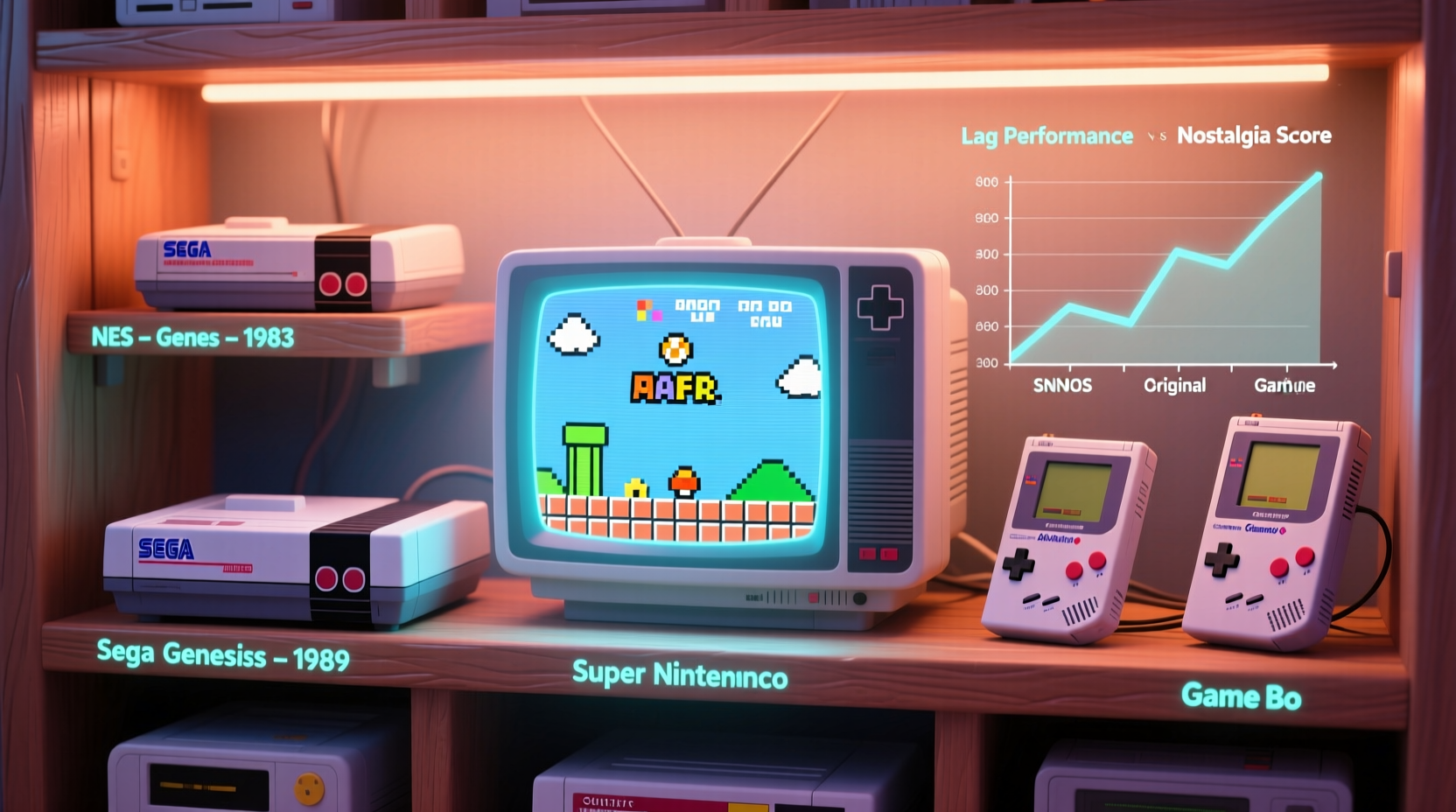
Input lag refers to the delay between pressing a button on your controller and seeing the corresponding action appear on-screen. In fast-paced games like Street Fighter II or Contra, even a 30–50 millisecond delay can make the difference between victory and defeat. Older CRT televisions had near-instantaneous response times, which is why games felt so crisp at the time. Modern LCDs, while sharper, often introduce processing delays that compound with poorly designed emulation or signal conversion.
The root causes of lag in retro setups include:
- Emulation inefficiency: Software that inaccurately mimics original hardware may require extra processing cycles.
- Video scaling: Converting 240p/480i signals to fit HD screens introduces buffering.
- Wireless controllers: Bluetooth or RF connections add inherent latency compared to wired inputs.
- Firmware quality: Poorly optimized firmware can bottleneck performance regardless of hardware power.
“Low input lag isn’t a luxury—it’s fundamental to preserving the feel of classic games.” — David Hunt, Retro Hardware Engineer at Analogue
To maintain authenticity, aim for systems that deliver under 30ms of total input lag. Anything above 60ms will noticeably disrupt gameplay rhythm, especially in platformers or fighting games.
Types of Retro Gaming Consoles: Pros and Cons
Not all retro consoles are created equal. They fall into several distinct categories, each with trade-offs between accuracy, convenience, and cost.
1. Original Hardware (Vintage Consoles)
Using actual NES, SNES, Genesis, or PlayStation units offers the most authentic experience—if properly maintained. When paired with CRT TVs, these deliver zero emulation overhead and true-to-original timing.
However, aging capacitors, worn AV ports, and sync issues plague older units. Composite video output looks soft on modern screens, and finding working accessories grows harder every year.
2. Official Mini Consoles (e.g., NES Classic, Sega Genesis Mini)
These plug-and-play devices from Nintendo and Sega contain built-in emulators and curated game lists. They’re compact, affordable, and officially licensed.
While convenient, their emulation varies in quality. The original NES Classic runs on Linux with lightweight software emulation, resulting in minimal lag. However, later models like the SNES Classic use more aggressive upscaling, introducing slight delays. Firmware updates are rare, and modding access is limited.
3. FPGA-Based Consoles (e.g., Analogue Pocket, Analogue Nt, Mega Sg)
FPGA (Field-Programmable Gate Array) technology replicates original silicon behavior at the hardware level rather than through software emulation. This results in pixel-perfect timing, no speed drift, and sub-frame input responsiveness.
Analogue’s products, such as the Mega Sg for Genesis/Mega Drive games, are widely praised for achieving near-zero lag and supporting original cartridges. The downside? High price tags—often $200–$500—and no internal storage; you still need physical media.
4. Open-Source Emulation Boxes (e.g., Retropie, Batocera on Raspberry Pi)
DIY solutions running on single-board computers offer flexibility and extensive library support. You can emulate nearly every system from Atari 2600 to PS1.
But performance depends heavily on configuration. Default settings often prioritize visuals over responsiveness. Without proper tuning (e.g., disabling shaders, enabling run-ahead), input lag can exceed 100ms. These platforms reward technical know-how but penalize casual users.
5. Commercial All-in-One Systems (e.g., Anbernic RG series, Powkiddy)
Handhelds and desktop clones marketed as “retro consoles” typically run Android-based emulation. While portable and pre-loaded with games, they frequently suffer from inconsistent frame pacing, touchscreen interference, and unoptimized OS layers that increase latency.
They’re best suited for casual play, not competitive or precision gaming.
Key Selection Criteria for Lag-Free Performance
When evaluating retro consoles, focus on five core criteria that directly impact responsiveness and fidelity.
1. Emulation Accuracy vs. Hardware Replication
True lag-free performance comes from systems that avoid software abstraction. FPGA-based consoles replicate clock cycles and signal timing exactly. Software emulators approximate them, often trading accuracy for speed or features.
If authenticity is your goal, prioritize FPGA or original hardware. If convenience wins, ensure the emulator uses high-accuracy cores (like those from Mednafen or Beetle).
2. Video Output Options
Look for HDMI output with support for integer scaling (e.g., 2x, 3x, 5x) and low-latency modes. Avoid systems that force post-processing filters or motion smoothing.
Some advanced devices, like the Analogue Super Nt, allow passthrough of native 240p signals via SCART or component for use with upscalers or CRTs—ideal for purists.
3. Controller Compatibility and Latency
A responsive console is only as good as its input chain. Wired USB controllers generally have lower latency than wireless ones. Check if the system supports original peripherals (e.g., SNES USB adapters) or third-party pro controllers like the 8BitDo SF30 Pro.
Built-in Bluetooth adds ~30–50ms of delay unless compensated with run-ahead techniques—which few consumer devices implement correctly.
4. Firmware and Update Support
Ongoing firmware updates improve compatibility, fix bugs, and sometimes reduce lag. The SNES Classic received a patch that added save states and menu improvements, though input lag remained unchanged.
Open-source platforms like Batocera receive frequent optimizations, giving long-term value over closed systems.
5. Game Library and Load Times
Even with perfect emulation, slow SD card read speeds or inefficient file systems can cause stuttering. Choose systems with fast internal storage or support for high-speed microSD cards (UHS-I or better).
Also consider whether you prefer cartridge-based play (authentic, instant load) or ROM libraries (convenient, but dependent on organization and legality).
“Firmware matters as much as hardware. A well-tuned emulator on modest hardware can outperform a poorly coded one on a powerful chip.” — Sarah Kim, Embedded Systems Developer and Retro Computing Enthusiast
Comparison Table: Top Retro Consoles by Lag Performance
| Console | Type | Input Lag (approx.) | Best For | Drawbacks |
|---|---|---|---|---|
| Analogue Super Nt | FPGA | ≤ 1 frame (~16ms) | SNES purists, CRT/HDMI hybrid setups | $190+, no built-in games |
| NES Classic Edition | Software Emulator | ~30–40ms | Casual players, collectors | Discontinued, limited mod support |
| Retropie (Raspberry Pi 4) | Open Emulation | 40–100ms (configurable) | Tinkerers, multi-system fans | Requires setup knowledge |
| Sega Genesis Mini | Software Emulator | ~50–70ms | Beginners, gift buyers | Moderate lag, small game list |
| Original SNES + CRT | Vintage Hardware | ~1–2 frames (near-zero) | Authenticity seekers | Hard to maintain, AV degradation |
Step-by-Step Guide to Choosing Your Ideal Console
- Define your primary goal: Are you after authenticity, convenience, portability, or variety?
- List your favorite systems: Focus on 1–2 platforms (e.g., SNES, Genesis) to narrow choices.
- Determine your display: CRT? OLED TV? Monitor? This affects video output needs (HDMI, component, SCART).
- Set a budget: FPGA units cost more but offer superior performance. DIY builds can be cheaper but time-consuming.
- Research firmware and community support: Active forums and regular updates indicate longevity.
- Test before buying (if possible): Watch real-world gameplay videos measuring lag or borrow from a friend.
- Purchase and optimize: Once acquired, disable unnecessary UI animations, use wired controllers, and enable low-latency video modes.
Real Example: Alex’s Lag-Free Living Room Setup
Alex, a lifelong gamer from Portland, wanted to replay Chrono Trigger and Super Metroid without compromise. His flat-screen TV made his old SNES look blurry and unresponsive. After researching, he bought an Analogue Super Nt and connected it via HDMI to his LG OLED with Game Mode enabled. He used a reproduction wired SNES controller with clicky tactile buttons.
The result? Frame-accurate graphics, zero screen tearing, and immediate button response. “It feels like I’m back in my parents’ basement,” he said. “But the picture is crystal clear, and I don’t have to blow into cartridges anymore.”
He later added a RetroTINK 2X scaler to run the system through his vintage tube TV during summer gatherings—proving that modern tech can honor retro spirit without sacrifice.
Frequently Asked Questions
Can I reduce lag on a Raspberry Pi retro build?
Yes. Use lightweight distros like Batocera or Lakka, disable graphical overlays, enable run-ahead (in RetroArch), and use a high-quality power supply and fast microSD card. Pair with a wired controller and a monitor in game mode for best results.
Is FPGA really worth the extra cost?
If you value precise timing, audio/video sync, and playing original cartridges without modification, yes. FPGA avoids the guesswork of emulation. For occasional play, software solutions may suffice.
Do official mini consoles have less lag than third-party ones?
Generally, yes. Nintendo and Sega’s minis use efficient, purpose-built firmware. Many third-party clones cut corners on software optimization to hit lower price points, increasing input delay.
Conclusion: Play the Way You Remembered
Nostalgia should feel joyful, not frustrating. The right retro gaming console doesn’t just play old games—it resurrects the sensation of playing them for the first time. By prioritizing low input lag, accurate video output, and reliable hardware, you preserve the integrity of classic titles while enjoying modern convenience.
Whether you choose FPGA precision, DIY customization, or plug-and-play simplicity, make sure your selection aligns with how you want to experience gaming history. Don’t settle for blurry menus and delayed jumps. Demand responsiveness. Honor the craftsmanship of the originals. And most importantly, press start with confidence.




 浙公网安备
33010002000092号
浙公网安备
33010002000092号 浙B2-20120091-4
Comments
No comments yet. Why don't you start the discussion?