
Selling images online has evolved from a niche opportunity into a viable income stream for photographers, digital artists, and visual creators. With the rise of digital content across websites, social media, advertising, and e-commerce, demand for high-quality, authentic visuals continues to grow. However, simply uploading photos isn’t enough. To truly maximize your earnings, you need a strategic approach—from choosing the right platforms to optimizing metadata and understanding market trends.
This guide breaks down the most effective methods, tools, and insider practices to help you turn your visual content into consistent revenue.
Choose the Right Platforms for Your Style
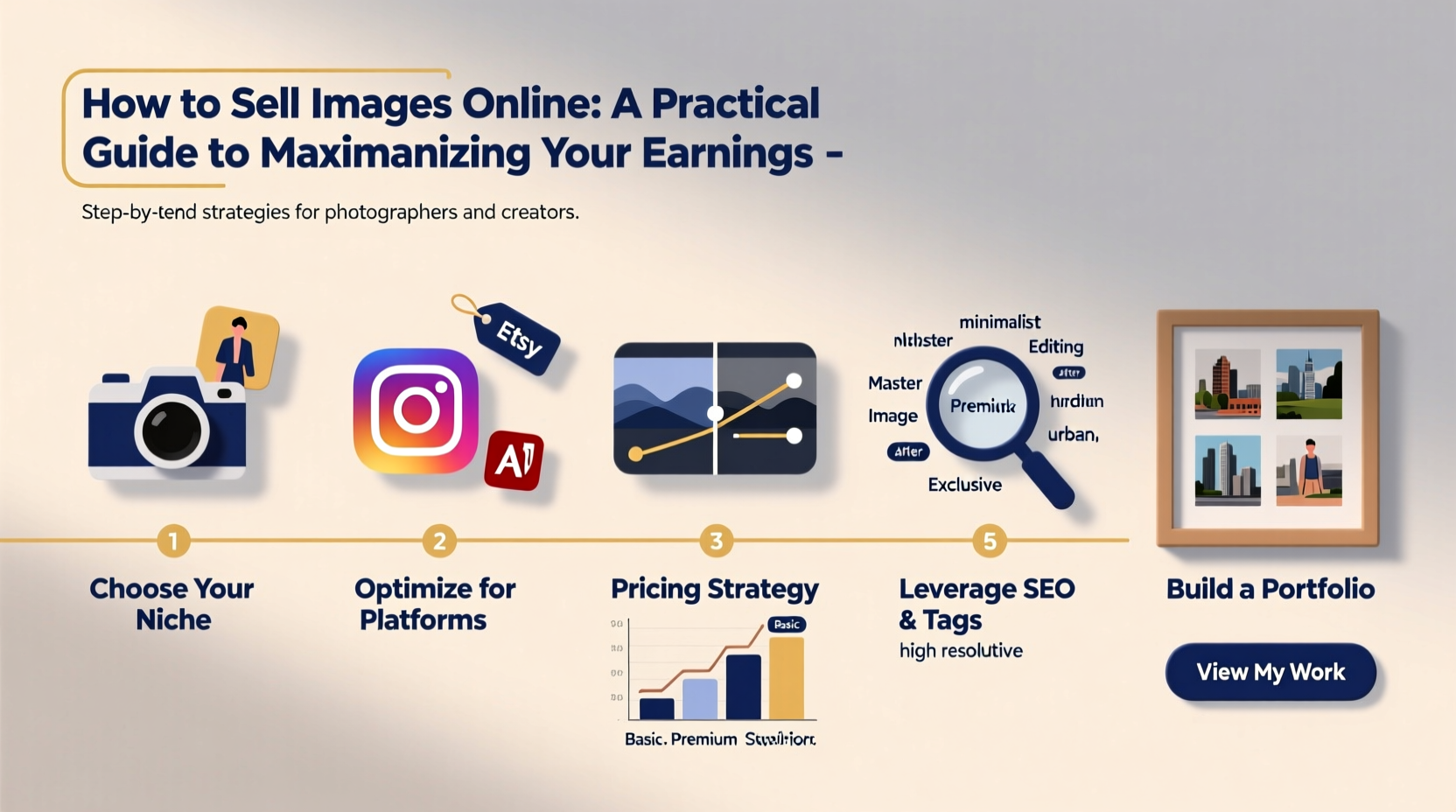
Not all stock photo sites are created equal. Each platform caters to different audiences, pricing models, and licensing types. Selecting the right marketplace—or combination of marketplaces—can significantly impact your sales volume and average payout.
| Platform | Best For | Earnings Model | Submission Requirements |
|---|---|---|---|
| Shutterstock | General stock photography | Royalty-based (15–40%) | High-resolution, keyword-rich, model releases required |
| Adobe Stock | Creative professionals, designers | Per-download fees ($0.33–$99) | Technical quality, relevance to design workflows |
| Alamy | Editorial, travel, documentary | 50% commission | Accepts varied formats, including older cameras |
| Pond5 | Photos + video, motion graphics | 50–60% royalty | Strong metadata and categorization needed |
| Etsy | Prints, digital downloads, themed collections | Set your own prices | Requires storefront setup and marketing |
Optimize Images for Discoverability
The difference between a bestseller and an overlooked image often comes down to metadata. Search engines within stock platforms rely heavily on titles, descriptions, and keywords to match buyer queries.
Use specific, relevant terms. Instead of “woman smiling,” try “young woman laughing outdoors in summer wearing casual clothes.” Include location, activity, emotions, clothing, and context. Avoid generic tags like “beautiful” or “nice.”
“Keywords are the bridge between your image and the buyer’s search bar. Invest time here—it pays dividends.” — Lena Torres, Digital Asset Strategist
Step-by-Step: Optimizing a Single Image for Sale
- Review technical quality: Ensure sharp focus, proper exposure, and minimal noise.
- Crop strategically: Offer both horizontal and vertical versions if applicable.
- Write a descriptive title: Include subject, action, and setting (e.g., “Business team collaborating in modern office meeting room”).
- Add a detailed description: Explain what’s happening, who is involved, and potential use cases.
- Apply 10–50 targeted keywords: Use synonyms, related concepts, and industry-specific terms.
- Tag people responsibly: Indicate age, ethnicity, emotion, and attire without stereotyping.
- Upload with model/property releases if required: Especially for recognizable individuals or private property.
Build a Niche That Sells
Generic landscapes and smiling families are oversaturated. High-earning contributors often succeed by focusing on underserved niches. These include:
- Inclusive imagery (diverse body types, disabilities, cultural representation)
- Remote work environments
- Sustainable living and green technology
- Authentic candid moments (not staged)
- Industry-specific visuals (healthcare, fintech, education)
Niche content attracts buyers looking for authenticity and specificity, which often leads to higher licensing fees and repeat customers.
Mini Case Study: From Hobbyist to Full-Time Seller
Maya Patel, a part-time photographer from Portland, began uploading nature shots to Adobe Stock with minimal success. After analyzing top-performing images in the “sustainability” category, she shifted focus to photographing urban gardens, compost setups, and eco-friendly packaging. Within six months, her monthly earnings increased from $47 to over $1,200. Her breakthrough came not from better gear, but from aligning her content with rising market demand.
Create Passive Income with Bundles and Digital Products
Beyond single-image licensing, consider packaging your work into downloadable products. This approach gives you full control over pricing and branding.
Examples include:
- Themed photo packs (e.g., “10 Minimalist Home Office Backgrounds”)
- Calendars, wallpapers, or printable art
- Templates for bloggers or small businesses
Sell these via Etsy, Gumroad, or your own website using platforms like Shopify or WordPress with WooCommerce. Unlike traditional stock royalties (often under $1 per download), a bundled pack priced at $19.99 delivers immediate, full-value income.
Checklist: Launching Your First Digital Photo Pack
- ✅ Choose a theme with commercial appeal (e.g., “cozy autumn lifestyle”)
- ✅ Shoot 10–15 cohesive, high-resolution images
- ✅ Edit consistently (same color grading, tone)
- ✅ Write compelling product description highlighting usage rights
- ✅ Set competitive price ($9.99–$29.99 based on size and exclusivity)
- ✅ Promote via Pinterest, Instagram, or email newsletter
Avoid Common Pitfalls That Limit Earnings
Many contributors unknowingly sabotage their success. Here are frequent mistakes—and how to fix them:
| Mistake | Why It Hurts Sales | Solution |
|---|---|---|
| Poor keywording | Images don’t appear in searches | Use keyword research tools like TurboSight or Adobe’s Auto-Tag |
| Low upload frequency | Fewer impressions and algorithmic visibility | Aim for 5–10 new uploads weekly |
| Ignoring buyer briefs | Missed opportunities for guaranteed sales | Check “Insights” or “Briefs” sections on Shutterstock, Adobe Stock |
| Using low-quality previews | Deters clicks and downloads | Ensure thumbnails are sharp and representative |
“Success in stock isn’t about taking perfect photos—it’s about solving problems for buyers with your visuals.” — Rajiv Mehta, Microstock Analyst
FAQ
Do I need professional equipment to sell images online?
No. Many successful contributors use smartphones or entry-level DSLRs. What matters most is composition, lighting, and relevance. Modern platforms accept high-quality mobile shots, especially when they fill niche needs.
How much can I realistically earn?
Earnings vary widely. Beginners might make $20–$100/month. Top contributors earn $1,000–$10,000+ monthly by combining multiple platforms, creating bundles, and targeting high-demand categories. Consistency and strategy are key.
Can I sell the same image on multiple sites?
Yes, unless you’ve signed an exclusive agreement (e.g., with Adobe Stock’s Exclusive Contributor Program). Non-exclusive licensing allows cross-platform distribution, increasing your chances of sales.
Maximize Long-Term Earnings with Smart Habits
Treat image selling as a long-term business, not a one-off side hustle. Track your performance metrics: which images sell, what keywords convert, and which seasons drive demand. Reinvest time into producing more of what works.
Also, keep archives organized. Name files clearly (e.g., “woman-coffee-laptop-cafe-01.jpg”) and maintain backups. As your library grows, efficient management prevents duplication and speeds up editing workflows.




 浙公网安备
33010002000092号
浙公网安备
33010002000092号 浙B2-20120091-4
Comments
No comments yet. Why don't you start the discussion?